
Product Watch / official US store currently accepts orders / Updated September 14, 2026
Skylight Buddy Product Watch
Source-backed availability and early-review notes for Skylight Buddy, including price, stock, core routines, Buddy Plus, and what remains untested.
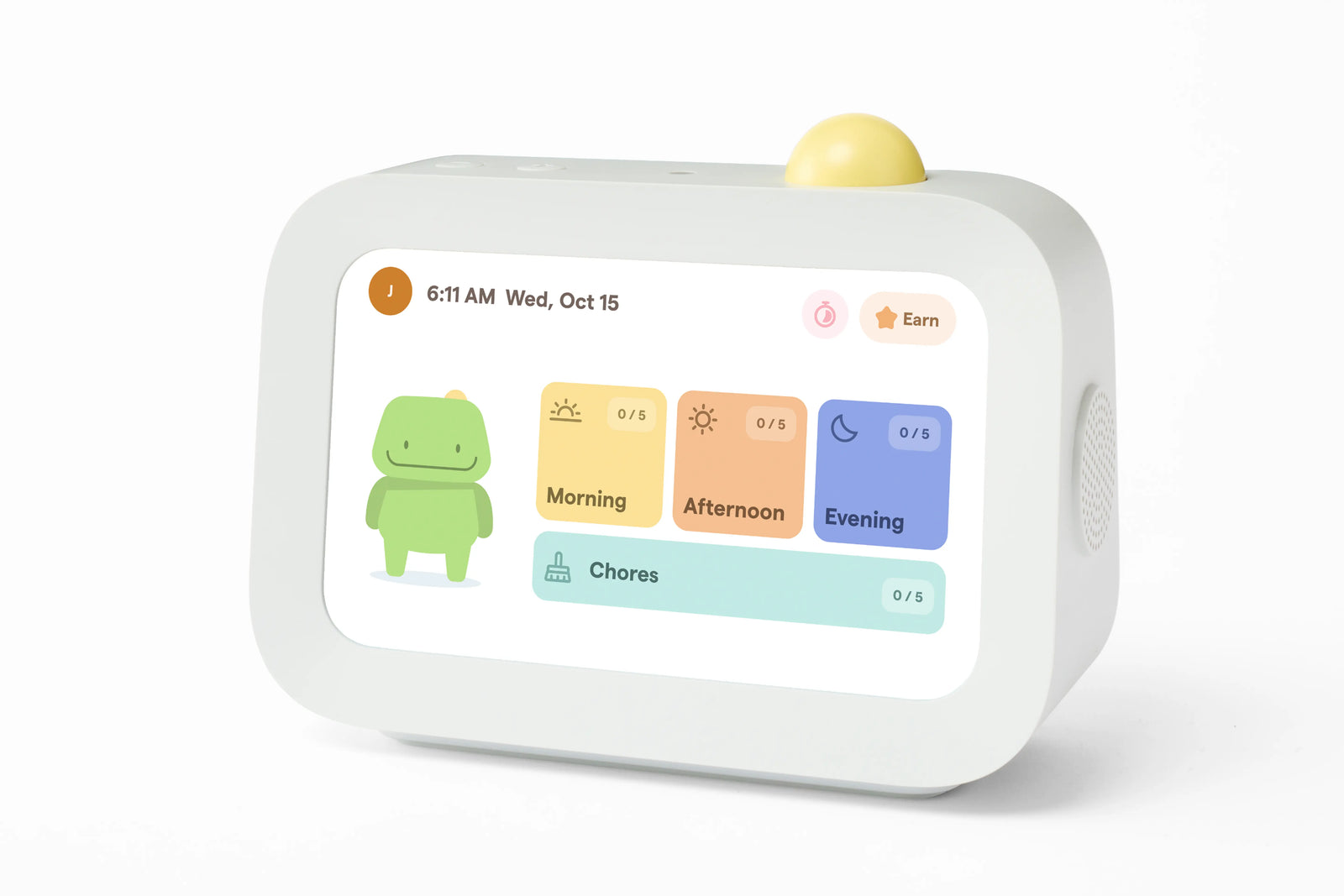
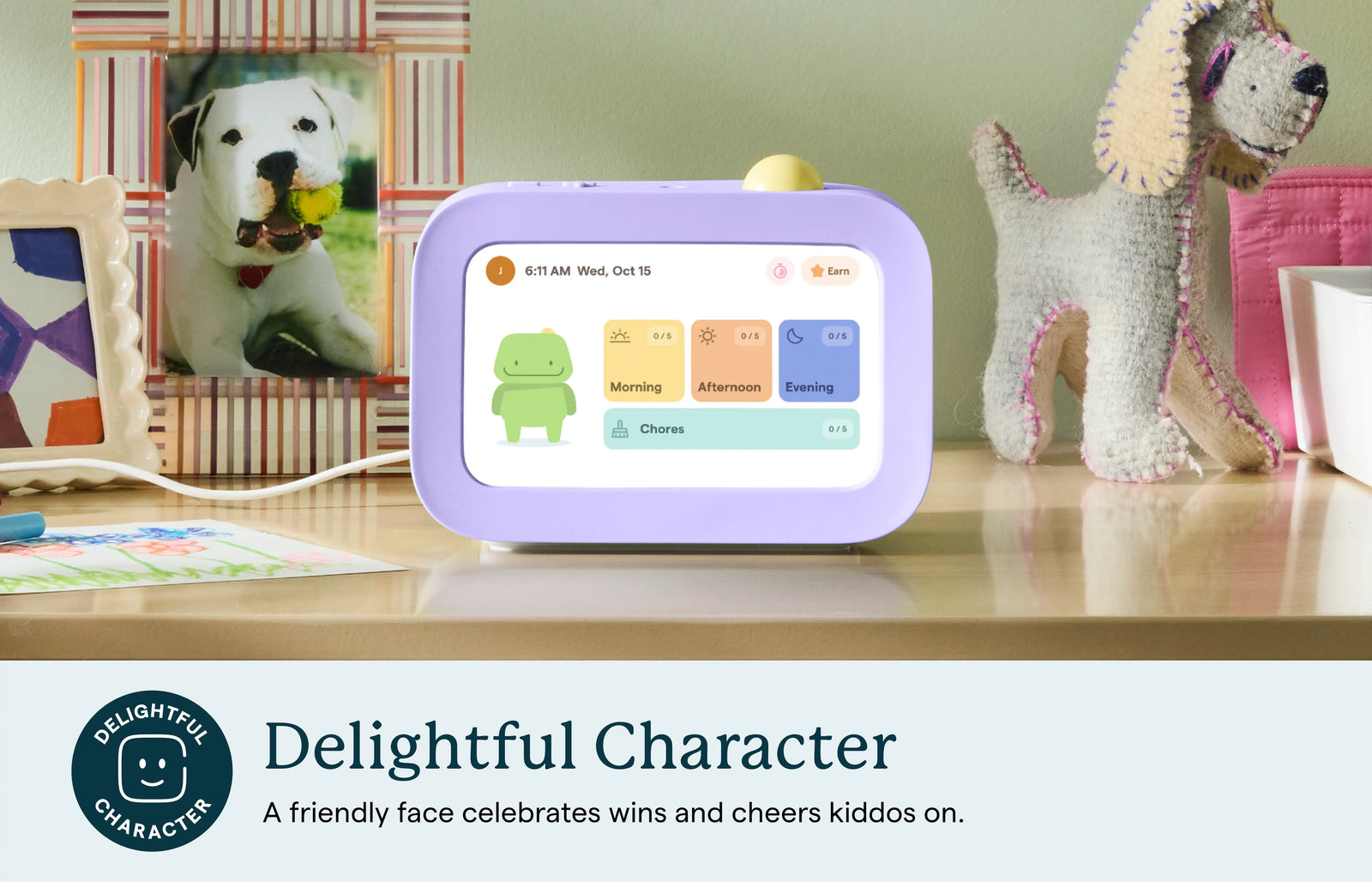
Skylight Buddy moves Skylight from a shared family calendar display into a child-owned routine device for morning, after-school, chore, and bedtime habits. It is not a direct Skylight Calendar replacement: Buddy is a one-child-at-a-time bedside checklist, alarm clock, nightlight, sound machine, and parent-managed routine screen, with optional paid features for rewards, read-aloud reminders, nudges, and visual timers.
Quick answer
- Buddy is best understood as a kids routine device and bedside checklist, not a family wall calendar or photo frame.
- Where to buy or check stock: the official US Buddy page currently accepts orders, lists $119.99 with one free month of Buddy Plus for new subscribers, and states 1–2 business-day shipping. Recheck the product page and checkout before buying because the store signal can change.
- Review status: this is a source-backed Product Watch, not a SmartFrameLab hands-on review. Official specifications and early third-party use help frame the decision, while long-term device reliability remains untested here.
- The most important buying checks are one-child-per-device setup, Buddy Plus value, app flexibility, privacy controls, and whether pairing with Skylight Calendar improves the household workflow.
Routine-device research path
Decide whether your child needs a routine screen.
Skylight Buddy is not a wall calendar. Use these connected pages to compare child routines, parent controls, rewards, paid features, and the shared family display it may sit beside.
Child routine fit
- Kids Routine Device GuideHow to judge a child-facing routine screen before treating it like a calendar replacement.
- Digital Wall Calendar for ChoresUse this when the household problem is shared chore ownership, not one child checklist.
Parent-managed workflows
- Skylight Calendar ReviewThe shared-family-display reference point for families pairing Calendar with Buddy.
- Chores, Routines, and Shared TasksCompare child routines, shared chores, task lists, rewards, and family command centers.
Paid-feature checks
- Smart Frame Subscription Costs ExplainedSeparate free routine features from rewards, nudges, timers, and other paid value claims.
- Family Calendar for School SchedulesUseful if Buddy is part of a broader school-morning and after-school planning setup.
Product media
Buddy visual evidence
8 official media assets Used for feature context, not scoring weight.
Source-backed watch notes
What we verified
Official product and Buddy Plus pages checked September 14, 2026; live availability, shipping, price, and plan terms can change at checkout Checked September 14, 2026
What Buddy is
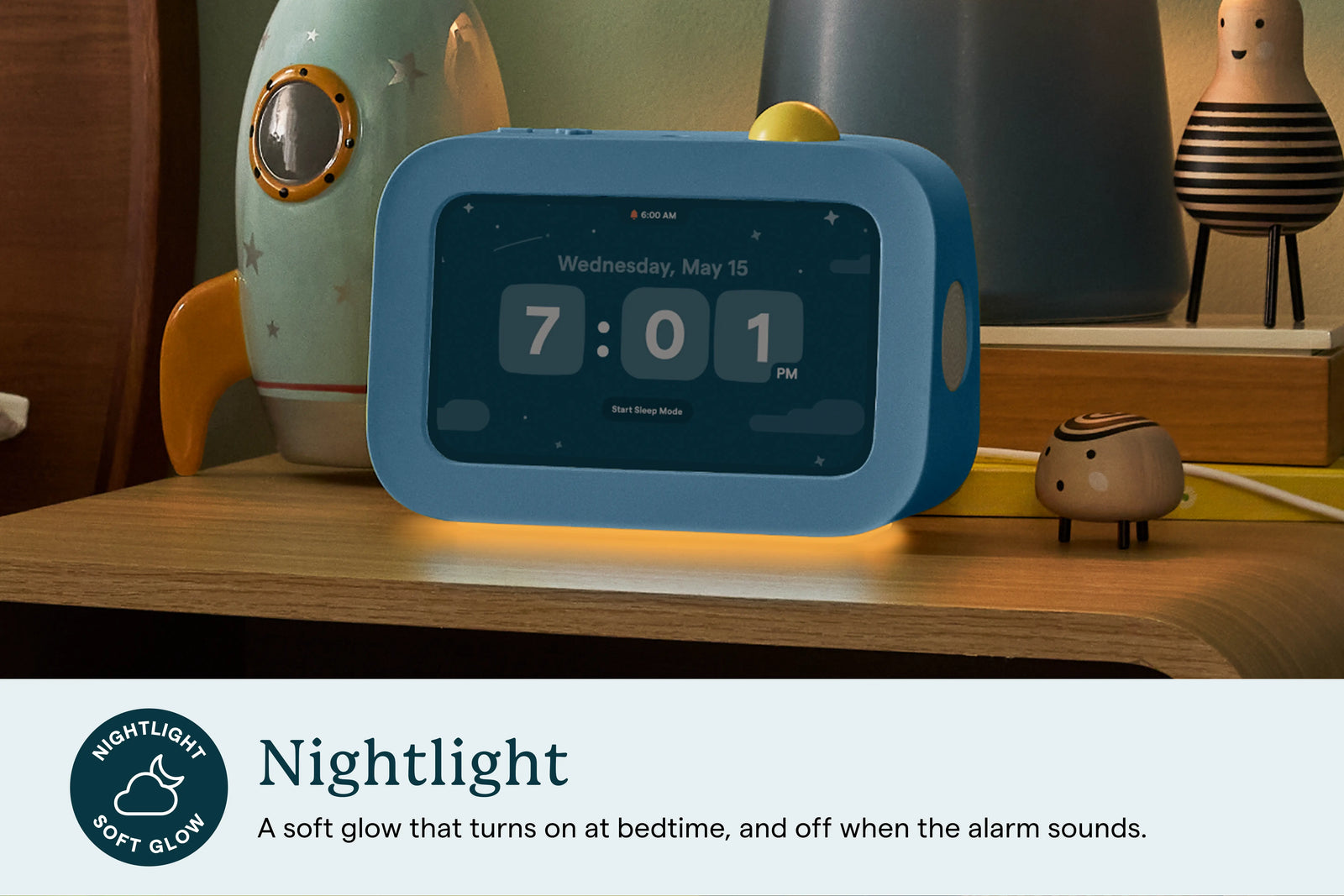
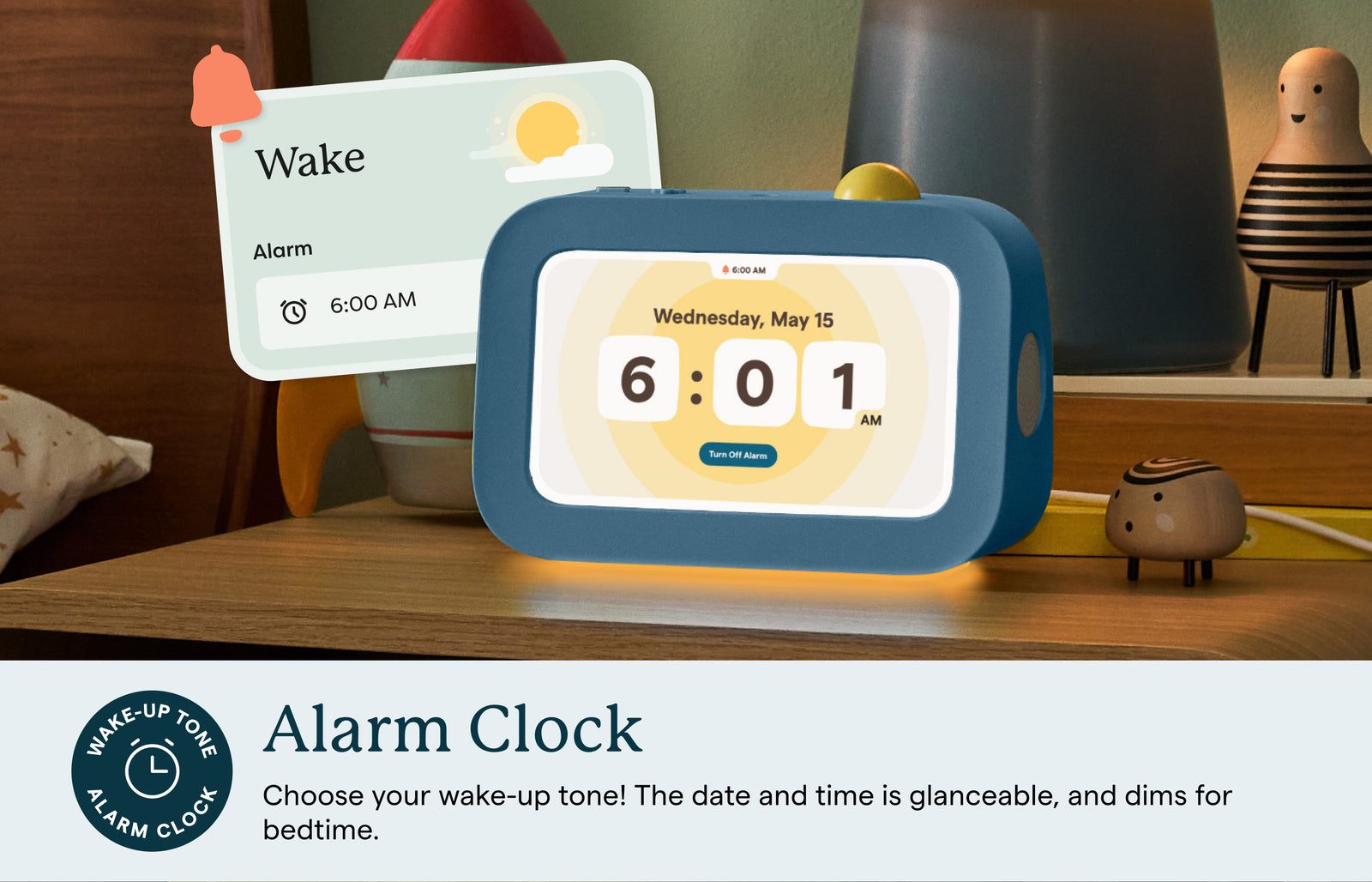
Buddy belongs in a different search bucket from smart calendar frames. It is closer to a child-facing routine helper: part visual checklist, part alarm clock, part sound machine, part nightlight, and part parent-managed reward system. The purchase question is not "Is this a better wall calendar?" but "Will this child follow the routine with less parent prompting?"
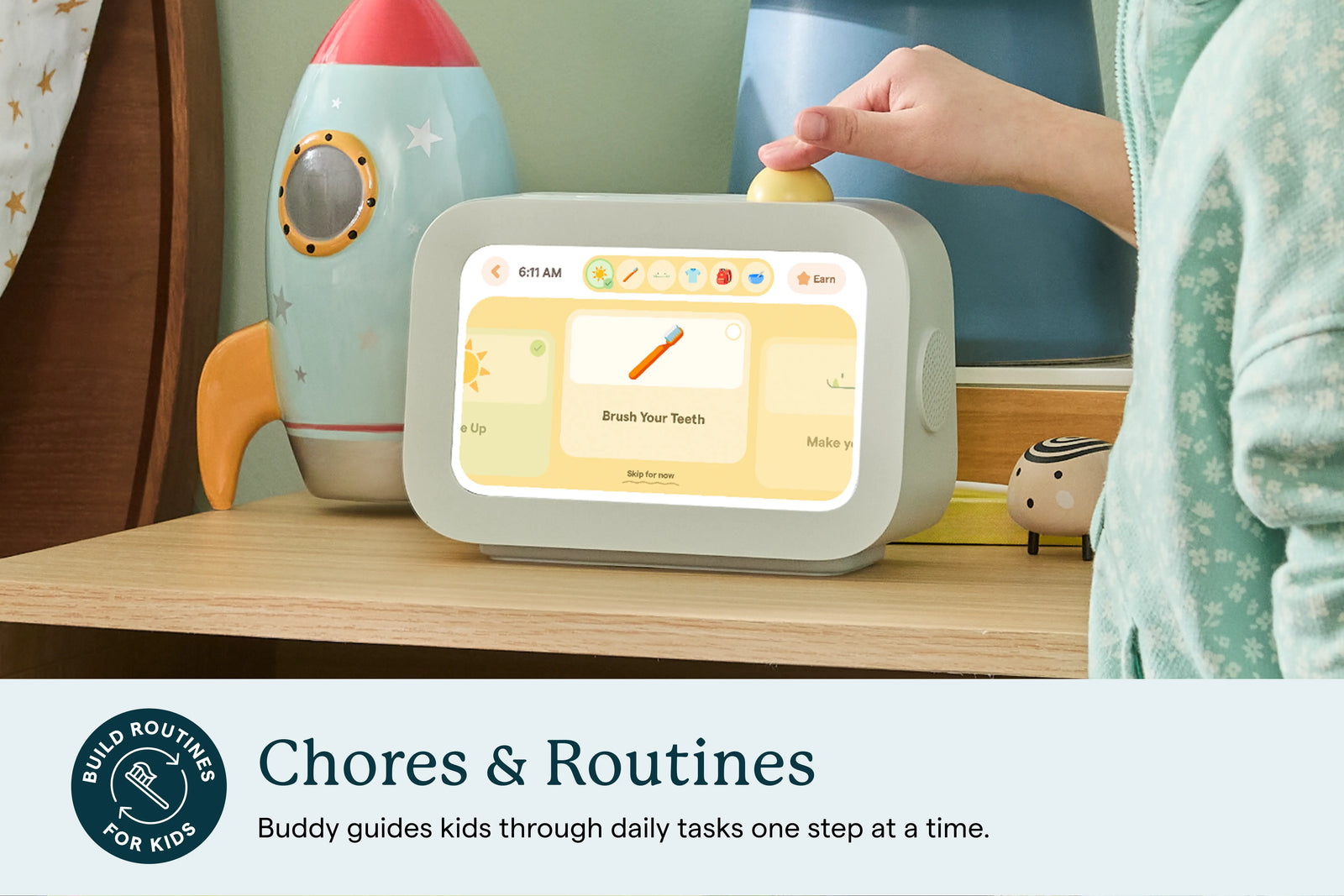
- The screen is meant for a child to follow steps one at a time, not for the whole household to scan a shared calendar.
- The strongest fit is a family already struggling with repeated routines: wake-up, school prep, after-school tasks, and bedtime.
- Buddy is designed as a personal device for one child, so larger households need to evaluate multi-device friction before assuming it scales cleanly.
How it differs from Skylight Calendar
Skylight Calendar is a shared home display. Buddy is presented as a single-child device. That changes the purchase logic, the number of units a household may need, and the subscription value question.
- A family may need one Calendar for the household but one Buddy for each child who needs individualized routines.
- Calendar sync matters less than routine editing, reminders, child motivation, and parental control quality.
- Pairing Buddy with Skylight Calendar could be useful, but it needs real-world testing before it becomes a recommendation.
What works without Buddy Plus
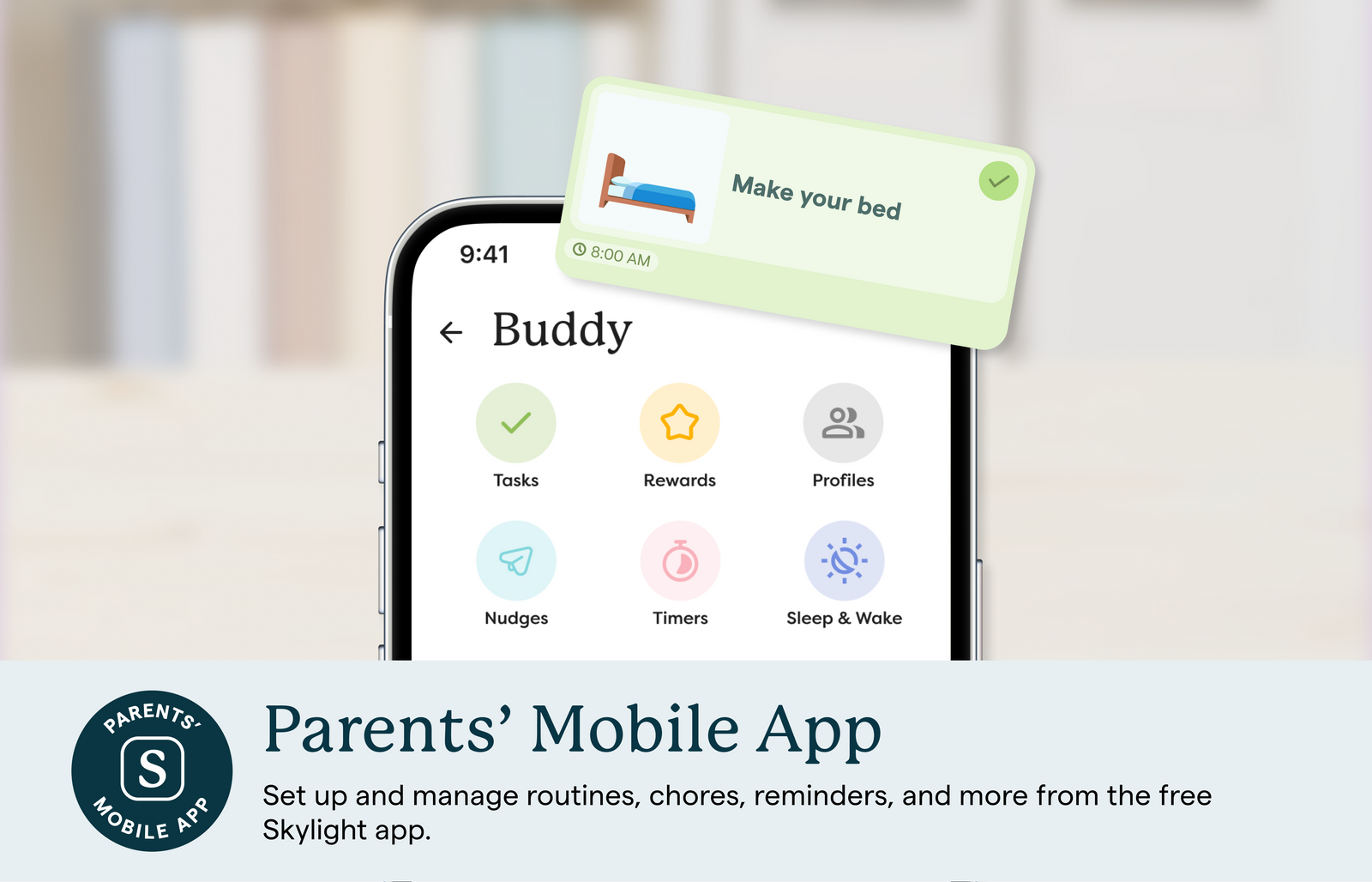
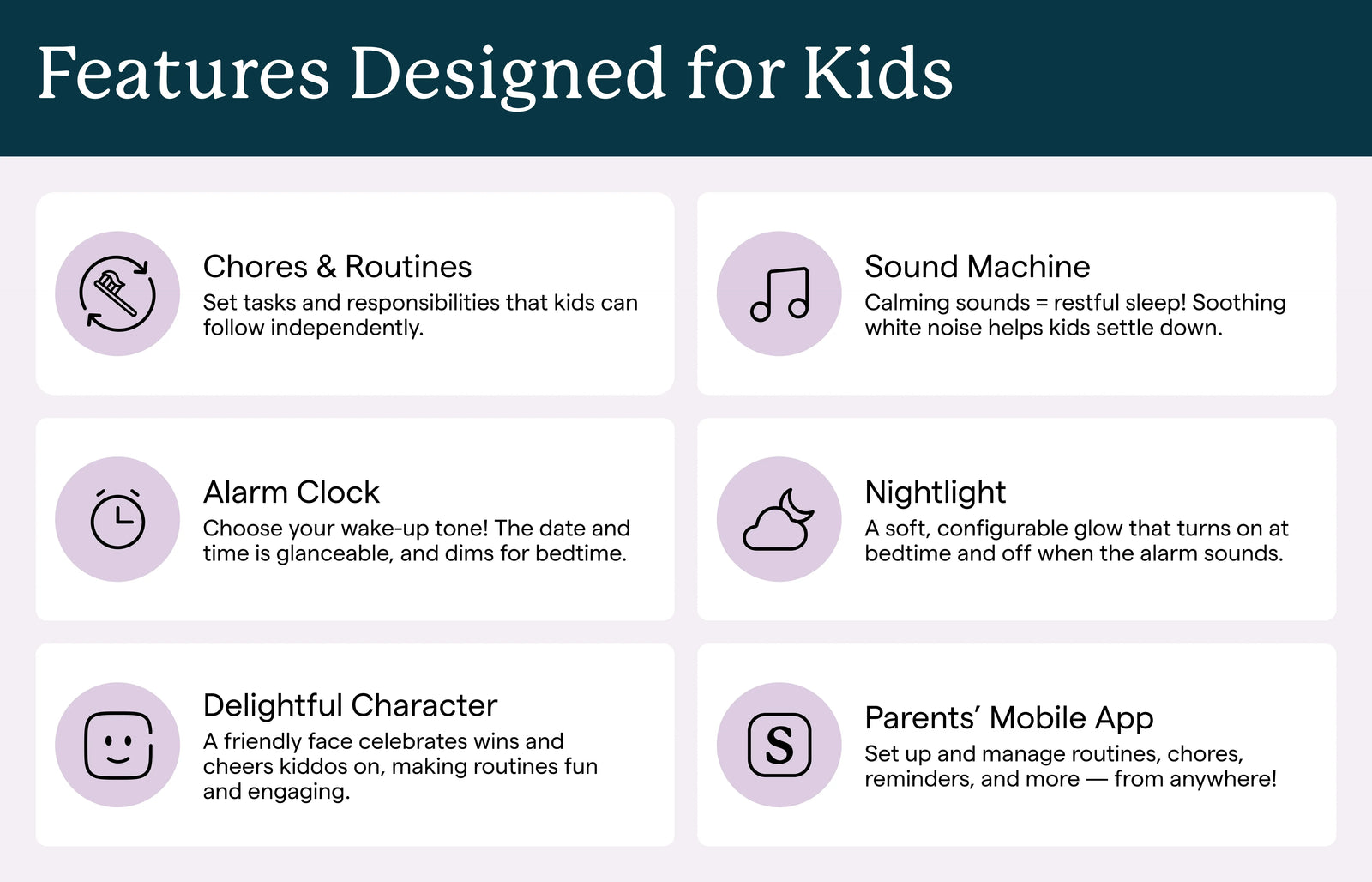
The official standard feature list is more than a blank device: chores and routines, alarm clock, nightlight, sound machine, mobile-app setup, and the character assistant are positioned as free features.
- For many families, the first test is whether the free checklist changes morning or bedtime behavior before paid rewards are needed.
- The parent app matters because every routine edit, child profile, and device setup path runs through Skylight account management.
- The launch positioning says Buddy is focused on routines, not general kid-tablet use, so avoid comparing it to entertainment tablets.
Buddy Plus and subscription pressure
Buddy Plus is the major value checkpoint. Rewards, nudges, read-aloud reminders, and visual timers are potentially high-value features, but they also sit close to the core routine problem. Families should decide whether the free checklist is enough before paying for motivation and reminder layers.
- Before buying, separate what works without Buddy Plus from what requires the paid plan.
- For existing Skylight Calendar Plus households, confirm that the current plan still unlocks Buddy Plus before subscribing separately.
- Track whether paid rewards and reminders become daily habits or only setup-day excitement.
Where Buddy fits in a family system
Buddy is most useful to evaluate as a companion to a household planning system, not as the household planning system itself. A shared wall calendar can show school events, pickups, meals, and appointments, while Buddy can translate one child routine into immediate next steps.
- Use Skylight Calendar or another family display for shared schedule visibility.
- Use Buddy-style devices for child-level steps: brush teeth, pack bag, start homework, clean up, or begin bedtime.
- If a family only needs shared chores on one screen, a family display may be simpler than buying one child device per child.
What early hands-on coverage adds
Third-party use is still early, but it helps frame the questions a launch page cannot answer. The key signal so far is that the simple checklist can matter, while app flexibility and calendar expectations need scrutiny.
- A basic routine checklist may be useful even before families pay for rewards or timers.
- One-child-per-device setup can be clean for one child and more complicated for multi-child homes.
- The lack of a full calendar view reinforces that Buddy should be treated as a routine device first.
What we need before a full review
SmartFrameLab should wait for source refreshes, customer availability, and preferably hands-on testing before scoring Buddy beside calendar frames or family displays.
- Setup friction for one child versus multiple children.
- Reliability of reminders, alarms, nightlight, sound machine, and mobile-app edits.
- Child privacy controls, parent controls, and how the character assistant behaves over time.
- Whether the app gains the routine editing flexibility noted by early reviewers.
- Whether Buddy improves routines after the novelty period.