Choose a device
Compare screens, setup, family workflows and ongoing costs.
Browse Best PicksSmart calendar frames, AI photo frames, and family displays
Choose a smart calendar or family display, understand the software behind it, and solve everyday setup and sync problems. SmartFrameLab helps families compare devices, apps, subscriptions, photo features and household workflows using clearly scoped evidence.
Start with your question
Compare screens, setup, family workflows and ongoing costs.
Browse Best PicksFind the app behind your display, its documented devices and important limits.
Explore software platformsWork through calendar sync, shared schedules, chores and photos.
Compare calendar connectionsProduct wall
Start from the screen, then compare calendar sync, family workflow, photo quality, AI usefulness, and subscription pressure.
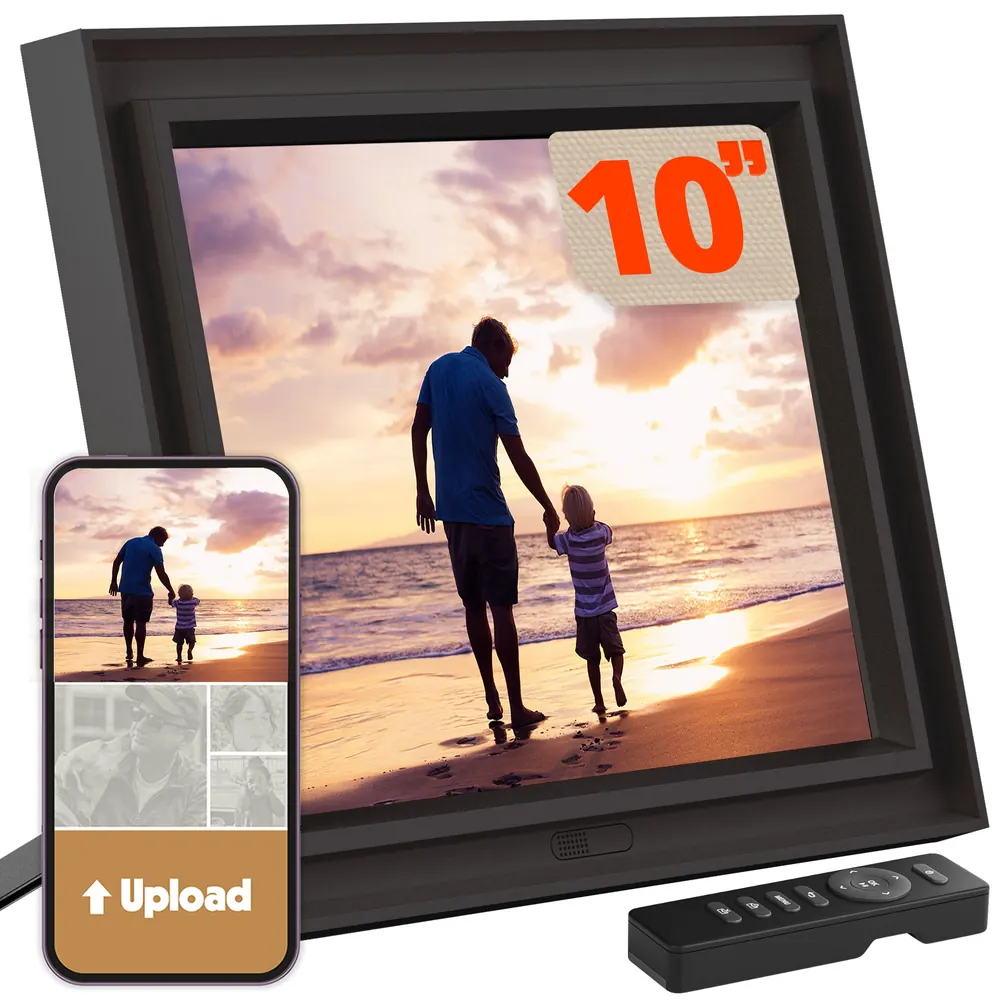
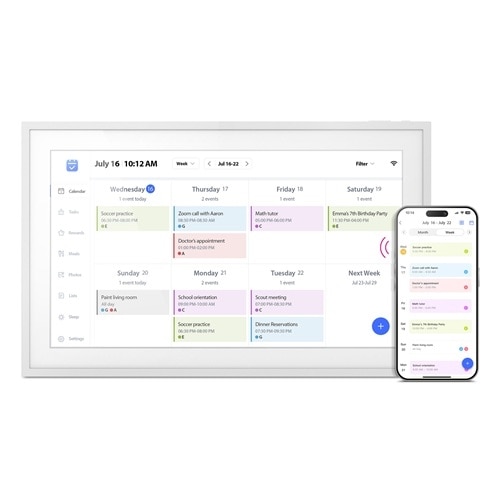
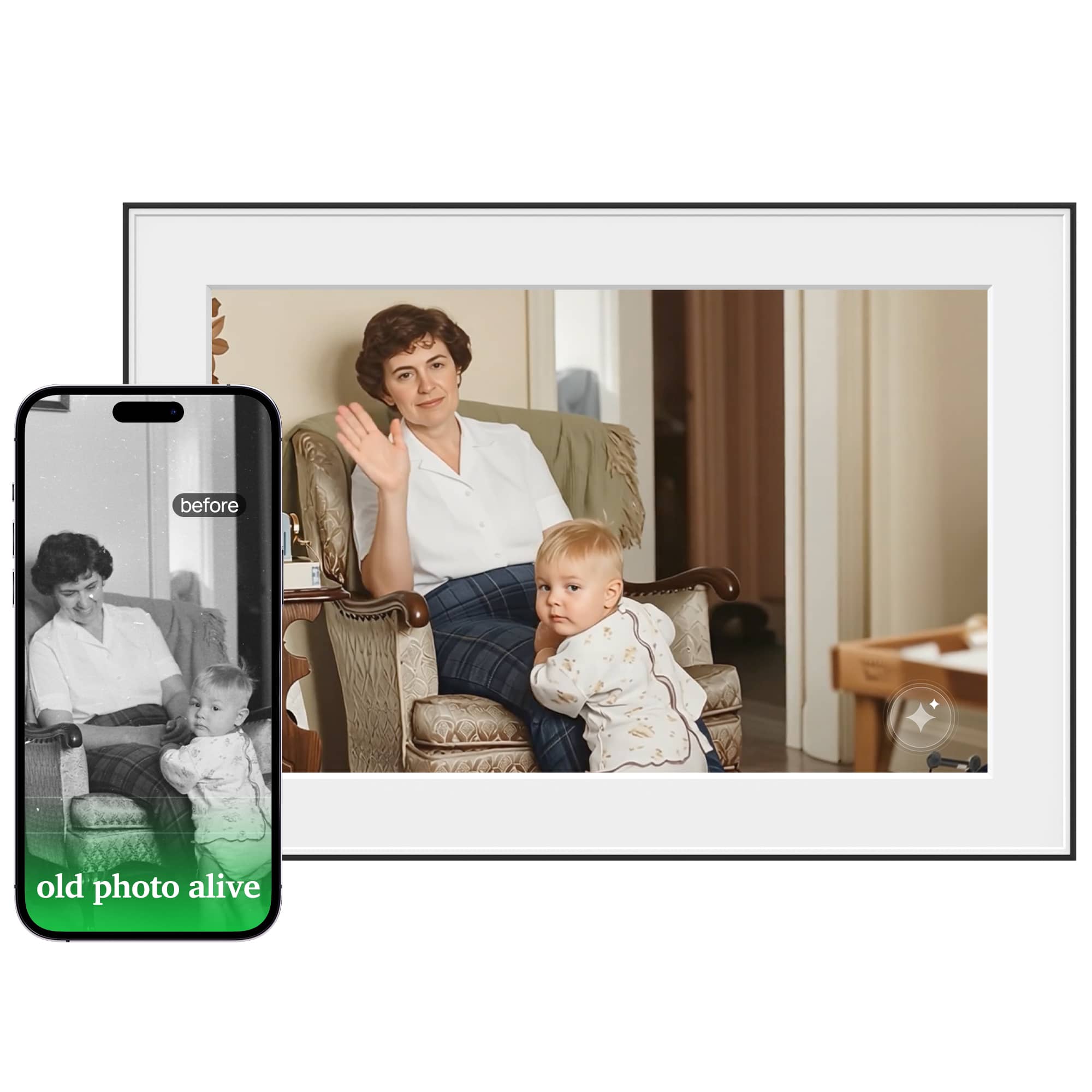
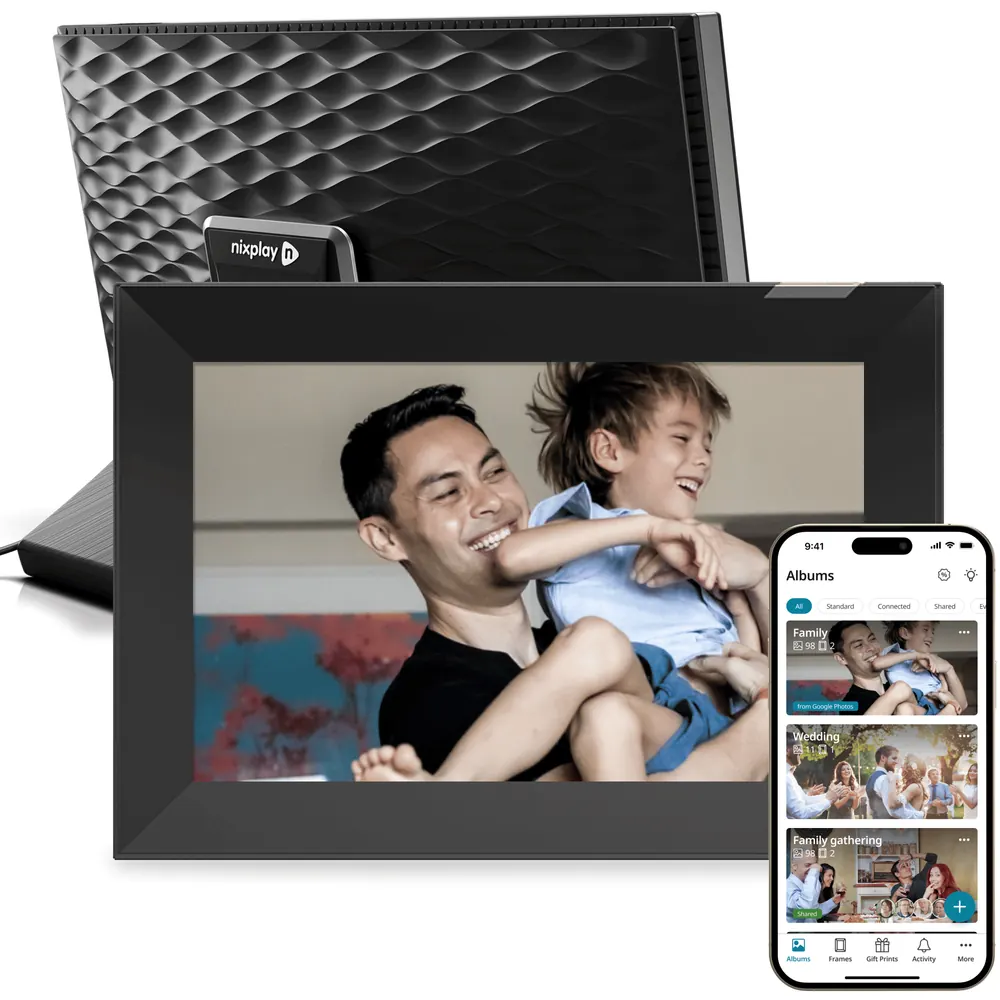
Software & apps
Start with the app your device uses. Shared software can connect different hardware brands, while features, paid access and support still depend on the model.
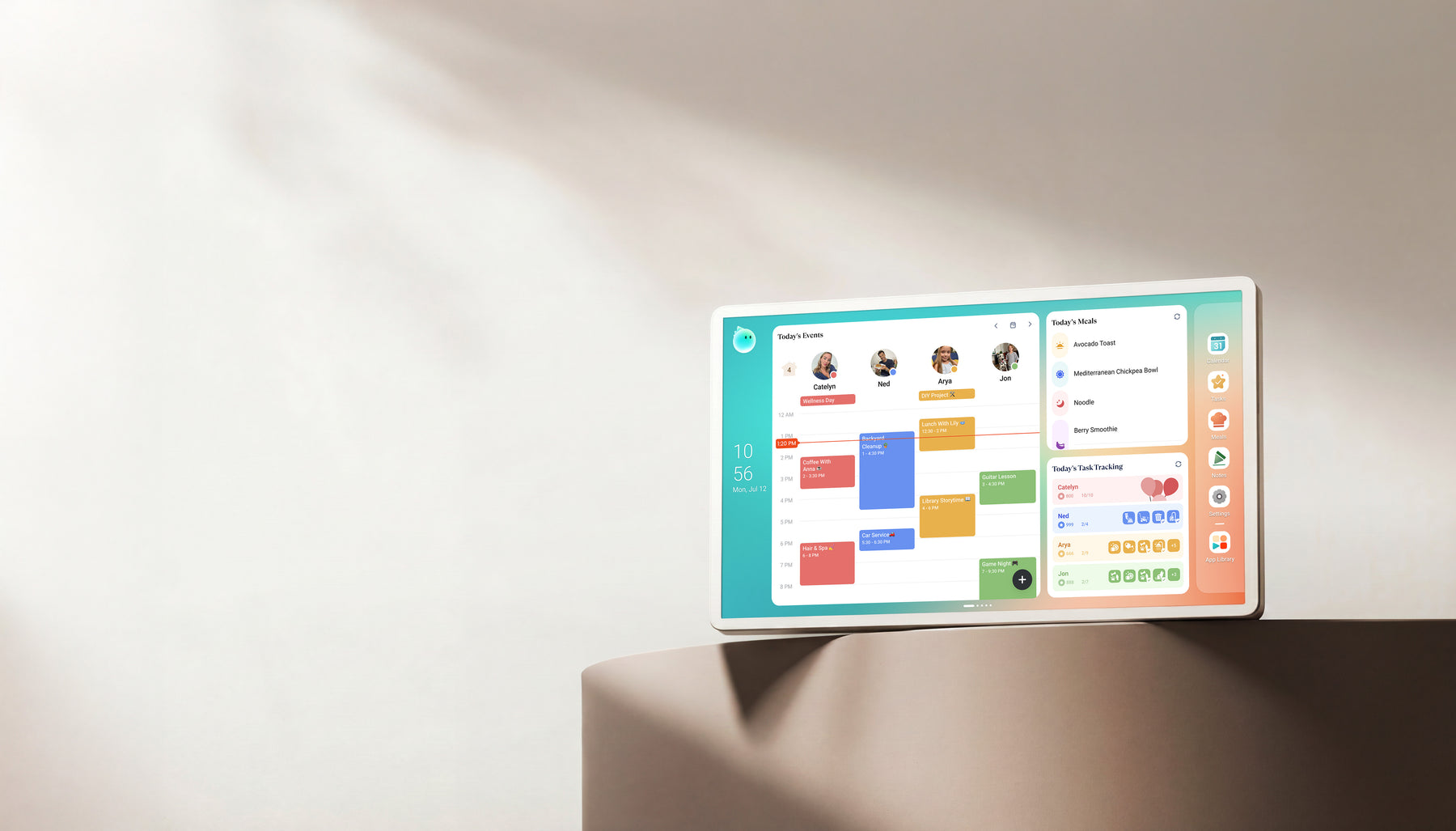
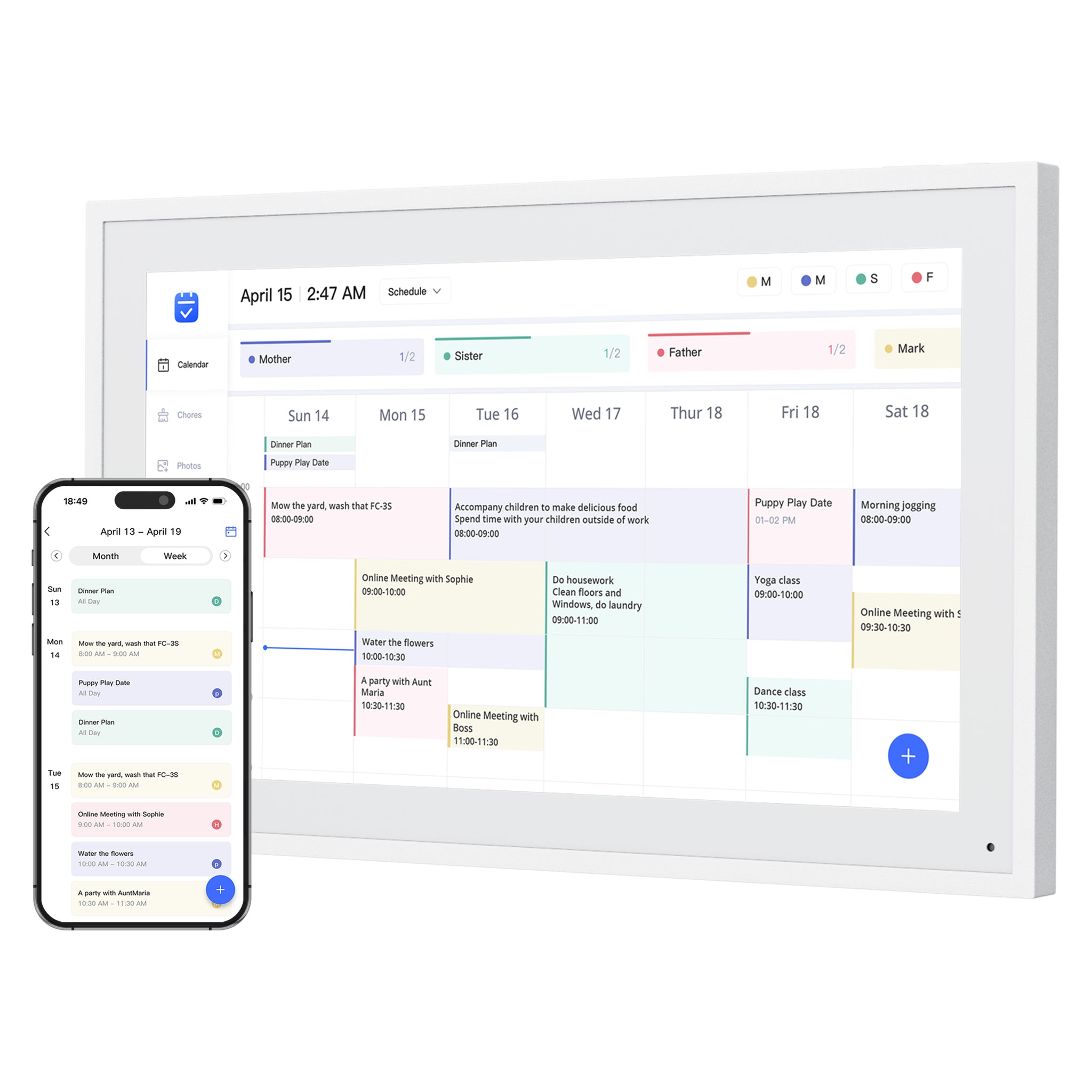
Zicalstar connects family calendars, chores, meals and photos through its Zical companion app. Documented displays include Westsee, Boyuevi, Acpouw and Bozztek calendar models.
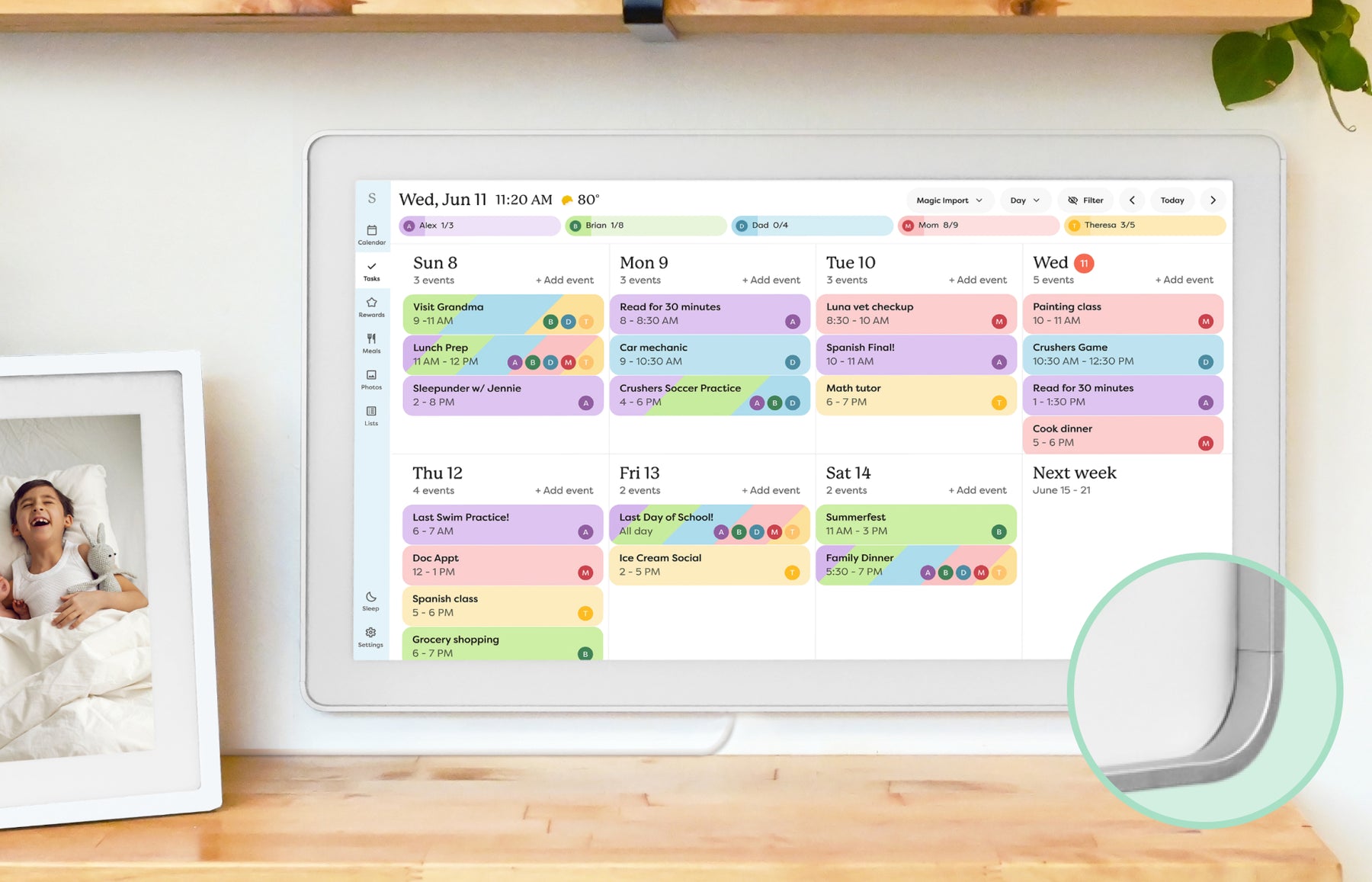
Google, Outlook and iCloud use account connections; ICS calendars are view-only. AI and photo tools follow the software version and account plan.
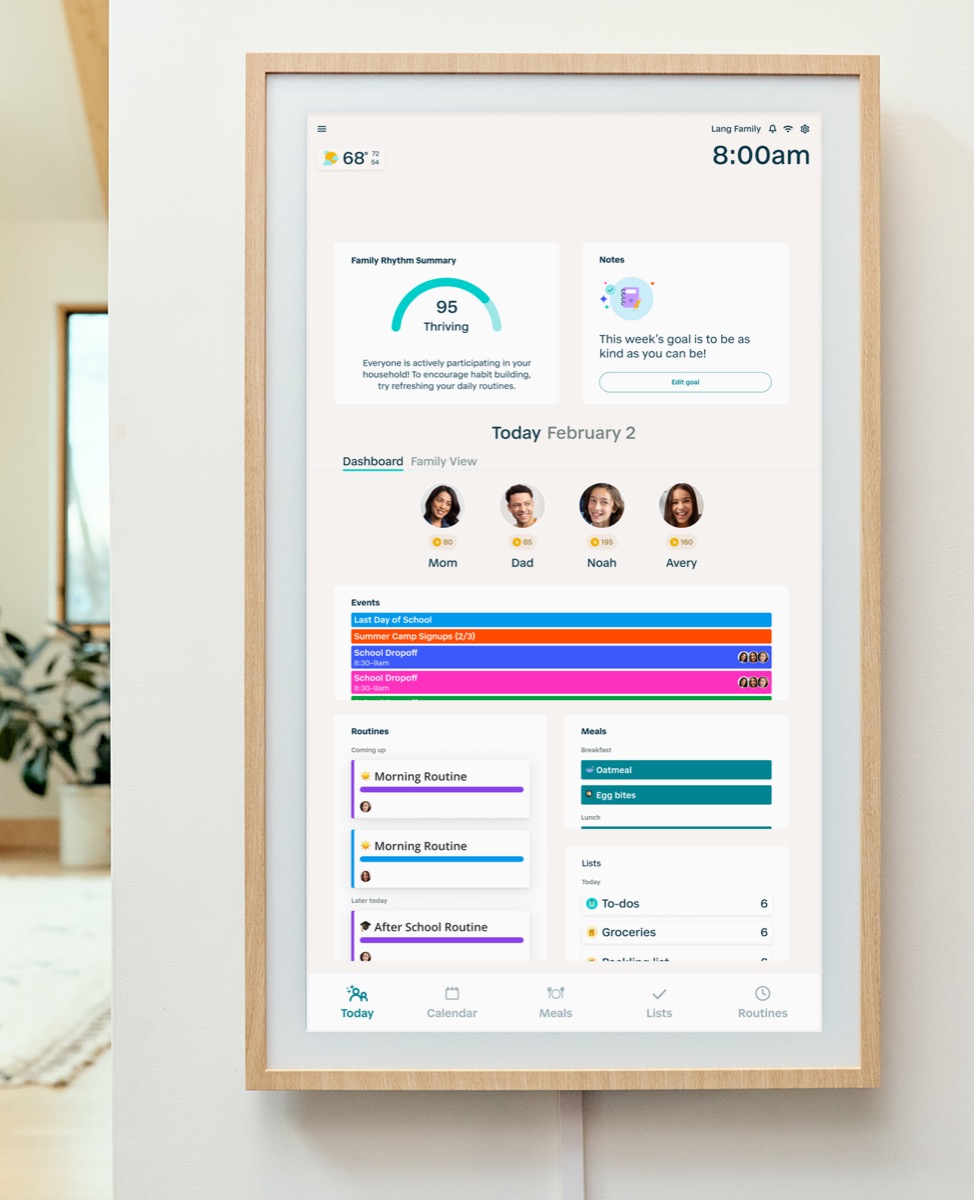
Explore software & 6 documented deviceseCalendar connects family schedules, chores, meals and photos across multiple display brands. Explore representative calendars from Dragon Touch, Aluratek, BSIMB, Anko, TABWEE and other makers below.
Included features, optional paid tools, firmware, account transfers and hardware support need their own device-specific evidence.
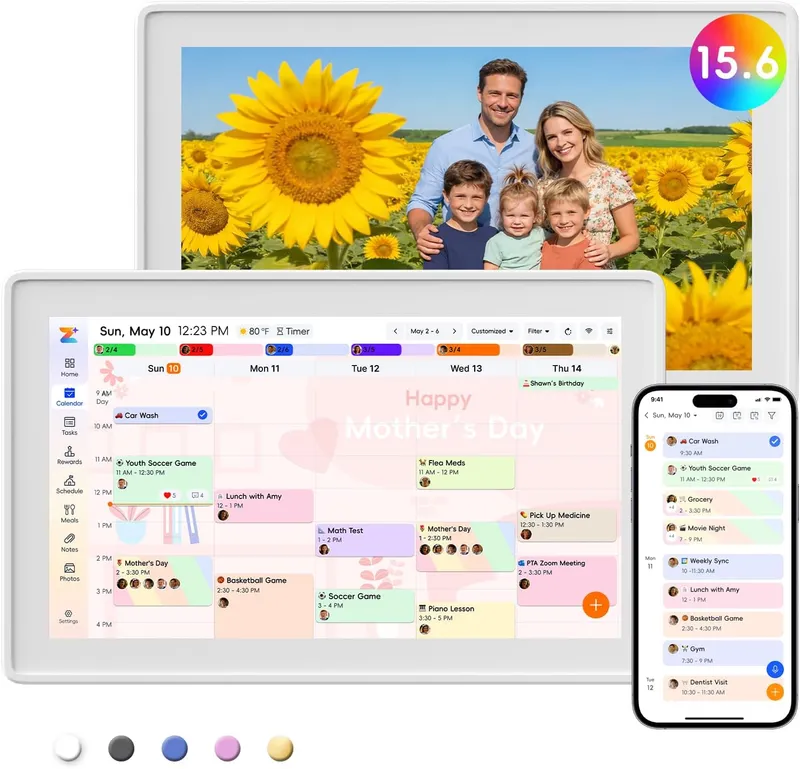
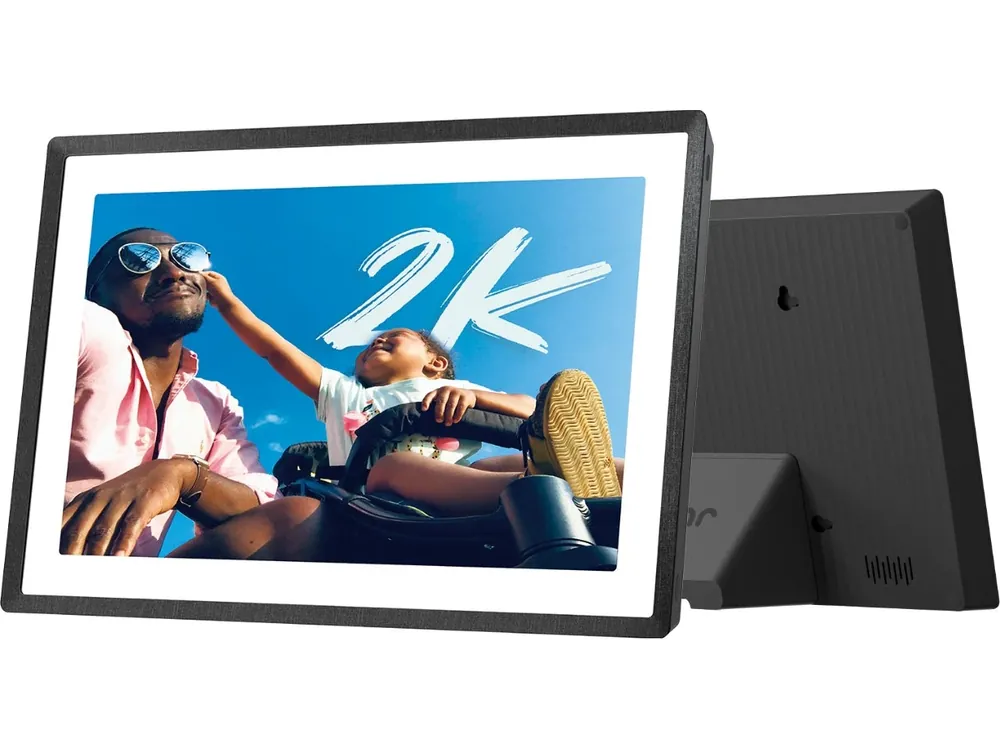
Explore software & 14 device referencesFrameo powers the Pexar 2K 11-inch and selected Pastigio, MAXANGEL and BIGASUO photo frames. Compatible models can show a calendar alongside photos. Pexar’s VivKeep Pro 11-inch uses a different app.
One synced calendar per frame is free. Frameo+ expands photo tools; Premium adds multiple calendars, countdowns and timed calendar views on up to five frames.
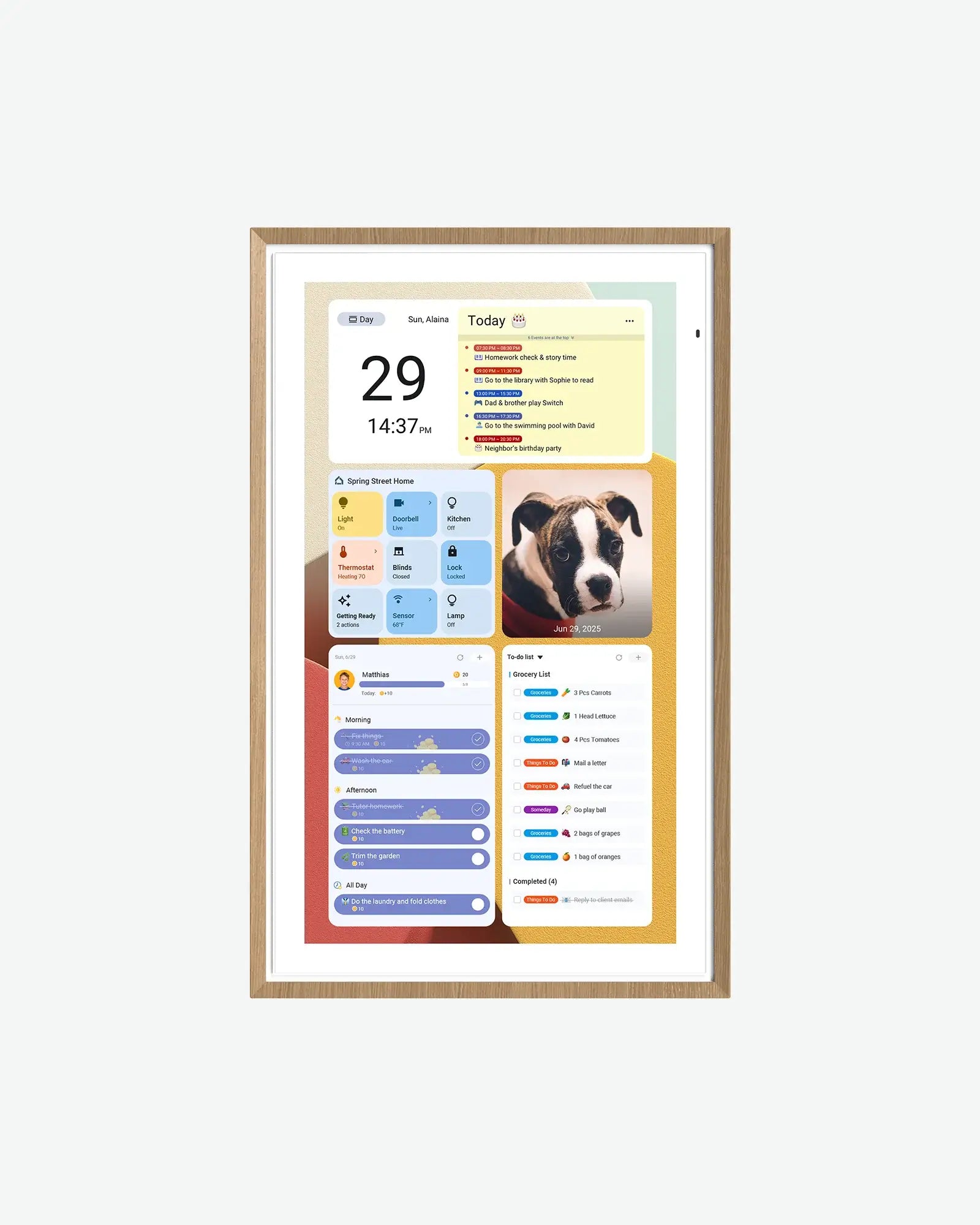
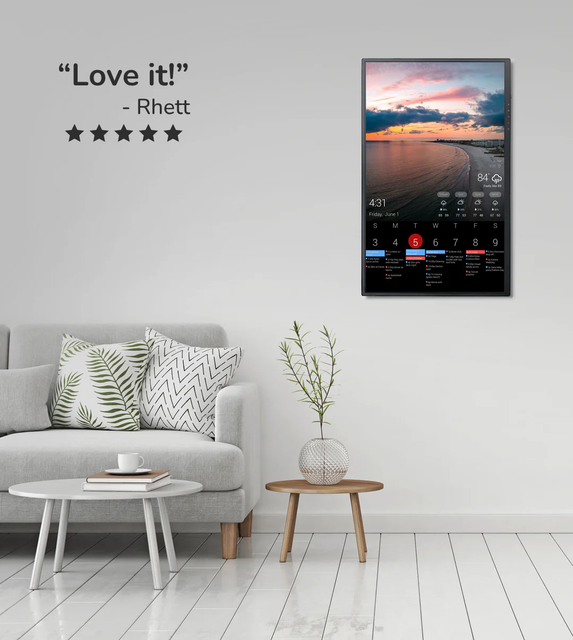
Explore software & 6 device referencesWhale Framely connects calendars from BRESSER, Airzeen, Laser, Ingnok, Momnt and other brands. Its Calendar software handles shared schedules, chores, meals and photos; Photo is a separate frame experience in the same companion app.
Calendar and Photo have different service plans. Laser includes everyday calendar, chores, lists, meals and photo sharing without ongoing app fees. Whale Framely+ Basic and Premium are optional Photo Frame subscriptions; other hardware bundles have their own terms.
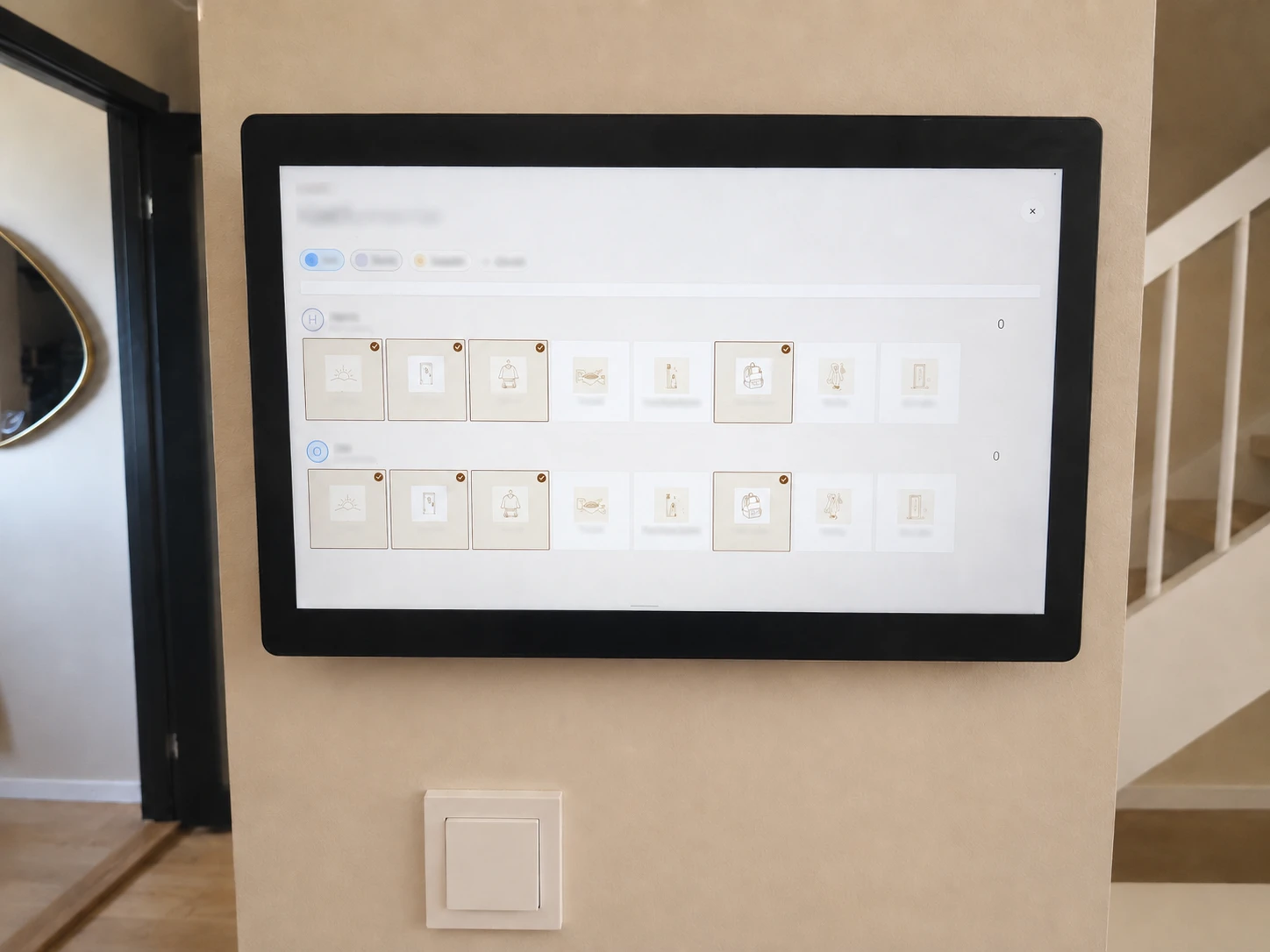
Explore software & 28 documented devicesFotoCube develops and licenses software for other brands’ displays. Named calendar models from iLoop, TUTT, SRI HOME Orca and Cotoala document its app and pairing workflow.
Frame, Calendar and Calendar Pro have different features. A shared app does not guarantee the same Zola AI access, included services, firmware or hardware warranty. TUTT and iLoop share a sales and support route.
Explore software & 8 documented devicesProduct Watch
Explore recent device notes and the software behind connected displays. Dates show when each profile was updated.
Product Watch · unscored
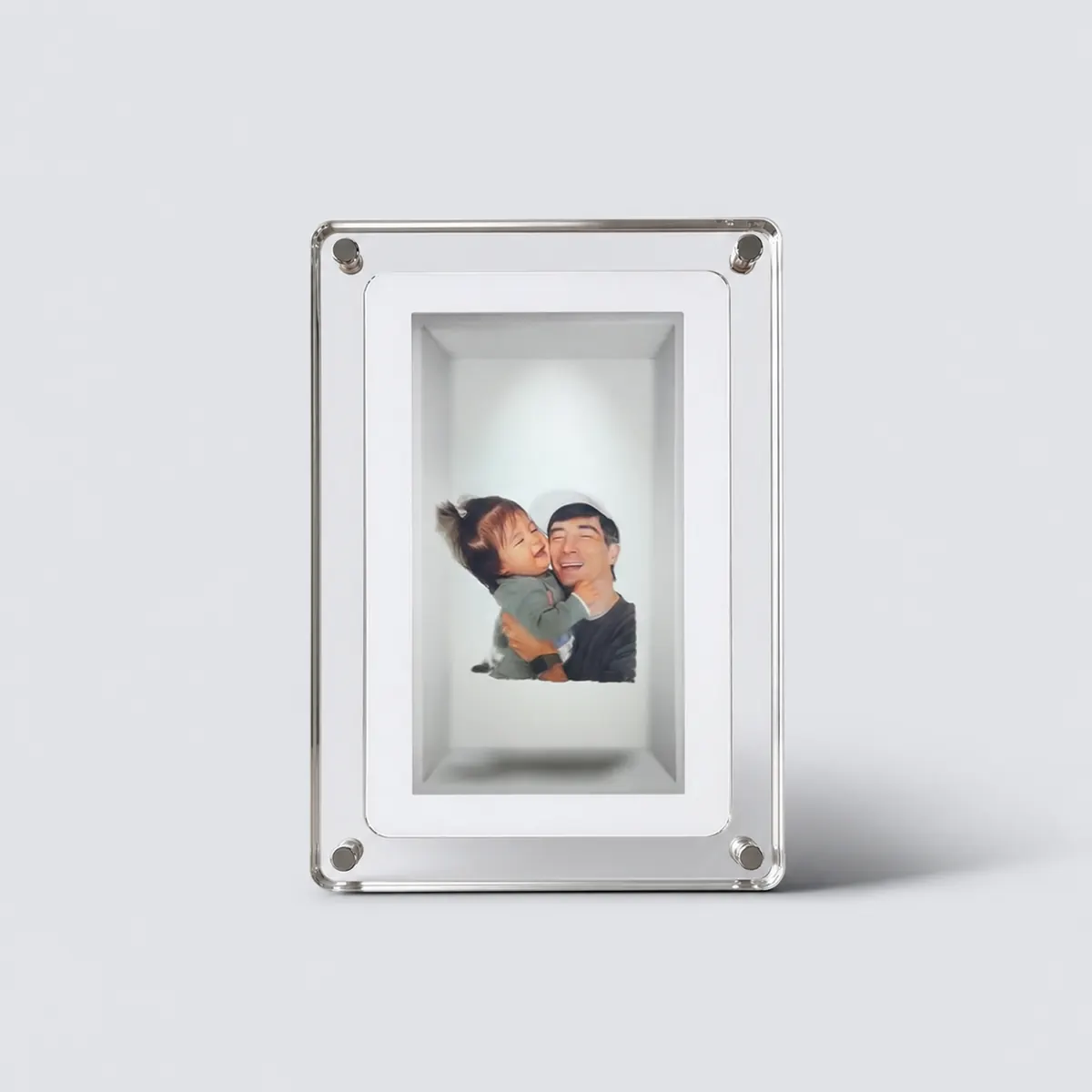
A $149 glasses-free display for a few carefully prepared memories. Compare the local conversion workflow, real owner friction and sold-out status before choosing it as a gift.
Updated
Read product watchProduct Watch · unscored
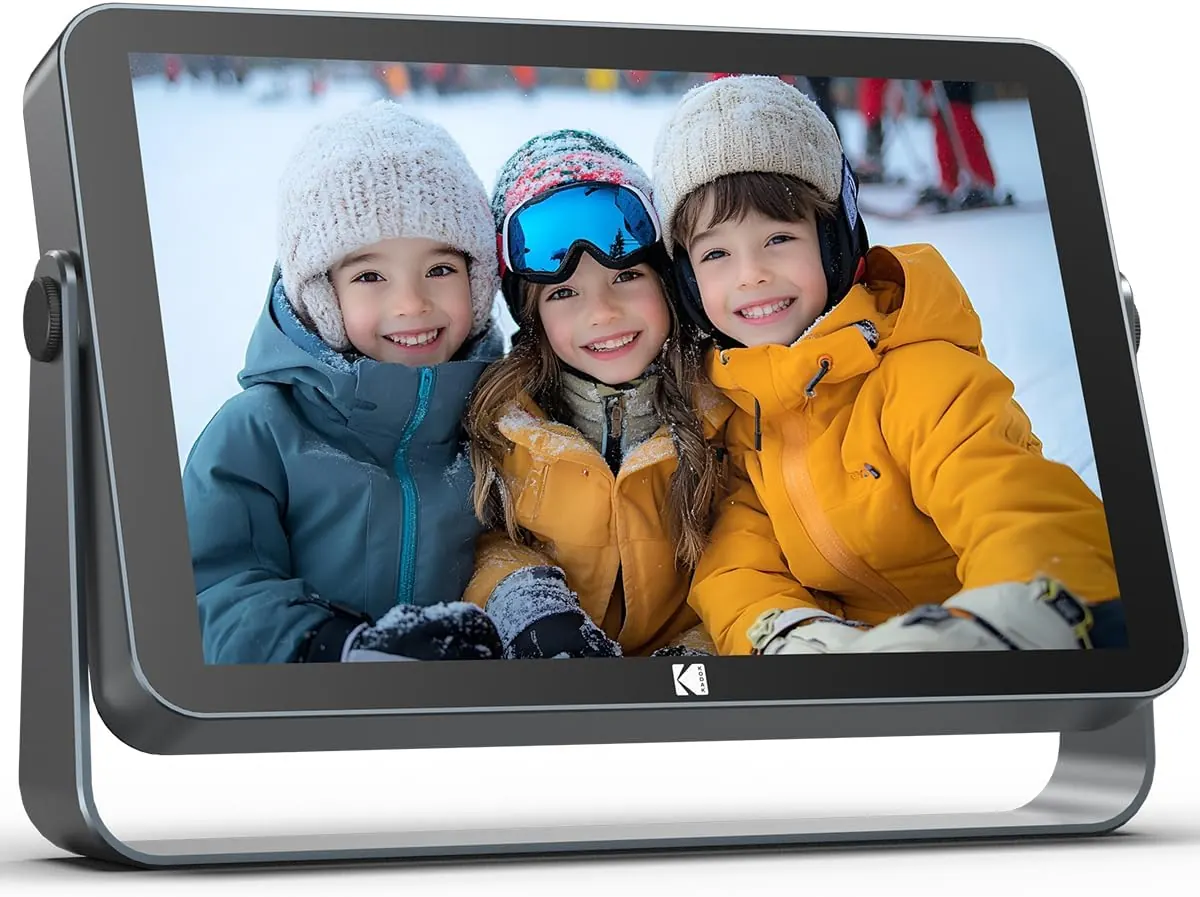
A portable LCD option for moving a photo slideshow between rooms. Compare the selected 109v version, event power planning and Pix-Star’s connected-home approach.
Updated
Read product watchShipping advertised · unscored
A small e-paper desk calendar with an AI day summary and a personal avatar. Compare hardware-owner app access, optional purchases and delivery limits before choosing a size.
Updated
Read product watchU.S. carts checked · unscored
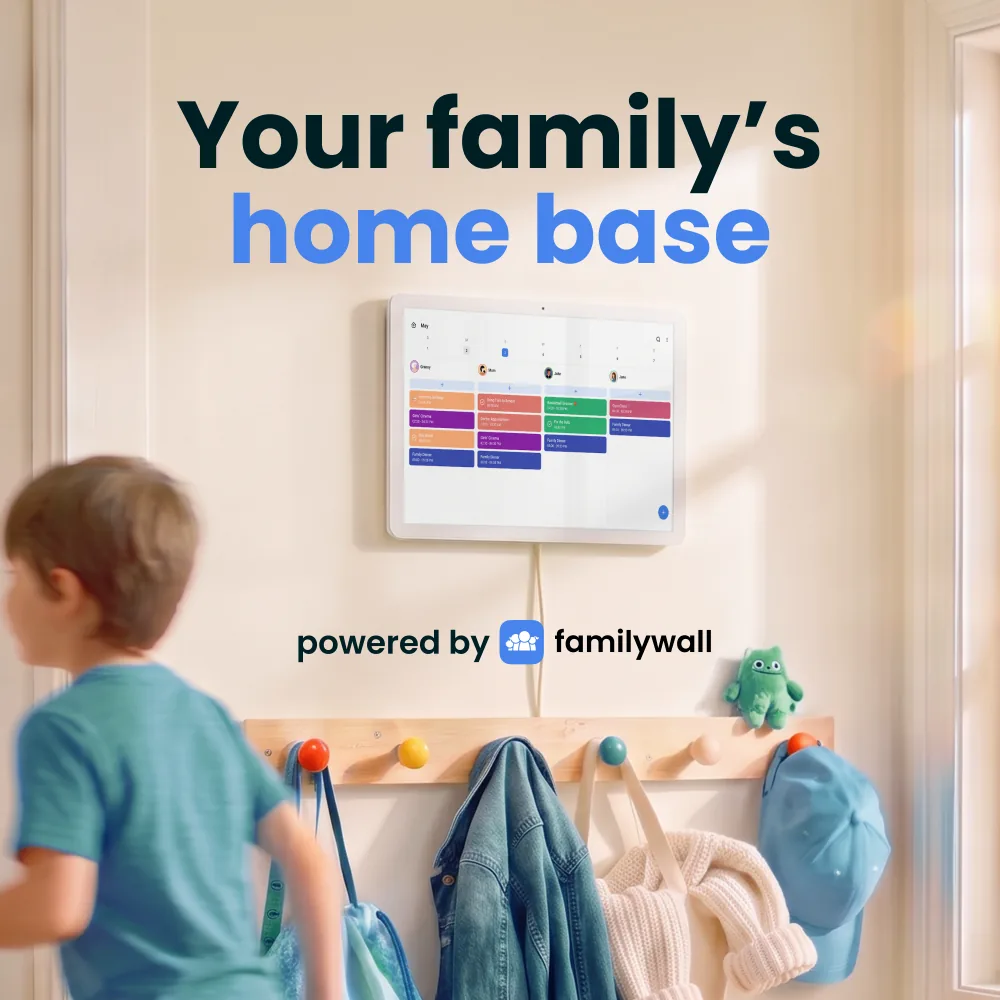
The FamilyWall smart display brings its family organizer to a shared screen. Our U.S. cart checks cover both sizes; the key tradeoffs are Premium renewal and calendar-feed limits.
Updated
Read product watch
Software platform watch
Which iLoop, TUTT, SRI HOME Orca and Cotoala calendars use FotoCube, and how those devices differ from OEM offerings and platform partnerships.
Updated
Compare lab
The SmartFrameLab comparison lab turns the category into a product map: calendar strength, household command depth, AI readiness, setup style, and subscription pressure.
Featured best picks
These guides are designed around use cases, not just specs.
Choose a frame-style home calendar by room fit, viewing distance, touch access and setup style—not just the largest screen.
Read the guideCompare nine digital calendars for family schedules, chores and routines. Find the right wall display by calendar sync, setup and the features you will actually use.
Read the guideA buyer guide based on published sources comparing the free core workflow, optional paid tools, exact-model limits, app polish, and support confidence behind no-subscription calendar claims.
Read the guideLatest reviews
A shared calendar display for households that want schedules visible in a common room.
Brand product media
A broader family display with calendars, photos, tasks and Android app flexibility.
Brand product media
A family display that combines schedules, routines and shared household responsibilities.
Brand product media
Feature Lab
Calendar sync, chores, routines, AI assistants, and subscription boundaries change faster than hardware. Feature Lab tracks those changes before they become buying advice.
Popular comparisons
The smart frame category is still forming. The right product depends on whether the screen is primarily a shared calendar, a photo frame, a family command center, or a flexible home dashboard.
Latest guide updates
Does Skylight Calendar require Plus? Compare the current Plus cost, free calendar features, Magic Import, photos, meal planning, and no-subscription alternatives before checkout.
Follow the right setup for Aura, Nixplay, Cozyla, Pix-Star, Skylight or Frameo. See which connections update albums automatically and which send only the photos you select.
Compare Pastigio, MAXANGEL, BIGASUO and Pexar options, avoid app mix-ups, and check local storage, optional subscriptions and gift support before buying.