Explore use-case shortlists and software comparisons, with costs and limitations alongside the features.
Buying Guide
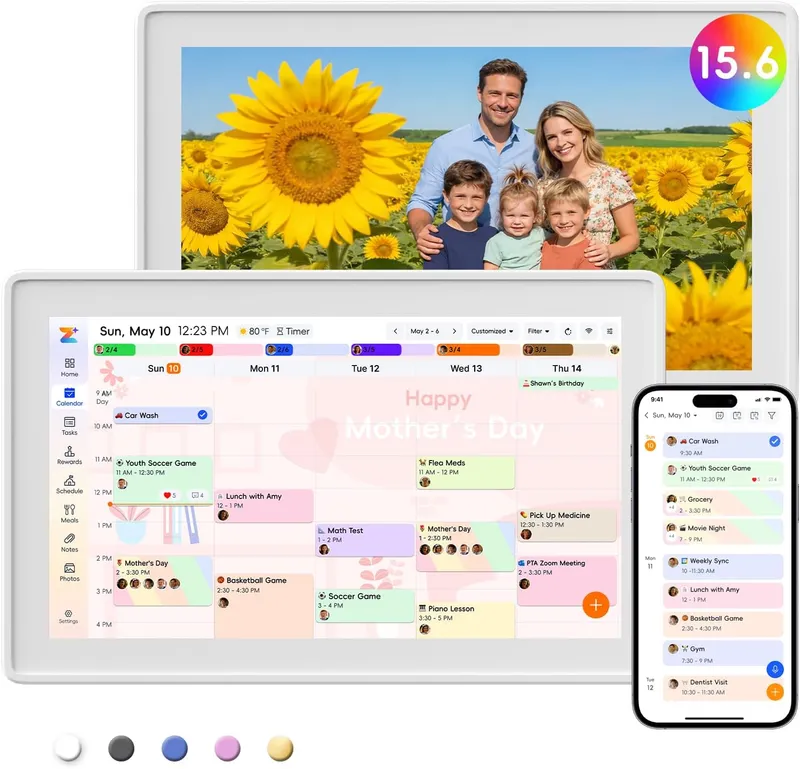
Choose a frame-style home calendar by room fit, viewing distance, touch access and setup style—not just the largest screen.
Read guide Buying Guide
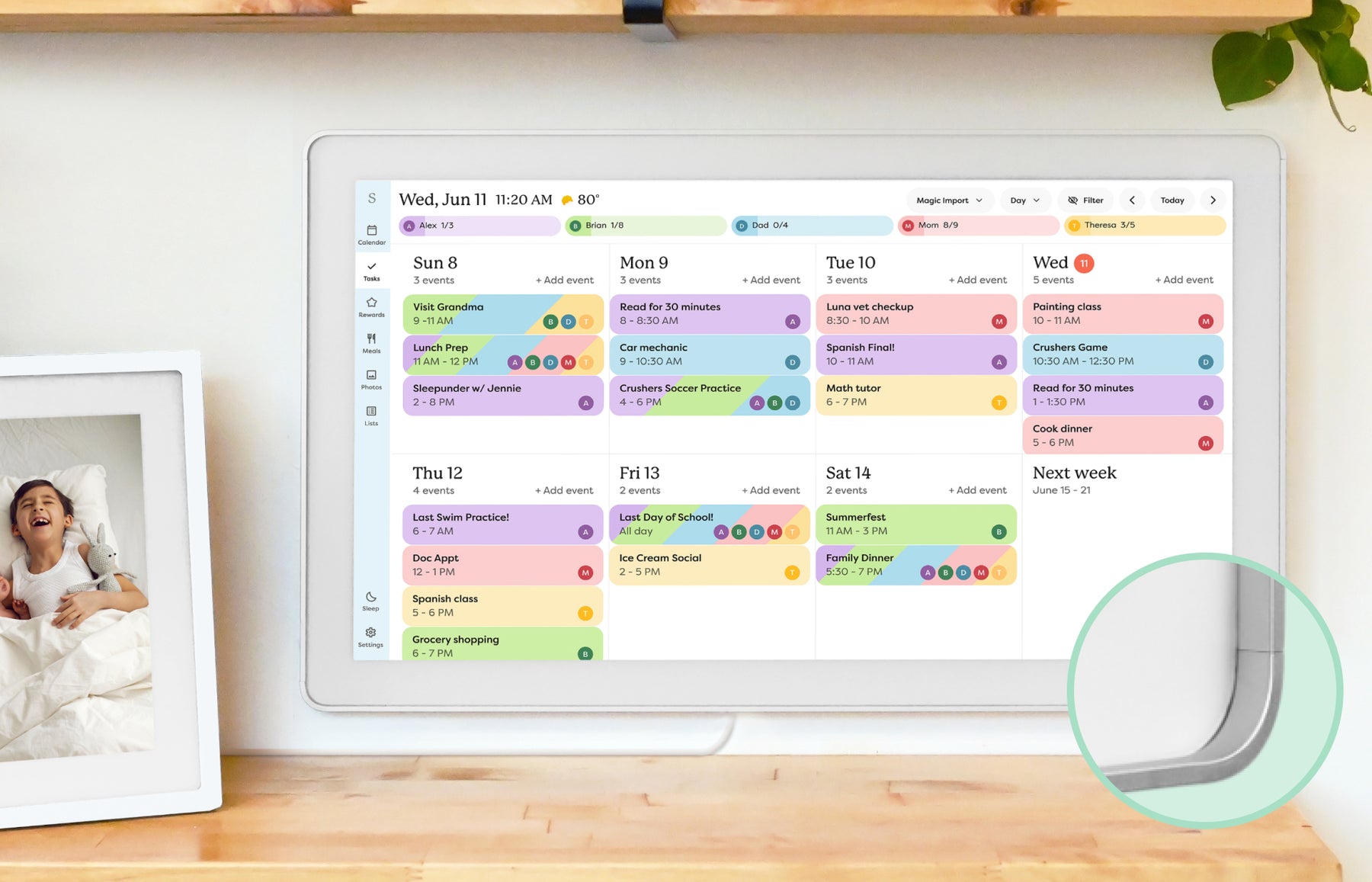
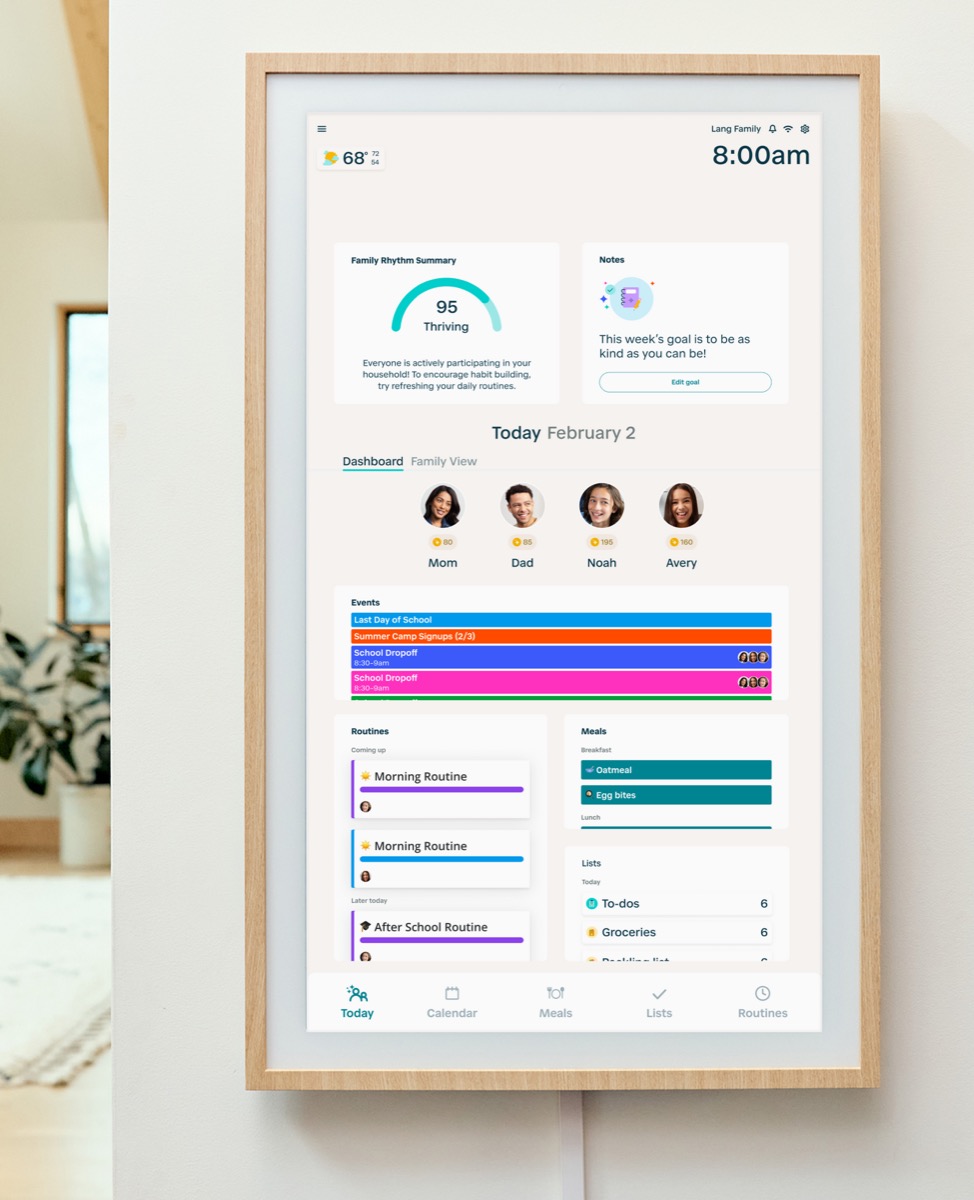
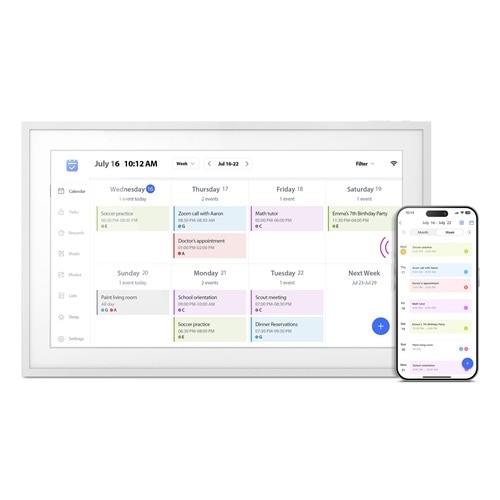
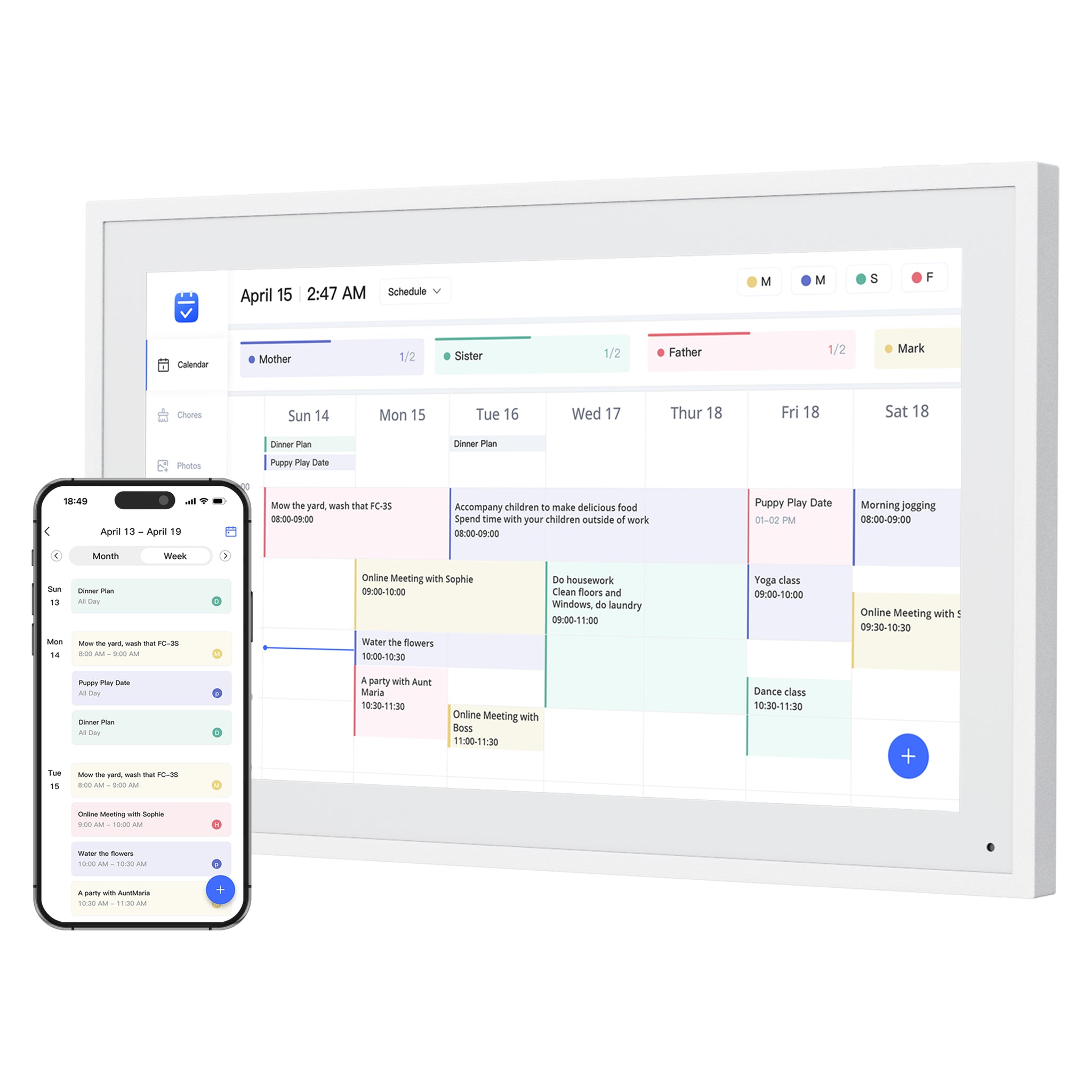
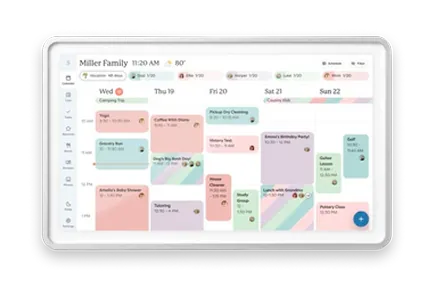
Compare nine digital calendars for family schedules, chores and routines. Find the right wall display by calendar sync, setup and the features you will actually use.
Read guide Buying Guide
A buyer guide based on published sources comparing the free core workflow, optional paid tools, exact-model limits, app polish, and support confidence behind no-subscription calendar claims.
Read guide Buying Guide
Compare photo animation and restoration with ordinary photo display, paid credits and family privacy—without confusing them with calendar AI.
Read guide Buying Guide
AI can turn a school notice into calendar events, capture a spoken request or help plan dinner. Here is how those features differ across family displays, including their costs and limits.
Read guide Buying GuideSoftware comparison
Compare companion apps, shared device platforms and bring-your-own-screen software. The app behind a calendar can matter as much as the hardware brand.
Read guide Buying Guide
Choose a guest information screen by remote updates, outdated-card removal and offline playback. Compare photo frames, family displays and a simple printed WiFi sign.
Read guide Kitchen setup guide
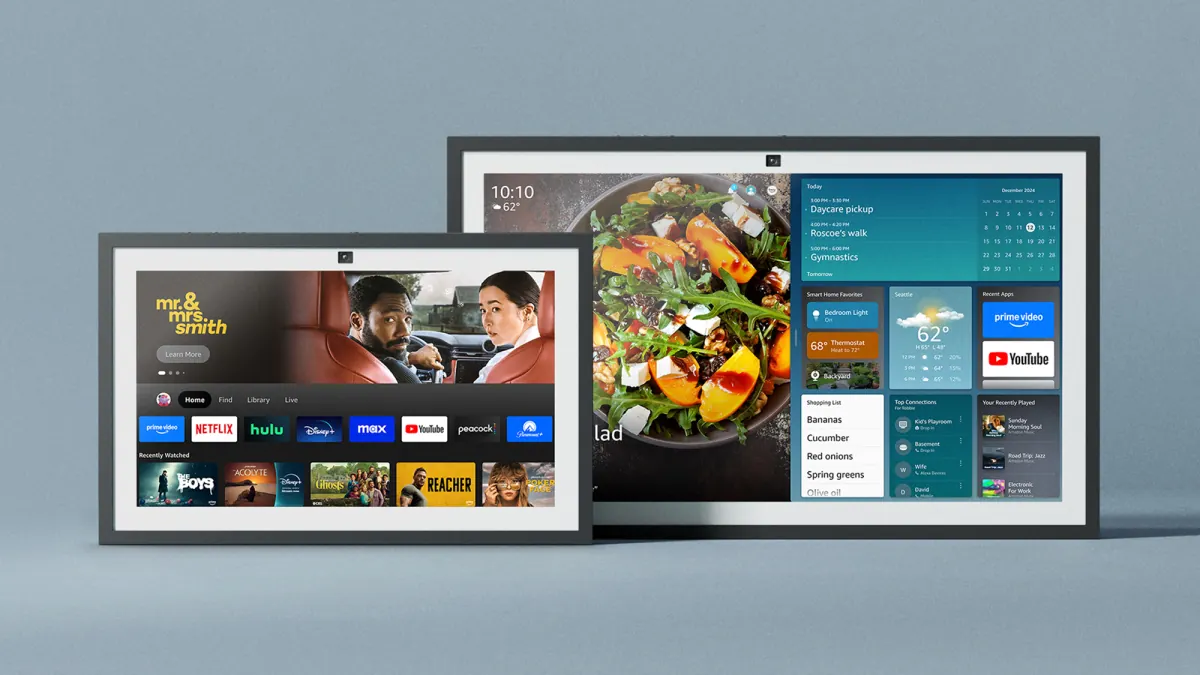
Choose a calendar screen for a schedule everyone can see, a voice display for cooking help, or a two-device setup that keeps those jobs separate. Start with the equipment you already own.
Choose a kitchen setup