
Hearth Countdowns: which events can appear on the display?
Hearth’s countdown widget supports one-time events created in Hearth, with days remaining shown on the Display.
On this page
Why it matters
A countdown can make an approaching trip or celebration easier to spot on a household screen. The important condition is where the event was created: an imported appointment does not automatically qualify just because it appears in the calendar.
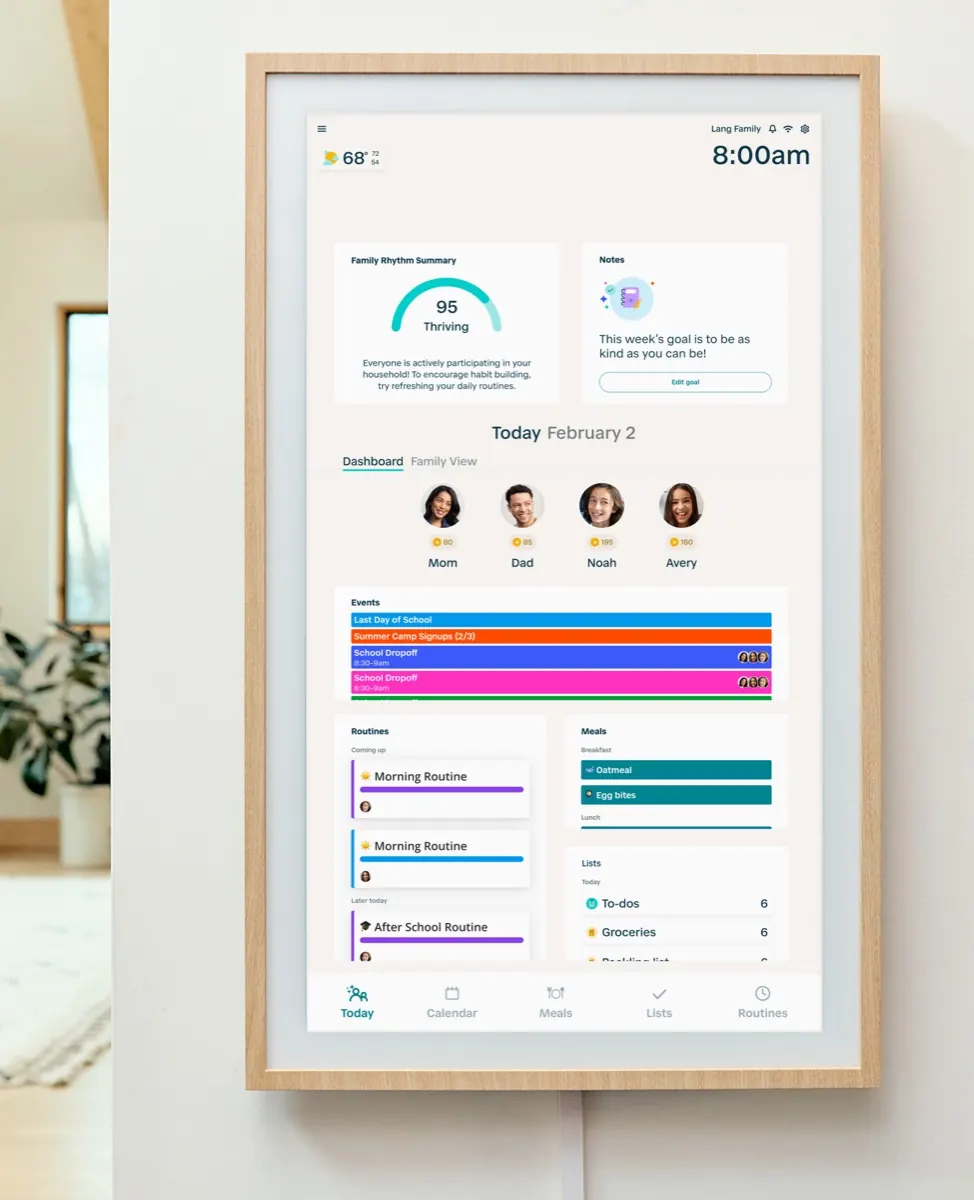
What Hearth documents
Hearth’s Countdowns support page, updated October 14, describes a Today Dashboard widget showing days until an event. It supports one-time events created in Hearth, rather than recurring or external events. The widget is on the Display, not in the companion app. This is a look at those documented controls; October 14 is the support-page update date, not a confirmed first-release date.
Sources: Hearth: Countdowns
Set up the event, then choose the widget
Open a Hearth-created, non-recurring event in the app or on the Display, enable Start Countdown and save. On the Display’s Today Dashboard, open the widget’s three-dot menu and select Countdowns under Swap a view. This replaces that widget’s previous view; it does not add unlimited space to the dashboard. More than one enabled event can appear in the countdown view.
Sources: Hearth: Countdowns
A recurring birthday needs a different approach
A birthday that repeats each year and a single upcoming birthday celebration are different calendar entries. If you want a countdown for the latter, consider a separately dated Hearth event. Give it a clear name so household members can distinguish it from the existing appointment. Duplicating entries can make a shared schedule harder to follow, particularly when another calendar is still the source of truth for the original event.
Days remaining are not a precise timer
The countdown shows whole days, reaching zero on the event date. It is useful for anticipation rather than timing a departure down to the hour. Keep the event’s actual start time visible in the calendar. For the rest of the household planning experience, our Hearth Display overview covers its calendar and membership choices.
Sources: Hearth: Countdowns
Sources
Sources checked .