SmartFrameLab product library

Smart calendar product library.

Research first. Buy second.

Start with 9 source-backed product profiles, then move into exact model availability and the setup details that determine whether a wall display works in a real home.

9Research profiles
6Exact device listings
6Setup products

Ratings belong to the editorial profile. Exact variants and accessories stay unscored until they receive their own evidence.

Research profiles

Start with the product, not the store.

Every device below has a source-backed SmartFrameLab profile. Read the evidence first, then use a retailer path if the product still fits.

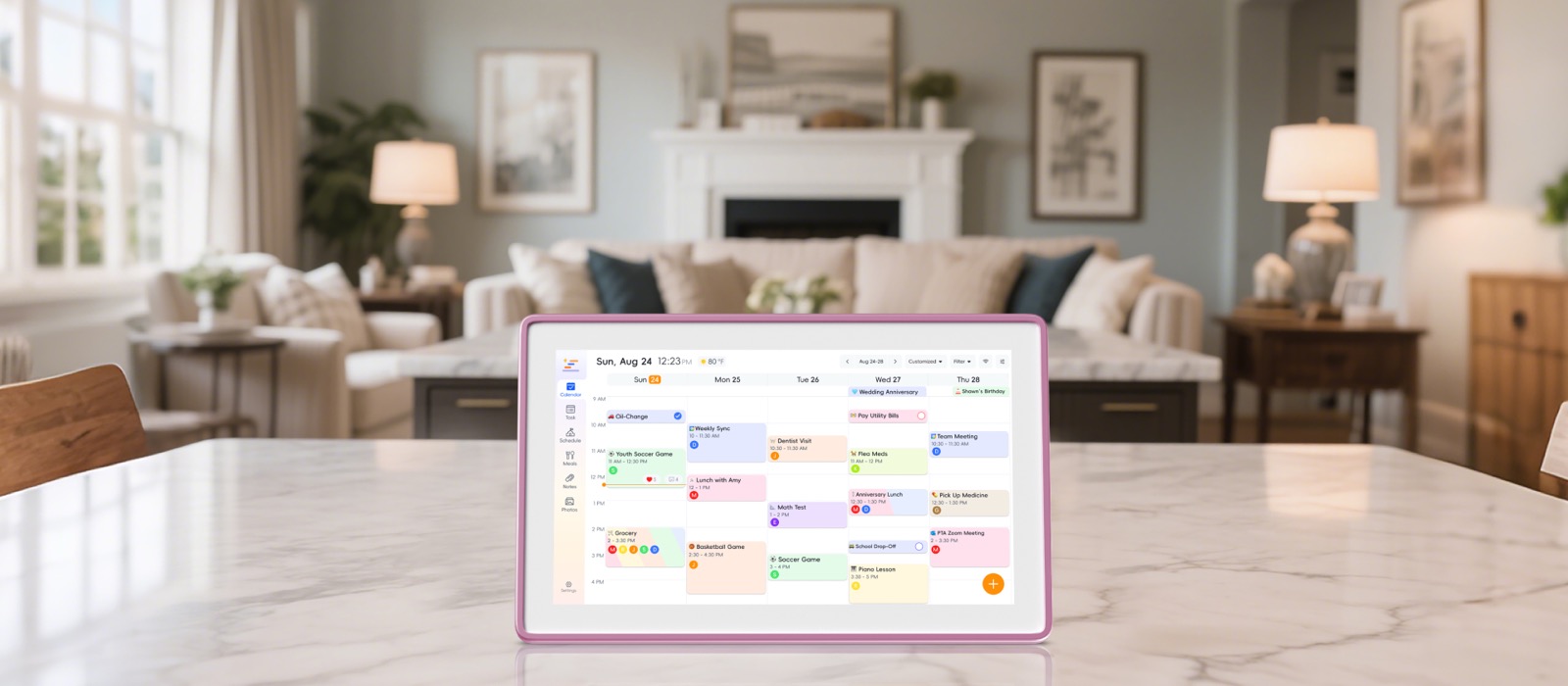
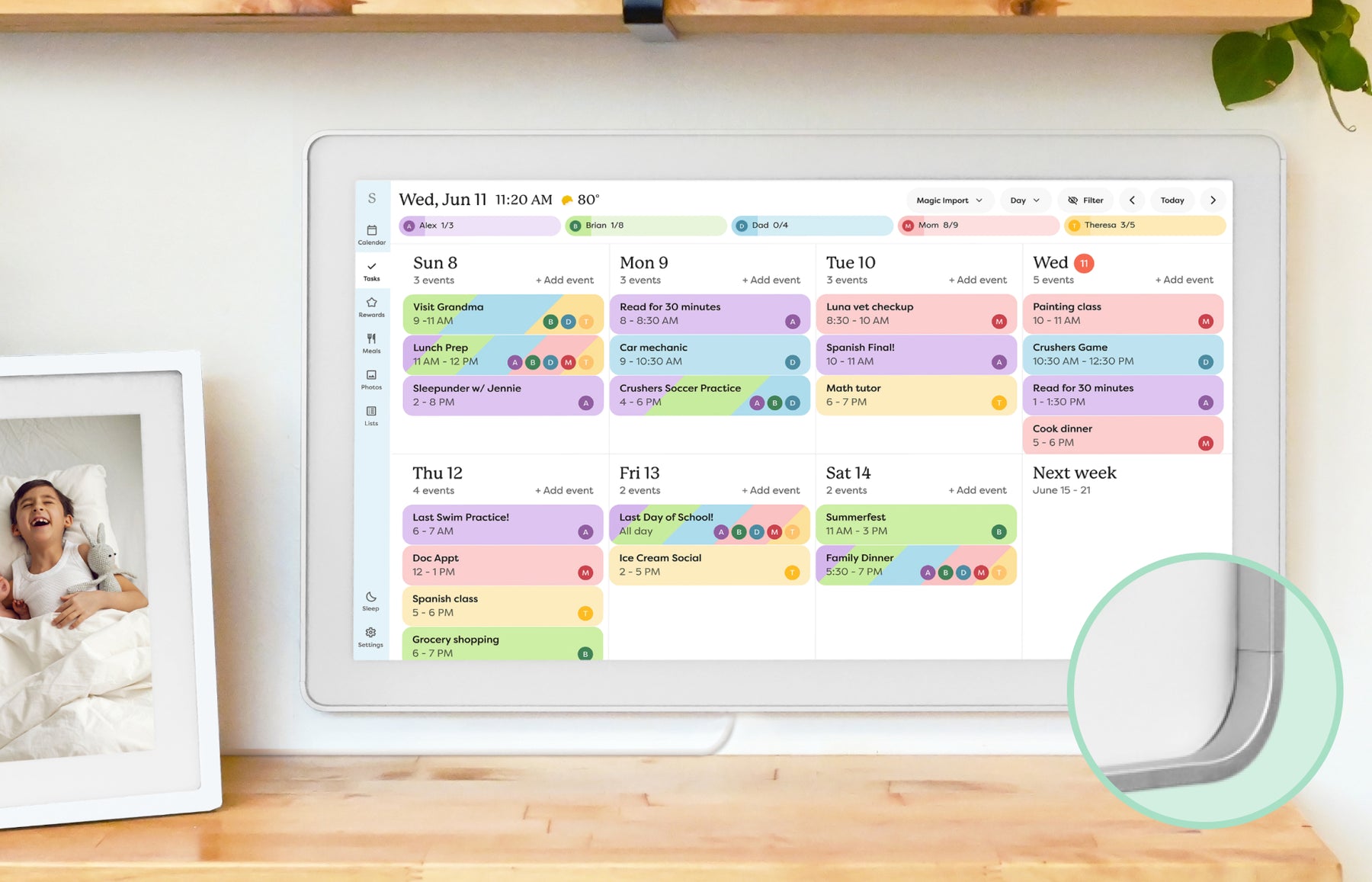
Skylight Calendar smart calendar frame showing a family schedule on a wall display. Calendar
Editorial research profile 8.6 / 10

Skylight

Calendar

A category-defining smart calendar frame with broad appeal, especially for households that want a visible shared schedule instead of another phone app.

Best for
Families who want a polished shared calendar with strong mainstream awareness.
Source status
Official + retailer sources · checked August 8, 2026

Brand product media

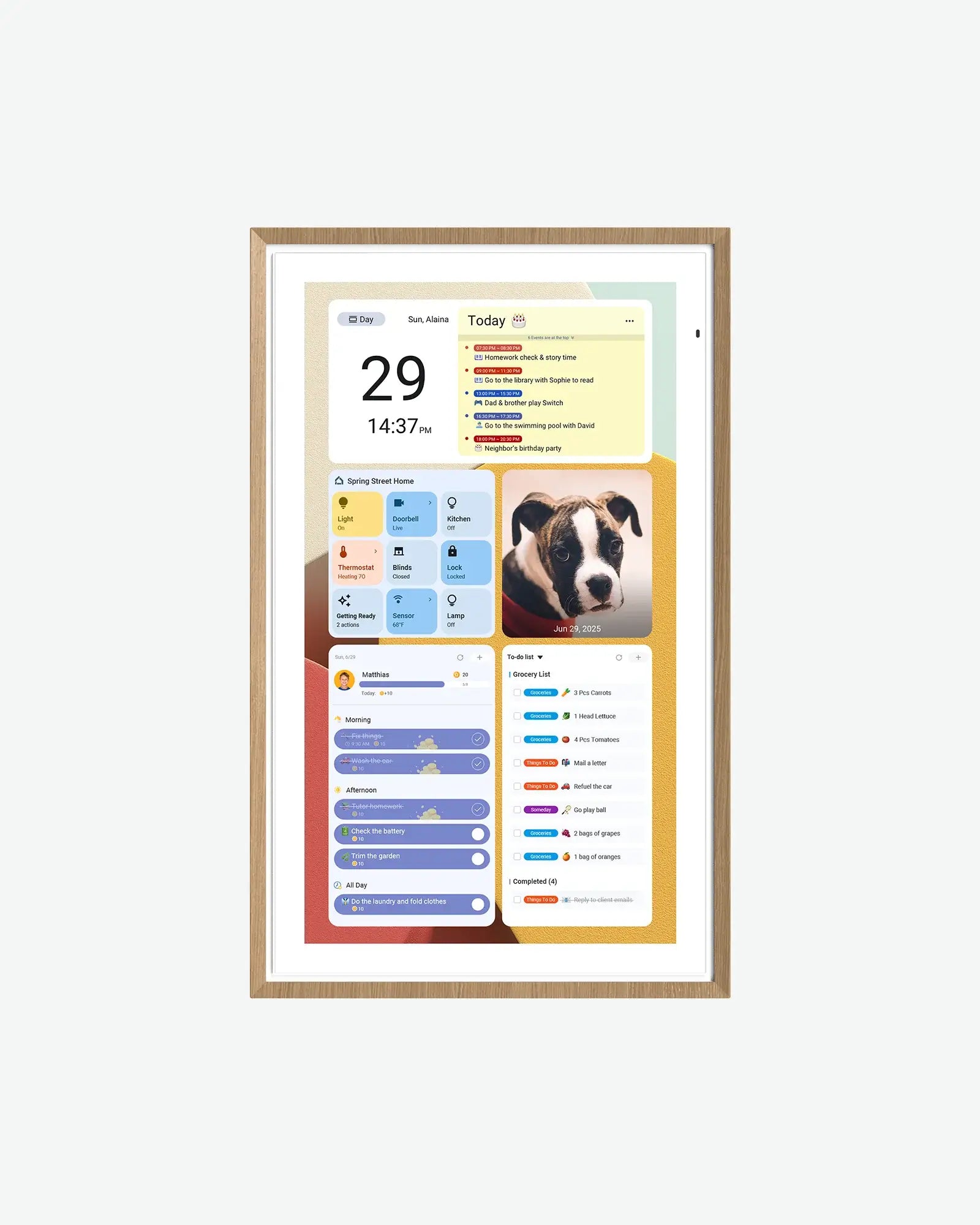
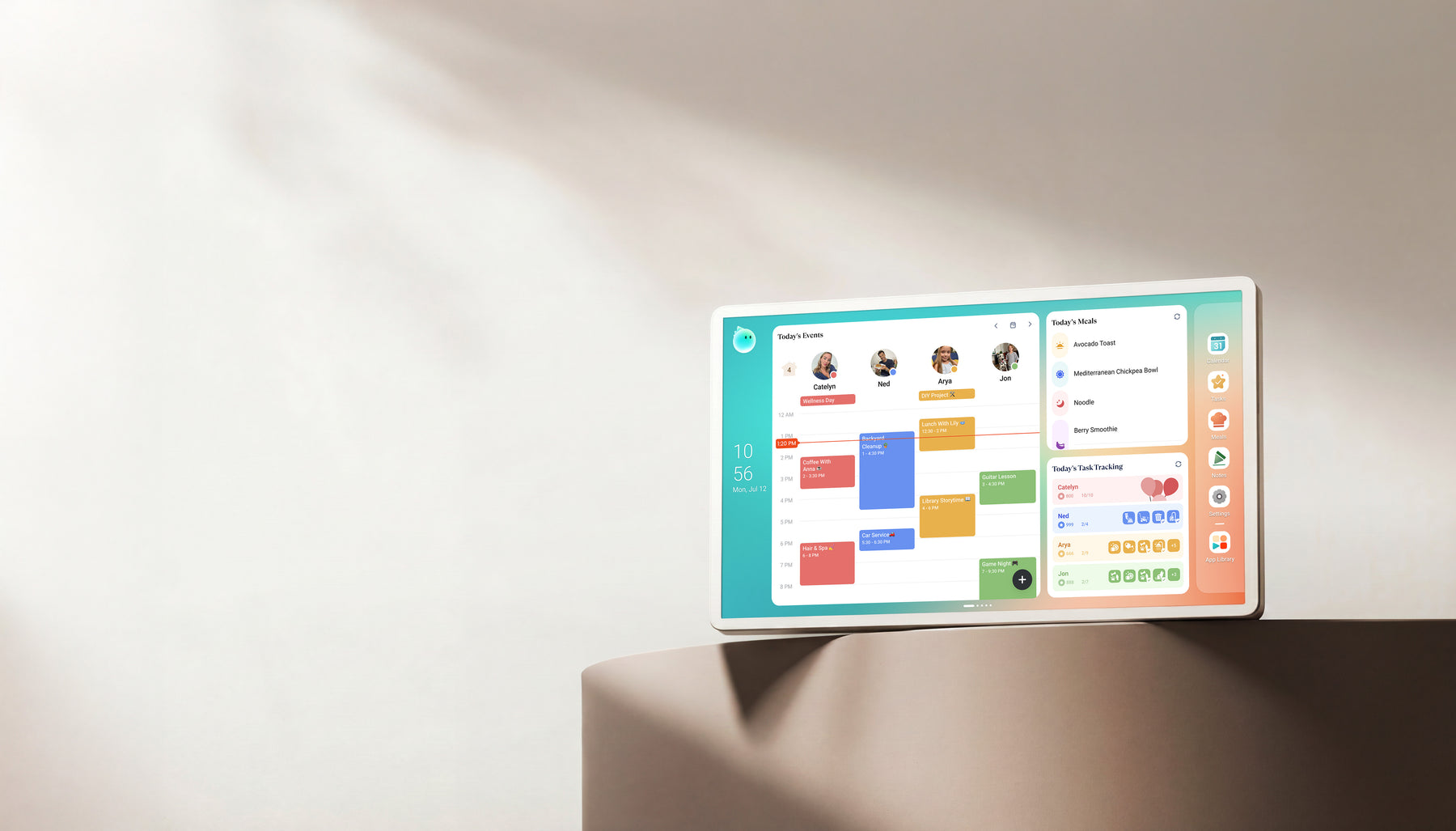
Cozyla Calendar+ family display showing calendar, meal, and task widgets. Calendar
Editorial research profile 8.2 / 10

Cozyla

Calendar+

A strong alternative candidate for families who want a smart display experience and are comparing feature depth against better-known brands.

Best for
Homes comparing Skylight alternatives with calendar, photo, and family-display needs.
Source status
Official + retailer sources · checked August 14, 2026

Brand product media

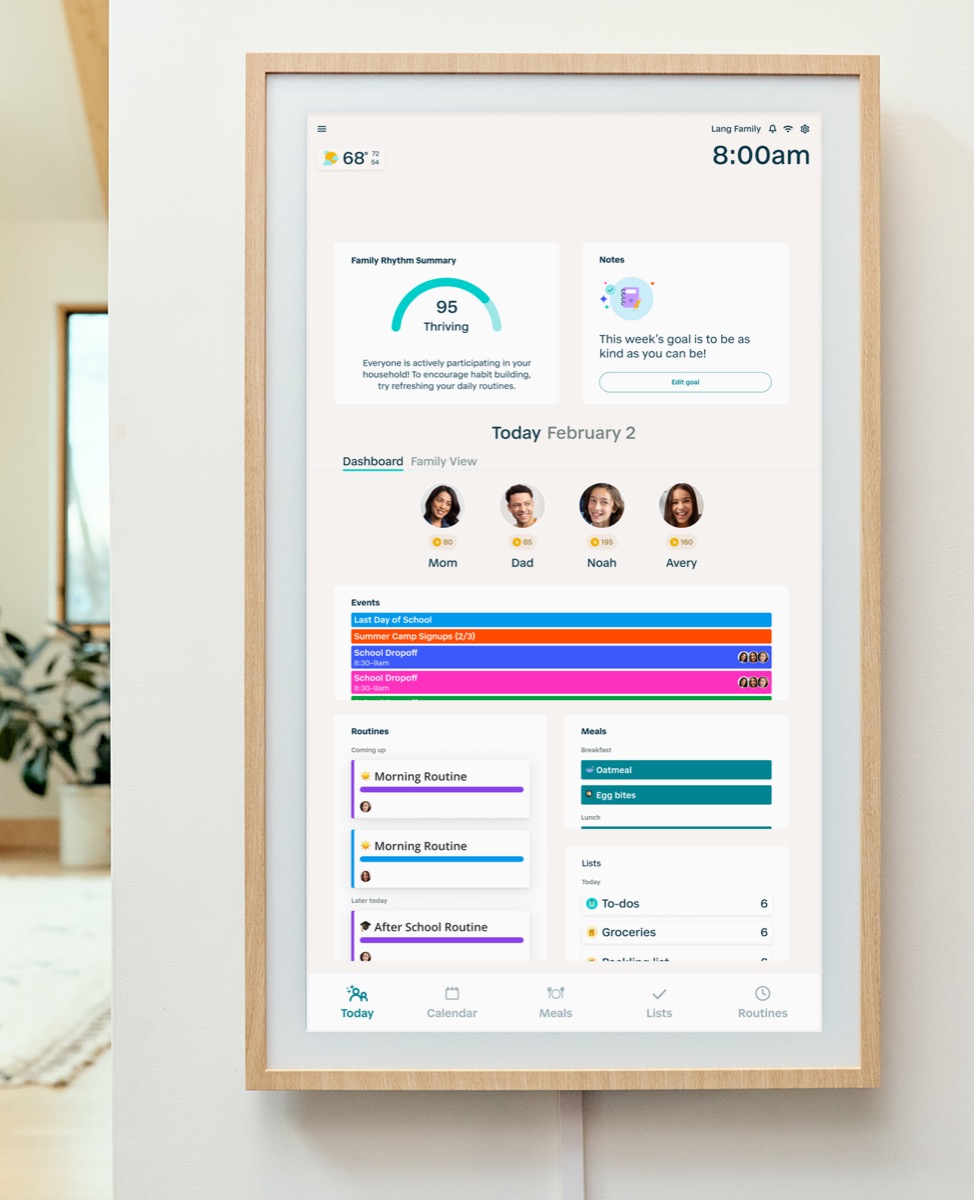
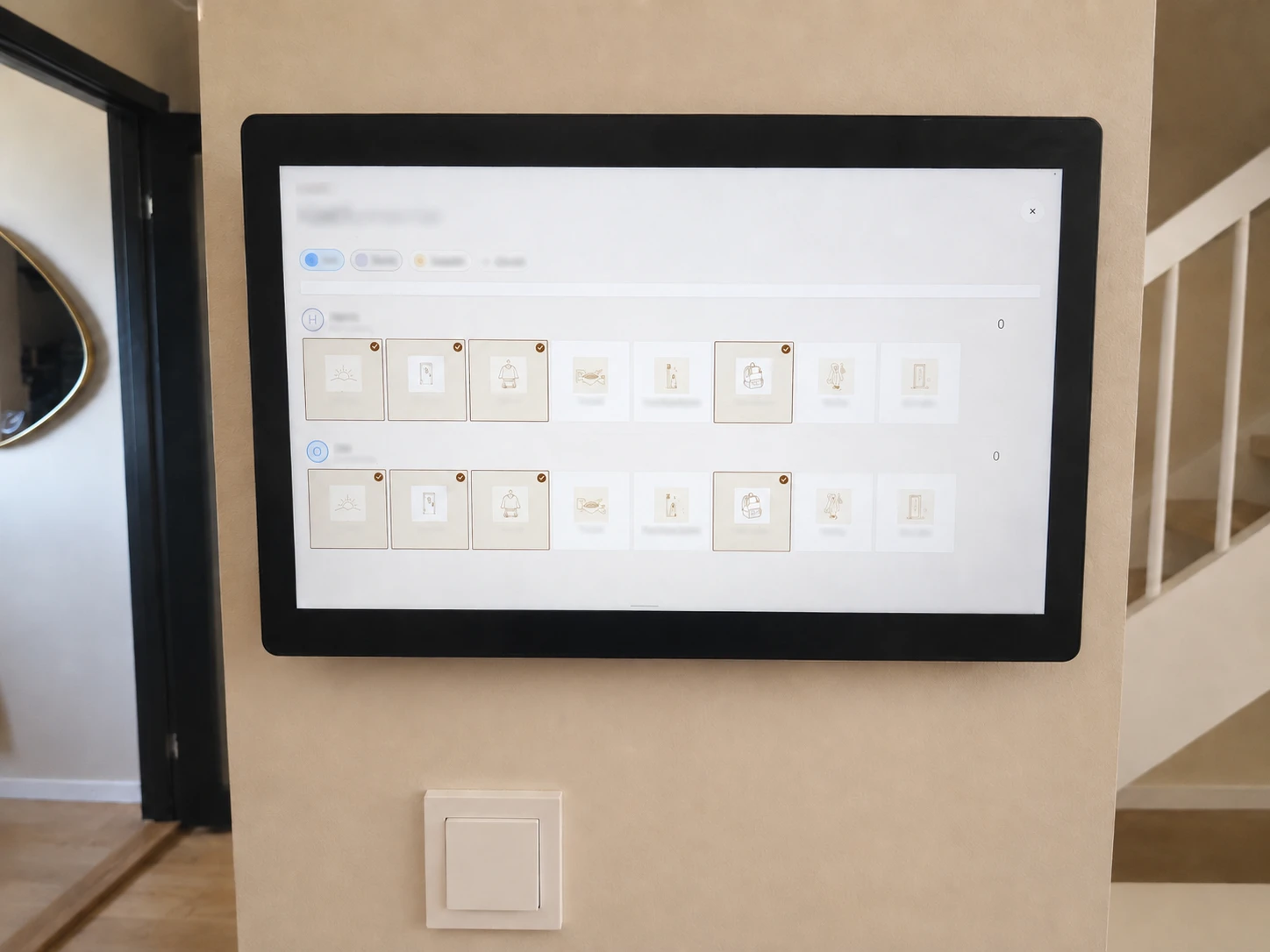
Hearth Display family command display with a household dashboard interface. Command center
Editorial research profile 8.1 / 10

Hearth

Display

A family-organization focused display that belongs in the command-center conversation more than the basic digital-frame category.

Best for
Families that want routine management and a command-center style home display.
Source status
Official sources · checked August 8, 2026

Brand product media

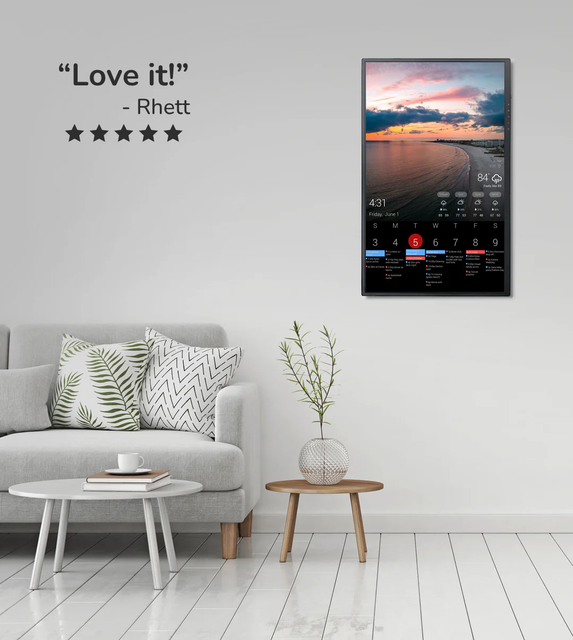
DAKboard wall display showing a customizable home dashboard. Dashboard
Editorial research profile 7.8 / 10

DAKboard

Display

A flexible dashboard-oriented option for people who like customization and are willing to tune the experience.

Best for
Homes that want a configurable dashboard for calendars, photos, weather, chores, or mixed household information on one screen.
Source status
Official sources · checked August 8, 2026

Brand product media

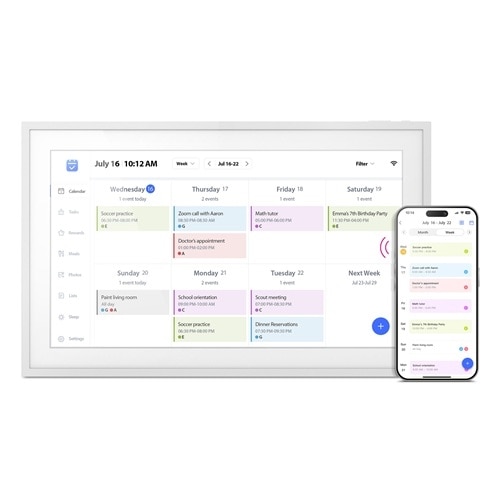
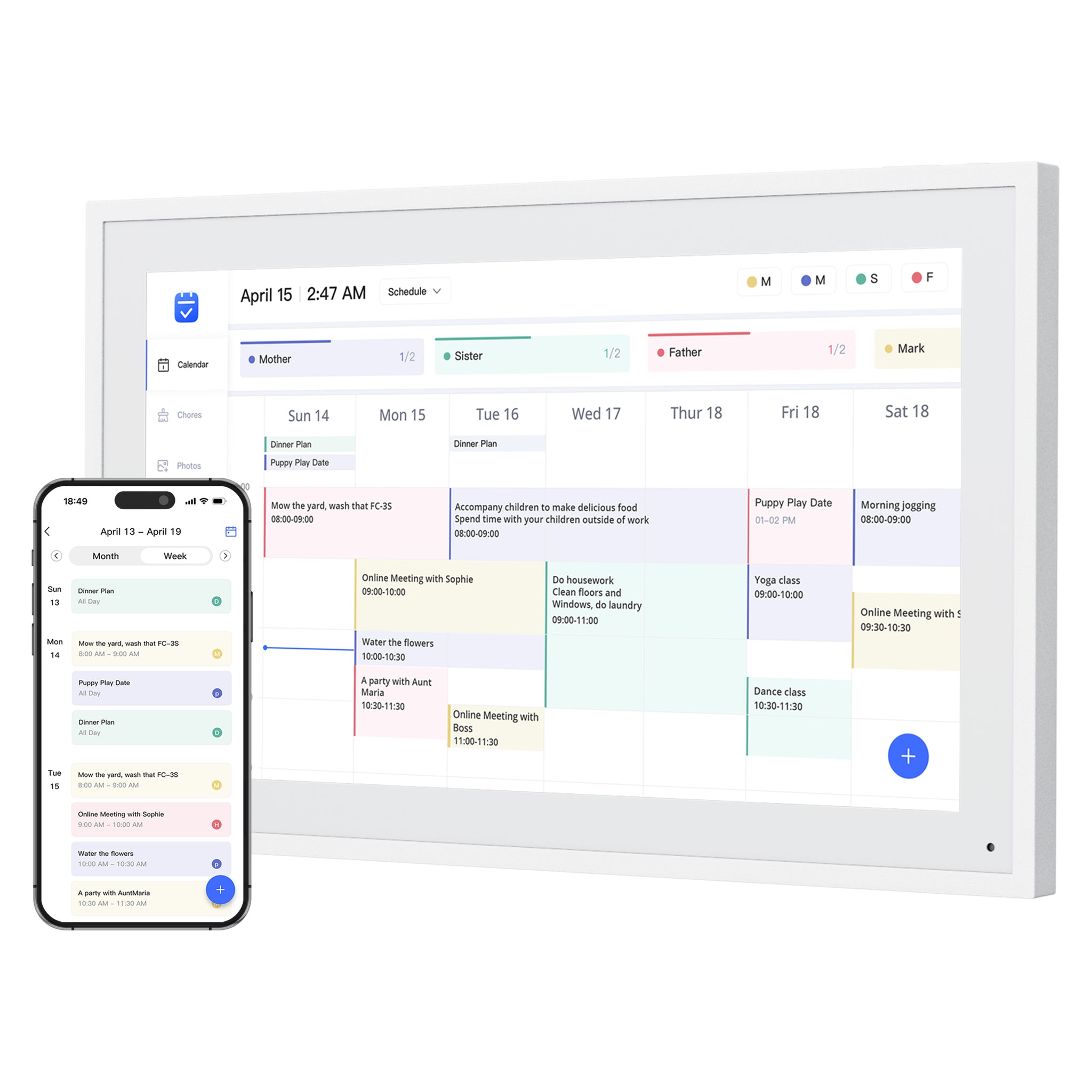
Dragon Touch Digital Calendar product image showing a wall calendar display and companion mobile app. Calendar
Editorial research profile 7.9 / 10

Dragon Touch

Digital Calendar

A practical eCalendar-style Skylight alternative with a wide size range, 32GB storage references, calendar sync, chores, meal planning, grocery lists, and photo-frame use in one product family.

Best for
Families comparing lower-cost, no-subscription-positioned digital calendar frames with broad calendar sync.
Source status
Official sources · checked August 12, 2026

Dragon Touch official product media

Apolosign Digital Calendar product image showing an Android family dashboard display. Calendar
Editorial research profile 8.0 / 10

Apolosign

Digital Calendar

A strong source-backed direct competitor because Apolosign publishes unusually detailed hardware specs, multiple digital calendar sizes, no-subscription positioning, and Google ecosystem features.

Best for
Families who want a spec-transparent Android/Google ecosystem calendar display with multiple sizes and no-subscription positioning.
Source status
Official sources · checked August 12, 2026

Apolosign official product media

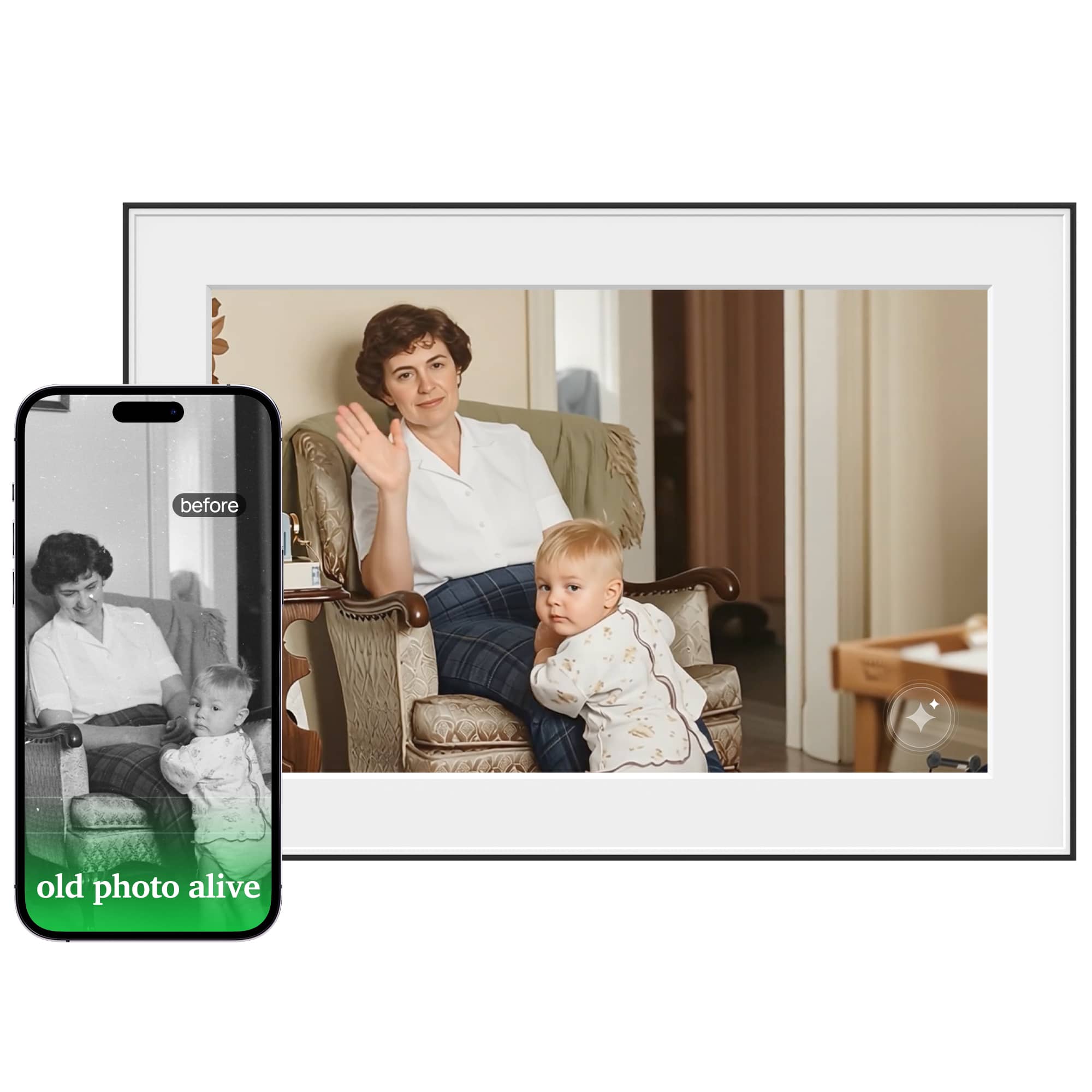
Homture Magic Frame AI digital photo frame showing animated family photo features. Photo & AI
Editorial research profile 7.4 / 10

Homture

Magic Frame

A source-backed AI photo-frame candidate, useful for the AI photo frame cluster, but not a smart calendar frame or Skylight Calendar alternative.

Best for
Families who want a photo-first frame that can animate still photos, restore older family images, and share memories through an app.
Source status
Official + retailer sources · checked August 12, 2026

Homture official product media

Zicalstar smart calendar frame showing a shared calendar on a tabletop display. Calendar
Editorial research profile 8.0 / 10

Zicalstar

Smart Calendar Frame

A relevant product for SmartFrameLab coverage because it sits at the intersection of smart calendar, digital frame, and channel-ready family display.

Best for
Brands, sellers, and households evaluating a calendar-frame alternative with OEM and channel potential.
Source status
Official + retailer sources · checked August 8, 2026

Zicalstar official product media

Aluratek AWFC15F eCalendar product image showing a 15.6-inch digital calendar and companion mobile app. Calendar
Editorial research profile 7.7 / 10

Aluratek

AWFC15F eCalendar

A useful eCalendar benchmark because it combines a 15.6-inch 1080p touchscreen, 32GB storage, calendar sync, chores, meal planning, and photo sharing in one source-backed retail SKU.

Best for
Families who want a specific 15.6-inch eCalendar-style product with clear hardware specs and broad calendar sync.
Source status
Official + retailer sources · checked July 22, 2026

Dell retail product media

Exact buying paths

Sizes and models, kept inside their family.

These are exact Amazon US listings attached to a related brand profile. A family profile does not mean every listed size was separately reviewed.

Dragon Touch Digital Calendar product image showing a wall calendar display and companion mobile app.
Dragon Touch family media. Exact Amazon size and finish may differ.

3 verified listings

Dragon Touch model family

A practical eCalendar-style Skylight alternative with a wide size range, 32GB storage references, calendar sync, chores, meal planning, grocery lists, and photo-frame use in one product family.

Read the Dragon Touch profile
Digital calendar

Digital Calendar 10.1-inch

P0

Compact Dragon Touch calendar-size option for desk, counter, and smaller-room planning.

What to verify before buying
  • Confirm selected color and mount option.
  • Compare included and paid calendar-import functions.
  • Check the current seller and return terms.

ASIN B0FLTFTGMS · checked Aug 10, 2026

Digital calendar

Digital Calendar 15.6-inch

P0

Mid-size Dragon Touch family calendar positioned for wall or desk use.

What to verify before buying
  • Confirm the exact 15.6-inch variant.
  • Check wall-mount hardware and power-cable routing.
  • Compare the official-store NEW10 path before checkout.

ASIN B0FPFRW9VV · checked Aug 10, 2026

Digital calendar

Digital Calendar 21.5-inch

P0

Large Dragon Touch calendar display for wall-first family planning and room-scale visibility.

What to verify before buying
  • Verify wall dimensions and viewing distance.
  • Check mounting method, weight, and nearby power.
  • Compare the official-store NEW10 path before checkout.

ASIN B0FFH8NVKY · checked Aug 10, 2026

Cozyla Calendar+ family display showing calendar, meal, and task widgets.
Cozyla family media. Exact Amazon size and finish may differ.

3 verified listings

Cozyla model family

A strong alternative candidate for families who want a smart display experience and are comparing feature depth against better-known brands.

Read the Cozyla profile
Digital calendar

Calendar Plus 2 24-inch

P0

Large Cozyla Calendar Plus 2 variant for families wanting a broader app-capable wall display.

What to verify before buying
  • Confirm Calendar Plus 2 model generation.
  • Check wall-mount and desk-stand inclusions.
  • Review app permissions and setup requirements.

ASIN B0DHCJ14ZZ · checked Aug 10, 2026

Digital calendar

Calendar Plus 2 32-inch

P1

Oversize Cozyla Calendar Plus 2 option for highly visible, wall-first household coordination.

What to verify before buying
  • Measure the wall and viewing distance.
  • Verify mounting surface, weight support, and power access.
  • Confirm the exact included mount and warranty.

ASIN B0DHCJM694 · checked Aug 10, 2026

Digital calendar

Calendar Neo 15.6-inch

P1

Newer Cozyla calendar line that should remain distinct from Calendar Plus 2 in model comparisons.

What to verify before buying
  • Do not assume Calendar Plus 2 features transfer to Neo.
  • Confirm app access and sync behavior for this model.
  • Check included stand or wall hardware.

ASIN B0H323CQ44 · checked Aug 10, 2026

Setup essentials

The display is only half the installation.

These are practical accessory candidates, not scored products. Compatibility must be checked against the exact display, wall, power route, and manufacturer guidance.

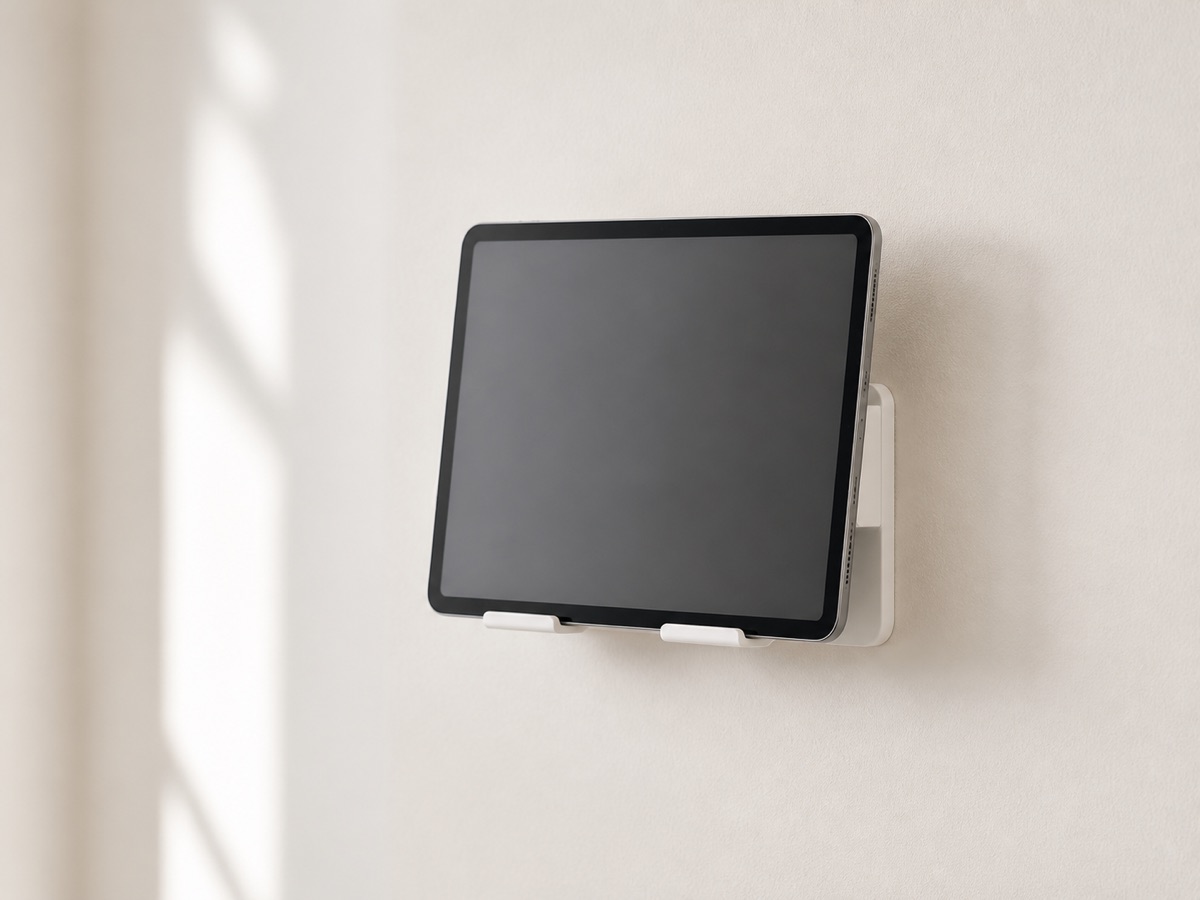
Editorial illustration of a generic tablet wall mount on a quiet off-white wall.
SmartFrameLab editorial category illustration · not the listed product

3 listings

Wall mounting

Start with dimensions, VESA pattern, device weight, wall material, port clearance, and cable exit.

Open setup guide
Mount-It!

Universal 9.7-13.1-inch Tablet Wall Mount

Secure enclosure option for compatible tablet-based family dashboards and smaller calendar displays.

Fit and safety checks
  • Measure device width, height, thickness, and port clearance.
  • Confirm VESA 75x75 or wall-fixing method.
  • Check ventilation and cable exit before installation.

Universal tablet accessory only. SmartFrameLab has not verified fit with any named smart-calendar model.

Dockem

Koala Tablet Wall Mount

Simple bracket-style wall mount for compatible tablets used as DIY calendar dashboards.

Fit and safety checks
  • Measure device dimensions and bracket grip.
  • Check that buttons, speakers, and charging port remain accessible.
  • Use wall anchors appropriate to the wall type and load.

Intended for compatible tablets, not purpose-built smart calendar frames. Verify dimensions before purchase.

MOUNT PRO

13-32-inch VESA Monitor Wall Mount

Adjustable wall arm for displays that explicitly support VESA 75x75 or 100x100 mounting.

Fit and safety checks
  • Confirm the display has matching VESA holes.
  • Confirm device weight is below the mount limit.
  • Check extension clearance, wall structure, and cable slack.

Do not use solely on screen size. The exact VESA pattern, weight, wall material, and power-cable clearance must all match.

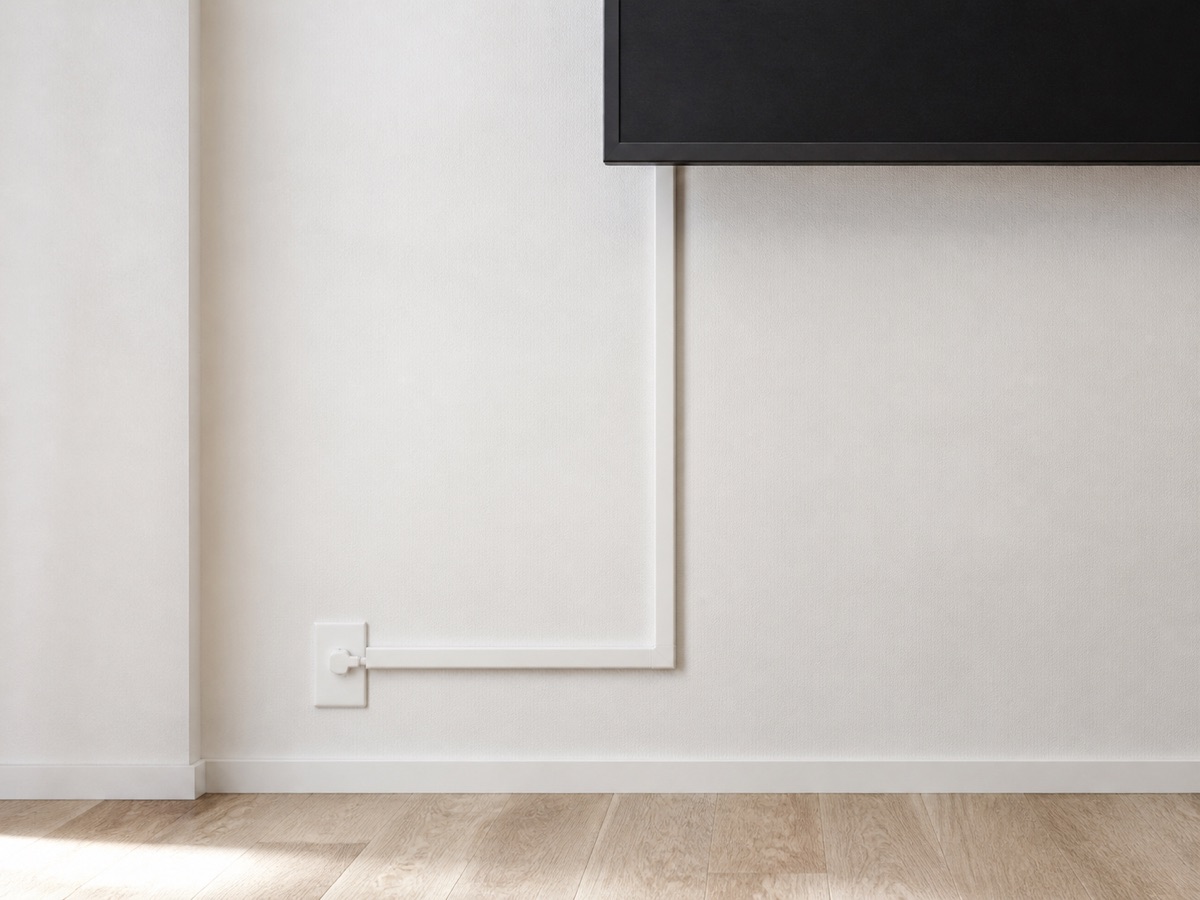
Editorial illustration of a generic surface cable raceway beneath a wall display.
SmartFrameLab editorial category illustration · not the listed product

1 listing

Cable routing

A visible calendar only feels installed when its power route is deliberate, serviceable, and appropriate for the wall.

Open setup guide
Delamu

157-inch Cord Hider Kit

Paintable surface raceway for tidier wall-mounted display power-cable routing.

Fit and safety checks
  • Measure plug and cable diameter before choosing the channel.
  • Do not conceal damaged or overheating cables.
  • Follow local electrical and rental-property rules.

Cable-management accessory only; it does not replace an in-wall rated power installation.

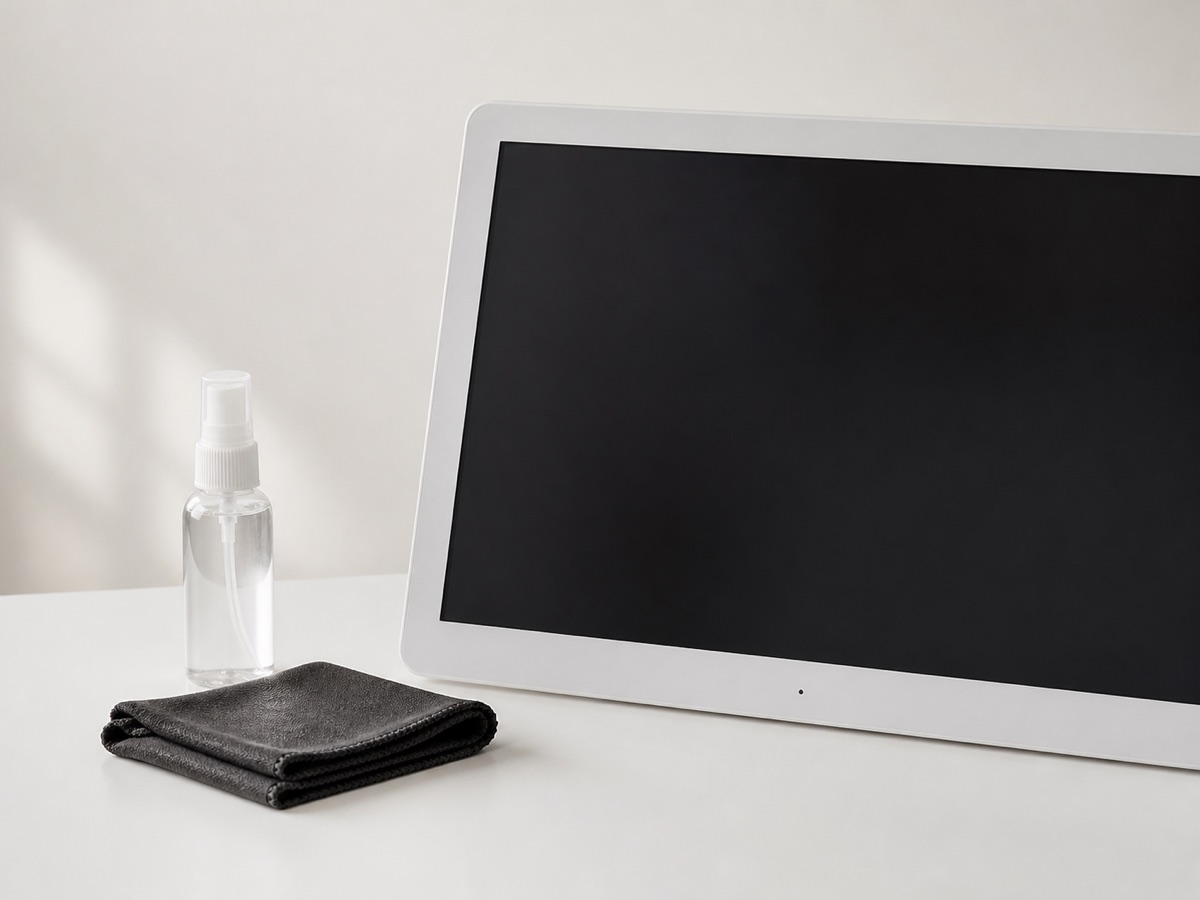
Editorial illustration of a microfiber cloth and unbranded screen cleaner beside a powered-off display.
SmartFrameLab editorial category illustration · not the listed product

1 listing

Screen care

Touch displays need a cautious cleaning routine that follows the device maker guidance before any generic cleaner.

Open setup guide
EVEO

Screen Cleaner Kit

General screen-care option for frequently touched calendar and photo displays.

Fit and safety checks
  • Follow the display maker cleaning instructions first.
  • Power off the device and apply cleaner to the cloth, not directly to the screen.
  • Avoid damaged coatings and liquid ingress around the bezel.

General electronics cleaner. Confirm the display manufacturer permits this cleaning method and solution.

ASIN B082XJJ8DS
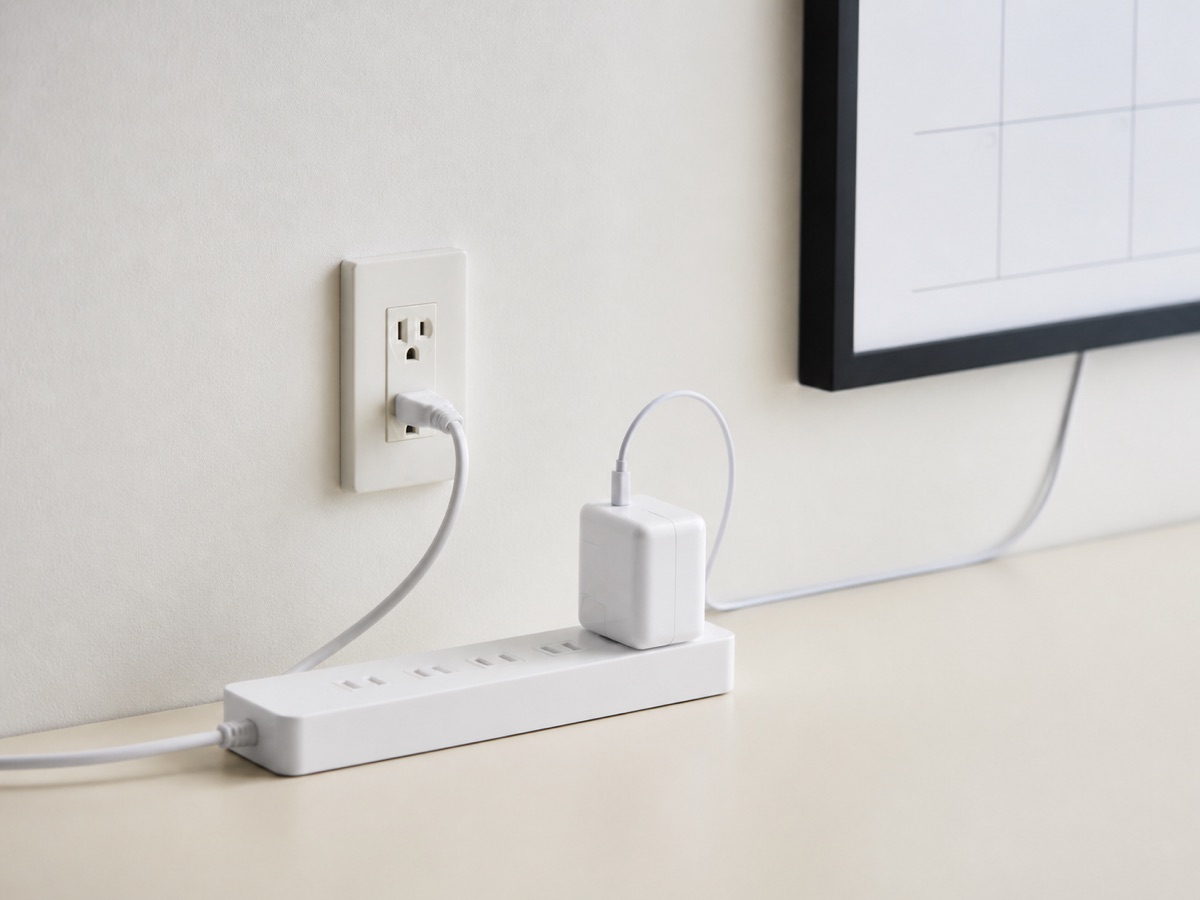
Editorial illustration of a generic flat-plug power strip and display adapter.
SmartFrameLab editorial category illustration · not the listed product

1 listing

Power setup

Plan outlet position, adapter clearance, ventilation, cable strain, and load limits before mounting the display.

Open setup guide
TESSAN

Flat Plug Surge Protector

Wall-mountable power-strip option for display installations that need a low-profile plug and nearby protected outlets.

Fit and safety checks
  • Check the display power-adapter rating and outlet location.
  • Do not exceed the power-strip load rating.
  • Keep ventilation clear and avoid routing where the strip can be pinched.

General power accessory. It does not replace the original device power adapter or professional electrical work.

ASIN B08DKP7GLT