U.S. carts checked · unscored / Updated October 27, 2026
FamilyWall Home Hub: Prices, Premium and Calendar Sync

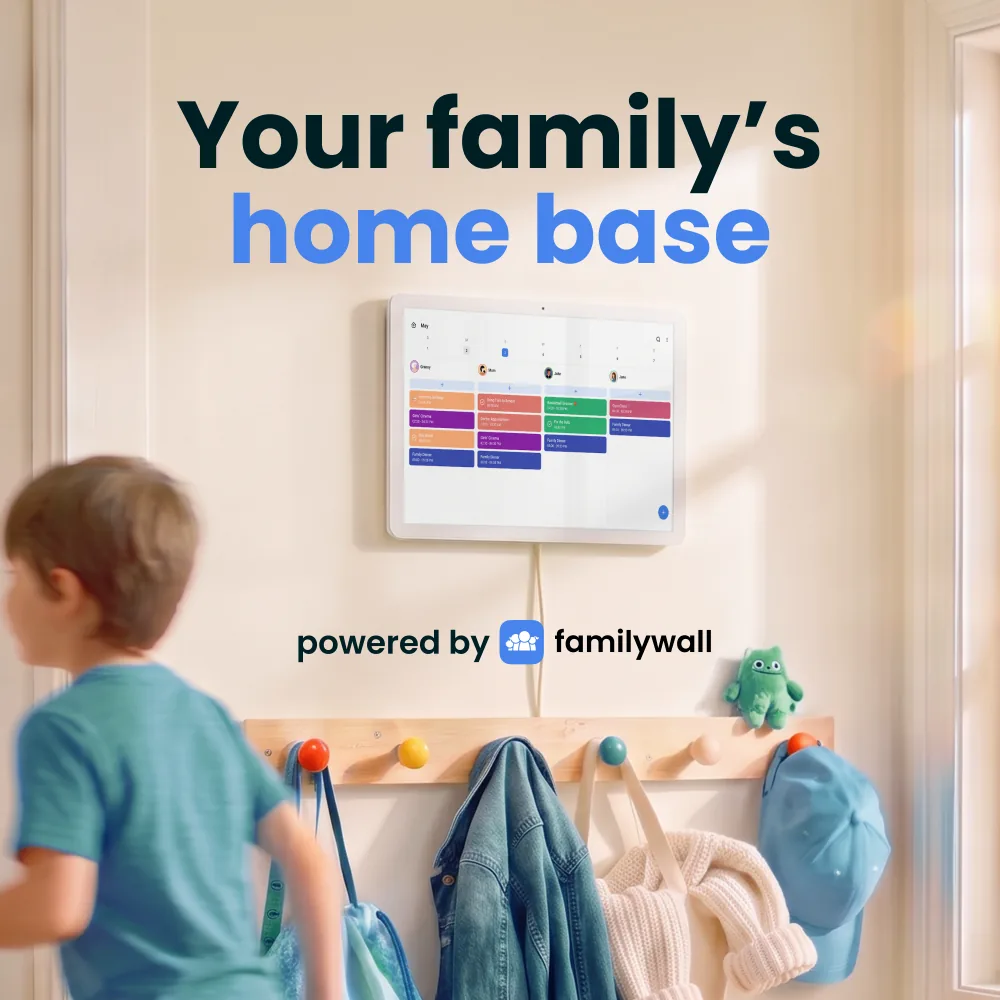
The FamilyWall smart display brings its family organizer to a shared screen. Our U.S. cart checks cover both sizes; the key tradeoffs are Premium renewal and calendar-feed limits.
Already using FamilyWall on your phones? Home Hub puts that organizer on a shared wall or counter display. On October 27, we added each U.S. model to an empty storefront cart: the 16-inch was $339.99 and the 22-inch $499.99, before tax and any delivery charges. The shop includes one year of Premium, then advertises $44.99 a year. That makes the calendar connection and paid features as important as the screen size.
Quick answer
- The 16-inch and 22-inch names refer to 15.6- and 21.5-inch Full HD touchscreens. Both have 4GB RAM and 64GB storage in the official comparison.
- FamilyWall already combines calendars, lists, meals, photos and messaging. Its phone-location and safe-zone features belong to the app ecosystem; a stationary screen does not replace a family member’s phone.
- Keep FamilyWall-to-Skylight, Cozyla or Hearth feeds separate from native Home Hub use: the published iCal connection is one-way and can refresh slowly.
Product media
Home Hub visual evidence
1 product image

Source-backed watch notes
Sizes, prices and ownership costs
Updated October 27, 2026
Calendar sync: the direction matters
FamilyWall documents adding Google calendars as a Premium connection, with controls for sharing them with selected circle members. Its separate iCal export to Skylight, Cozyla and Hearth is read-only in that direction: edits on the receiving display do not return to FamilyWall. The support guide quotes typical refresh intervals of 15–60 minutes, not instant delivery.
- For an Apple household, distinguish importing a phone calendar from sharing an iCloud calendar with other people. A provider logo alone does not establish two-way edits.
Messages and location: useful for handoffs, sensitive by design
FamilyWall’s messaging and safe-zone alerts can support a pickup handoff, but they are app features, not proof that every chat or location control appears on Home Hub. Agree who can see locations and who owns schedule changes. FamilyWall’s privacy policy says location services can process precise device location, and warns that the family map is unsuitable as an emergency locator.
- One January 2025 tablet-app user reported having to reopen FamilyWall to see updates. That older app report does not establish a Home Hub defect; it makes unattended refresh a useful question when deciding whether to replace a tablet.
Photos and AI: keep the promises specific
The shop describes shared-album photos as Home Hub backgrounds. Both sizes use Full HD, so the larger screen does not add pixels; it gives the same resolution more physical space. Promotional images cannot establish reflections, color accuracy or portrait cropping in your room.
- FamilyWall’s official media promotes turning emails and pictures into calendar events. Extracting an invitation is a different job from predicting the best time for a chore. Neither the imagery nor generic AI terms establish predictive scheduling accuracy.
Who should consider it?
Home Hub is most relevant to a household that already maintains FamilyWall and wants everyone to see the same plan. If you already own another calendar display, a one-way feed may cover the viewing job without replacing hardware. Choose the native screen when its shared lists, meals and documents are the workflow you actually want.
- The U.S. shop advertises free shipping and a 30-day return guarantee. Regional pages differ, so use the local checkout for availability and the actual delivered total.
Compare the workflow
Keep the family calendar connection clear.
Read the sync and subscription details before replacing a screen you already own.
Calendar connections and alternatives
- Calendar sync supportSeparate native connections, read-only feeds and two-way editing.
- Smart frame subscription costsCompare hardware with the paid services your family needs.
- Skylight Calendar reviewCompare a dedicated calendar alternative and its software scope.