
Smart Frame Subscription Traps: 5 Checks Before You Buy
The Nixplay case shows why the free tier matters after purchase. Check photo storage, calendar sync, family sharing, AI limits and the cost of keeping the features you need.
On this page
Documentation research and calculated fee examples. We have not tested these frames, paid accounts, cancellation flows, photo quality or offline playback for this guide. Owner reports describe individual experiences, not a measured failure rate.
Quick answer
- Many digital photo frames work without a subscription, but free photo display, automatic album updates, remote controls and backup are separate features.
- Nixplay’s April 21, 2025 migration moved Standard users to Basic. Its notice warned that content above the new limits could become unavailable for sharing or viewing without deleting it.
- Choose by the exact model’s useful free fallback, data-export path and cost of the features you will keep. A subscription-free claim does not guarantee permanent service or offline independence.
- Buying check: Use the product review and comparison pages to verify calendar support, subscription pressure, and setup style before choosing a frame.
Definition
A smart-frame subscription trap is a mismatch between the workflow you expect after buying the hardware and the storage, account, trial or paid-feature rules that actually govern it. An optional subscription with clear limits can still be good value.
Best for
Gift buyers sending photos to relatives, existing Nixplay owners considering their next step, and families comparing calendar displays with paid import, photo or AI features.
What actually changed at Nixplay?
Nixplay sells connected photo frames. Its March 12, 2025 Canadian notice said existing Standard users would move automatically to free Basic on April 21, 2025. It warned that usage above the new limits could restrict sharing or viewing on a frame, with editing or a paid upgrade offered as options. It also said the content would not be deleted. That distinction matters: retaining a file in the cloud does not necessarily preserve permission to display it.
- The U.S. plan page currently lists 500MB of free photo storage. Its albums comparison places connected albums outside Basic; Google Photos and Dropbox are listed as connected-album sources.
- Some coverage describes a 10GB-to-500MB cut, but starting allowances differ across reports. The migration notice does not establish a universal former 10GB allowance. Use the documented 500MB destination rather than assume every buyer started on the same terms.
- The Canadian announcement’s historical prices are in CAD. They are not the current U.S. prices shown below.
Sources: Nixplay: 2025 migration notice · Nixplay: plan and album comparison · Digital Picture Frames: reported Nixplay change
Why the pain went beyond a storage bill
A frame can become harder to maintain while still turning on. In one owner discussion, people described old pictures continuing to play while new uploads failed or a Google Photos album stopped updating. Another owner described resizing an existing library and managing distant relatives’ frames. These accounts illustrate different failure points; they do not override Nixplay’s stated restrictions or establish identical behavior across every account.
- For a gift, the person who buys the frame, pays for a plan and helps with settings may be three different people.
- Paying Google for photo storage does not itself buy a frame maker’s integration. Cloud storage and permission to connect a service are separate entitlements.
Sources: Owners: playback versus blocked updates · Owner: resizing a library for remote frames
1. What stays free after the trial?
Write down the one job the screen must do every week. For a photo gift, that may be receiving new pictures from two relatives. For a kitchen calendar, it may be showing both parents’ schedules and editing recurring events. Compare that job with the free tier rather than the list of features demonstrated during setup.
- Separate manually sending a photo from an automatically updating album, and local playback from cloud backup.
- For calendars, check visibility, event creation, edit direction and provider support separately. Google Photos integration does not establish Google Calendar support.
- Skylight’s provider support checked October 20, 2026 lists Google Calendar and Apple iCloud two-way options, with separate one-way paths for other providers and calendar URLs. A provider name alone does not establish equivalent editing behavior.
Sources: Skylight: calendar-provider sync
2. What stops when payment or storage runs out?
Ask for the fallback at the end of a trial, after cancellation takes effect, and when an account exceeds a limit. Those are different situations. Cancellation may stop future renewal while paid access continues until the billing period ends. A trial can require a payment method even when its first period costs nothing.
- Skylight’s retailer-bundle instructions describe card-based activation and automatic renewal after the included period, with access continuing through the subscription period after cancellation.
- Check existing playback, new uploads, album updates, photo screensavers and remote help individually. “Your photos are safe” is not a complete answer about continued use.
3. Can the whole family keep using the same workflow?
A free account is useful only if the right person can use it. During the return window, have a second relative send a disposable photo from a separate account. Check who can invite contributors, remove a picture, change the sleep schedule and recover access if the original administrator loses their phone. Avoid sharing one password as a substitute for supported family access.
- Skylight Frame Plus lists remote settings as a subscription benefit and says family contributors can share its benefits. That can matter more than extra storage when the frame lives far away.
- For AI, check the free quota, which account consumes it and whether imports or voice requests stop at the cap. Ordinary chores, AI-created chores and unlimited assistant use can have different terms.
- Use a made-up event for sync checks. Inspect permissions before connecting calendars containing children’s locations or private appointments.
Sources: Skylight: Frame Plus · Cozyla: model-specific memberships
4. Can you recover your photos and use the screen offline?
Keep original photos outside the frame service. Nixplay’s download instructions say restricted and unrestricted content can be downloaded without an extra fee. For a legacy album, the documented route is the album’s three-dot menu, Download album, then delivery to the registered email. Other album types use a photo or video download icon. We have not verified those steps in an account or compared exported files with originals.
- Open a downloaded copy before deleting anything. A successful download does not prove original resolution, metadata or a complete library export.
- For any frame you own, test a few disposable photos with Wi-Fi disconnected, then restart it while still offline. Cached playback, receiving new pictures and recovery after a restart are separate checks.
- Compare the same portrait, landscape and small-text image before accepting compression as a workaround. Look for crop loss and soft faces at the actual viewing distance; storage arithmetic is not a photo-quality test.
5. What will the workflow cost over time?
Add hardware, the paid periods needed for your chosen features, required accessories and applicable taxes. Compare the same job on both devices: a free calendar view is not equivalent to a paid photo screensaver or AI importer. The fee examples below assume unchanged U.S. annual prices and three or five full paid years after any trial. They are calculated subscription subtotals, not hardware-inclusive ownership quotes or price guarantees.
- An annual bill is charged as an annual bill. Do not subtract a trial month from a full renewal unless the actual offer prorates it.
- Also compare the hardware-only checkout option: a lower bundle price can be linked to activating a subscription.
| Plan | Annual fee | 3 paid years | 5 paid years | Sources |
|---|---|---|---|---|
| Nixplay Lite | $19.99 | $59.97 | $99.95 | Nixplay: plan and album comparison |
| Nixplay Plus | $29.99 | $89.97 | $149.95 | Nixplay: plan and album comparison |
| Skylight Frame Plus | $39.00 | $117.00 | $195.00 | Skylight: Frame Plus |
| Skylight Calendar Plus | $79.00 | $237.00 | $395.00 | Skylight: Calendar 2 and Plus |
| Cozyla Neo Essential | $79.99 | $239.97 | $399.95 | Cozyla: model-specific memberships |
Excludes hardware, tax, accessories, discounts and separate cloud services. Calendar Neo Super is additional to Essential if both are needed; it is not included in the Neo row.
Photo frames: compare the included sharing job
These are photo-sharing examples, not a ranked shortlist or a joint hardware test. They do not establish calendar sync. Terms describe the sources checked on October 20, 2026; current free service is not a guarantee that a cloud business or third-party integration will never change.
| Product family | Included path | Paid boundary / limitation | Sources |
|---|---|---|---|
| Nixplay photo frames | Basic: 500MB photo cloud storage and one shared album. | Connected albums are outside Basic. Lite lists 100GB; Plus lists unlimited photo storage. Above-limit restrictions and export are separate questions. | Nixplay: plan and album comparisonNixplay: downloading restricted content |
| Aura LCD photo frames | No required subscription for core photo storage and family sharing. | Cloud-dependent sharing. Google Photos Auto-Add albums and individual uploads have different deletion behavior; free does not mean an independent offline archive. | Aura: subscription and technical requirementsAura: Google Photos integration |
| Skylight Frame | Basic sending of photos by email or app. | Frame Plus is listed at $39/year for extras including remote settings and albums. This is a different subscription from Calendar Plus. | Skylight: Frame Plus |
Aura’s Google Photos documentation says deleting from an Auto-Add source album can remove the corresponding frame pictures after a delay; individually uploaded photos behave differently. Keep an independent backup.
Calendar displays: compare the exact model and tier
The same brand can sell different free tiers. Cozyla is a useful example: Essential features are included with Calendar Plus hardware, while Calendar Neo has a separate Essential plan. The feature-boundary comparison covers other calendar ecosystems; these rows focus on the model distinctions most relevant to this guide.
| Model / family | Included path | Paid boundary / limitation | Sources |
|---|---|---|---|
| Skylight Calendar / Calendar 2 | Core calendars, tasks, lists and app access. | Calendar Plus: photo screensaver, meal planning, rewards and Magic Import. The checked U.S. offer lists $79/year after one included month; verify the selected bundle. | Skylight: Calendar 2 and PlusSkylight: calendar-provider sync |
| Cozyla Calendar Plus | Essential benefits are included with Calendar Plus hardware. | Optional Super expands Agent use and other extras. Included Essential does not mean every AI feature is unlimited or that Neo has the same entitlement. | Cozyla: model-specific membershipsCozyla: Calendar Plus 3 |
| Cozyla Calendar Neo | Free core includes shared scheduling and basic household tools. | Essential is listed at $79.99/year after a 30-day trial, including photo screensaver, Smart Import, meal planning and limited Agent. Super requires Essential on Neo. | Cozyla: model-specific membershipsCozyla: Calendar Neo |
The included calendar job, photo display and AI allowance are separate comparisons. These rows do not transfer a published review score from one generation to another.
A practical check before the return window closes
Set up only the features you expect to keep free, using disposable photos and a non-sensitive calendar. Add a recurring event, change one occurrence from its source, and check the display. If two-way editing matters, edit it back and verify the original calendar. Ask another household member to repeat the daily task without help. Record the model, app version, free tier and date so that a later change is easier to identify.
- Try export and offline restart on your own device before relying on them. Keep originals and avoid deleting a real library to explore a limit.
- Check the renewal screen and cancellation route on the platform that bills you. Do not cancel an established household plan just to simulate a free tier.
- A free core is attractive when it covers the recurring job. A clearly priced paid feature can be worthwhile when it saves enough work; neither label proves long-term reliability.
Research notes and sources
- Sources checked October 20, 2026. The migration event is April 21, 2025; a later FAQ update date does not make it a new 2026 policy announcement.
- Nixplay’s U.S. albums page has conflicting free Dropbox wording. Connected albums are shown outside Basic in the comparison; the page also repeats a free-tier Dropbox bullet. Do not rely on free Dropbox sync without account-level confirmation.
- No device was supplied, purchased or tested for this guide. There are no new product scores or ranking changes.
Buying checklist
Products to compare
Open the linked profile for exact-model evidence. On a small screen, scroll the comparison sideways; with a keyboard, focus the table and use the arrow keys.
| Product | Role | Best for | Source status |
|---|---|---|---|
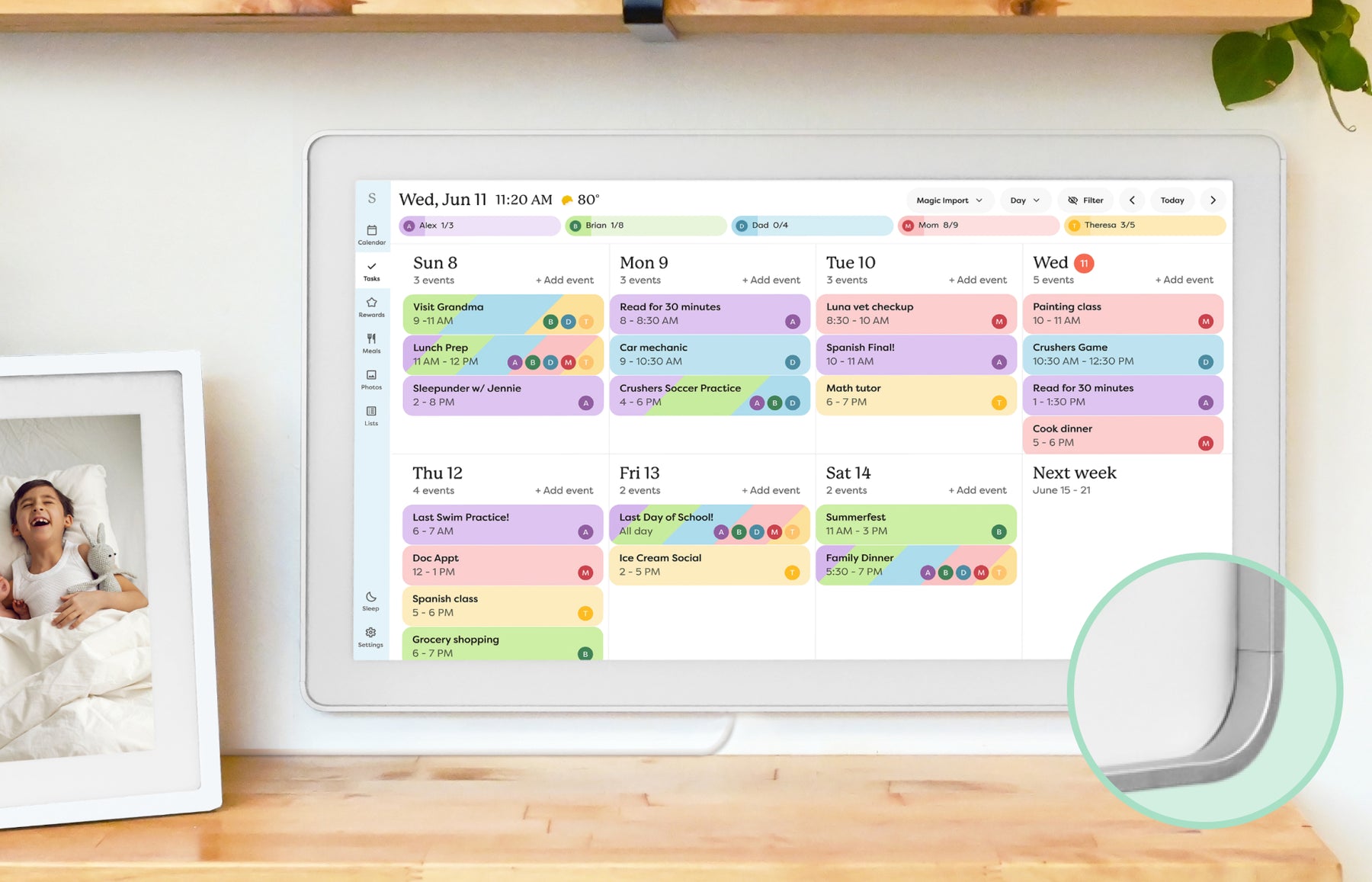 | Smart calendar frame | Families who want a polished shared calendar with broad mainstream support and do not want to run a DIY dashboard. | Official sources · checked October 20, 2026 |
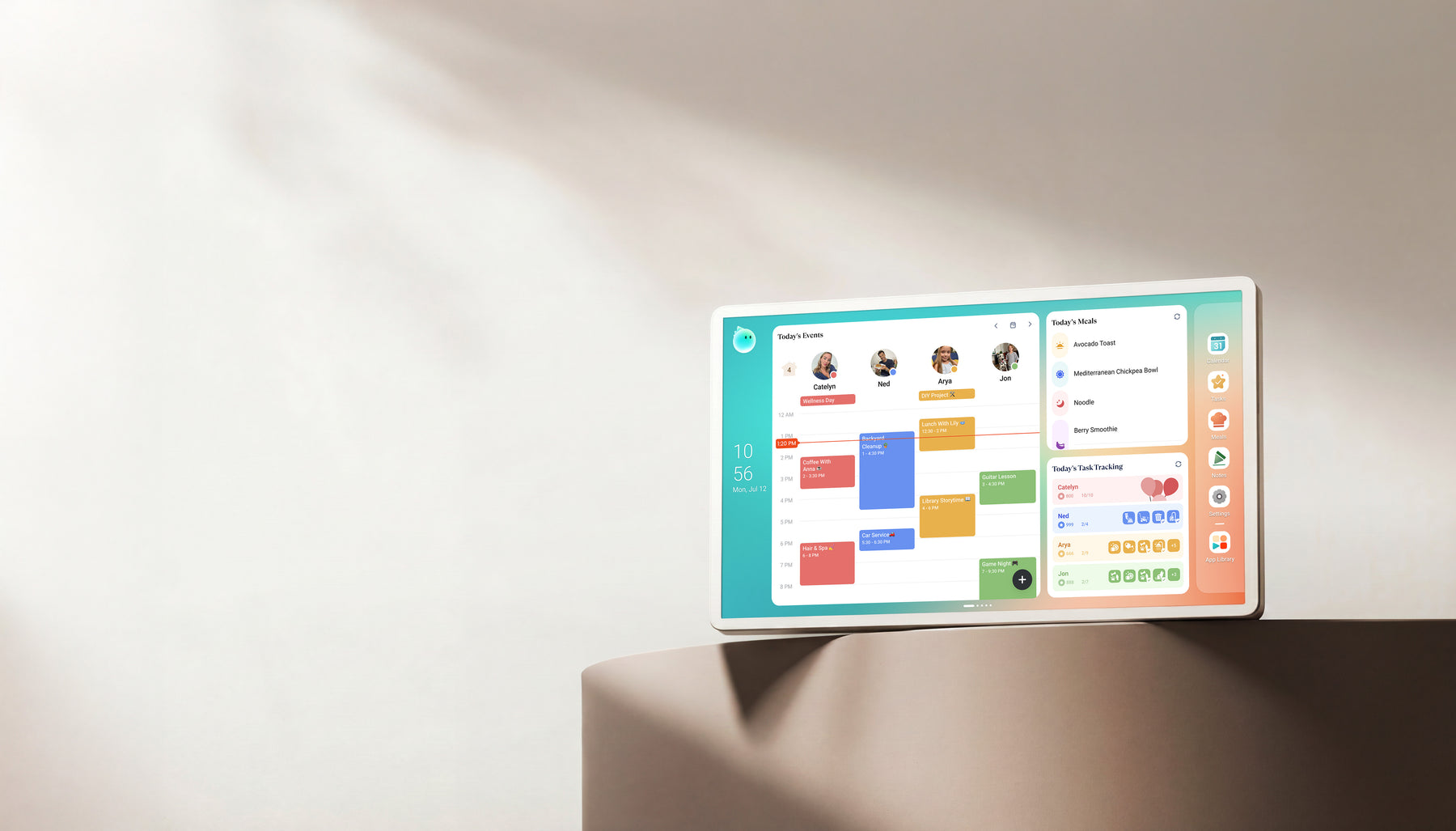 | Family display | Homes comparing Skylight alternatives with calendar, photo, and family-display needs. | Official + retailer sources · checked August 29, 2026 |
Common questions
Do digital photo frames need a subscription?
Many can receive and display photos without a paid plan. Storage, automatic albums, remote control, backup and video can have separate limits. Check the exact model and the free fallback after any trial.
Did Nixplay delete photos when its free plan changed?
Its 2025 migration notice said content would not be deleted, while content above the new limits could be restricted from sharing or viewing. Retention, playback and new uploads are different questions; owner reports do not establish one outcome for every account.
Is Cozyla completely subscription-free?
Not across every model and feature. Calendar Plus includes Essential benefits, but Neo has a separate Essential plan and Super is an optional additional tier. Compare the exact model’s included tools with the free-versus-paid feature comparison.
Does free photo sharing mean free calendar sync?
No. Google Photos sends images; Google Calendar handles events. A photo frame may not support family calendars at all, and calendar displays can charge separately for photo screensavers, imports or AI assistance.
Is a frame without subscriptions safe from future changes?
A useful free core reduces today’s recurring bill, but does not guarantee permanent cloud service, third-party integrations or software support. Evaluate the offline fallback, export path and support history alongside the no-subscription shortlist.
Related buying guidance
Compare cost, included features and your shortlist
Use the detailed comparison that matches your next buying question.
Continue your research
- Smart frame subscription costsCompare paid features with the household work they replace.
- Free versus paid feature boundariesCheck model-specific plans and included tools.
- No-subscription calendar shortlistCompare existing picks without assuming every feature is free.