
What is the safest no-subscription smart frame shortlist?
Start with Aluratek, Dragon Touch, and Apolosign for eCalendar-style research, then compare Skylight, Cozyla, DAKboard, and Hearth to understand what paid ecosystems may add.
Best Picks
A source-refreshed buyer guide comparing the free core workflow, optional paid tools, exact-model limits, app polish, and support confidence behind no-subscription calendar claims.
Buying path
Best-pick pages should pass readers into supporting reviews, comparisons, and category guides before the final click.
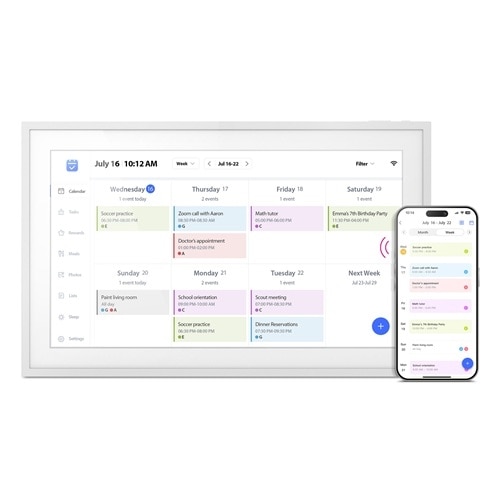
The exact AWFC15F page says there are no subscription fees; app longevity and support confidence still deserve checking.
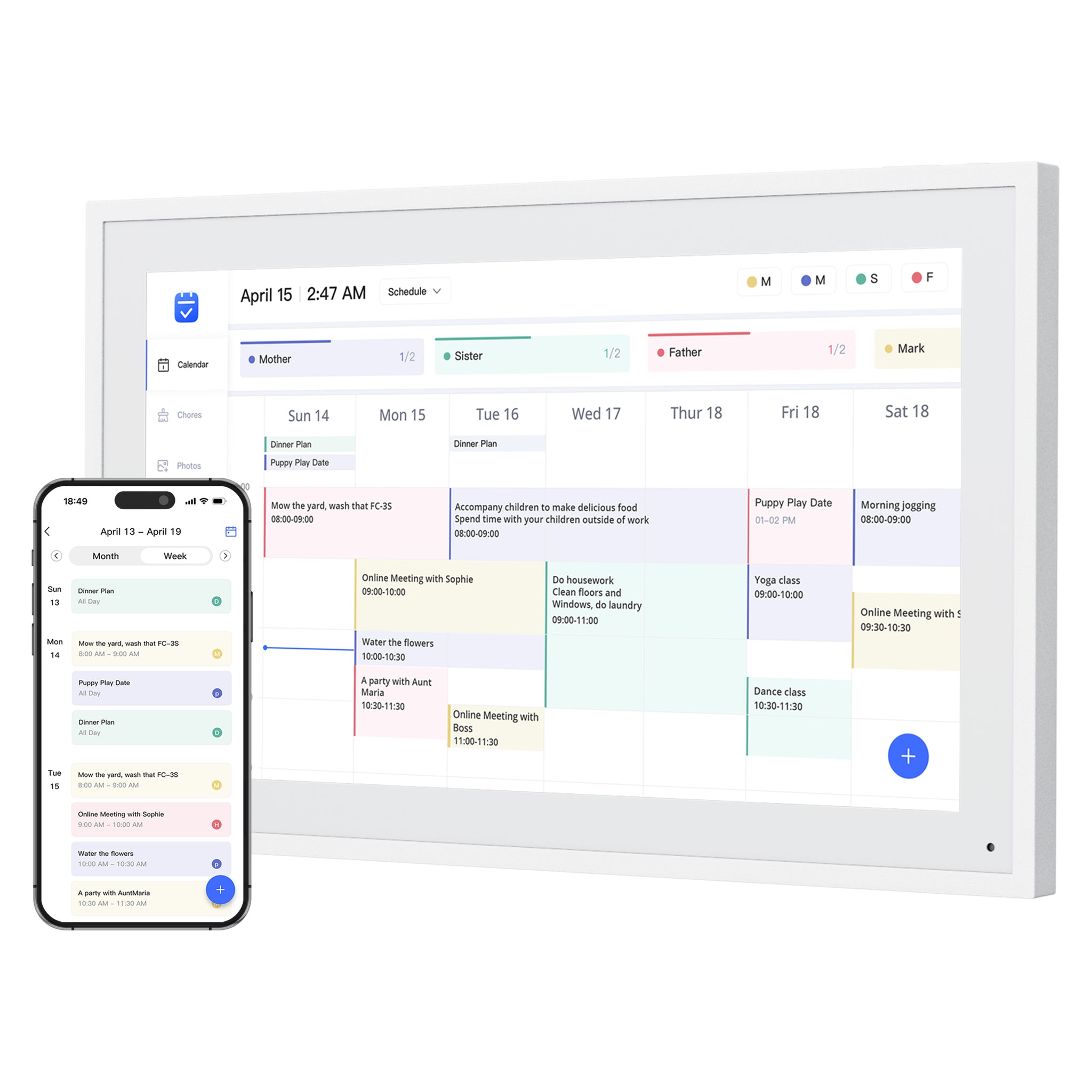
Core planning and photo features are positioned as free across a broad size range, while Magic Import remains an optional paid boundary.
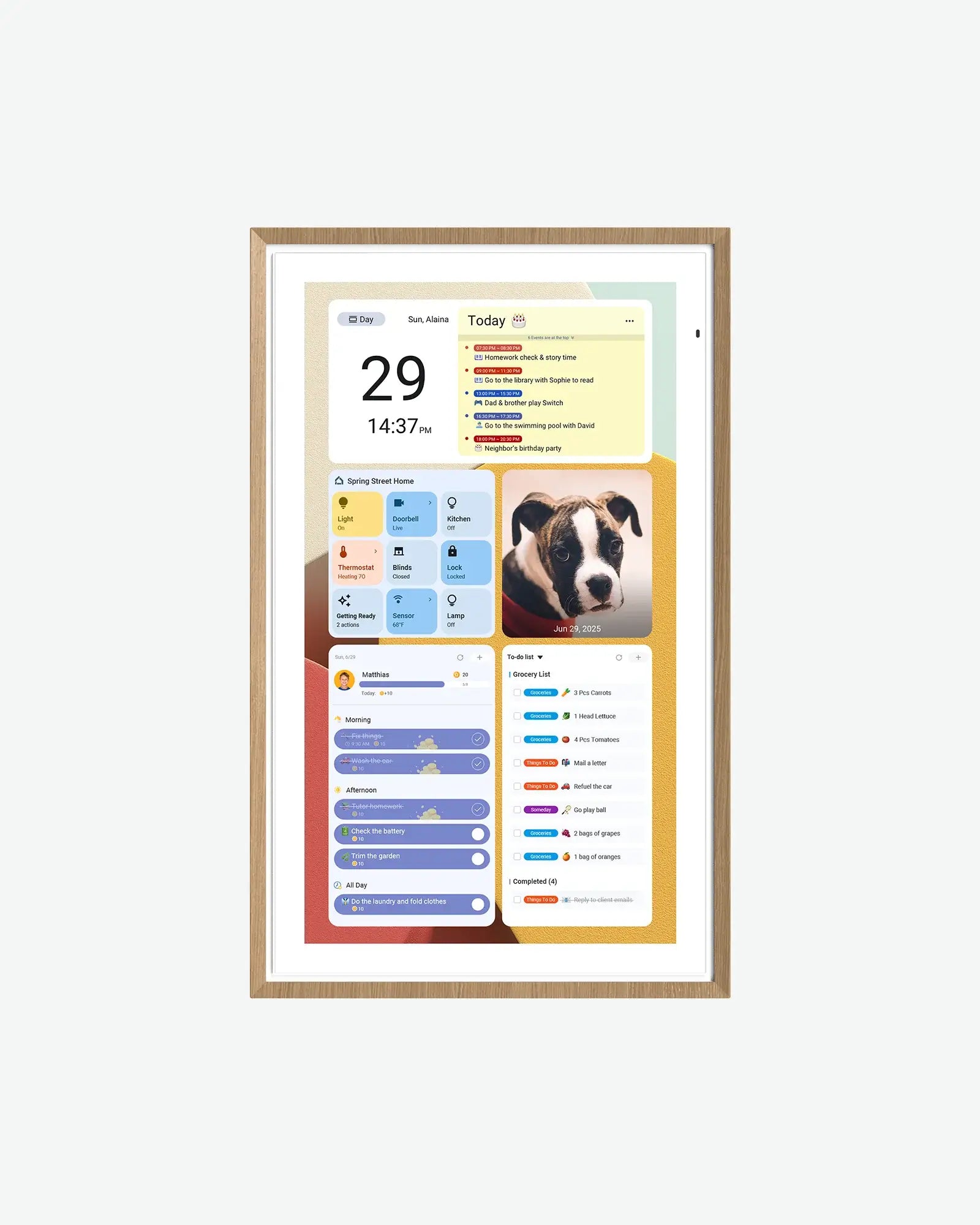
The current 15.6-inch page says its core calendar, chores, rewards, to-dos, and photo screensaver are free, with detailed Android hardware specs.
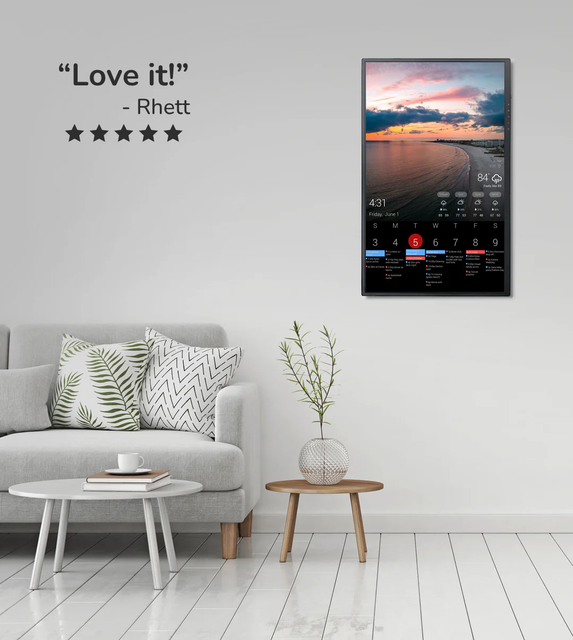
Plan value depends heavily on the dashboard needs you actually have.
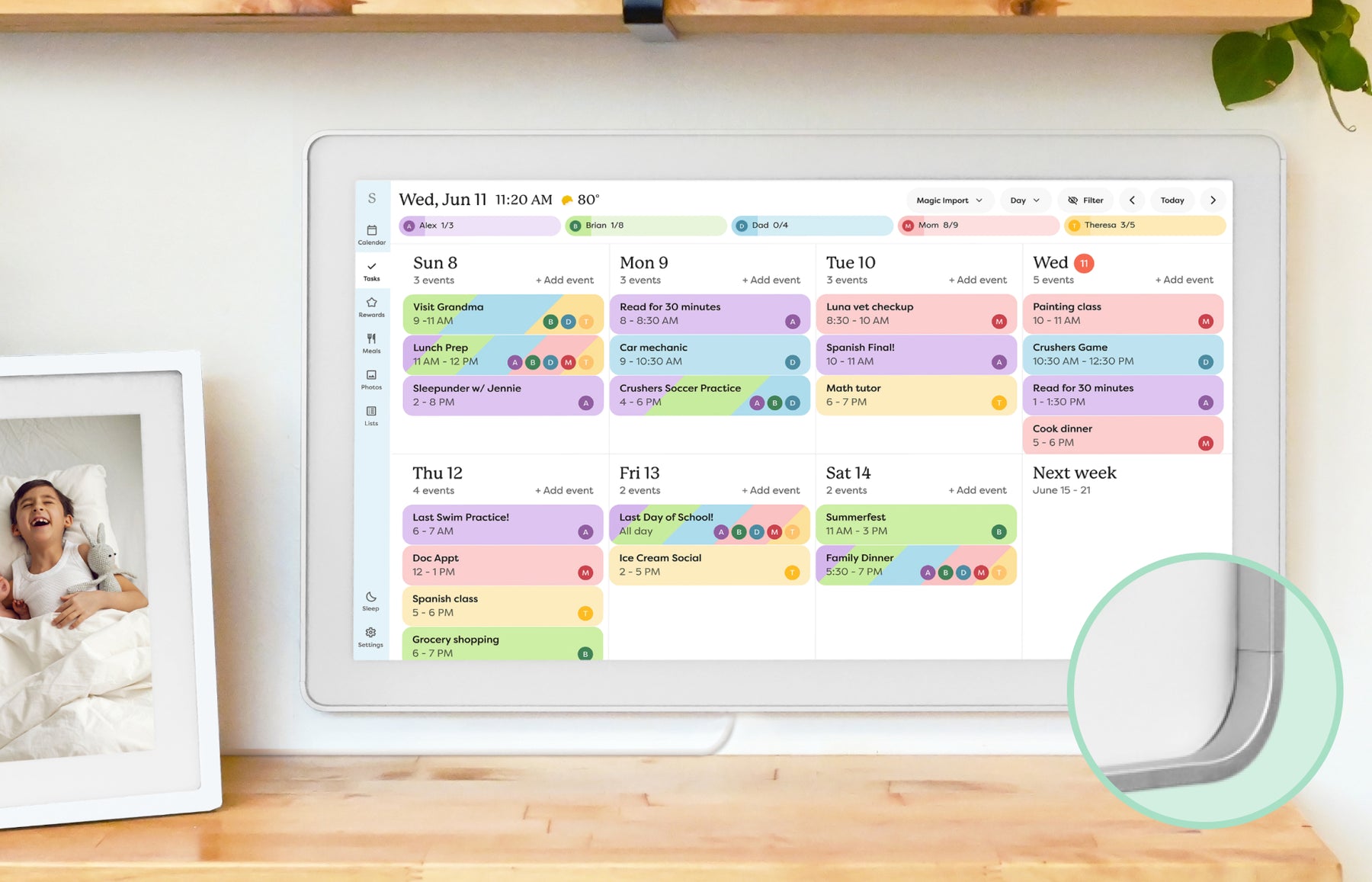
Important to compare free and paid-plan boundaries before buying.
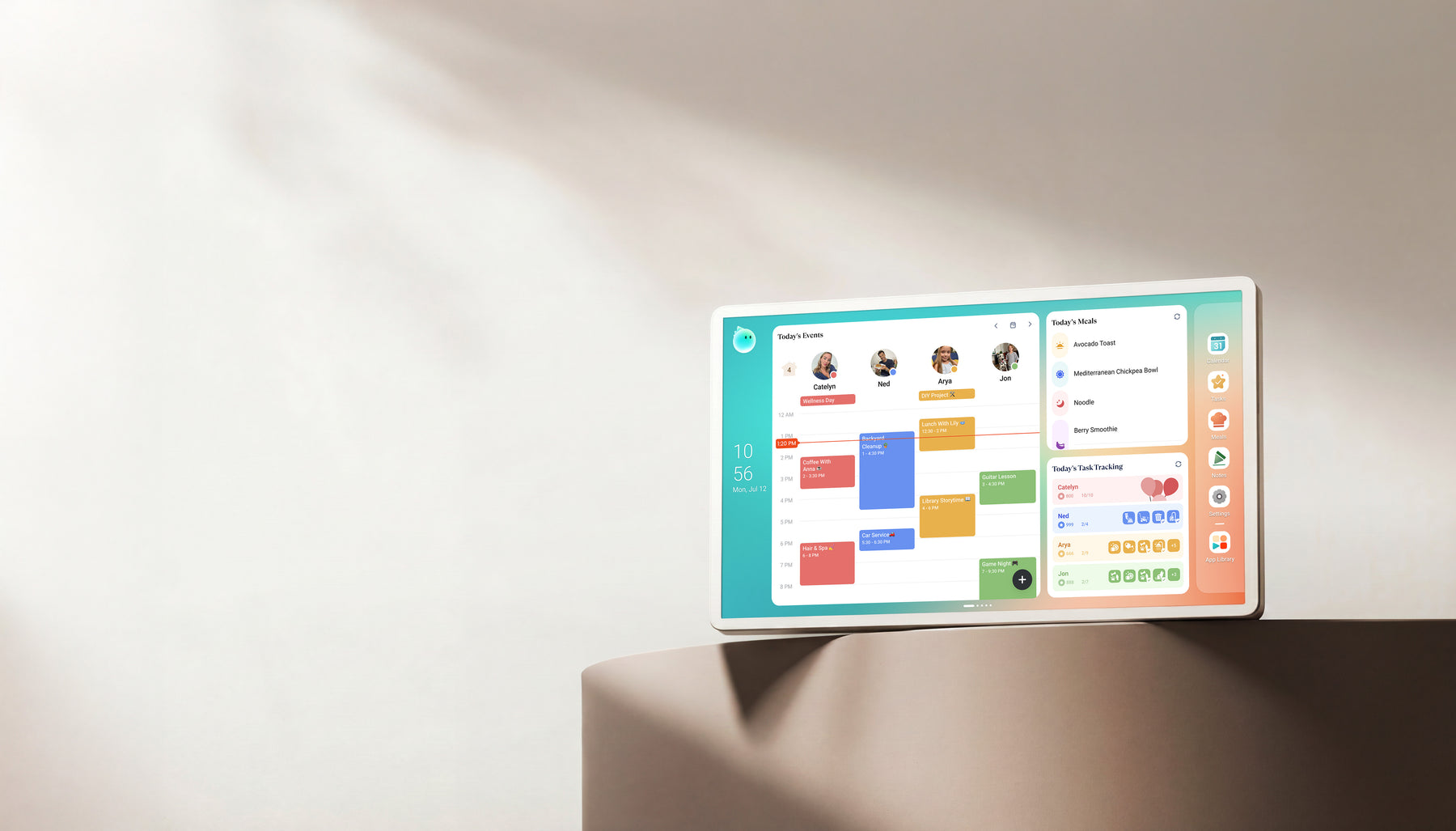
Calendar Plus 2 keeps Basic and Essential tools free, but optional Calendar Super adds unlimited Agent use, art, and Routie Super.
A no-subscription smart frame can still have paid import tools, premium AI features, app limits, accessory costs, or support tradeoffs. Treat "no subscription" as a starting filter, not the final verdict.
Subscription-sensitive buyers often focus on hardware price, but daily reliability depends on the app and support path. A lower recurring cost is weaker if calendar sync, shared accounts, or routine editing are hard to maintain.
Dragon Touch belongs on this page because it has strong no-subscription positioning and multiple calendar-display sizes. The page should still behave like a research guide, not a deal page.
The four candidates do not make the same promise. Compare the exact free workflow and the tradeoff that replaces a recurring plan before treating them as interchangeable.
| Pick | Product | Reason | Score |
|---|---|---|---|
| Best retail-spec check | Aluratek AWFC15F eCalendar | The exact AWFC15F page says there are no subscription fees; app longevity and support confidence still deserve checking. | 7.7 |
| Best no-subscription contender | Dragon Touch Digital Calendar | Core planning and photo features are positioned as free across a broad size range, while Magic Import remains an optional paid boundary. | 7.9 |
| Best spec-transparent contender | Apolosign Digital Calendar | The current 15.6-inch page says its core calendar, chores, rewards, to-dos, and photo screensaver are free, with detailed Android hardware specs. | 8.0 |
| Best to evaluate carefully | DAKboard Display | Plan value depends heavily on the dashboard needs you actually have. | 7.8 |
| Best mainstream check | Skylight Calendar | Important to compare free and paid-plan boundaries before buying. | 8.6 |
| Best alternate check | Cozyla Calendar+ | Calendar Plus 2 keeps Basic and Essential tools free, but optional Calendar Super adds unlimited Agent use, art, and Routie Super. | 8.2 |
Rankings are editorial. SmartFrameLab does not sell placements or run display ads.
Start with Aluratek, Dragon Touch, and Apolosign for eCalendar-style research, then compare Skylight, Cozyla, DAKboard, and Hearth to understand what paid ecosystems may add.
No. Dragon Touch appears because it is relevant to no-subscription and multi-size eCalendar searches. Store availability does not affect ranking order or editorial conclusions.
Not automatically. Avoid a subscription when basic calendar visibility is enough. Consider a paid ecosystem when premium imports, routines, rewards, dashboard depth, or support polish replaces real weekly work.
No. Dragon Touch charges for Magic Import, and Cozyla offers an optional Calendar Super tier for unlimited Agent use and other extras. Apolosign and Aluratek currently describe their core or device workflow as subscription-free, but buyers should still verify the exact model, calendar account path, and current app terms.