
Skylight brings Messages to Calendar, with Plus required
Send a typed or recorded message from the Skylight app to the family display. The new Calendar feature requires Plus and is rolling out gradually.
On this page
Why it matters
A message on the kitchen display could reach someone who is not checking their phone. Messages adds that option to Skylight Calendar for Plus customers, but a message remaining on screen is not proof that the intended person has read it.
Announcement or event date: .
A note from your phone to the household screen
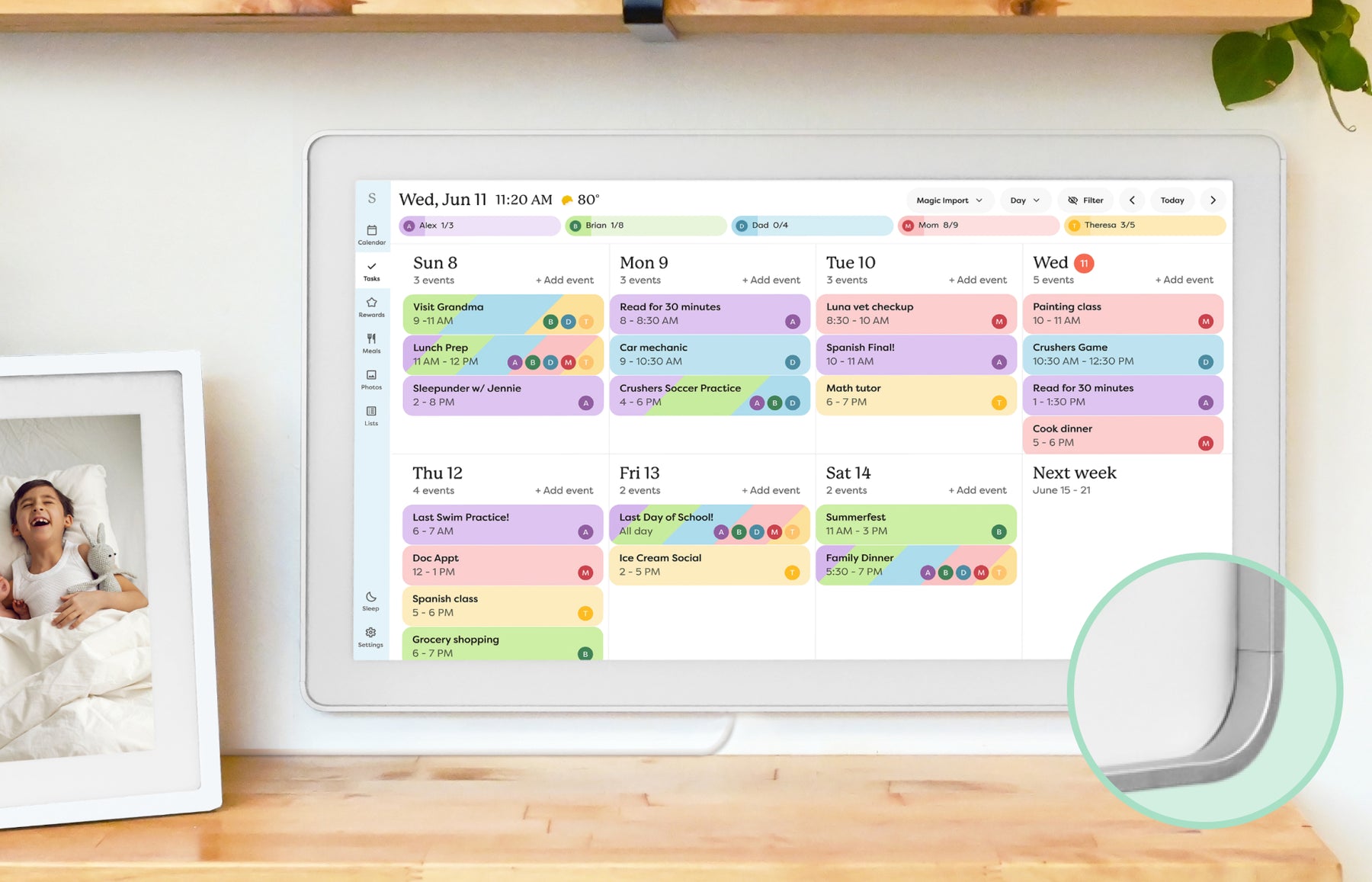
Skylight’s October 21 announcement says Messages now works on Calendar as well as Buddy. From the Skylight app, a sender can type a note or record one, send it immediately or schedule it for later, and choose whether it is read aloud. The company says a Calendar message stays visible until someone taps “Ok!”. That gives a household another place for a pickup reminder or a personal note, without requiring the recipient to open a messaging app.
Sources: Skylight: Introducing Messages
Where to find it, and who gets it
The announced route is Skylight app → Calendar Home → Messages. Skylight says the feature is for Plus customers and is rolling out over the coming days. An announcement therefore does not mean the control is already present on every account or display. If it is missing, check your current app and device software with Skylight support before buying a subscription specifically for this feature. Our Skylight Plus guide explains the wider included-versus-paid distinction.
- Keep appointments in the calendar as well as sending a reminder; a message is a separate communication.
- For a time-critical change, use a communication method that lets you confirm the person received it.
Sources: Skylight: Introducing Messages
Buddy’s Nudges becomes Messages
For Buddy owners, the announcement describes a new name for Nudges rather than an entirely new reminder system. Buddy’s updated support article documents recorded messages, typed messages spoken by Buddy, scheduled delivery and repeat settings. It states a 220-character limit for typed Buddy messages and a Plus requirement. Those instructions apply to Buddy; they do not establish the same character limit or repeat controls on Calendar. The Calendar announcement is the source for the newly added display support.
Sources: Skylight: Introducing Messages · Skylight: Messages on Buddy
Choose what belongs on a shared display
A kitchen screen can be seen by children, visitors and other household members. Keep private details out of a visible or spoken note, and think about whether audio will disturb someone nearby. For example, “Please check your phone” may be more appropriate than displaying a sensitive appointment detail. Tapping a message away is also different from a named recipient confirming receipt.
- Consider Messages if your household already uses Calendar Plus and wants occasional notes on the shared screen.
- If your only need is another way to send a text, weigh that narrow benefit against the recurring plan cost.
Sources
Sources checked .