
Skylight’s new-event notifications exclude additions made in outside calendars
Skylight can notify you about events added through Skylight, with profile choices that narrow which additions trigger an alert.
On this page
Why it matters
An appointment appearing on the family screen and a notification about its creation are separate things. For households that add plans in several apps, the place where someone creates an event determines whether this new notification applies.
Announcement or event date: .
What Skylight announced on October 28
Skylight’s October 28 feature announcement describes notifications when someone adds an event using Skylight. Its Calendar settings guide makes the boundary explicit: events added to a remote calendar outside Skylight do not send these event notifications.
Sources: Skylight: Notifications For New Events · Skylight: Calendar settings
A synced appointment can still arrive without this alert
If a family member adds an appointment in an outside calendar, seeing that appointment sync to the screen does not mean a new-event alert will follow. Calendar-provider sync and event notifications serve different purposes. Keep that distinction in mind when agreeing how the household will share an extra school pickup or a newly arranged activity.
Sources: Skylight: Calendar settings
Choose the device and profiles
In the Skylight Mobile App, open My Skylight, then Settings, and choose the Calendar device. Under Notifications, open Event Updates and enable New Events. The Notify for events assigned to checkboxes let you select profiles. Settings are per device, so a household with more than one screen should check the intended Calendar rather than assume one choice applies everywhere.
Sources: Skylight: Calendar settings
An added-event alert serves a different purpose from a reminder
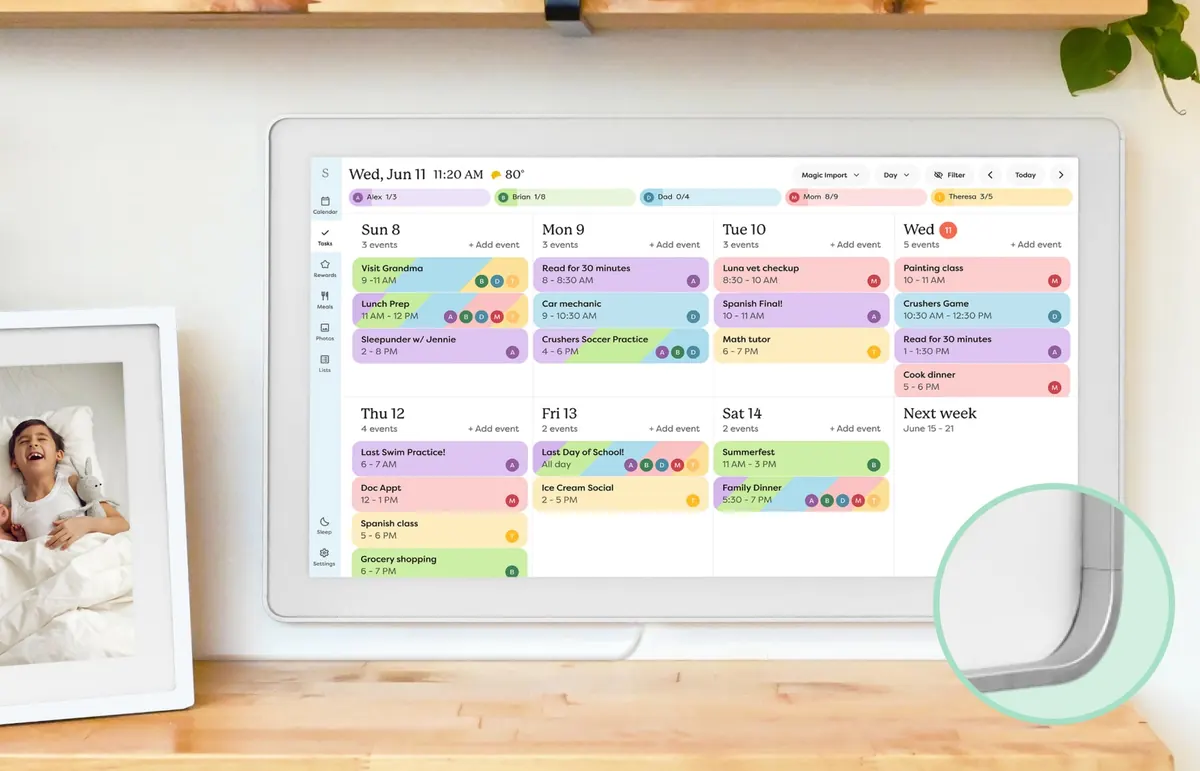
Event Reminders are separate controls for alerts before an event or at its start. A notification that someone added a plan does not replace a reminder to leave for it. For a busy family, one useful distinction is whether an alert helps someone notice a new commitment or act on an approaching one. Choose the relevant control for that purpose. Our Skylight Calendar overview covers the wider household scheduling experience.
Sources: Skylight: Calendar settings
Sources
Sources checked .