
Product Watch · unscored / Updated November 13, 2026
iLoop Calendar Pro 15.6-Inch: Should You Switch from Skylight?
iLoop
A Canadian Marketplace calendar with FotoCube planning, voice tools and a free core. Compare its AI limits, calendar connections and return conditions before switching.
Keep a working Skylight if the main attraction is escaping a subscription. iLoop’s core planning is free, but FotoCube sells optional AI and cloud services, and switching means reconnecting calendars and rebuilding household routines. Calendar Pro is more interesting for a Canadian first-time buyer who wants schedules, chores and photos together and can confirm the exact seller’s return terms before pairing.
On this page
Quick answer
- Best Buy Canada lists Calendar Pro online, sold and shipped by TUTT. The selected option is 32-Pro under Web Code 19798598.
- Core calendar and local display functions need no mandatory subscription. Voice allowances, cloud photo backup and some AI tools have separate limits.
- Magic Import reads schedule information from a picture or text. Connecting a Google, iCloud or Outlook account is a separate workflow.
Product media
Calendar Pro 15.6-inch visual evidence
2 product images
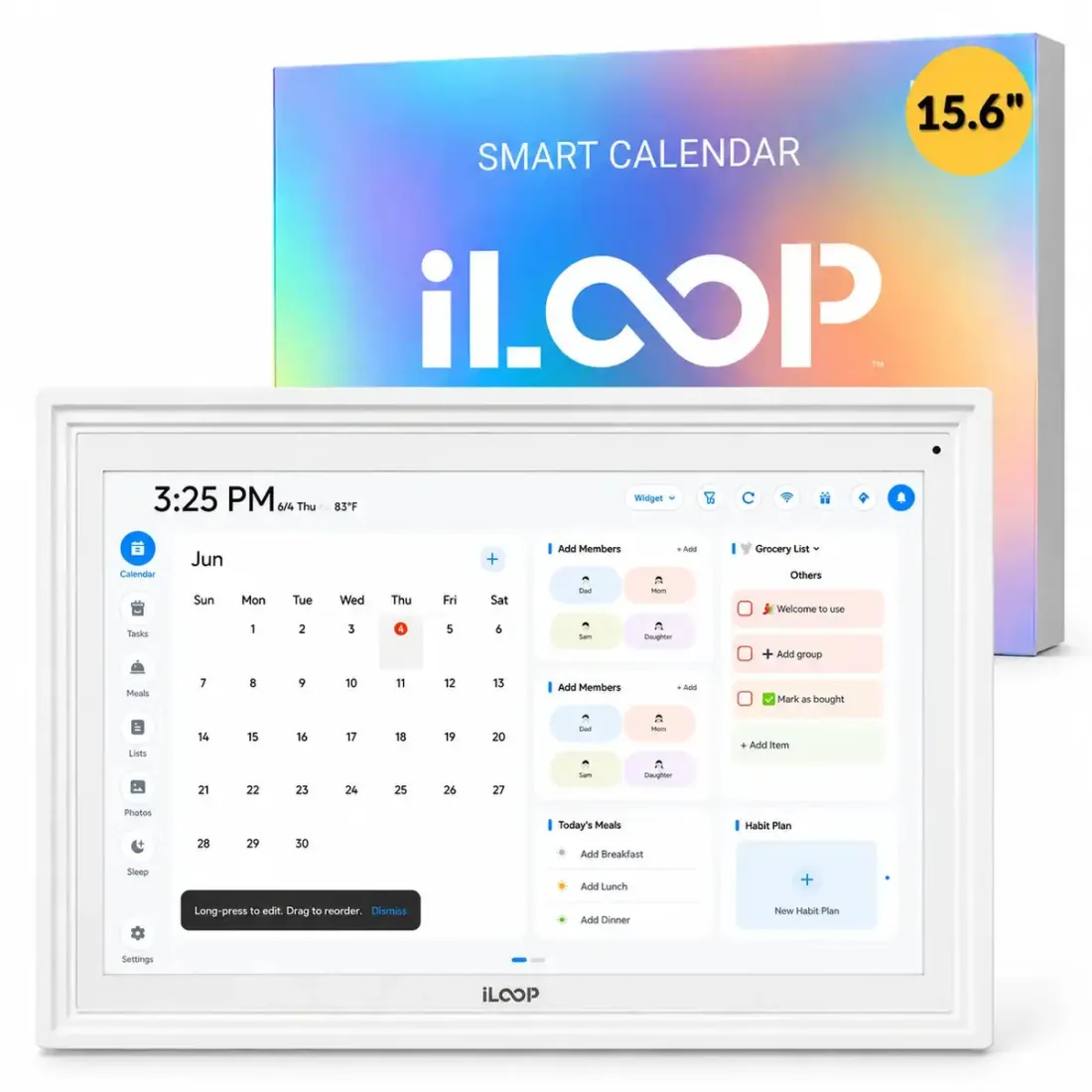
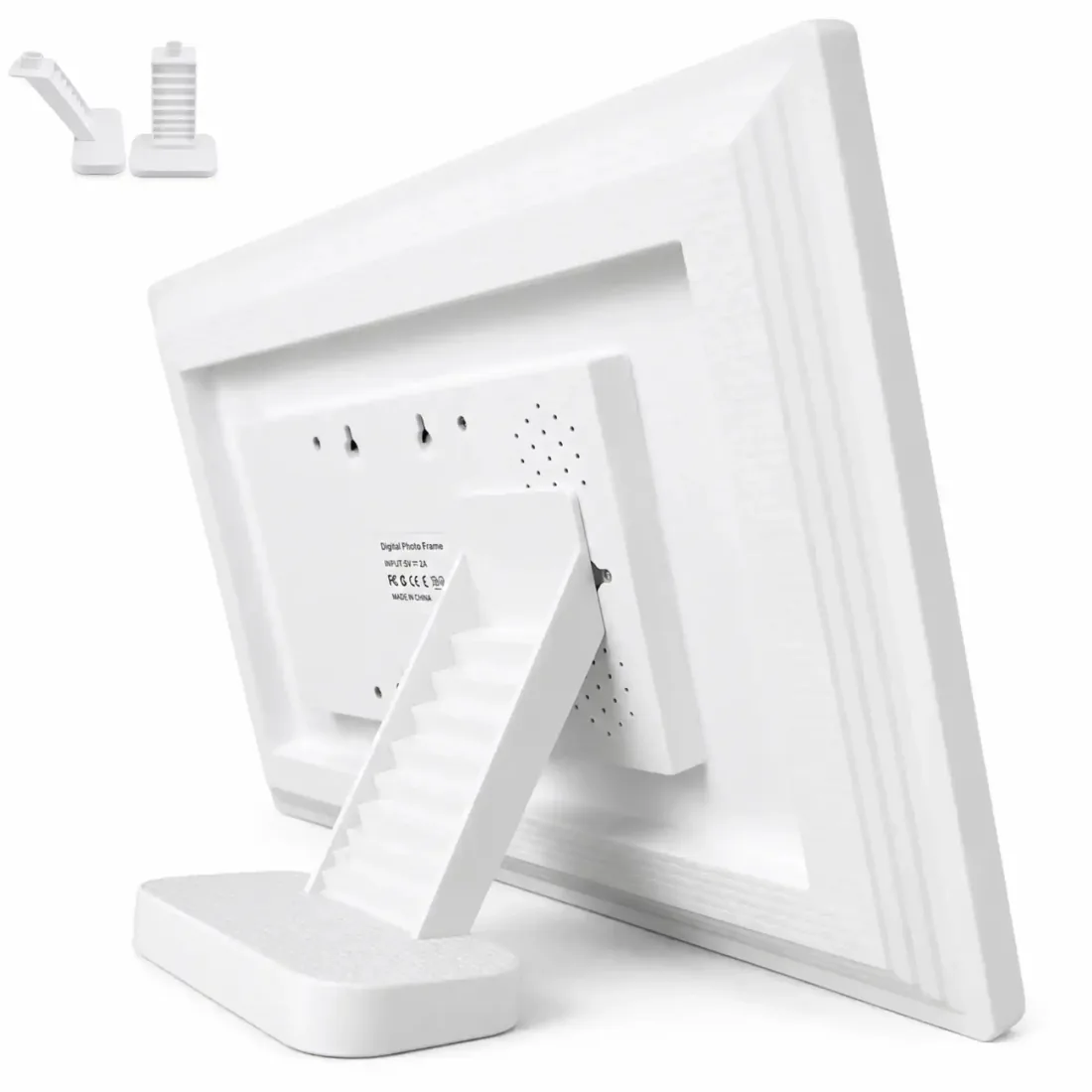
Source-backed watch notes
Product details
Updated November 13, 2026
What buying through Best Buy Canada actually gives you
The current listing is a Marketplace order fulfilled by TUTT and marked online only. That gives Canadian buyers a recognizable order channel and a named seller, while pickup and after-sales handling depend on the listing. Its model field still reads IC-15-D1, and other options share the page. Keep the 32-Pro selection and the full product description on your order confirmation. A title or an old search result alone can point you toward the standard calendar.
- The warranty section directs buyers to the manufacturer for details. Obtain the duration, coverage and claim destination for the selected product before paying. A seller rating describes the seller rather than long-term Calendar Pro reliability.
Check return eligibility before the first pairing
The Best Buy product page lists a 30-day return period with opened condition accepted. TUTT’s direct-store policy requires like-new, unused items and excludes use, activation, pairing, registration or installation. It also requires problems such as damage, defects or incompatibility to be reported within 48 hours of delivery. Because TUTT says marketplace purchases may follow platform-specific rules, retain the terms attached to the order and ask how a paired calendar is handled. A 30-day headline alone does not settle that question.
- For direct Canadian orders, TUTT describes a prepaid label after approval for damaged, defective or incorrect items. Other returns are the customer’s responsibility. Contact the seller before sending anything back.
Free core planning, with optional paid services
The October announcement used broad subscription-free language. The current product page is narrower, covering core calendar and local display functions while allowing separate FotoCube AI or cloud terms. FotoCube’s Calendar documentation includes everyday schedules, tasks, meal planning and photos in the core. Its Zola AI plans put cloud backup and remote album management in paid tiers. Receiving a family photo and managing the whole album remotely are different activities with different entitlements.
| Use | Published boundary |
|---|---|
| Everyday planning | Core calendars, tasks, meals and photo features do not require Zola AI. |
| Voice assistant | Free use lists 30 requests per month. Device-side voice also requires compatible hardware and software. |
| Cloud photo backup and remote album management | Listed with Plus or Premium. |
| Paid annual plans | Plus US$39.99; Premium US$59.99. Canadian in-app billing, tax and eligibility can differ. |
FotoCube terms checked November 13. Three complete paid years add US$119.97 or US$179.97 respectively, excluding hardware, tax and trial periods. Keep those amounts separate from the Canadian-dollar hardware price.
Calendar sync and Magic Import solve different jobs
FotoCube documents account connections for Google Calendar, iCloud and Outlook. Cozi, Yahoo and TeamSnap use calendar links. Link subscriptions can refresh later than the original calendar, and FotoCube says link-based imports and iCloud changes can take up to 15 minutes after initial sync. This matters when a pickup moves while someone is leaving the house. The app needs to show the updated event in the right family member’s calendar, not merely display an imported copy. Our calendar sync comparison explains the account and feed differences.
- For a shared Google calendar, confirm which account owns it and whether edits made on the display return to that source. Repeat that check for the particular iCloud or Outlook calendar you use.
- Magic Import captures details from a flyer, screenshot or text. Review the proposed date, time, location and recurrence before saving. It does not authorize continuous updates from the school that issued the flyer.
The useful family workflow starts with ownership
A shared screen earns its place when someone can see a plan and act on it. For a school morning, put each child’s event under the right profile, assign the recurring chore and agree what completing it means. FotoCube’s Calendar tools include tasks, shared lists and star rewards. Let a parent own reward redemption so tapping a completion button has a consistent consequence. For meals, a saved weekly plan can help the family shop even when nobody wants AI-generated suggestions.
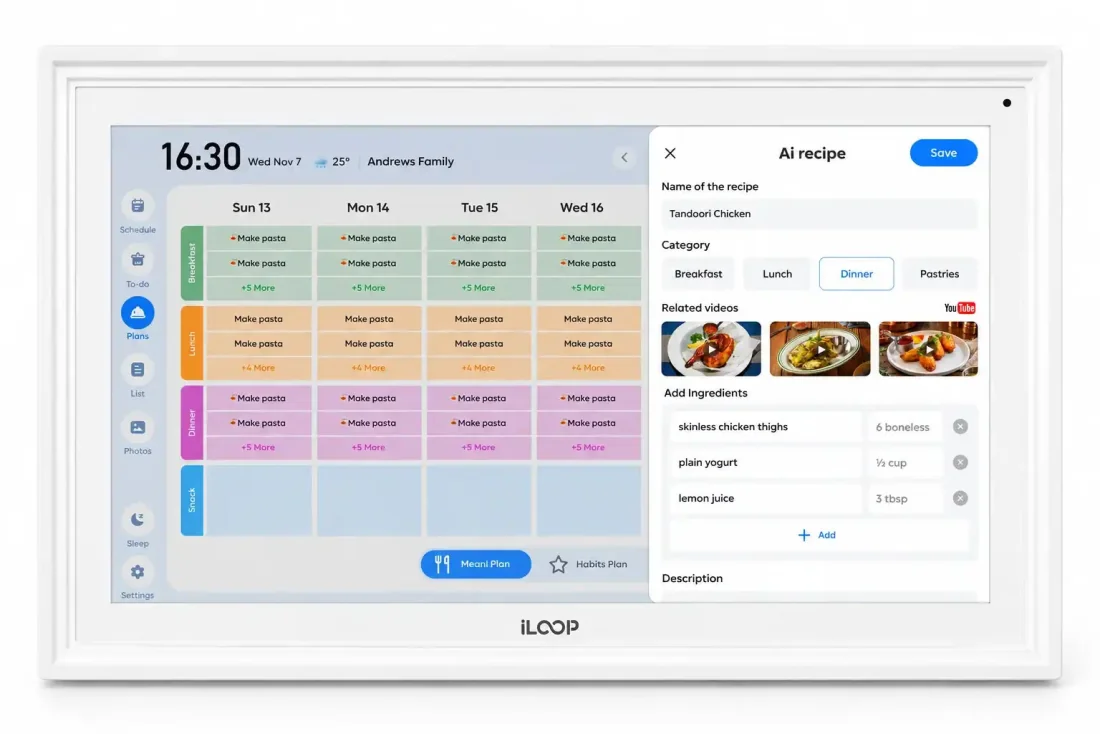
- Pro adds supported voice interaction and family messaging to the platform. A short voice reminder is useful for a handoff, but the recipient still needs to notice it. Before switching, demonstrate one noisy-kitchen command all the way through to the saved event and its intended calendar.
A large screen still needs the right text size
At 1.5 metres, a Full HD specification alone cannot tell you whether a crowded week is readable. A useful demonstration uses your longest appointment titles and several people’s colors, viewed from where you normally enter the kitchen. Compare that layout with a simple day view. The supplied stand lets you try tabletop placement, and the maker’s revised stand design is worth inspecting before choosing a wall position.
- For photos, inspect faces and vertical pictures as well as a bright calendar screenshot. Check the crop, evening brightness and whether the schedule stays easy to reach during photo playback. The product imagery here shows the interface and form, rather than measured picture quality.
32GB on the frame is useful, but keep your originals
The quoted 32GB is internal storage for both system content and media, so available photo space will be smaller. A microSD slot adds a local transfer option, while remote sharing and calendar updates use online services. Keep a separate copy of the family’s original pictures. A local card slot does not establish that every cloud album, calendar setting or family account will be restored onto a replacement device.
- Choose the separate Frameo photo frame if your main job is receiving family pictures. For connected calendars, choose the FotoCube calendar model and reconnect the accounts you actually need.
Which iLoop should you choose?
The standard 10.1-inch and 15.6-inch calendars already have FotoCube records in our software directory. The Pro is a distinct purchase aimed at additional planning and voice tools. The 15.6-inch Frameo photo frame belongs to a separate app ecosystem. Match the name, selected size, app and seller before comparing prices.
| Model | Best reason to consider it |
|---|---|
| 10.1-inch FotoCube calendar | A compact spot for schedules and photos. |
| 15.6-inch standard FotoCube calendar | More room for shared plans, without buying Pro solely for its larger size. |
| 15.6-inch Calendar Pro | Supported device voice and additional planning tools matter to your routine. |
| 15.6-inch Frameo photo frame | Photo sharing is the main job, and you want the Frameo app. |
Should a Skylight owner switch?
Start with the feature you currently pay for. If you use Skylight only for its included calendar, buying another screen adds a hardware bill without removing an existing annual plan. If you use paid photo or import tools, compare the exact FotoCube equivalent and its allowance before calculating savings. Then include the time needed to reconnect shared calendars, reassign chores and teach relatives a new photo app. Our Skylight review explains its included and paid features.
- For a first Canadian purchase, iLoop is worth considering if its free planning tools solve the household job and the selected seller confirms suitable return terms.
- For a working Skylight household, keep the current screen until the specific iLoop workflow you need is demonstrated. For a five-year purchase, ask for a written software-support commitment alongside the hardware warranty. The pages checked give no dated firmware-support end point.
Related reading
Compare the app, the screen and the ongoing cost
Use these guides to match the calendar connection and family workflow to the device.
Software and purchase decisions
- FotoCube in Software & AppsRelated devices and platform setup.
- FotoCube software WatchCompare the shared platform and named devices.
- Calendar sync comparisonAccount connections, feeds and editing rights.
- Skylight Calendar reviewIncluded tools, paid extras and alternatives.