
Available in the US · unscored / Updated November 10, 2026
myFirst Frame Clario: A 7-Inch Family Screen for Calls and Photos
myFirst
See how myFirst Circle connects the Clario to kids’ watches and cameras, what relatives need to join, and when a bigger calendar screen makes more sense.
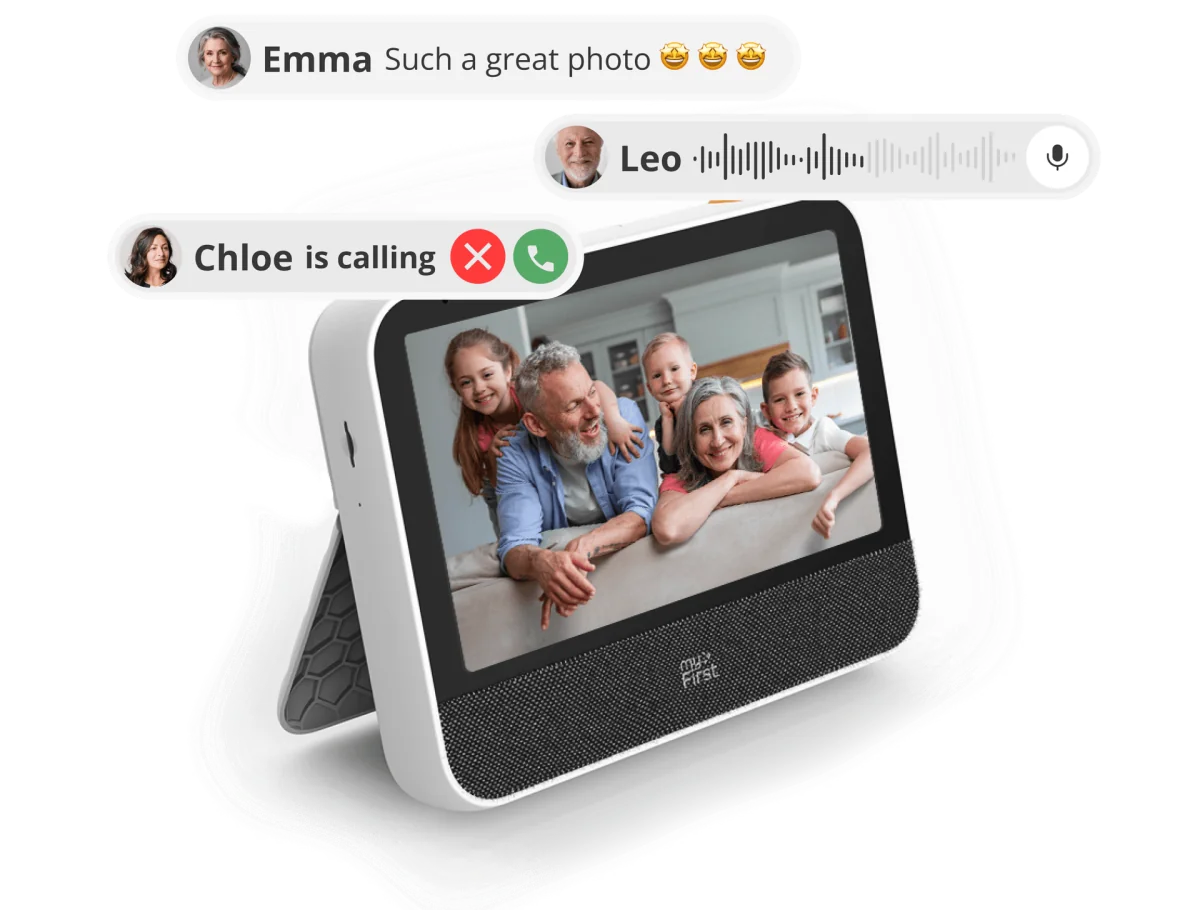
The Clario makes the most sense when a child already uses a myFirst Fone watch or Camera 50 and a relative is willing to join Circle. A child can post a picture they chose to share and later call the same relative from the frame’s physical button. The 7-inch screen is better suited to a bedside table or kitchen counter than a family calendar read from across the room.
On this page
Quick answer
- The frame receives media shared to Circle. The Fone M1 and Camera 50 instructions describe choosing what to post after taking a photo.
- Clario works with relatives using the free Circle phone app. A second frame, watch and optional dock are separate purchases.
- The white US model FF0701SA-WE01 was $84.99 when checked on November 10. myFirst lists no frame subscription for its advertised calling and sharing features.
Product media
Frame Clario visual evidence
2 product images
Source-backed watch notes
Product details
Updated November 10, 2026
What happens after a child takes a photo?
The useful connection is between the devices through Circle. On the Fone M1, myFirst’s instructions have the child open a saved picture and choose “Post to Circle.” Camera 50 has its own post screen, where the child selects photos or a video to share. The Clario can then receive Circle posts intended for it. In Digital Camera World’s home review, a photo posted to approved contacts triggered an immediate notification on the frame. That observation covers a shared post reaching the frame. In both documented workflows, taking a picture and sharing it are separate steps.
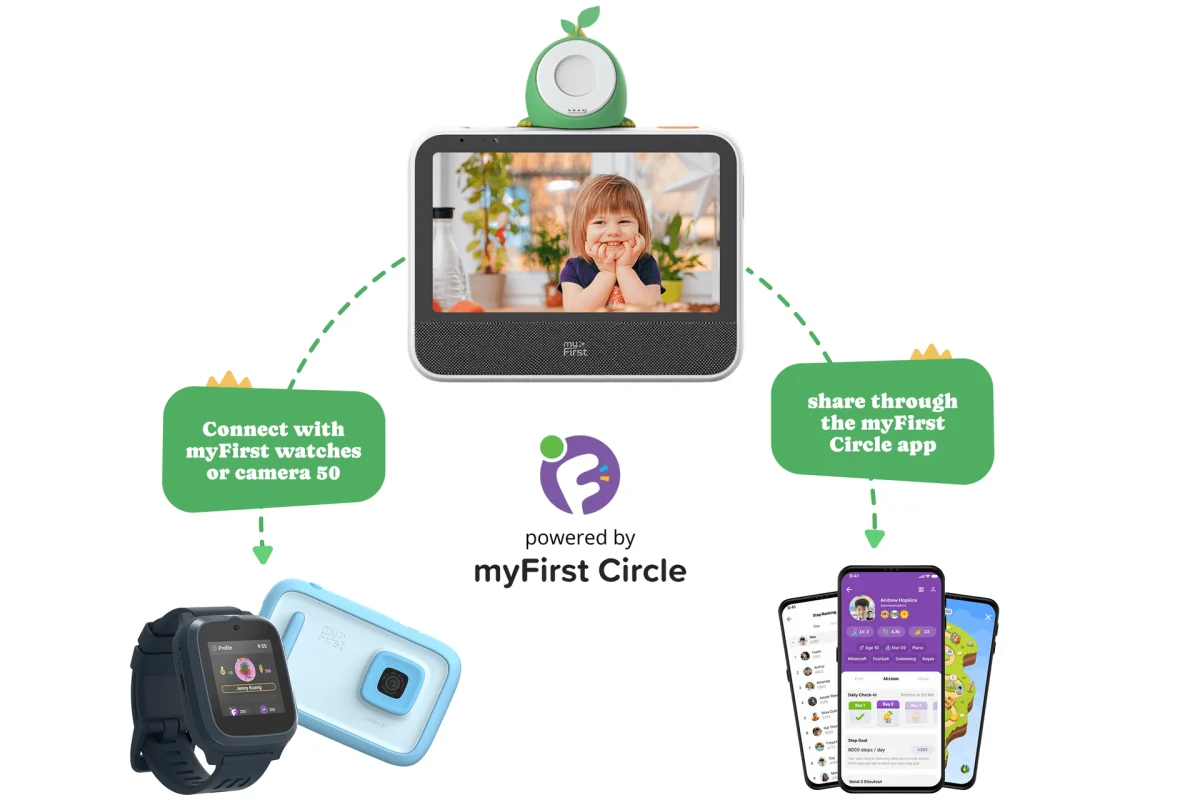
- Pair Clario in the Circle phone app first. Try sharing a harmless picture from the child’s exact watch or camera model to the intended family group.
- Ask the relative to confirm the picture appears on their end. Check who receives it before sharing a photo that shows a school name, uniform or home address.
One button helps after the family joins Circle
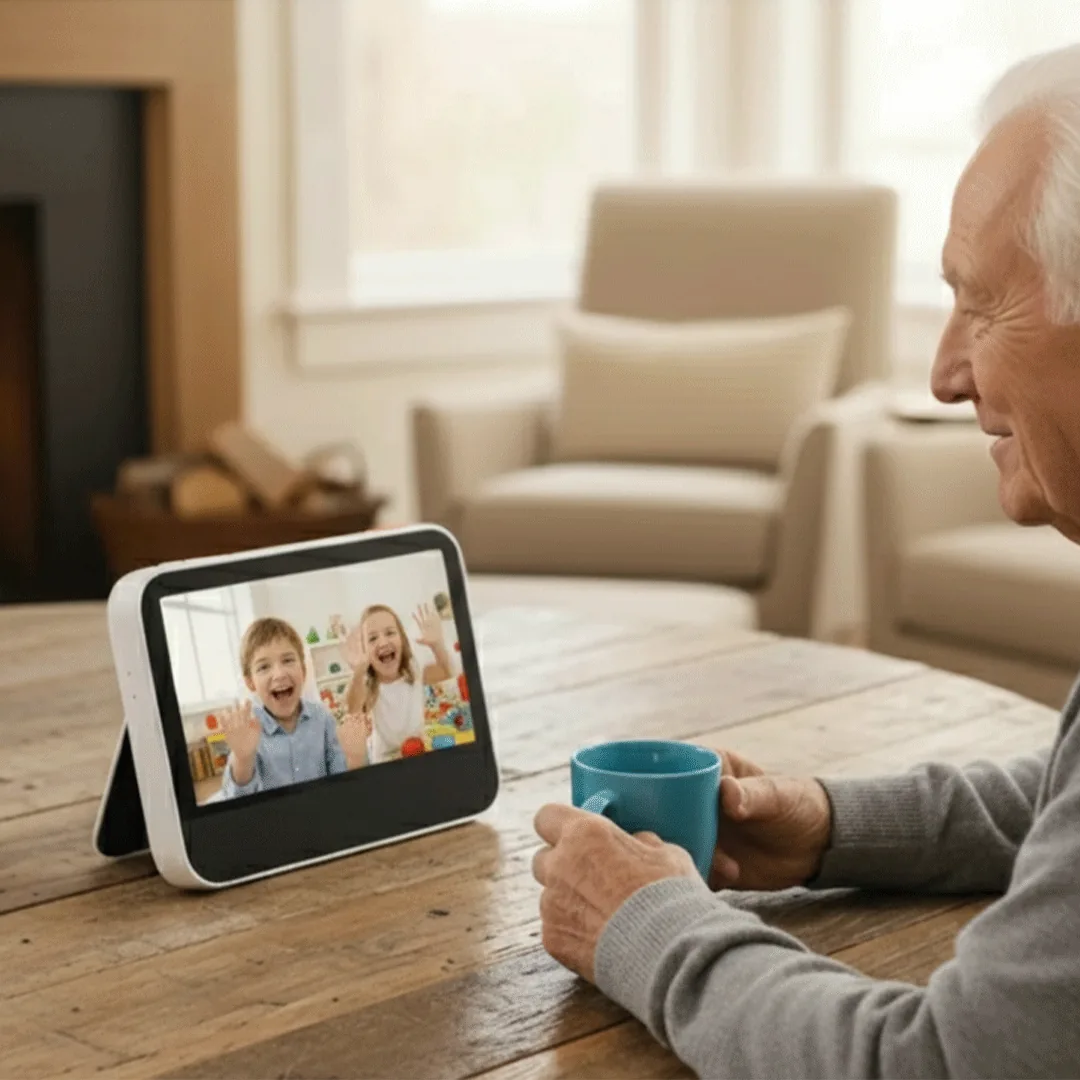
Set up the frame on 2.4GHz Wi-Fi, pair it with a Circle account and add the relatives you want the child to reach. If pairing stalls on a dual-band router, start by checking that its 2.4GHz band is enabled. The orange Magic Button can be assigned a favorite action, such as calling Grandma. Grandma can answer in Circle on her phone. That makes a second Clario optional, but it also means a relative who only wants to use FaceTime or WhatsApp has to adopt another app. In Digital Camera World’s review, calls required approved contacts with Circle installed, and the reviewer noticed some softness on the frame’s screen.
- Choose one action the child will remember and try it with the recipient’s phone locked. Make sure incoming-call notifications are enabled on the phone.
- The camera shutter and microphone mute are separate controls. Use both when a call is finished if you want the camera covered and the mic muted. Circle contact approval controls who can reach the child.
A calendar for the child’s day
The Clario manual shows a schedule view and a plus button for creating an event. That is useful for entering a reminder for library day or a recurring morning alarm alongside the weather. The documented setup covers Clario’s own calendar. Google Calendar, Apple Calendar and Outlook import and write-back are unconfirmed. If pickup times change in a calendar you already share, compare a screen with documented support for that provider before relying on Clario to mirror the changes. Our calendar sync comparison shows where external calendars can be edited.
- For bedtime, you can mix sounds such as rain, waves or a stream and save the mix. Choose an outlet near the intended spot. The US package includes a power adapter, and Digital Camera World describes its review unit as having no internal battery.
- Noise reduction is a call feature. If the Camera 50’s AI video creation caught your eye, that is a camera feature. The Clario workflow here is posting, calling and setting reminders.
Where a 7-inch screen earns its place
A child sitting at the breakfast table can get close enough to see a face and reach the call button. Across a living room, a 7-inch panel gives small faces and captions little space. Digital Camera World reported visible softness, including around text. The manual documents microSD music playback, and the product lists a card slot. Keep original photos in a separate library rather than relying on a social feed or assuming the card is a backup of Circle posts.
- If the job is showing full-size portraits on a mantel, compare a larger photo-first frame. For a family checking tomorrow’s schedule from the kitchen doorway, prioritize a larger calendar-first screen.
Price the frame and the watch separately
On November 10, myFirst’s US storefront showed the white FF0701SA-WE01 available at $84.99, down from a displayed $99.99. Nordstrom also listed it, sold and shipped by myFirst USA. myFirst’s UK and Japan stores listed £71.91 and ¥15,800 respectively. Treat these as local storefront prices and check delivery, taxes and returns for your own address.
| Item | What to budget for |
|---|---|
| Clario with Circle | $84.99 at the US price checked. The app is free and myFirst lists no separate frame fee for core sharing or calls. |
| Relative’s phone | An existing compatible phone with Circle can receive calls and post photos. A second frame is optional. |
| Child’s cellular Fone watch | Watch and cellular service are separate. At the listed $118.80 annual US/Canada FreeSIM eSIM rate, three paid years add $356.40 in service for an eligible watch. |
| Mino dock | Sold separately. Optional for the frame’s core Circle functions. |
US frame price before tax and shipping. The service example excludes the watch, dock, taxes and any trial. Check plan eligibility for the exact watch.
Which screen should your family buy?
Choose Clario if the main job is letting a child call an approved relative from a reachable tabletop screen and the people involved will use Circle. If a shared week of pickups, clubs and appointments is the main job, start with Skylight Calendar or another calendar-first wall display. If relatives mainly want a slideshow and already share a cloud album, start with a photo-first frame that works with that library.
Related reading
Choose by what the family does on the screen
Compare shared schedules, communication and photo sharing before adding another app.
Planning and sharing
- Photo frame with calendar displayCompare photo-first and calendar-first screens.
- Family command center or calendar frame?Choose a display around the way your family plans.
- myFirst CircleSee the companion app and its supported display.