
Software-tested review and editorial score published / Updated October 16, 2026
Zenframe Family Display Product Watch
Zenframe
Display and Mini specifications, connected family software, calendar export, calling and the latest dated updates.
Zenframe earns 7.9/10 for its connected family workspace: calendar, meals, shopping, kids routines and a useful contextual assistant. Our software checks found working public-calendar subscriptions and approval-based shopping actions. Display and Mini run the same software, with calendar direction and the optional ongoing Family cost the main tradeoffs.
Open the Zenframe Display review
Quick answer
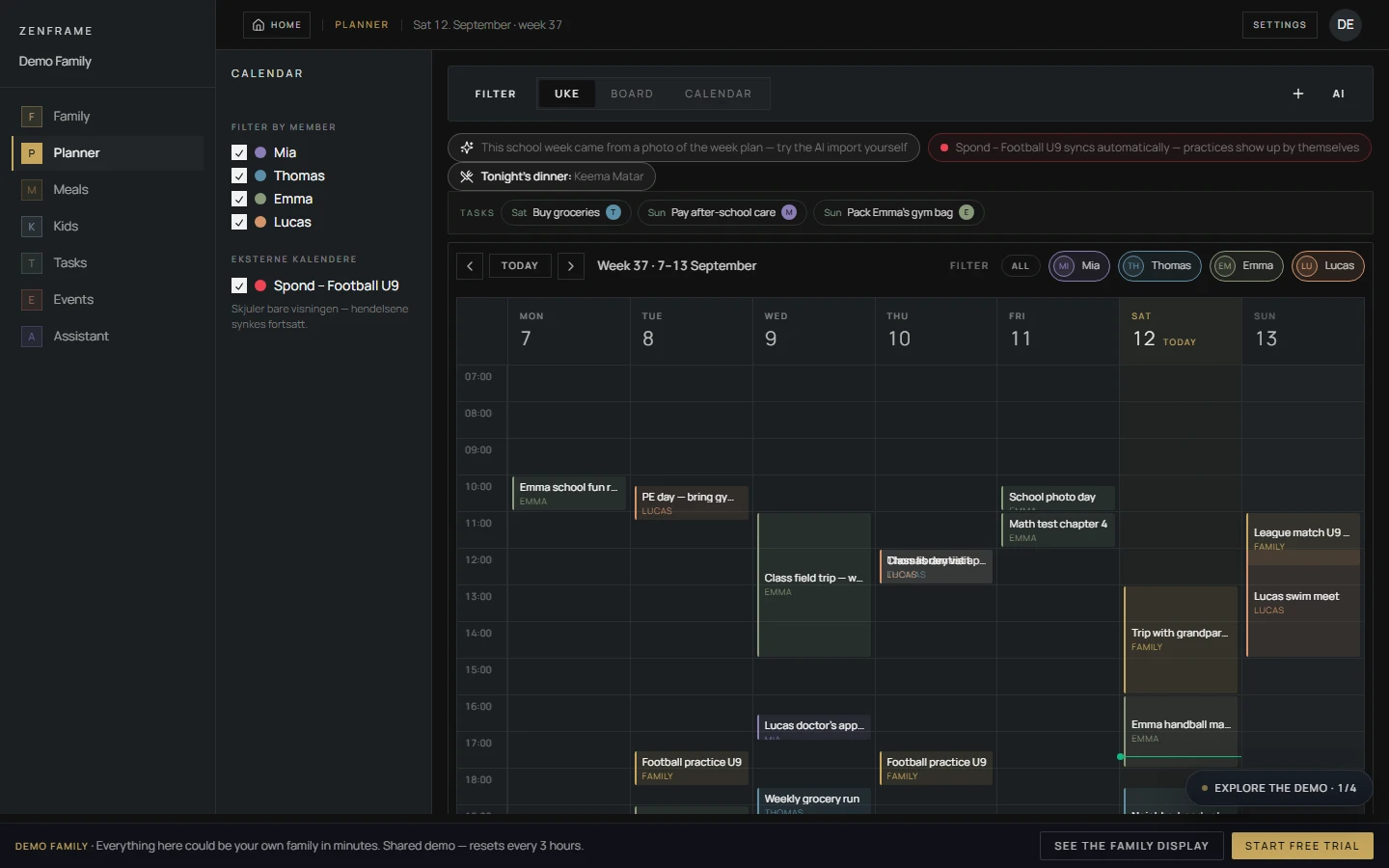
- Display has a 15.6-inch IPS 1920×1080 touchscreen; Mini has a 10.1-inch 1280×800 touchscreen. Both include a wall mount and table stand and run the same software.
- The European page lists Display at €329, Mini at €229 and shipping at €29. Family is included for 12 months, then optional at €8.99/month; calendar, photos, clock and weather stay free.
- The October 15 manufacturer update describes app 1.9.1+ export, display/mobile voice calls, child-day views, language onboarding and family-timezone corrections. See the full review for the five-dimension score and software observations.
Product media
Display visual evidence
6 product images
Series map
Zenframe products in this watch list
2 models tracked Compare exact sizes, functions and availability.
Zenframe Display
Zenframe Display
- Role
- Main kitchen or household planning surface
- Screen
- 15.6-inch IPS touchscreen, 1920×1080
- Status
- Black or white; stock and delivery vary by selected variant and country
- Price signal
- €329 on the European Display page checked October 16, 2026
Zenframe Display
Zenframe Display Mini
- Role
- Smaller hallway, child-room or secondary display
- Screen
- 10.1-inch touchscreen, 1280×800
- Status
- Black or white; stock and delivery vary by selected variant and country
- Price signal
- €229 on the European Display page checked October 16, 2026
Source-backed watch notes
Product details
Updated October 16, 2026
October 15: family communication and software updates
Zenframe’s October 15, 2026 response adds family communication, child-day views and updated import behavior to the earlier software evidence. These are dated manufacturer updates; our direct reviewer-account session remains September 13.
- Voice calls connect the display and mobile app in both directions, included in Family at no extra charge and enabled by default. The official Display page describes approved contacts.
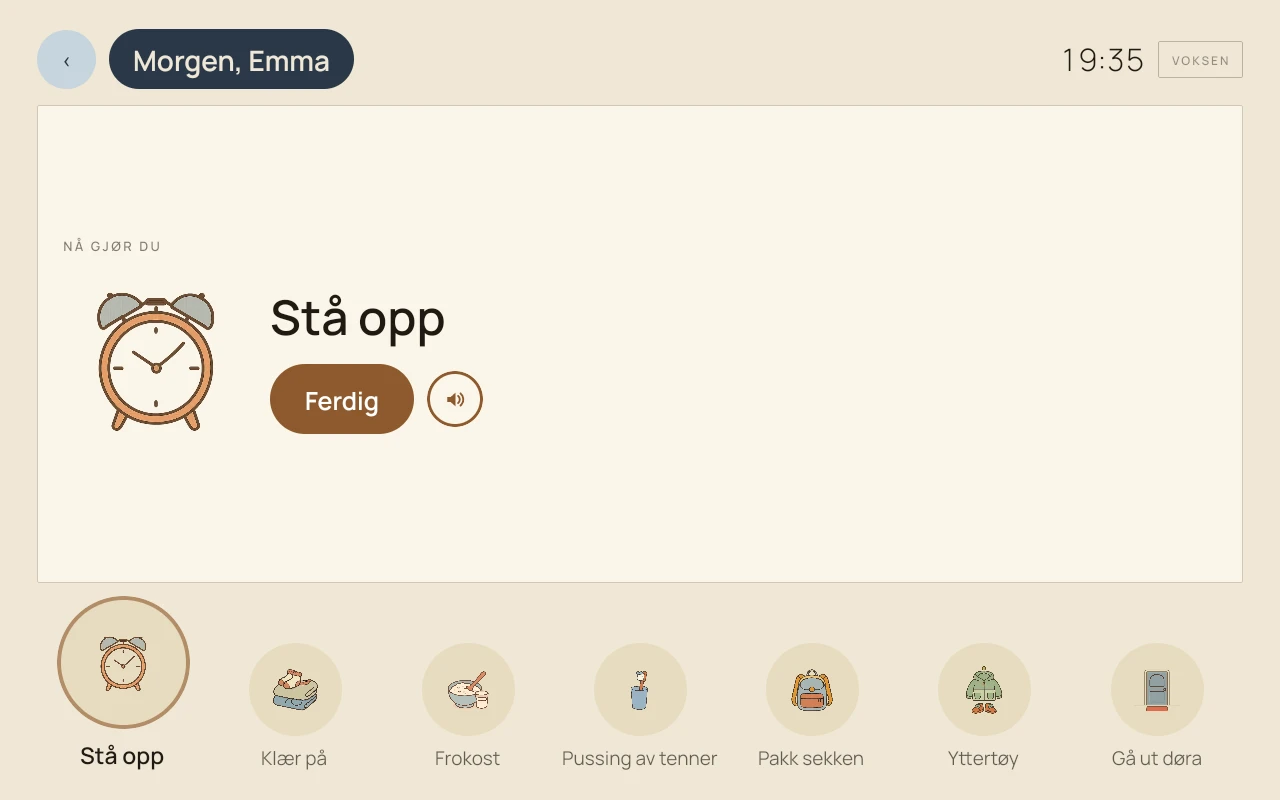
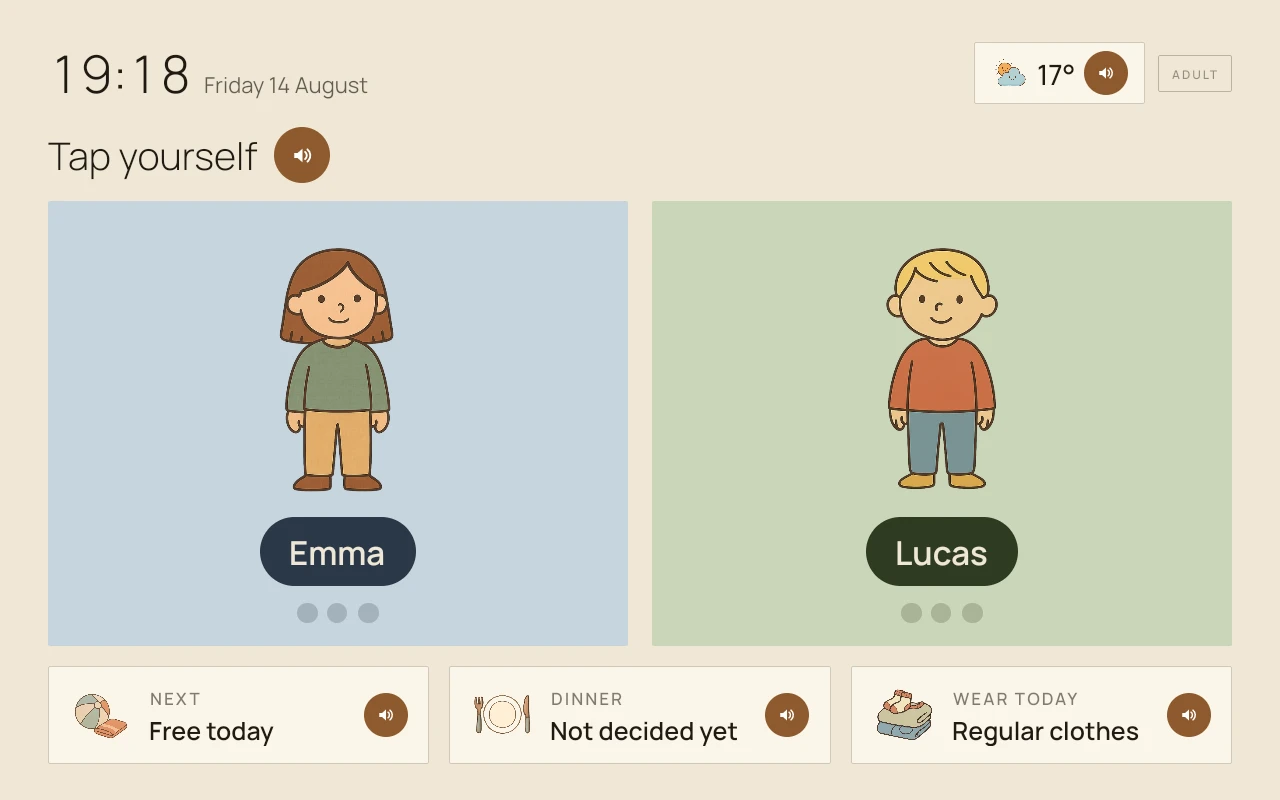
- Kids mode shows each child’s own calendar day, with a PIN-protected exit back to the normal screen.
- Onboarding confirms the family language; ambiguous image imports become approval proposals with explanations in that language.
- The manufacturer reports family-timezone relative dates across Assistant tools and imports. Norwegian school-term, sports-fixture and shift-roster documents deliberately retain Norwegian-time handling.
- Zenframe reports added market support for Austria, including state-specific holidays and school breaks, plus Ireland and Czechia. Software coverage and delivery eligibility are separate checks.
Display and Mini specifications
Display: 15.6-inch IPS 1920×1080 touch; Mini: 10.1-inch 1280×800 touch. Black or white, with wall mount and table stand included.
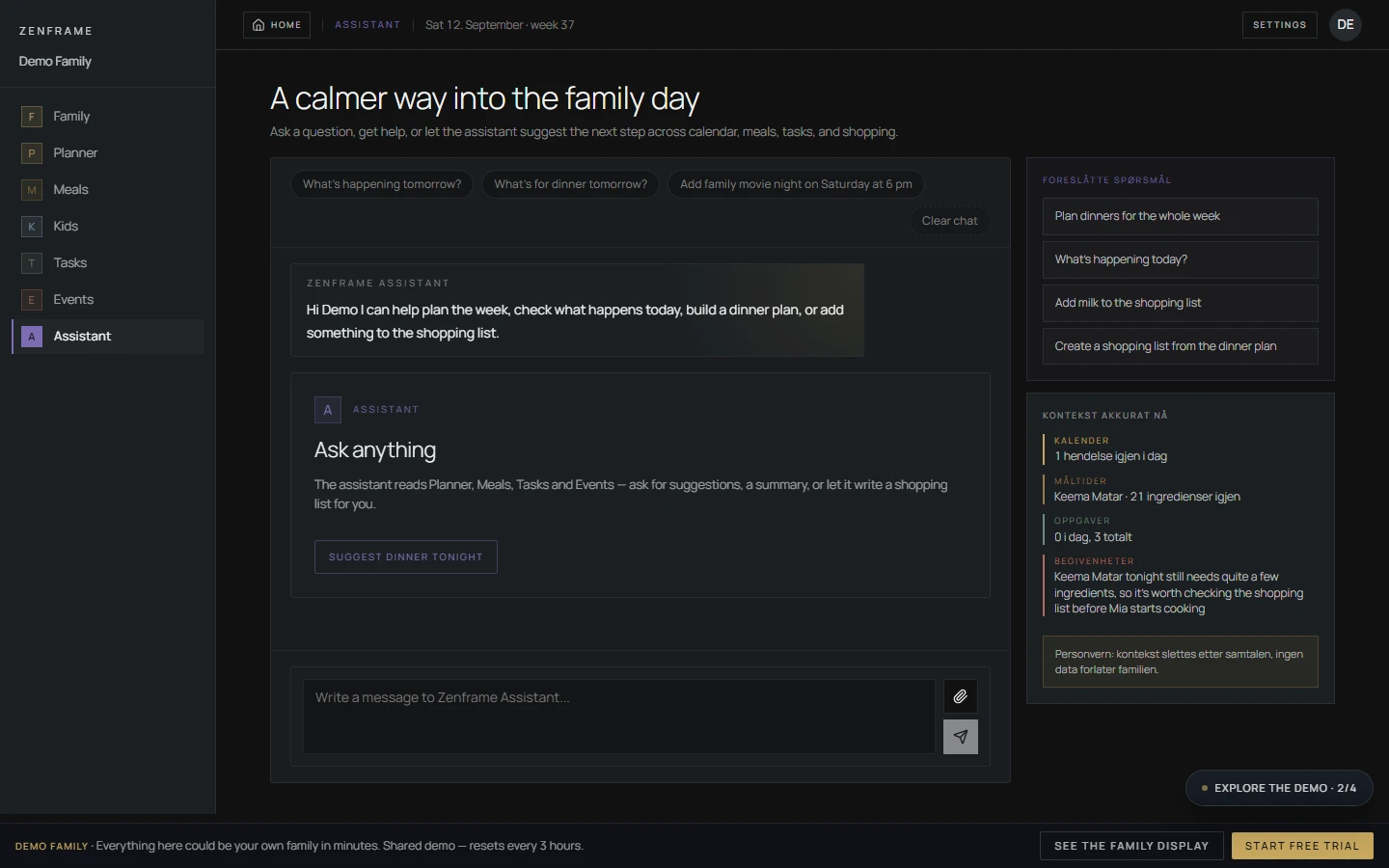
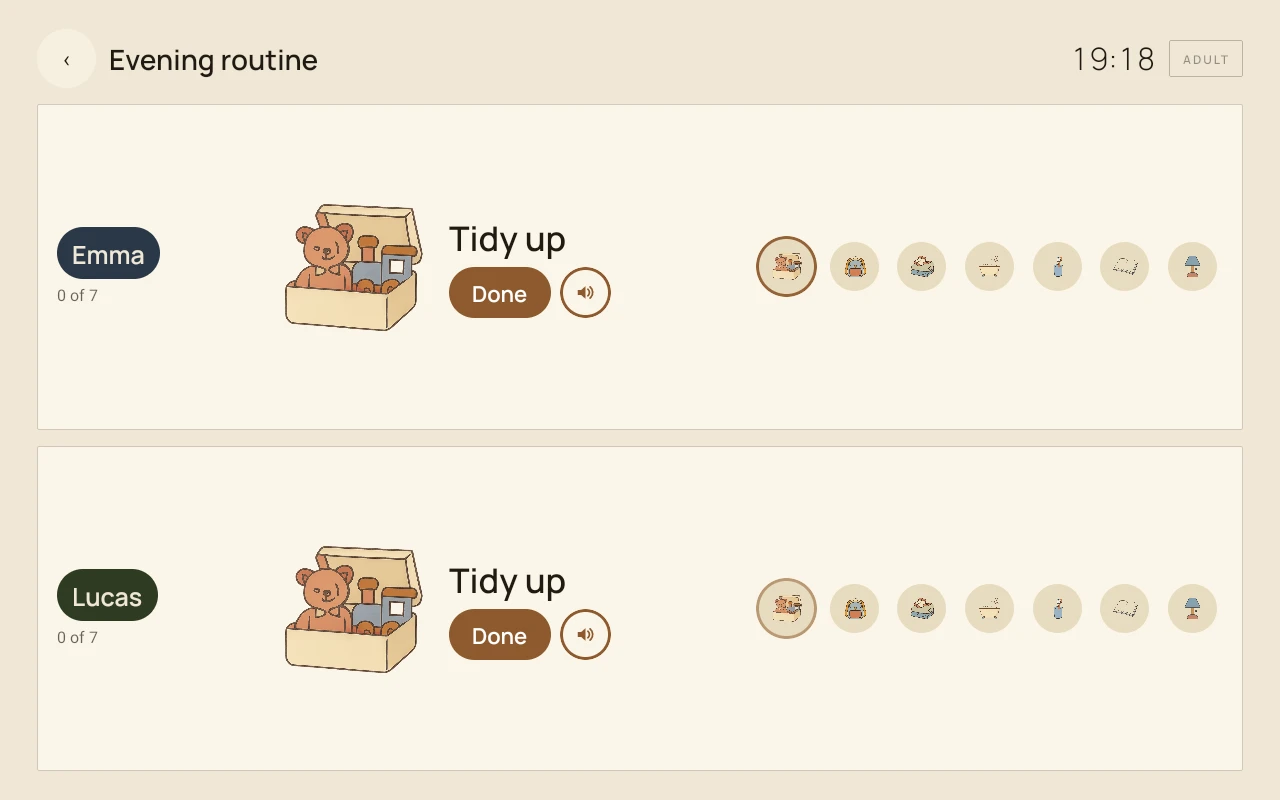
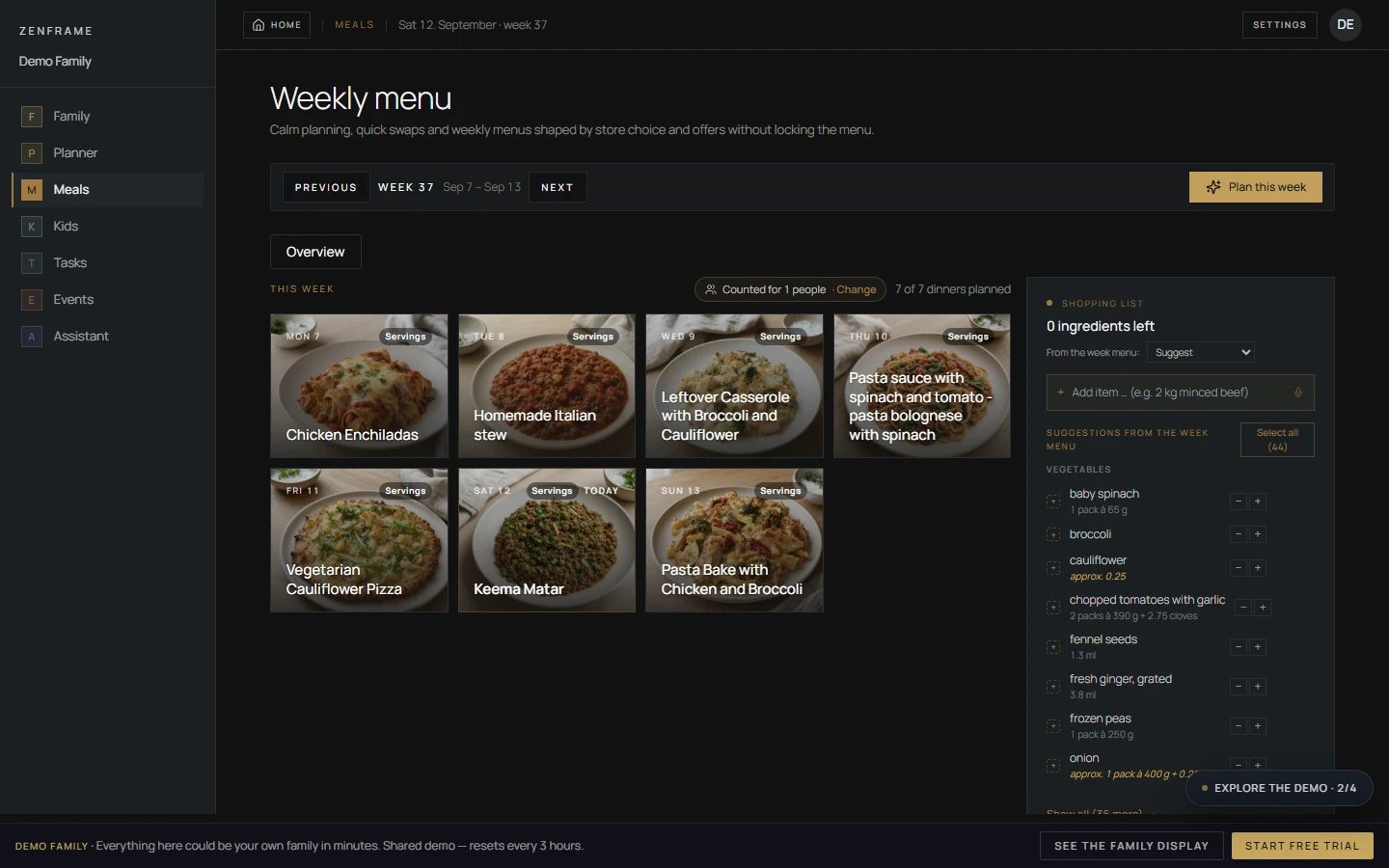
- Both sizes run the same family calendar, meals, shopping, tasks, routines and Assistant tools.
- The October 16 European product page lists Display at €329, Mini at €229 and shipping at €29; colour and delivery timing depend on the selected variant and country.
- The supplied hallway photo has background/light edits and blurred screen names. Interface screenshots use demo-family data.
Calendar export and the Family plan
Zenframe’s October 15 instructions specify app 1.9.1 or later for export: open Connections, select an existing iCloud, Google or Exchange/Outlook calendar on the phone, grant calendar permission and choose family or personal events.
- Only Zenframe-created events are exported. Destination edits do not return and may be overwritten; imported events are not sent back to their source.
- 12 months of Family included; optional €8.99/month afterward on the European Display page. No automatic paid start.
- Apple’s Norway lookup API checked October 16 lists iOS version 1.13.0, released October 12. The current App Store label discloses identity-linked data; Google Play lists its own collection, sharing and deletion disclosures.
Read the software experience and score
Our Zenframe Display review explains the calendar-subscription checks, contextual AI response, approved shopping write and school-notice import, alongside the five-dimension editorial assessment.
- The Zenframe Display review gives it 7.9/10 overall; each dimension and its tradeoff is explained in the review.
- Compare the family workflow, external-calendar direction and ongoing Family cost before choosing the screen size.
European family-display research path
Check sync, household workflows, and plan boundaries.
Zenframe combines calendars, meals, tasks, kids routines, photos and AI-assisted planning. Open the review for its five-dimension editorial score, software experience, Display and Mini specifications, and current Family costs.
Calendar and command-center fit
- Zenframe Display ReviewRead the software findings, five-dimension score, display specifications and buying guidance.
- Calendar Sync SupportSeparate native sync, imports, ICS feeds, and two-way calendar behavior.
- Family Command Center vs Calendar FrameDecide whether the household needs a shared planning system or a simpler calendar screen.
Household workflow checks
- Chores, Routines, and Shared TasksCompare household ownership, child routines, rewards, and shared task visibility.
- AI Assistant ReadinessJudge AI tools by confirmed household outcomes, controls, and correction paths.
Plan and category boundaries
- Free vs Paid Feature BoundariesCompare the free Basis tier with the Family subscription after the included year.
- What Is a Smart Calendar Frame?Place Zenframe within the wider calendar-first family display category.