
Start with the job
Quick answer
The best AI calendar is the one that reduces a job your family repeats and lets you check the result. Compare Skylight for document-to-calendar imports, Hearth for approval-based household planning, and Cozyla for a phone-and-display Agent workflow. Zical and FotoCube add different voice and planning paths; exact display support and allowances still matter.
This is a capability comparison, not a hardware performance ranking or an AI accuracy benchmark. Entries are not ordered winners. Published documentation supports the listed workflows; we have not run a common set of tasks on all these displays. Representative Skylight media shows the original Calendar, not Calendar 2.
Features with boundaries
Compare the action, access and failure boundary
On a smaller screen, swipe the table sideways to see costs and limits. With a keyboard, focus the table and use the arrow keys.
| System / option | Documented AI job & access | Paid / allowance boundary | Limits & sources |
|---|---|---|---|
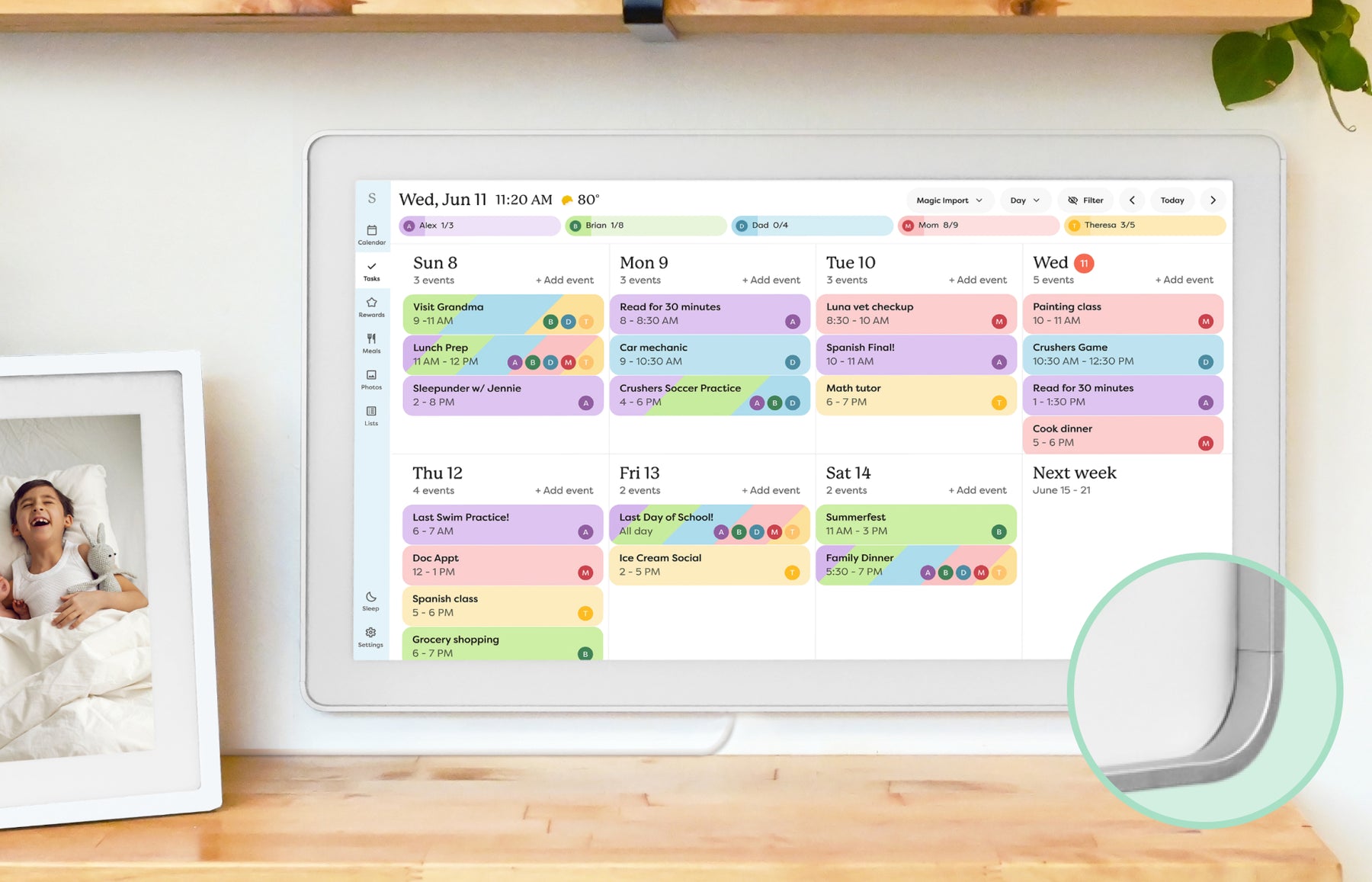 Skylight Calendar Skylight Calendar | Sidekick turns emails, paper schedules and PDFs into events; it also suggests meals within the calendar ecosystem. | These Sidekick workflows are presented as Calendar Plus features, separate from free core scheduling. | Check extracted dates, times, recurrence and duplicates. This documentation does not establish a universal error rate or autonomous write-back to every provider. |
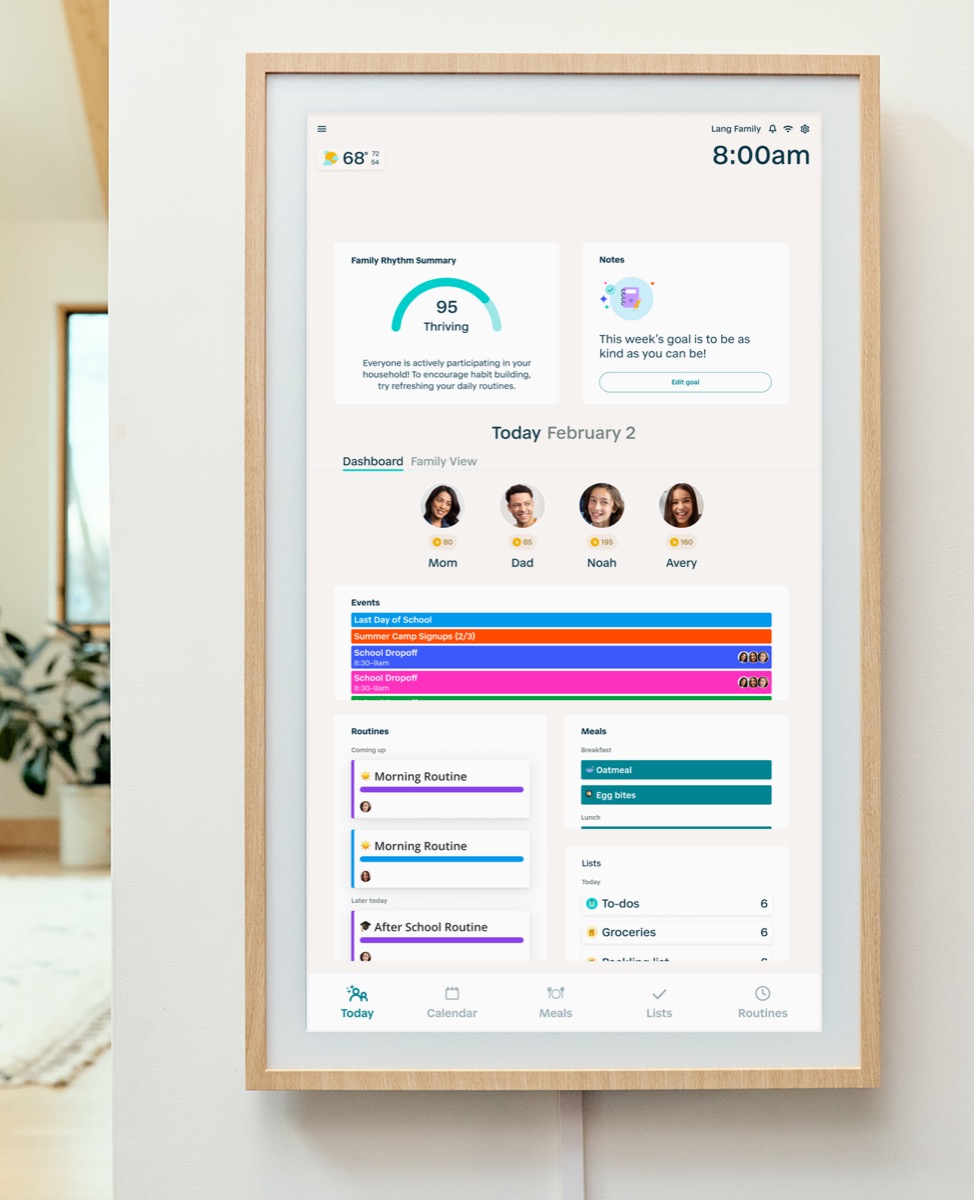 Hearth Display Hearth Display | Hearth Helper accepts planning input and proposes schedule or meal content for approval. | Family Membership includes Helper; membership is required for initial activation. | Approval-based proposals are not a promise of error-free imports. Cancellation leaves limited calendar viewing, not full Helper and routine access. |
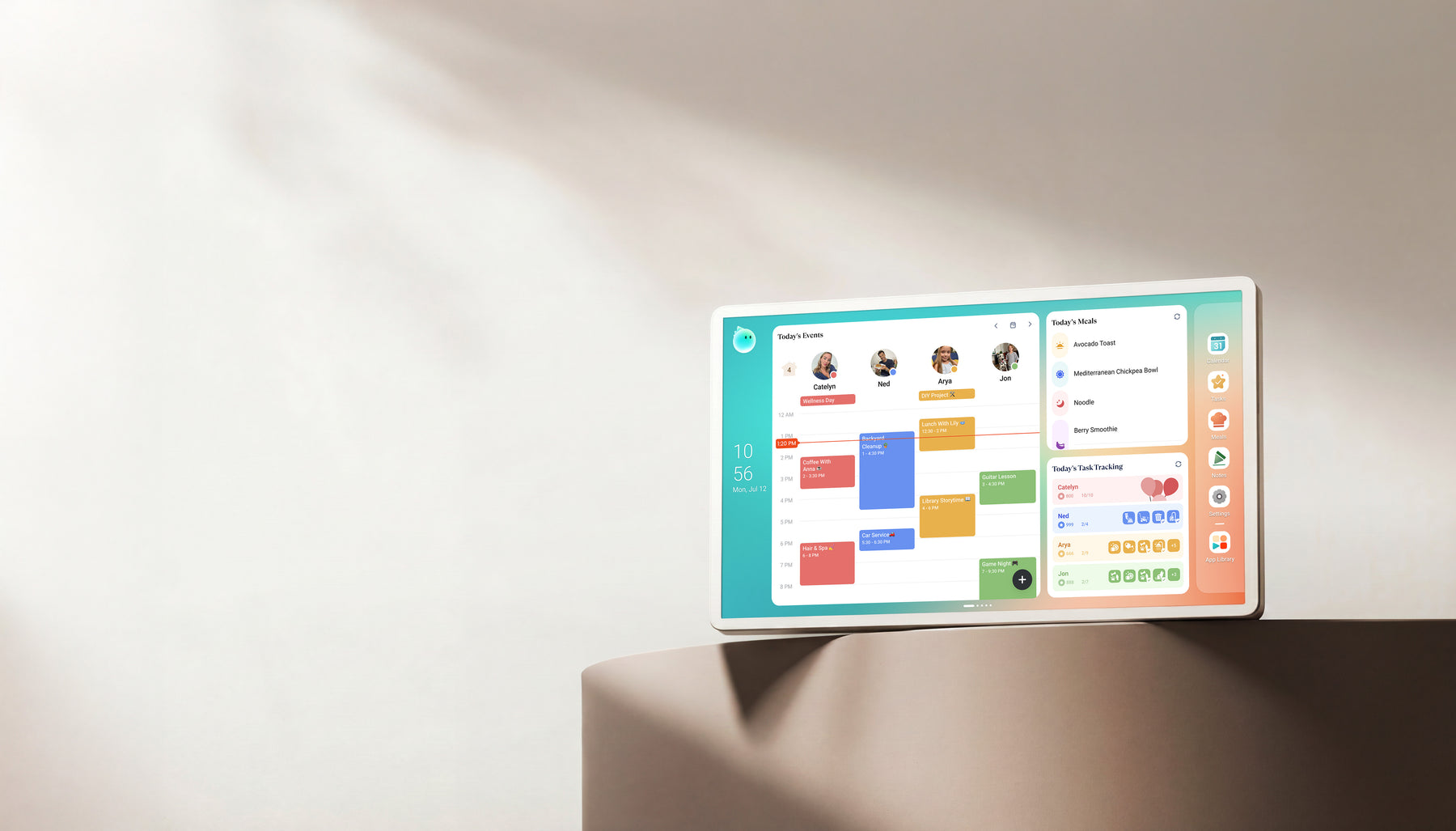 Cozyla Calendar+ Cozyla Calendar+ | Cozyla describes Agent requests through the display and phone, including planning and photo-based schedule input. | Calendar+ 2 Basic/Essential tools and optional Super access are distinct; unlimited Agent is a Super benefit. | Match the generation, software and current allowance. Calendar Neo has a different membership path. A marketing demo is not a reliability test. |
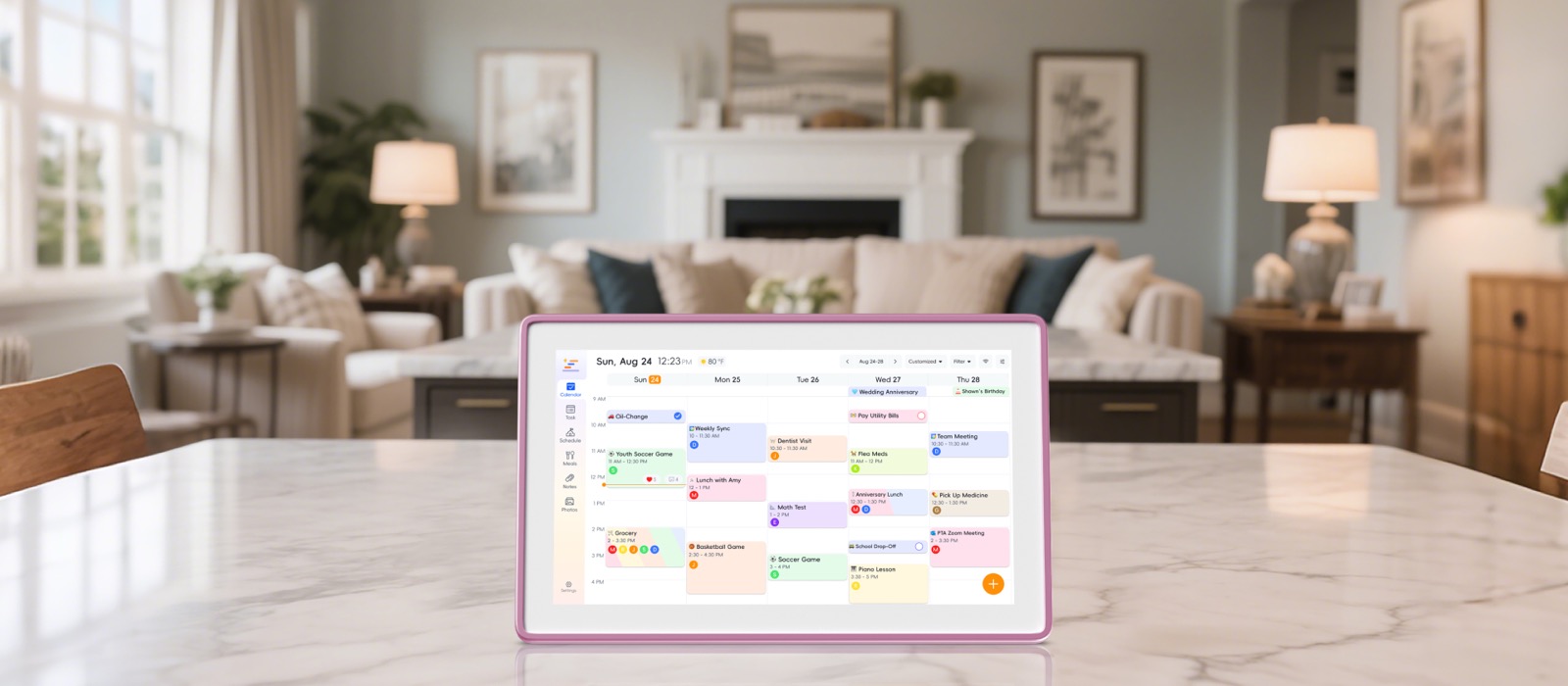 Zicalstar Smart Calendar Frame Zicalstar Smart Calendar Frame | Zical public app materials describe voice-assisted events, tasks and recipes. Zicalstar’s first-party confirmation dated September 14, 2026 covers Agent on its displays as well as the app. | Exact display versions and market/account AI limits have not been verified for this comparison. | App availability does not establish every partner device’s Agent support. Magic Photo availability is not established by the separate confirmation of display Agent support. |
| FotoCube Calendar / Calendar Pro with Zola AI | Official materials describe voice events, tasks, meal ideas and selected photo-creation tools. | Selected Zola AI tools depend on the plan; Frame, Calendar and Calendar Pro do not share one feature set. | Unscored here. Exact retail hardware, firmware, allowance and support need their own evidence; a partner logo does not prove every partner model supports calendar AI. |
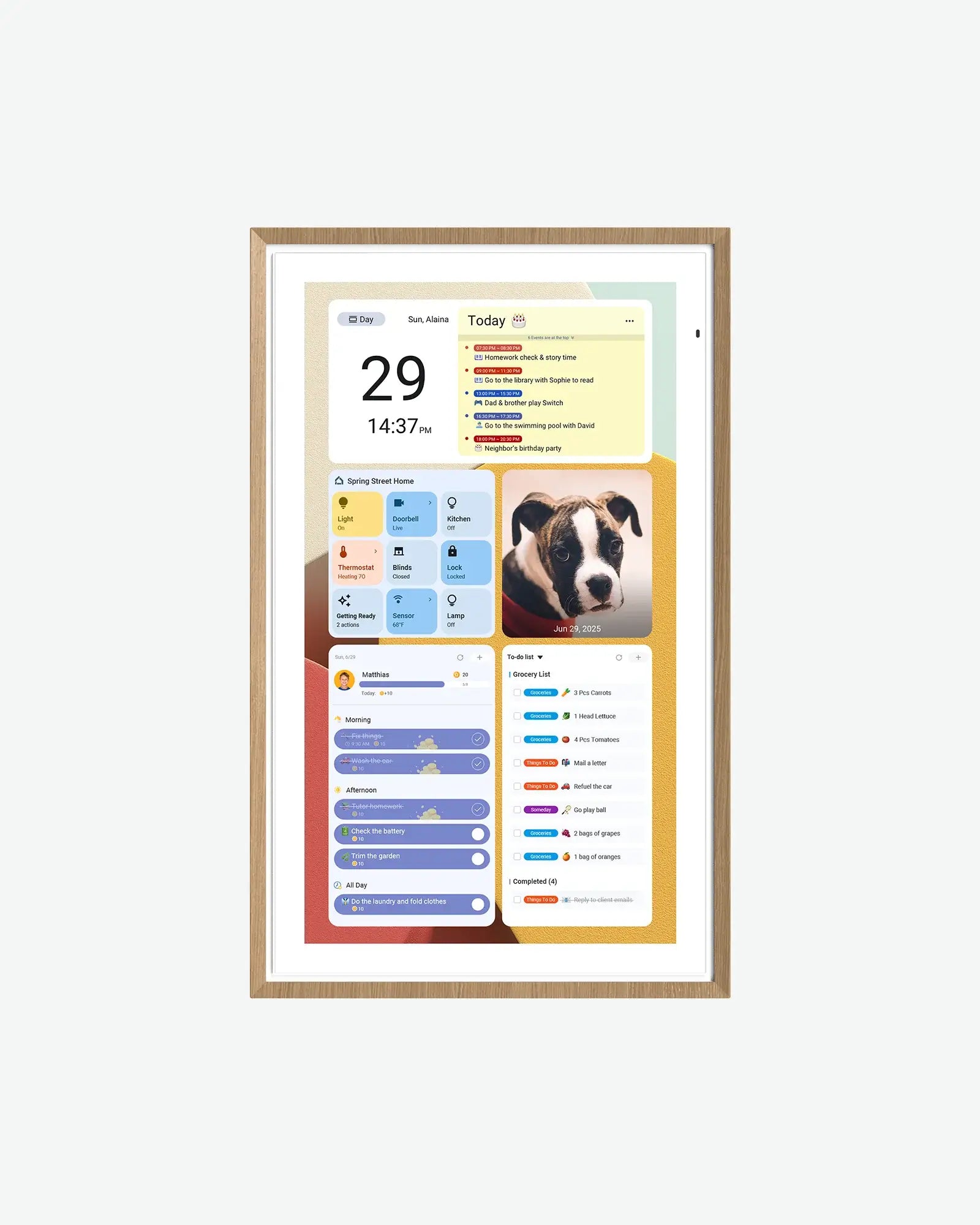 Apolosign Digital Calendar Apolosign Digital Calendar | Android access and Gemini positioning offer a third-party AI path alongside its calendar mode. | Core calendar tools are advertised as free; third-party AI accounts and paid tiers are separate. | Gemini access is not proof of a native agent that edits the family calendar, controls permissions or checks duplicates. Do not equate a chat response with a saved event. |
Sources describe advertised capabilities and terms, not independent reliability tests. Specific-source checks for this guide: October 13, 2026. Linked product profiles retain their separate research dates. Prices, allowances and support terms can change.
Make the decision
What to check before choosing
Start with one recurring household job
Our AI family-assistant guide explains the difference between suggesting an answer and completing a useful action. Choose a task such as importing a weekly school schedule or preparing a meal plan before comparing assistants.
- Document import: review dates, start/end times, locations and repeated events.
- Voice entry: check which calendar and family member receives the item.
- Meal planning: treat allergy, dietary and recipe advice as suggestions that need human checking.
Check the action before it changes shared plans
The calendar sync paths remain important even when the input is AI-assisted. Saving an event inside a device’s local calendar is different from writing it back to the source calendar used by your family.
- Compare confirmation controls, edits and deletion after an incorrect import.
- Check time zone and recurrence when a flyer or spoken request omits them.
- A view-only ICS feed cannot become two-way simply because an assistant adds text.
Compare the free workflow with the AI workflow
The no-subscription comparison separates core scheduling from optional automation. A calendar may remain useful without AI, while the import or Agent feature that saves the most work requires a plan.
- Distinguish a trial, a limited monthly allowance and unlimited paid access.
- Check current terms for your exact generation, not another model in the brand.
- Budget for third-party AI services separately on Android displays.
Do not trade private family records for a demo
Uploaded schedules can contain children’s names, addresses and school details. The privacy checklist offers a starting point for consent, access and deletion questions; a polished demonstration is not evidence of safe data handling.
- Share only the information necessary for the task.
- Review the app’s calendar permissions and who else can view the shared display.
- Keep a source copy and know how to disconnect an account or delete uploaded material.
Keep photo AI and calendar AI separate
The AI photo-frame comparison covers animation, restoration and image credits. A synthetic moving portrait and a confirmed school event solve different problems, so neither establishes the quality of the other.
- Photo generation can be entertaining without helping household scheduling.
- Calendar AI should be judged by the saved result and its correction path.
- No common accuracy benchmark or hands-on AI winner is established by this comparison.
Practical details
Common questions
What is the best AI digital calendar for families?
Choose by the recurring job: document imports, approval-based planning or voice entry. The capability matrix compares documented workflows and paid boundaries; we have not established one AI accuracy winner across the hardware.
Does Gemini make an Android calendar a native AI family assistant?
No. A third-party assistant may answer questions without saving events into the shared family calendar. The Apolosign review separates Android flexibility from calendar and provider limitations.
Can AI calendar imports make mistakes?
Yes. Check dates, time zones, recurrence, duplicates and member assignment before relying on an imported schedule. A confirmation step reduces risk but does not prove every result is accurate.
Are AI calendar features always subscription-free?
No. Skylight Sidekick and Hearth Helper have paid ecosystem boundaries; Cozyla separates limited or core access from Super. Check exact-model terms in the no-subscription comparison.
Does using Zical prove that a Westsee display has every Zicalstar AI feature?
No. The companion-app relationship does not establish hardware, firmware or AI feature parity. Check model-specific support and allowances; the software comparison distinguishes the platform from the device.
Explore the details
Skylight CalendarRead the evidence and buying limitsHearth DisplayRead the evidence and buying limitsCozyla Calendar+Read the evidence and buying limitsRelated reading
Read the buying details
These guides explain the tradeoffs behind the comparison.
Useful next steps
- AI capability evidencePublished and unverified capabilities separated.
- Compare the complete family displayScheduling, routines, setup and ongoing cost.
SmartFrameLab does not sell placements or run display ads. Some buying links on linked reviews are affiliate links; see our commercial disclosure.