Best Picks
Best Digital Wall Calendars for Families
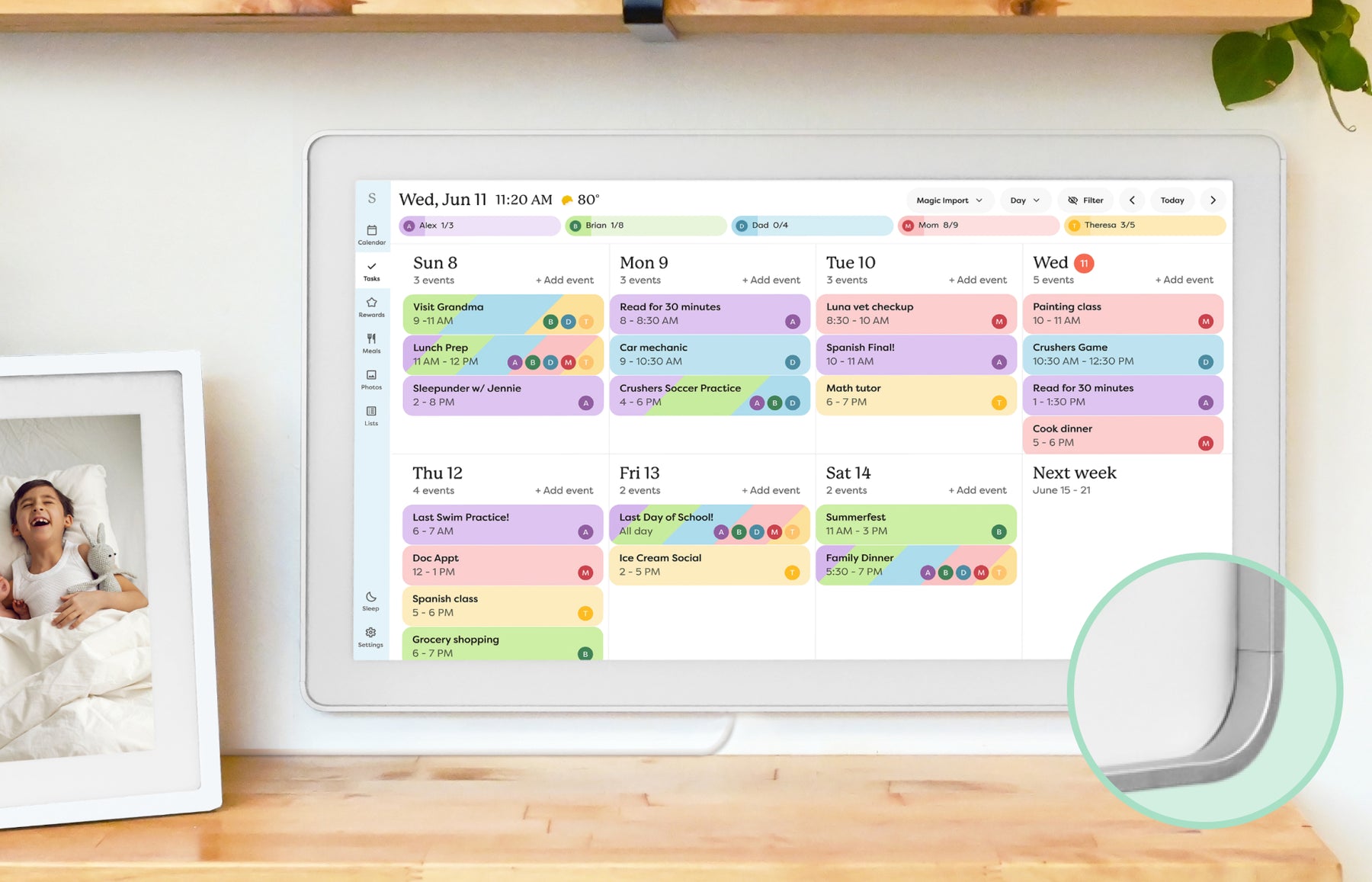
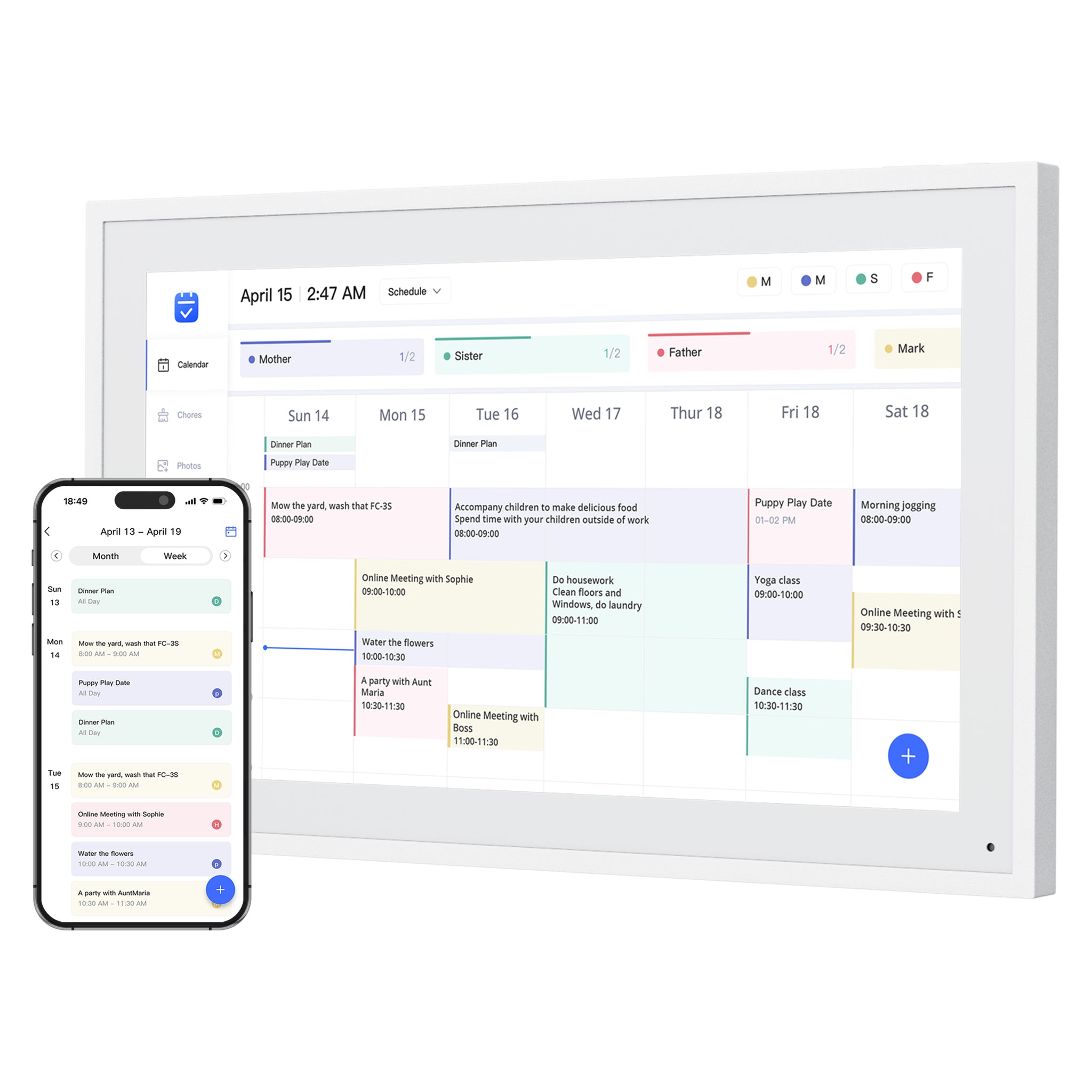
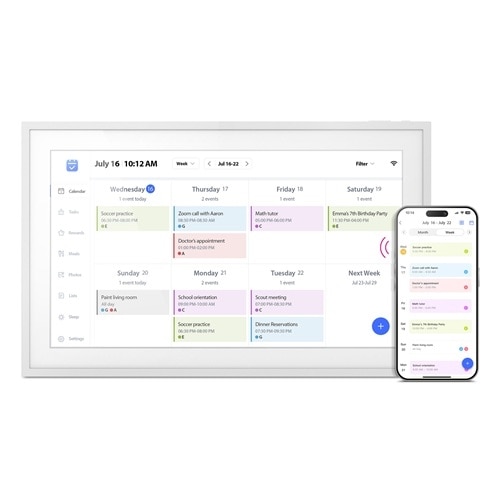
Compare the best digital calendars and digital wall calendar displays for home by schedule visibility, chores and routines, sync, placement, subscription pressure, and source confidence.
Updated September 14, 2026
Quick answer
- Top pick: Skylight Calendar
for a polished calendar-first experience with broad family appeal.
- How to choose: Start with the household job, then compare calendar sync, photo role, setup style, subscription pressure, and source confidence.
- Before buying: Verify current store availability, plan boundaries, return policy, and the exact screen size or model variant.
Buying path
Review, compare, then choose.
Best-pick pages should pass readers into supporting reviews, comparisons, and category guides before the final click.
Compare finalists
- Cozyla vs Skylight Calendar: Which Is Better for Families?Cozyla Calendar+ 2 is the broader Android family display; Skylight Calendar 2 is the simpler calendar-first screen. Compare setup, sync, placement, and paid-feature boundaries before choosing.
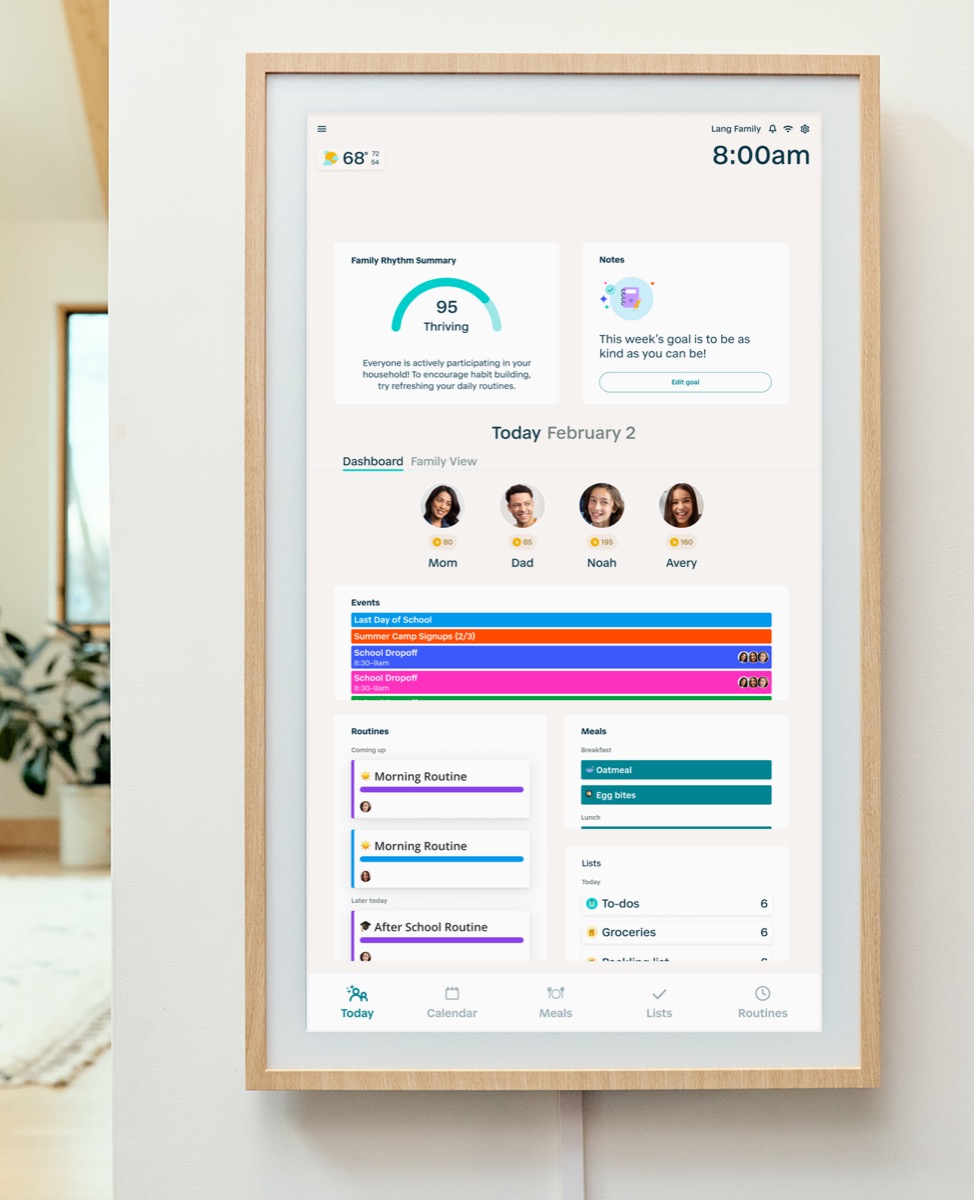
- Skylight vs Hearth DisplayCalendar frame or family command center? This comparison separates visible scheduling from deeper household routine management.
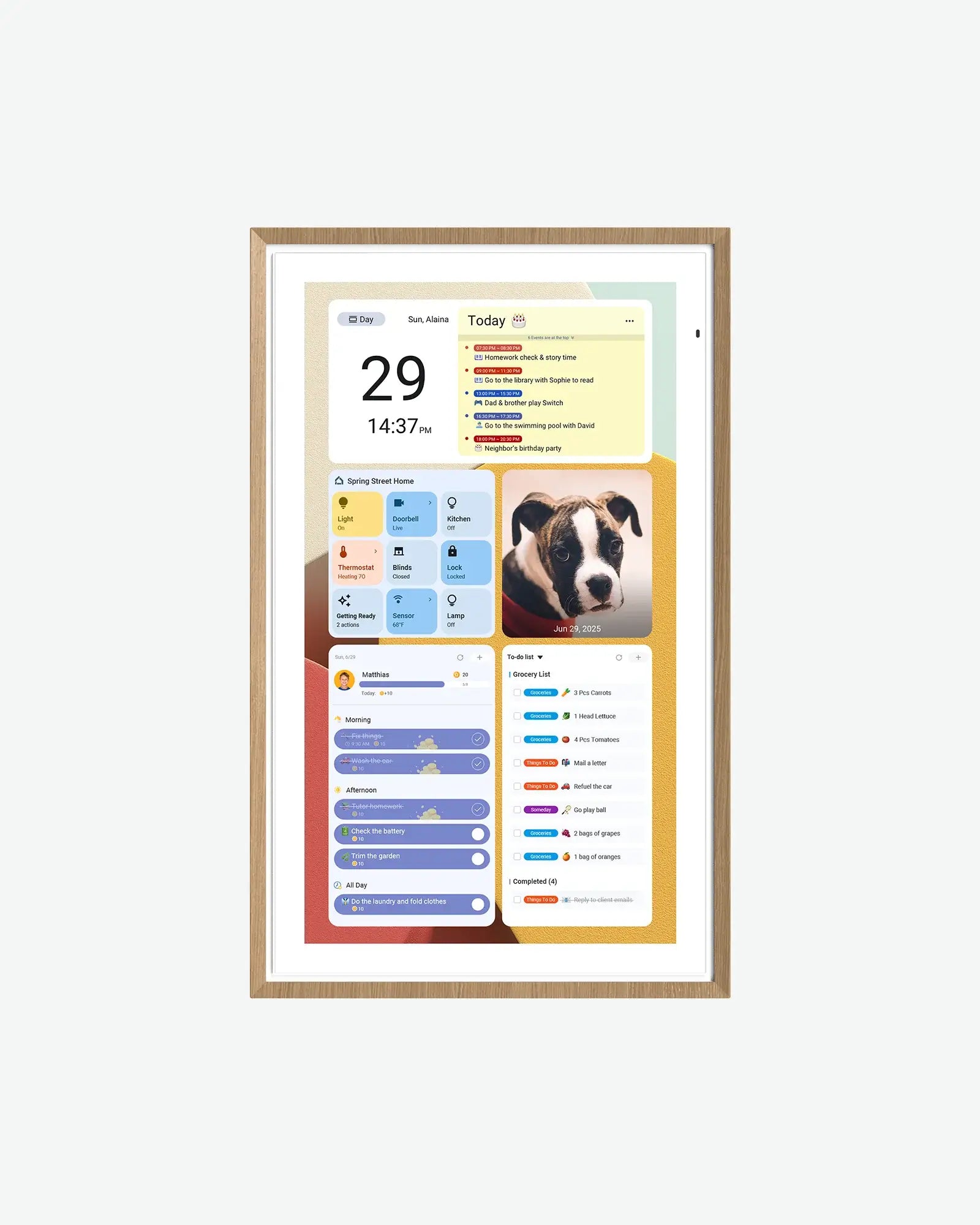
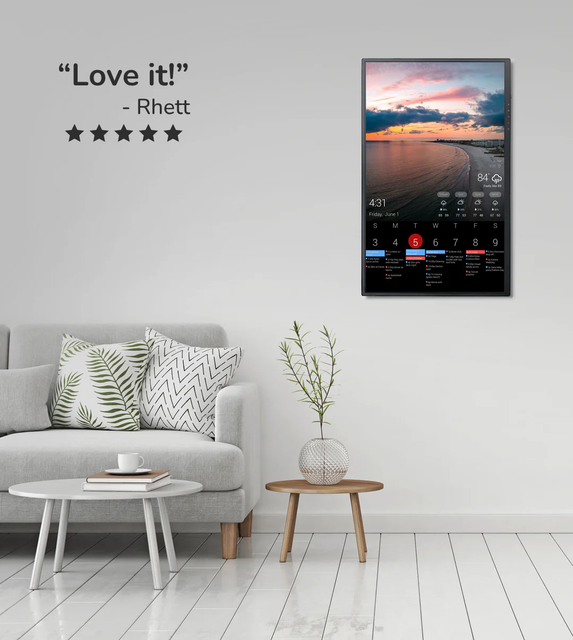
- Skylight vs DAKboardA turnkey smart calendar frame compared with a more customizable dashboard display approach.
- Hearth Display vs DAKboardA family command center compared with a configurable home dashboard for calendars, routines, photos, and household information.
How to compare digital calendars for the home
The best digital calendar is the one a household will keep visible and current. Compare the daily workflow before comparing feature counts, because a strong calendar screen can still fail if updates are hard or the display sits in the wrong place.
- Calendar sync: verify the exact Google, Apple, Outlook, or shared-calendar path your household uses.
- Daily action: compare schedules, chores, routines, lists, meals, and reminders by the jobs people actually need to complete.
- Home placement: check wall mounting, countertop stands, power-cable reach, viewing distance, and whether touch controls remain accessible.
- Ongoing cost: separate free calendar visibility from paid imports, advanced chores, AI tools, photo features, and other plan-gated extras.
- Confidence: prefer exact-model documentation, current support pages, clear return terms, and review evidence that states what remains unverified.
Start with the family job, not the screen
A digital wall calendar is useful only if it changes a repeated household behavior. Before comparing products, decide whether the screen is mainly for schedules, chores, routines, meal planning, or a wider command-center workflow.
- Choose a calendar-first product when missed events and shared schedule visibility are the main problem.
- Choose a command-center product when chores, routines, ownership, and reminders matter as much as dates.
- Choose a dashboard product when the family wants widgets, weather, photos, and custom information beside the calendar.
Best for chores and routines
Chores and routines raise the bar because the display must help people act, not just read. A strong choice should make ownership visible and reduce repeated reminders.
- Hearth is the strongest current command-center reference when routine depth and household ownership are central.
- Skylight is a safer mainstream calendar-first path when chores and planning are useful but not the whole reason to buy.
- Cozyla, Dragon Touch, Apolosign, and Aluratek should be checked for the exact task, list, meal, and reminder features available on the current model.
- DAKboard is better for families that want a configurable dashboard, not a managed chore system by default.
School, sports, and shared custody workflows
Families often search by life situation instead of product category. The same wall calendar can behave differently for school mornings, sports travel, custody transitions, caregiving, or ADHD-friendly routines.
- School and sports families should prioritize recurring events, color coding, shared calendars, and fast visibility from the kitchen or entryway.
- Shared custody and caregiving households should verify multiple calendar sources, account ownership, and who can update events remotely.
- ADHD-friendly and routine-heavy households should compare visibility, reminders, task ownership, and whether the display avoids becoming visual clutter.
Free versus paid family features
A wall calendar can look affordable until key household features sit behind a paid layer. Compare what the family will use every week before treating any product as cheaper.
- Check calendar sync, recurring events, chores, routines, rewards, lists, meal planning, and photo features separately.
- Ask whether the display still solves the core household problem if the paid plan is canceled.
- Review confidence, app polish, support history, and return terms matter more as the feature list gets longer.
What the evidence can and cannot prove
Official product and support pages can confirm advertised compatibility, plan boundaries, dimensions, and setup instructions. They cannot prove that every sync path is equally reliable in every household, so use the linked product reviews to separate documented facts, observed behavior, and remaining unknowns.
- Treat product-family claims as provisional until the exact model and current checkout path match.
- Use retailer ratings as a signal to investigate, not as proof that a product will fit your calendar workflow.
- Recheck price, availability, subscriptions, return terms, and software support before buying.
| Pick | Product | Reason | Score |
| Best for most families | Skylight Calendar | A polished calendar-first experience with broad family appeal. | 8.6 |
| Best for routines | Hearth Display | A stronger command-center fit when responsibilities matter as much as dates. | 8.1 |
| Best Android wall display candidate | Apolosign Digital Calendar | Useful when screen size, Android flexibility, and Google ecosystem support matter. | 8.0 |
| Best for DIY dashboards | DAKboard Display | Useful for calendar-plus-information setups. | 7.8 |
| Best no-subscription check | Dragon Touch Digital Calendar | Relevant for shoppers comparing eCalendar-style digital wall calendars without a heavy plan story. | 7.9 |
| Best eCalendar benchmark | Aluratek AWFC15F eCalendar | Useful when comparing app-driven calendar frames sold through retail channels. | 7.7 |
Rankings are editorial. SmartFrameLab does not sell placements or run display ads.
Common questions
What is the best digital wall calendar for chores and routines?
Hearth is the strongest command-center reference for deeper chores and routines, while Skylight is safer when a family mainly needs a mainstream shared calendar with some planning features around it.
Is a digital wall calendar better than a chore chart?
It can be better when chores need to sit beside school schedules, appointments, reminders, and family events. A simple chore chart may still be better if the household only needs one visible checklist.
Should I choose DAKboard for family routines?
Choose DAKboard when custom dashboard control matters. If routines, chores, and ownership are the main pain, compare Hearth, Skylight, Cozyla, or other family-display options before choosing a dashboard path.
Do families need a subscription for chores and routines?
Not always. The important test is whether the exact chore, routine, list, reward, or reminder feature your family needs is free, paid, or unavailable on the current model.
What is the best digital calendar for a family?
Skylight is the current top pick for most families that want a straightforward calendar-first experience. Hearth is stronger when chores and routines drive the decision, while DAKboard is better suited to households that want a configurable dashboard. Verify the exact calendar provider, paid-feature boundary, and placement before choosing.
Should a digital calendar display for home go on a wall or a counter?
Choose a wall when the display needs to be visible across a shared room and the power cable can be managed safely. Choose a counter or stand when touch access, easier setup, and the ability to move the screen matter more than distance visibility.