
On this page
Which one should you buy?
- Choose Aura for a growing family photo collection without a recurring frame plan under current terms. Carver Mat is the landscape model used here, not a proxy for every Aura screen.
- Choose Skylight Frame when relatives already send email attachments and the recipient wants a touchscreen slideshow. Video and remote-management extras change the ongoing cost.
- Choose Nixplay when its existing shared albums, portrait placement or paid Google Photos workflow are useful. Basic is a limited free plan, not an unlimited family archive.
Photo sharing
Choose the routine your family will keep using.
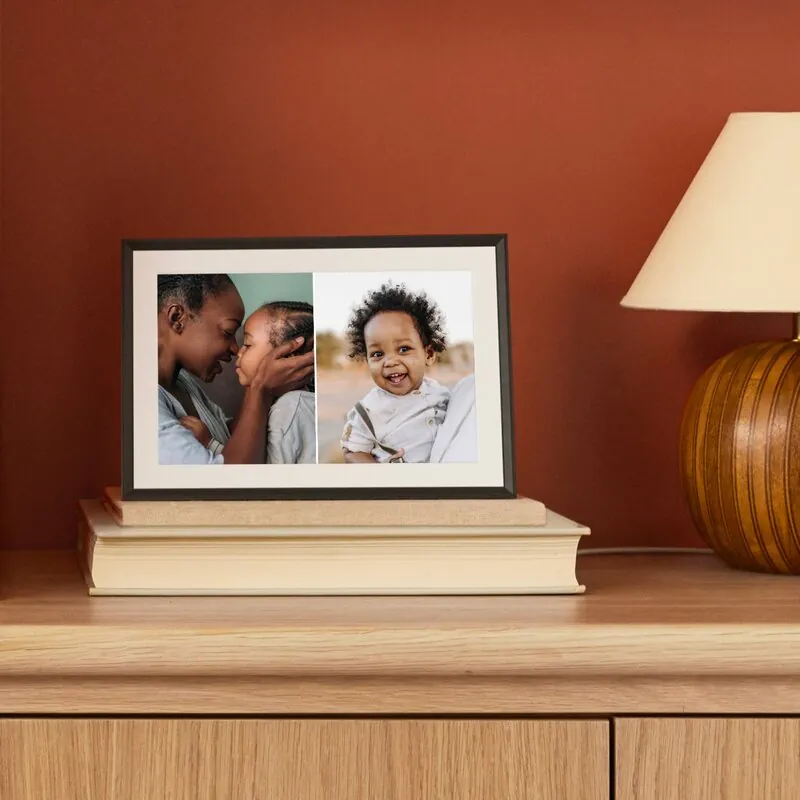
Aura
Carver Mat
For a growing photo collection
- Included
- Unlimited photo and video cloud storage.
- Paid features
- No recurring frame plan under current terms.
Landscape screen; email uploads require an invited contributor.
Compare photo sharing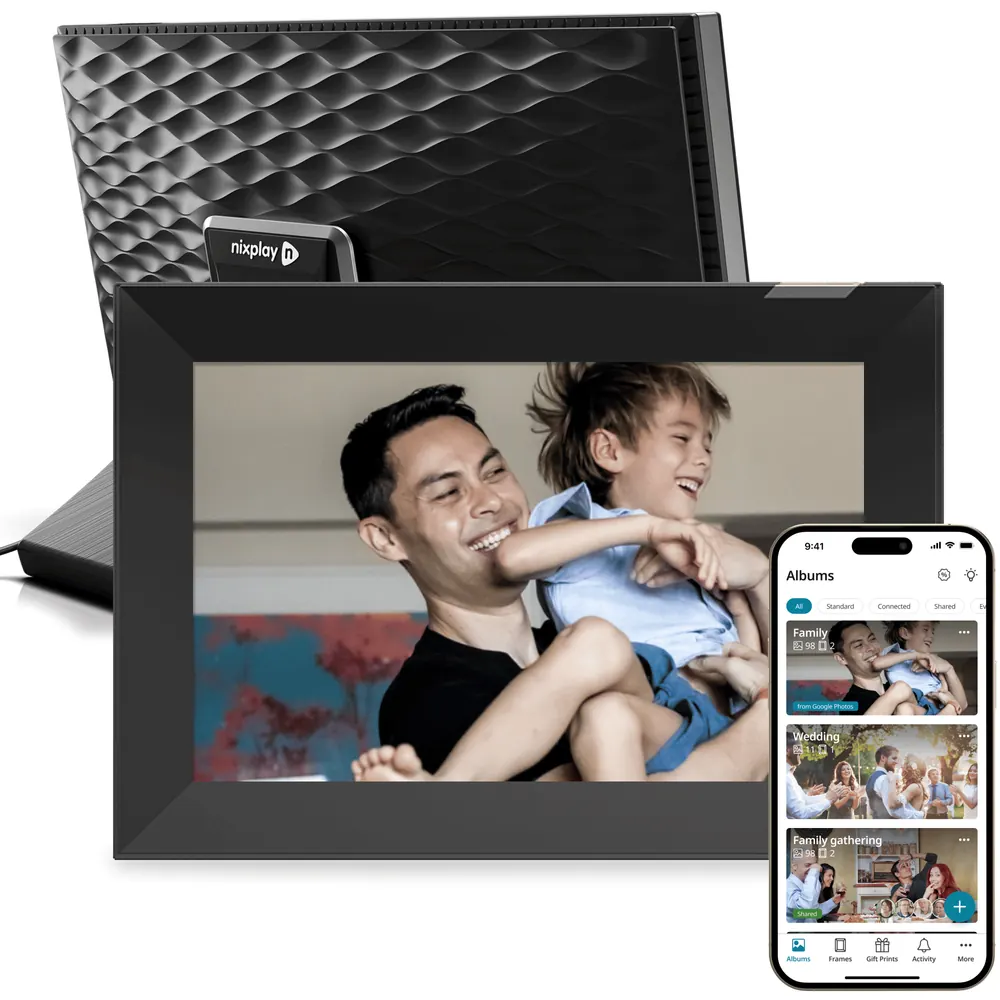
Nixplay
Modern W10K
For an existing album workflow
- Included
- Basic includes 500MB of photo cloud storage.
- Paid features
- Google Photos needs Lite or Plus.
Check storage and playback limits before relying on Basic.
Read the Nixplay review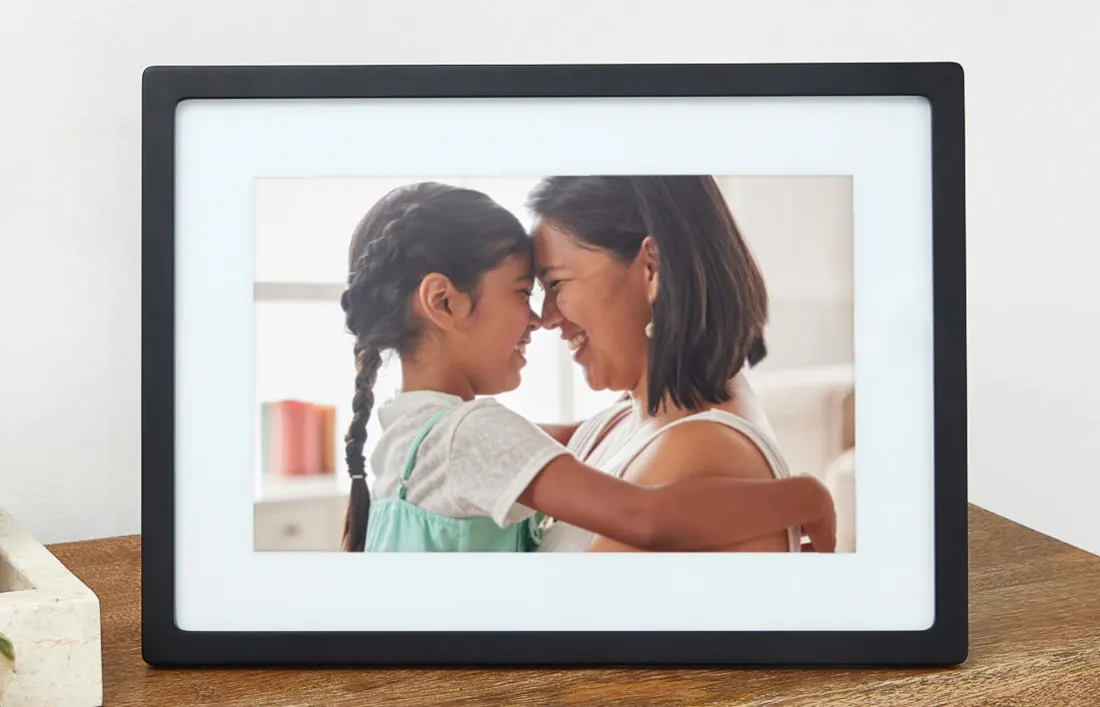
Skylight
Original Frame 10-inch
For an email-first family
- Included
- Basic photo sending by email or app.
- Paid features
- Video and remote settings need Frame Plus.
This is the photo Frame, not Frame 2 or Skylight Calendar.
Compare photo sharingThe no-subscription scorecard
A frame can work without a subscription while still charging for the feature you bought it for. Compare the intended routine rather than treating “free” as a single yes-or-no badge.
| Buying question | Aura | Nixplay | Skylight Frame | Sources |
|---|---|---|---|---|
| Ordinary family photos | Included; unlimited cloud advertised | Basic: 500MB photo storage | Basic photo sending included | Aura Carver MatNixplay US membershipsSkylight Frame 10-inch |
| Google Photos | Supported; automatic-album setup covered in our guide | Lite or Plus; mobile-app setup | Use selected-photo sending; not a documented automatic Google Photos album connection | Aura Carver MatNixplay Google Photos setupSkylight Frame 10-inch |
| Video | 30-second clips included; silent autoplay, replay with sound on speaker models | 15 seconds Basic; 1 minute Lite; 2 minutes Plus | Frame Plus; up to 1 minute | Aura video playbackNixplay US membershipsSkylight Frame Plus |
| Why pay? | No required frame plan under current terms | More storage, longer clips and paid integrations | Videos, remote settings, albums and other Plus tools | Aura Carver MatNixplay US membershipsSkylight Frame Plus |
US plan boundaries checked October 30, 2026. Google Photos is a photo service; it is not Google Calendar.
Receiving photos: email is not exclusive to Skylight
Separate the recipient’s job from the sender’s. A relative can enjoy a configured slideshow without managing uploads; the family still needs someone to connect Wi-Fi, maintain the account and handle invitations. Email-only sending is useful only if contributors actually attach photos correctly.
- Aura accepts one still photo per email from a registered contributor’s linked address. Unknown senders are rejected; bulk additions are more practical in the app.
- Skylight accepts photo attachments at the frame’s email address. Keep that address within the intended family group; text in the email is not a photo caption.
- For either gift, preload a small collection and send a fresh image after setup. Let the intended recipient practice the on-screen control they will use, rather than judging accessibility by age alone.
Photo quality: compare the screen, not just the brand
Carver Mat and the selected Nixplay 10.1-inch touch specification both list 1280 × 800. The original Skylight 10-inch also lists 1280 × 800. That makes a blanket “Aura wins on resolution” claim misleading. Finish, reflections, processing and placement still affect the result.
- Carver Mat uses a landscape frame with a mat and touch-bar controls. Nixplay W10K has a touchscreen and portrait/landscape placement; current Nixplay touch models should not inherit old remote-only descriptions.
- A 4:3 photograph filling a 16:10 screen loses about one-sixth of its image area; fitting it instead leaves about one-sixth of the display unused. This is a geometry calculation, not an observed crop result.
- Use the same original files when checking the screen: a face near the edge, a portrait, a dark indoor scene and a detailed landscape. Inspect from the actual chair and in evening lighting. A product image cannot establish calibrated color or glare performance.
Sources: Aura Carver MatNixplay 10.1-inch touch specificationsSkylight Frame 10-inch
Video and Google Photos: choose the actual route
Aura videos autoplay silently; supported speaker models can replay with sound. Its automatic photo albums do not automatically upload videos, so a synced album is not a complete video-delivery solution. Nixplay permits longer clips on paid tiers; Skylight puts video in Frame Plus. Our Google Photos setup guide explains the album connection.
- Nixplay’s Google Photos connection requires Lite or Plus and is configured through its mobile app. Paying for Plus is not necessary merely to unlock that connection: Lite includes it.
- For a baby-video gift, try one representative clip with the recipient. Decide whether silent autoplay, tapping to hear sound or a paid longer-clip limit suits the room.
- Our Google Photos setup guide distinguishes an album that keeps updating from a one-time selection. For iPhone families, access to the phone’s photo library should not be mistaken for unattended iCloud album mirroring.
Sources: Aura video playbackNixplay Google Photos setupSkylight Frame Plus
Three- and five-year cost: add the plan to the hardware
Use the delivered hardware price for the exact model, then add the plan you need. The table shows subscription spending only, across three or five complete paid years. It excludes hardware, tax, shipping, discounts and trials, and assumes today’s annual rates stay unchanged.
| Plan | Annual | 3 paid years | 5 paid years | Sources |
|---|---|---|---|---|
| Aura included sharing | $0 | $0 | $0 | Aura Carver Mat |
| Nixplay Basic | $0 | $0 | $0 | Nixplay US memberships |
| Nixplay Lite | $19.99 | $59.97 | $99.95 | Nixplay US memberships |
| Nixplay Plus | $29.99 | $89.97 | $149.95 | Nixplay US memberships |
| Skylight Frame basic | $0 | $0 | $0 | Skylight Frame 10-inch |
| Skylight Frame Plus | $39 | $117 | $195 | Skylight Frame Plus |
Total ownership cost = delivered frame price + applicable subscription spending. US web prices; app-store or regional billing may differ. These are not promotional checkout totals.
What happens if you stop paying—or want your photos back?
Nixplay’s current Basic allowance is 500MB of photos, with a separate 500MB video allowance. After a paid plan expires, content above plan limits can become unavailable on the frame and to people it was shared with, even though Nixplay says it does not delete the files. Preservation and continued playback are different promises.
- Nixplay documents downloads of locked and unlocked content without an extra download fee. That does not establish original-file fidelity or complete metadata preservation; keep an independent copy.
- Skylight’s free photo workflow and Frame Plus extras should be budgeted separately. If video, albums or remote settings are essential, the free baseline will not replace the paid routine.
- Aura’s no-plan model avoids an annual frame bill under current terms. It is still a cloud service: do not treat “no subscription” as a contractual promise of perpetual operation.
- For privacy, curate a dedicated selection and review contributors. Aura’s current Google Photos guide distinguishes individually imported photos, which need removal in Aura too, from Auto-Add albums, where source deletions can propagate after a delay. Do not assume deletion behaves identically across routes.
Sources: Aura Google Photos albumsNixplay plan expiry and restrictionsNixplay content downloadsSkylight Frame PlusAura privacy and data collection
Calendar sync and AI: do not buy the wrong Skylight
These are photo-frame choices. Skylight Frame, Frame 2 and Skylight Calendar are different products; Frame Plus is not Calendar Plus. Choose a digital calendar display when the shared schedule is the main job. A photo account or clock display is not evidence of a two-way Google or Apple family-calendar workflow.
- For school pickups, chores and shared appointments, start with a digital calendar display rather than stretching a photo slideshow into that role.
- Automatic cropping, photo pairing and album organization can reduce upkeep, but they do not establish an AI family assistant or predictive scheduling. Choose on the photo-sharing routine before paying for an automation label.
A return-window check that reflects family life
Before discarding the packaging, have the actual helper and recipient complete a small end-to-end check. A successful upload beside the router does not establish that the frame works reliably on a distant shelf.
- Send the same harmless still photo by the route you will use each week. Confirm it appears on the intended frame, then remove that test photo using the available management controls.
- Add a new picture to the connected Google Photos album, where supported. Confirm whether it appears without another manual send; do not infer continuous sync from the initial import.
- After photos have arrived, briefly disconnect only the frame’s network and observe playback. Reconnect and send again; do not interrupt the household router or safety devices.
- Agree who keeps the account and pays any renewal. A gift should not leave the recipient unexpectedly responsible for restoring a locked library.
Our verdict
- Aura is the strongest starting point if included cloud sharing and avoiding a recurring frame plan are your priorities. Choose the specific screen size and orientation separately.
- Skylight Frame suits a family already comfortable emailing photos, with a touchscreen for the recipient. Include Frame Plus in the budget when video or remote controls are part of the gift.
- Nixplay makes more sense for an established Nixplay family or a buyer who values its album workflow enough to accept the plan boundaries. Basic’s small allowance is the main compromise.
For a closer look at account limits and hardware, read our Nixplay Modern W10K review.
Common questions
Which is best without a subscription?
Aura has the broadest included proposition here: advertised unlimited photo and video storage with no required frame plan under current terms. Skylight supports basic photo sending without Plus. Nixplay Basic works within its smaller free allowances.
Is Skylight the only one that accepts email?
No. Aura also accepts email uploads, limited to one still image from a registered contributor’s linked address. Skylight accepts attached photos at the frame address. Compare invitation and management steps as well as the sending method.
Is Aura video silent?
Autoplay is silent. On supported Aura models with speakers, replay can include sound after a touch-bar tap. The Aura app can also play the clip with sound.
Can these replace a family calendar?
The photo frames compared here are not substitutes for a shared calendar display. Skylight Calendar is a separate product with different capabilities and subscription terms.
Sources
- Hardware references: Aura Carver Mat, Nixplay Modern W10K and original Skylight Frame 10-inch. Other generations can differ.
- Manufacturer terms and owner reports inform this comparison. Costs below are calculations, not checkout quotes; screen calibration and delivery times were not measured by SmartFrameLab.
Related reading
Set up the sharing route you choose
Follow the cloud-photo setup or decide whether your household needs a calendar instead.
Keep the family sharing routine simple
- How to Sync Google Photos to a Digital Photo FrameFollow the right setup for Aura, Nixplay, Cozyla, Pix-Star, Skylight or Frameo. See which connections update albums automatically and which send only the photos you select.
- Digital Calendar vs Smart Photo FrameHow to decide whether you need a calendar-first display, a photo-first frame, or a hybrid family screen.