On this page
Is Nixplay worth it?
- Keep it on Basic if a small, curated album and short clips cover your needs. A subscription is not mandatory for all photo or video use.
- Budget for Lite if automatic Google Photos albums are the reason you are buying. Plus is needed for larger allowances, not merely to connect Google Photos.
- For a first family frame, compare Aura before paying for recurring cloud features. Nixplay makes more sense when its sharing network or mounting flexibility is useful.
SmartFrame Score
A capable frame for an existing Nixplay family, with flexible placement and remote sharing. Small free storage and paid Google Photos weaken its value for a first-time buyer.
- Photo Frame7.8 / 10
- The 1280 × 800 IPS specification, touchscreen, portrait rotation and wall mounting give it a useful photo-display role. Cloud video is limited to 720p/30fps, and Live Photos become still images.
- Family Workflow6.8 / 10
- Remote albums and multiple connected frames suit relatives already using Nixplay. Basic’s one shared album and three-member album limit add friction for a larger family, while an account keeper still needs to manage storage and renewals.
- Subscription Value5.5 / 10
- Basic includes short videos, and Lite is a reasonably priced route to Google Photos. The 500MB free photo allowance, paid connected albums and restrictions on above-plan content after expiry weaken ownership value against a no-fee alternative such as Aura.
- AI / Agent Readiness3.0 / 10
- Smart-centering offers a useful automatic crop. It is a narrow convenience rather than photo restoration, a planning assistant or household automation.
- Calendar Sync1.0 / 10
- This model’s documented job is photo sharing. Google Photos album sync does not provide Google Calendar events, chores or a shared family schedule.
The overall score assesses the Modern 10.1-inch W10K as a connected photo frame. Calendar and AI scores describe its fit for those additional jobs; the overall score is an editorial judgment, not an average of the five dimensions. How we score
The model and price that this review covers
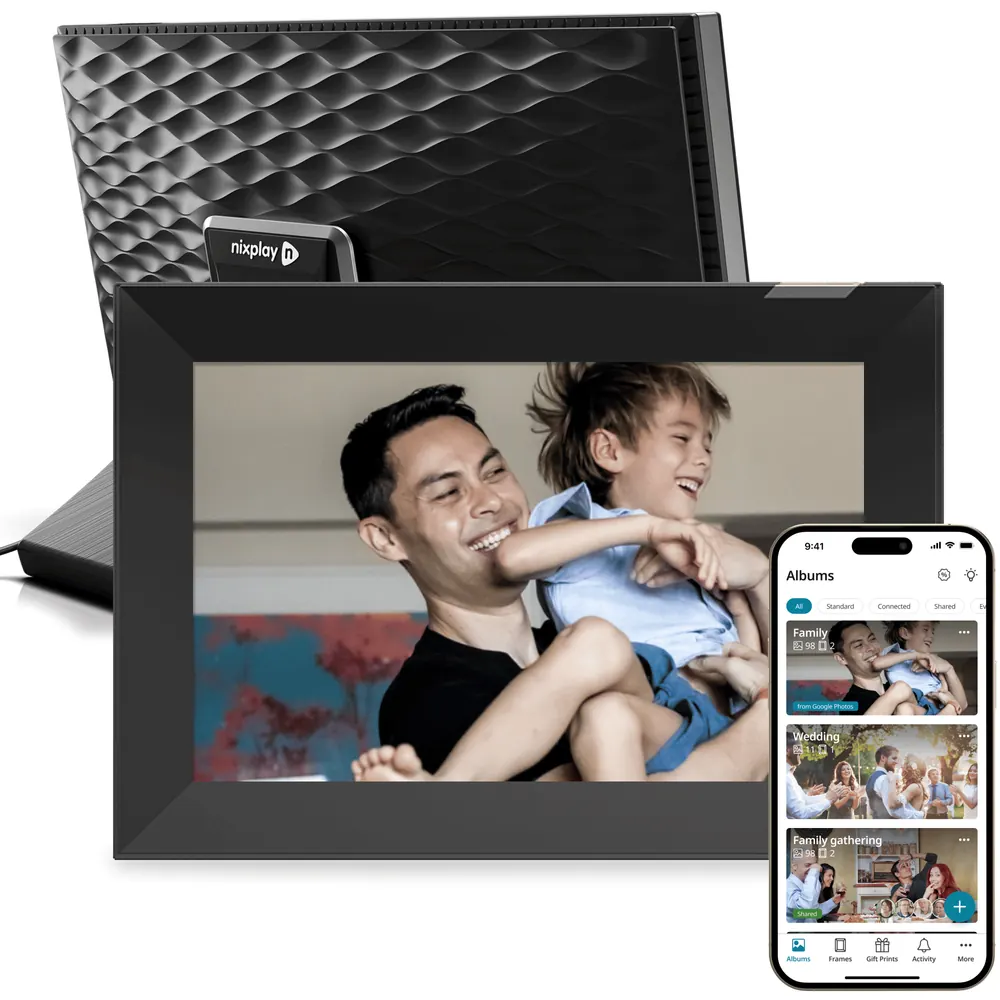
This review focuses on the Modern 10.1-inch W10K, in Black & Silver. On October 28, the US store displayed $179.99 for one frame, down from $199.99, with a separate “with Plus” offer. The calculations below use the ordinary $179.99 displayed offer, without a member discount.
- The Classic 10.1-inch W10P is a separate product. Its mounting and styling differ; do not buy it expecting every W10K feature.
- The 15.6-inch Big Classic W15P is also different, including its Full HD screen. A brand-wide resolution verdict hides these distinctions.
Photo quality: the screen is not simply a 720p cap
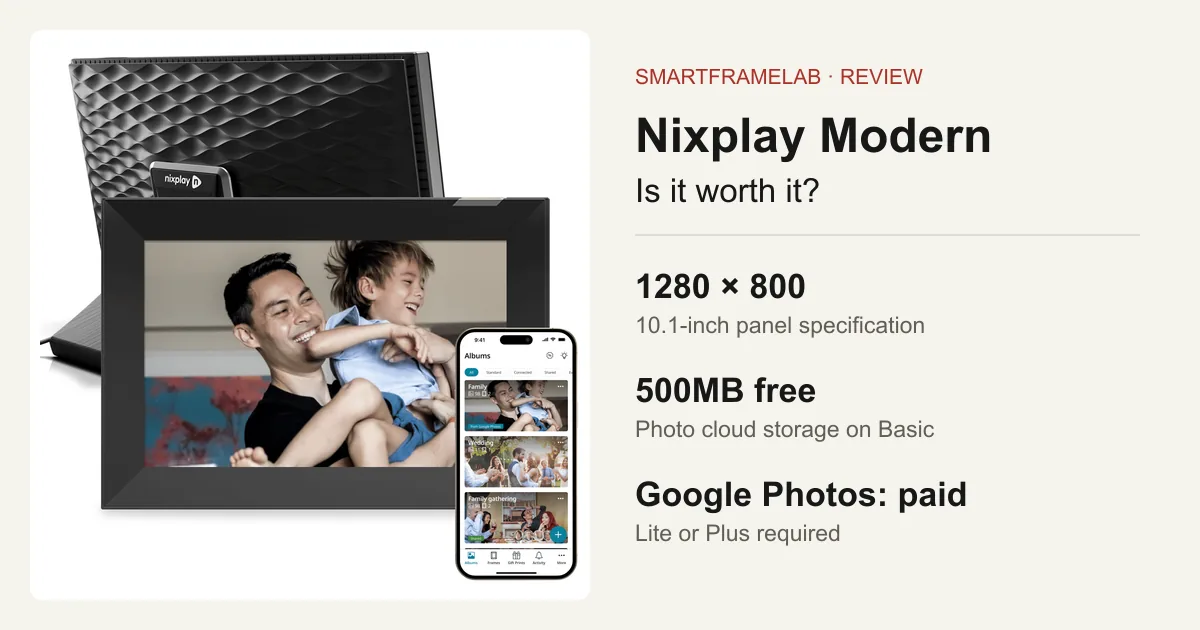
Nixplay’s dedicated 10.1-inch touch specification lists 1280 × 800 pixels, a 16:10 IPS panel and 400 cd/m² brightness. The store also uses “720p HD.” That inconsistency is a reason to check the numeric specification for your exact model, rather than assume its still-photo panel is 1280 × 720.
- Aura Carver Mat also lists 1280 × 800. Pixel count alone does not make Nixplay visibly worse: cropping, reflections, color and viewing position still matter.
- The clear 720p ceiling applies to cloud video conversion: Nixplay documents a maximum of 720p at 30fps. Paying for longer clips does not promise 1080p playback.
- JPEG and PNG are supported. On iOS, HEIC uploads are converted to JPEG; Android HEIC is not currently supported. Live Photos become still images, so this is not the same experience as playing a Live Photo on a phone.
Basic, Lite and Plus: pay for the workflow you need
Compare Aura, Nixplay and Skylight before choosing a plan. The useful question is how much of the family library must keep updating. Basic is workable for a deliberately small selection. Lite supplies the Google Photos connection and much more storage. Plus mainly buys larger limits; it is not the entry ticket for every useful feature.
| Feature | Basic — free | Lite — $19.99/year | Plus — $29.99/year | Sources |
|---|---|---|---|---|
| Photo cloud storage | 500MB | 100GB | Unlimited | Nixplay Basic, Lite and Plus |
| Video cloud storage | 500MB | 5GB | 50GB | Nixplay Basic, Lite and Plus |
| Maximum video clip | 15 seconds | 1 minute | 2 minutes | Nixplay Basic, Lite and Plus |
| Maximum photo file | 3MB | 12MB | 12MB | Nixplay Basic, Lite and Plus |
| Shared albums | 1 | Unlimited | Unlimited | Nixplay Basic, Lite and Plus |
| Connected frames | 5 | 10 | 10 | Nixplay Basic, Lite and Plus |
| Google Photos albums | Not included | Included | Included | Nixplay Google Photos setup |
US annual rates checked October 28, 2026. Local and in-app billing prices can differ. Unlimited photo storage does not mean unlimited video storage.
What happens when you stop paying?
After a subscription expires, Basic limits apply and paid integrations such as Google Photos stop. Nixplay says it does not delete the content, but photos or videos above the current allowance can be locked out of display and sharing. This is the practical risk for a gift at a relative’s home: the frame may still turn on while the library no longer works as expected.
- Owner discussions after the 2025 plan change describe resizing libraries and helping distant relatives manage their accounts. Those are useful warnings about ongoing maintenance, rather than proof that every account behaves identically.
- Restricted content can be downloaded without a separate export fee, according to Nixplay. Keep your originals elsewhere; a frame account is not your only family archive.
Family sharing and Google Photos: useful, with an account keeper
Remote contributions are Nixplay’s main reason to exist. A family already sharing albums avoids teaching everybody a new service. For a new gift, nominate one person to own the account, maintain the subscription if needed and help the recipient reconnect Wi-Fi.
- Basic allows three members per shared album; Lite and Plus allow ten. Decide whether one shared album and those participant limits fit the actual family.
- For automatic Google Photos updates, open the mobile app → Albums → + → Create a new album → Connected → Google Photos. Authorize the account, select an album and choose the receiving frames. Nixplay allows up to 2,500 photos per connected Google album.
- Use a dedicated “Frame Favorites” album. Google Photos is a photo-library connection, not Google Calendar: this frame is not a replacement for appointment, chore or pickup coordination.
Activity sensing: check the sensor before expecting motion detection
The W10K technical specification names a non-recording microphone activity sensor for auto on/off. Some promotional material uses motion-sensor wording. A microphone activity sensor should not be treated as confirmation of a PIR sensor that detects a person approaching.
- An automatic sleep/wake feature is not the same as a light sensor that follows room brightness. The W10K specification does not establish ambient-light dimming.
- For a bedroom or quiet reading corner, the important check is whether it stays on when you want it and goes off when the room is unused. The return-window checks below cover both.
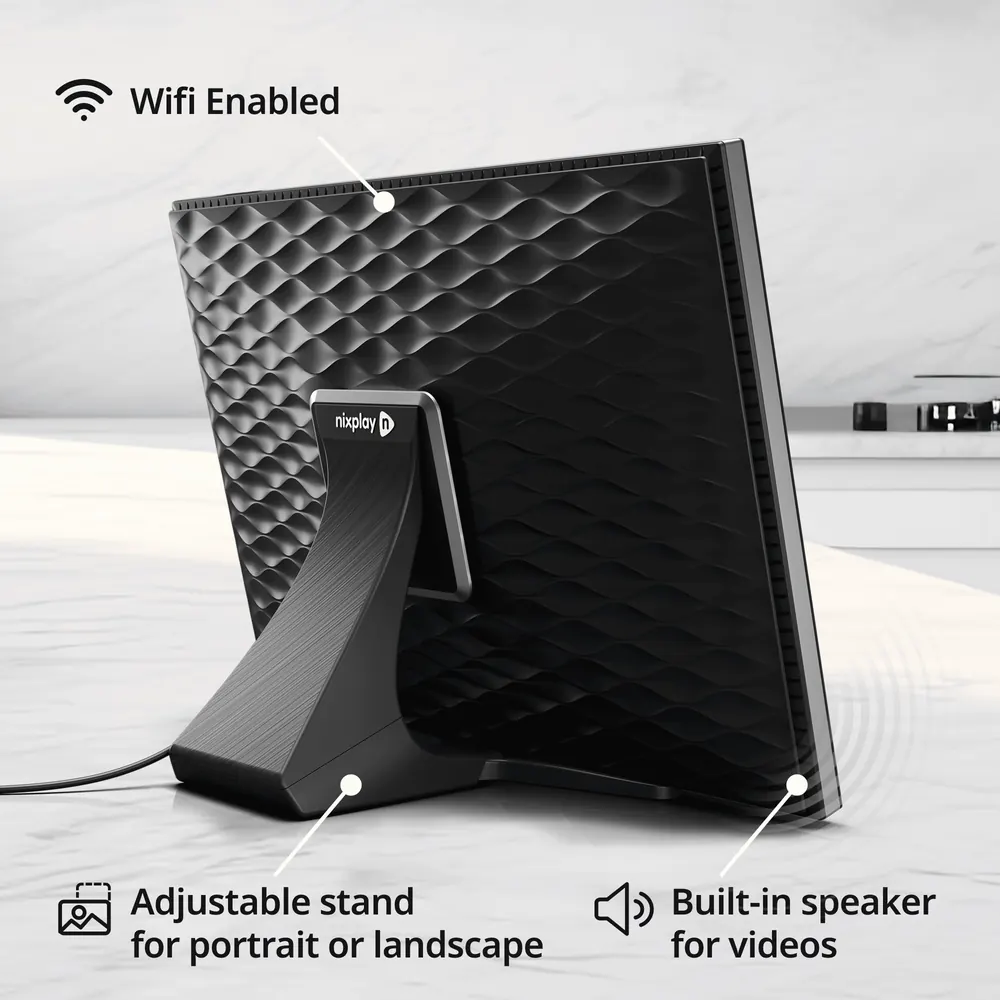
- W10K supports a detachable stand, portrait/landscape rotation and wall mounting. Leave room for its power cable and choose placement before comparing prices with a tabletop-only model.
AI and privacy: useful framing, not a family assistant
Nixplay advertises AI smart-centering to keep subjects in the frame. Treat that as an automatic crop tool: inspect group photos and portraits with faces near the edges. It is not a promise of photo restoration, generative editing or predictive family scheduling.
- Nixplay markets end-to-end encryption, while its support documentation describes encrypted content on US-based servers. Neither statement alone establishes a provider-inaccessible archive; avoid uploading photos you would not entrust to a cloud service.
- The microphone sensor is specified as non-recording. That describes the sensor; it does not turn the connected frame into an offline product.
Three-year and five-year cost
At the observed $179.99 hardware offer, Lite adds $59.97 over three full paid years; Plus adds $89.97. If Google Photos is all you need from the paid tier, choosing Plus instead adds $30 over that period without being necessary for the connection.
| Plan | Three years | Five years | Sources |
|---|---|---|---|
| Basic | $179.99 | $179.99 | Nixplay Modern W10K storeNixplay Basic, Lite and Plus |
| Lite | $239.96 | $279.94 | Nixplay Modern W10K storeNixplay Basic, Lite and Plus |
| Plus | $269.96 | $329.94 | Nixplay Modern W10K storeNixplay Basic, Lite and Plus |
Includes one W10K at the October 28 $179.99 displayed offer plus three or five full annual payments. Excludes tax, Google storage, trials, member discounts, accessories, electricity and future price changes. One account’s connected-frame allowance is not a fee charged separately for every frame.
Nixplay versus Aura, Skylight and Frameo
For a first photo frame, Aura Carver Mat is the stronger starting point if you want a large shared library without an annual frame plan: its listed $179 price is close to this Nixplay offer, with unlimited photo/video storage and a 1280 × 800 panel. Carver Mat stays in landscape on a tabletop; W10K’s rotation and mounting are meaningful reasons to choose differently.
- Skylight Frame suits a family that wants to email photo attachments. Video and additional photo tools belong to Frame Plus; do not confuse that subscription with Skylight Calendar Plus or assume automatic Google Photos album sync.
- Frameo is software used by many hardware brands. Core sending is free, but choose the exact frame for its panel, storage and mounting. Sharing selected photos from Google Photos is different from Nixplay’s paid connected-album workflow.
- Keep an existing Nixplay if its Basic allowance or the Lite bill works for your family. For a new purchase, choose it for a concrete advantage—existing contributors, rotation or mounting—rather than the size of the brand’s user base.
Before the return window closes
Use these checks with your own photos and room during the return window.
- Upload the same portrait, edge-to-edge group shot and dark indoor photo. Compare original framing with the frame’s crop, including faces near each edge. Judge from the actual seat where the recipient will view it.
- Add one small JPEG and one 10-second video from a second family account. Check that each arrives on the intended frame and that the recipient can play the clip without help.
- For Google Photos, add a new image to a dedicated album, then check the frame again. Note your own delay; the setup instructions do not promise an update interval.
- Enable the activity setting, let its timeout pass, then compare a quiet empty room, a seated reader, a quiet walk past and television sound. Check both unwanted waking and sleeping while someone is still watching.
- Locate the account’s storage meter, billing renewal and download controls. Keep the original photos separately and agree who will maintain the account.
Common questions
Can I use Nixplay without a subscription?
Yes. Basic includes 500MB of photo storage, 500MB of video storage, clips up to 15 seconds and one shared album. It does not include automatic Google Photos connected albums.
Is every Nixplay frame limited to 720p?
No. The Modern 10.1-inch technical specification lists a 1280 × 800 panel, although the store also labels it 720p HD. The 15.6-inch W15P is advertised as Full HD. Nixplay separately caps cloud video conversion at 720p/30fps.
Do I need Nixplay Plus for Google Photos?
Lite or Plus qualifies. Connect the album in the mobile app; the web app does not set up this integration. See the Google Photos setup guide.
Will my photos disappear if I stop paying?
Nixplay says it retains the content, but files above your current plan’s limits can become unavailable for display and sharing. Paid integrations also stop under Basic. Keeping a file in the account does not guarantee it remains on the frame.
Can Nixplay replace a Skylight Calendar?
No. This Modern W10K review concerns photo and video sharing. Google Photos album sync does not connect Google Calendar appointments, chores or family pickup plans. Compare a dedicated calendar for that job.
Sources
Related reading
Set up sharing and understand the account limits
Choose the workflow your family will keep using.
Photo sharing and ownership
- Pexar 2K 11-inch reviewA higher-resolution, local-storage alternative with free core Frameo sharing.
- Google Photos setup by frame brandCompare automatic albums and selected-photo sharing.
- Digital frame subscription costsCompare free features, paid tools and long-term costs.