
AI family calendar / Updated October 28, 2026
Zical 3.0: Meet the AI Family Calendar Agent
Explore Zicalstar software and the Zical app on Westsee calendars: Agent actions, meal planning, software requirements and separate Magic Photo limits.
Zical 3.0 is a public release with AI-assisted meal planning, Outlook sync, and voice actions. Agent requests are no longer described only as a phone workflow: Zicalstar provides the Agent software used by Westsee calendars. Apple US lists the later 3.0.3 bug-fix update in our October 28 check. Display Agent support is a first-party confirmation; it does not by itself confirm Magic Photo availability or compatibility with general-purpose tablets.
Quick answer
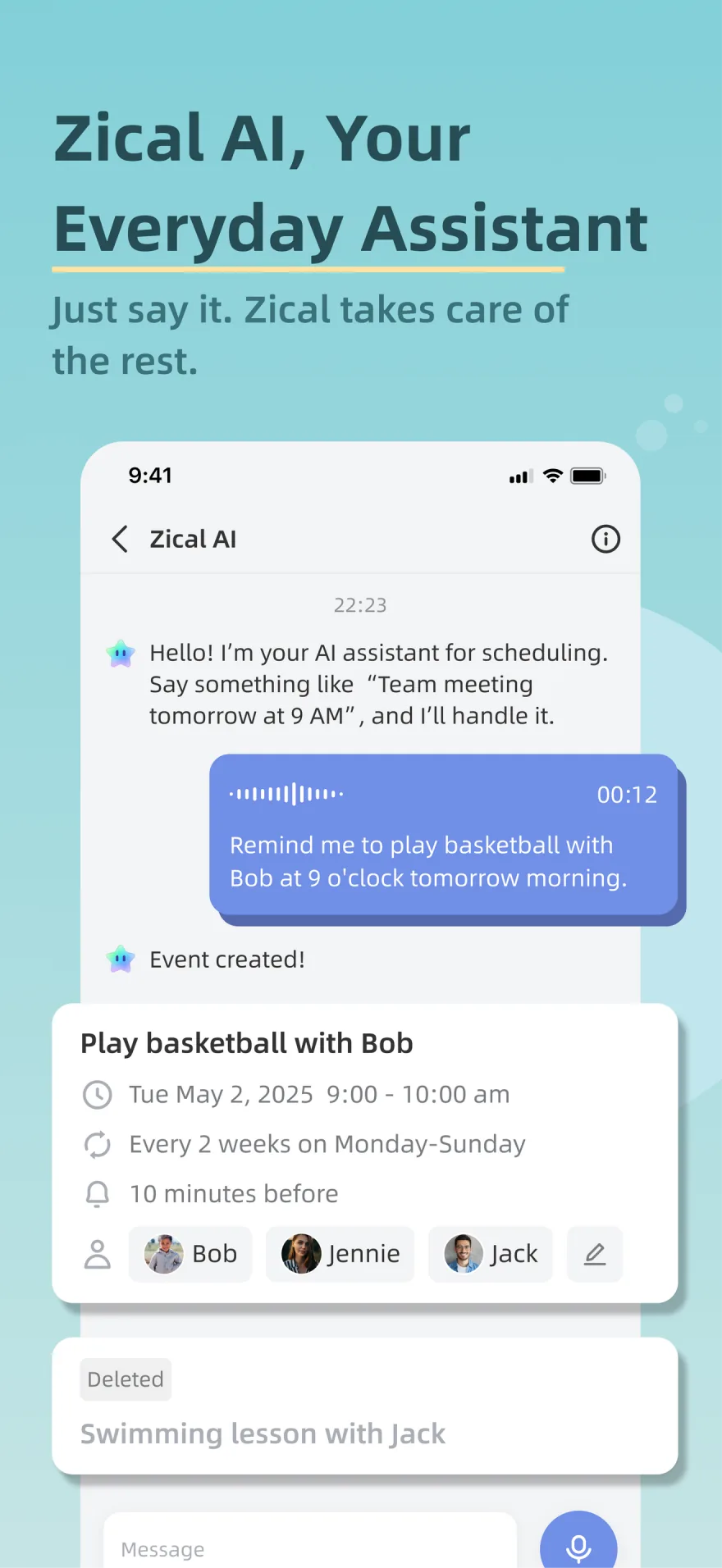
- Zical Agent is designed to understand a family request, ask for missing details, complete a supported single-item action, and return a result card.
- Zicalstar provides Agent in the Zical mobile app and on connected Westsee calendars. Features follow the installed software and account plan.
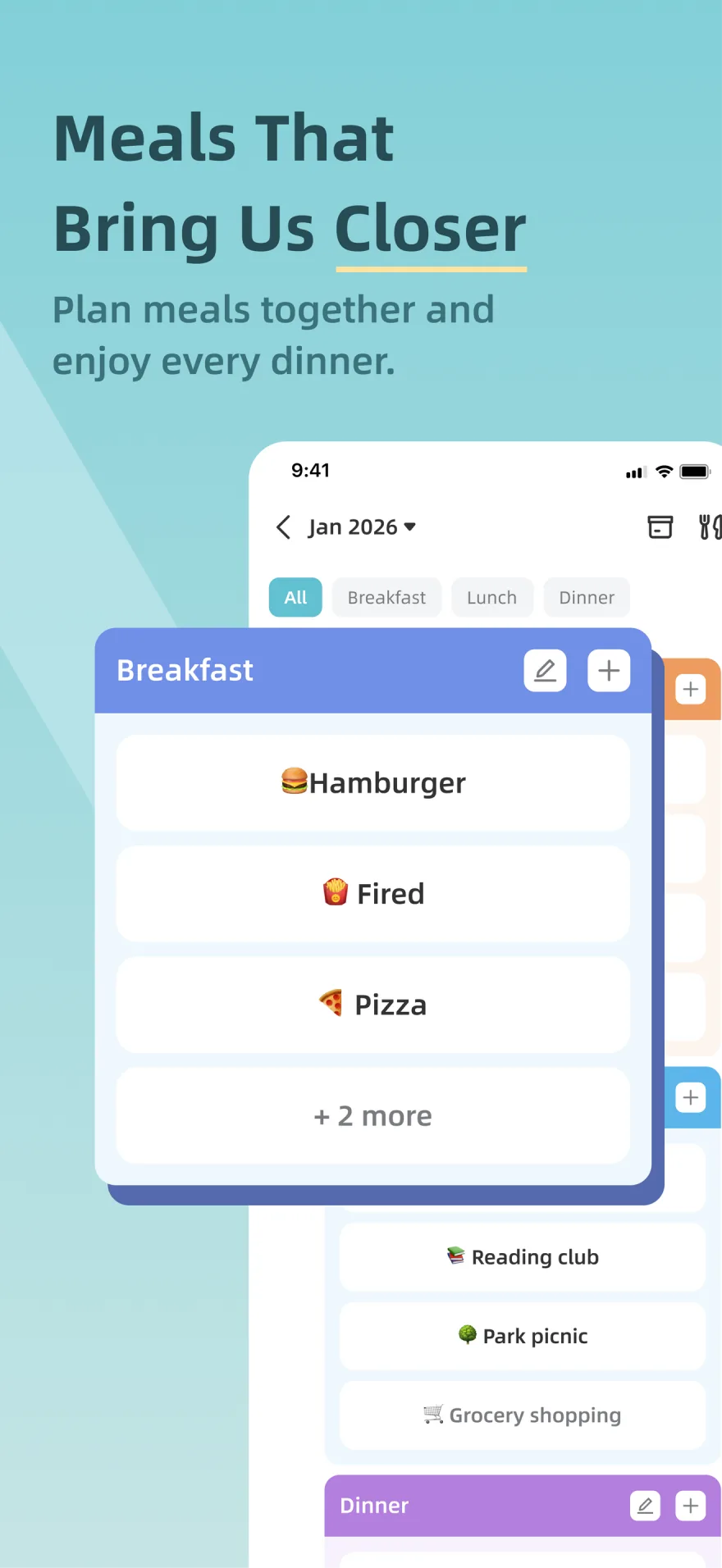
- AI Meal Planning can generate a plan for selected days and meal types, show recipes for review, and add the confirmed selection to the family schedule.
- Apple US lists Zical 3.0.3, released October 27, 2026, with a generic bug-fix note; checked October 28, 2026. The earlier 3.0.1 update added date-picker fixes. Google Play evidence checked September 14 describes voice actions and a brief bug-fix update note.
- Magic Photo is described in first-party launch materials as a display-exclusive moving-memory workflow, but it is not confirmed by the current App Store or Google Play release notes.
- Feature availability can still vary by platform, region, account plan, and connected Zical smart calendar model.
Official links
Explore or download Zical
 Apple US lists version 3.0.3, released October 27, 2026; checked October 28. Requires iOS 17.0 or later.
  The current app description includes voice actions. The September 8 update note is a brief bug-fix summary.
 Inside the app
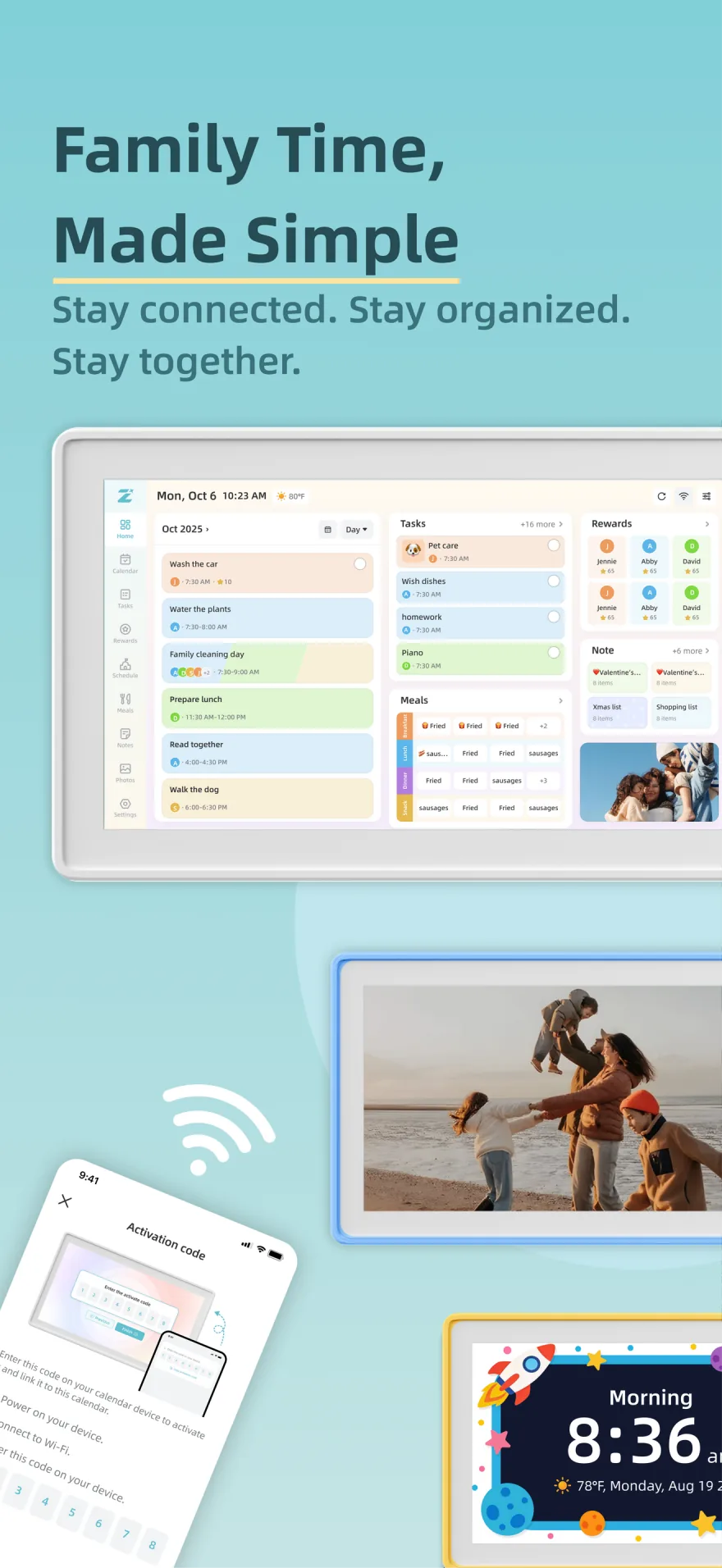
See the Zical 3.0 family workflow
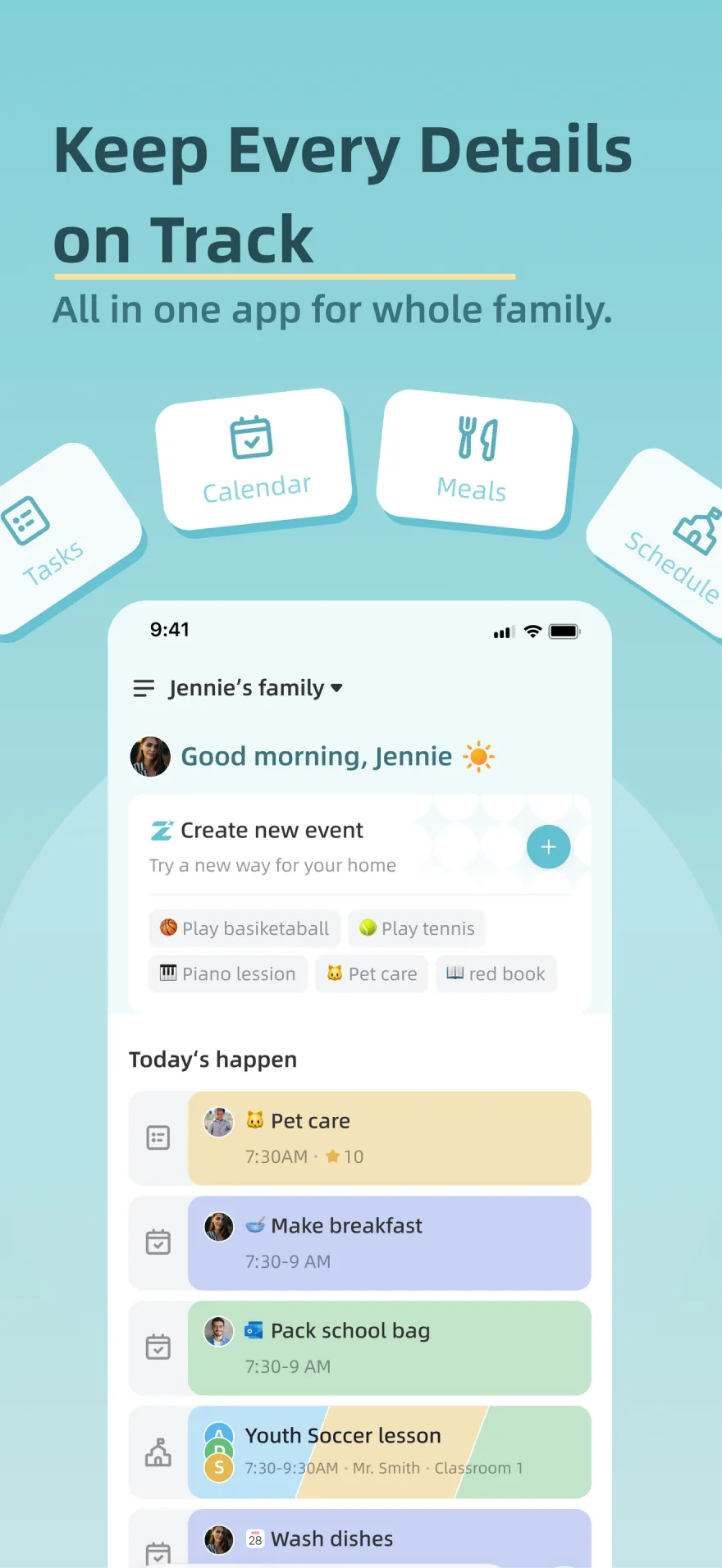
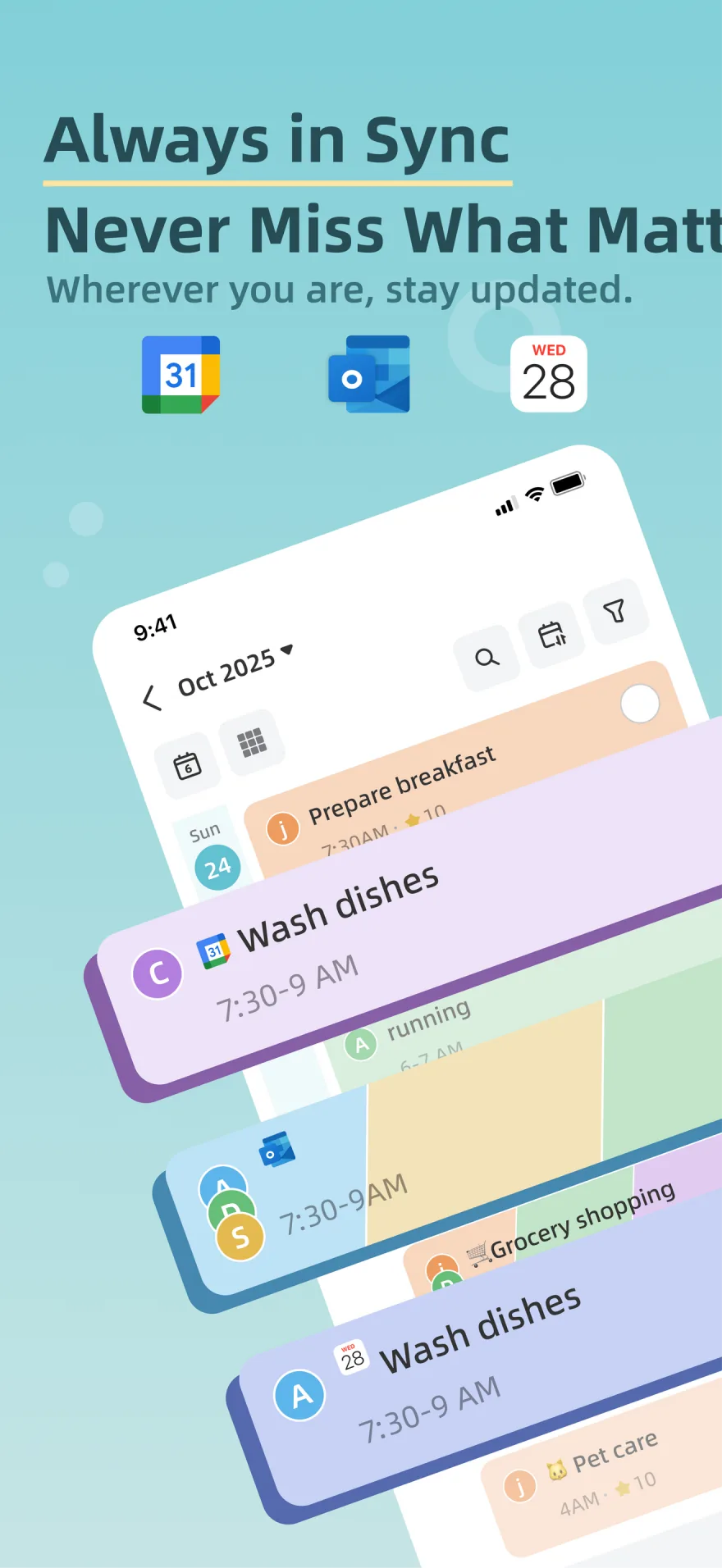
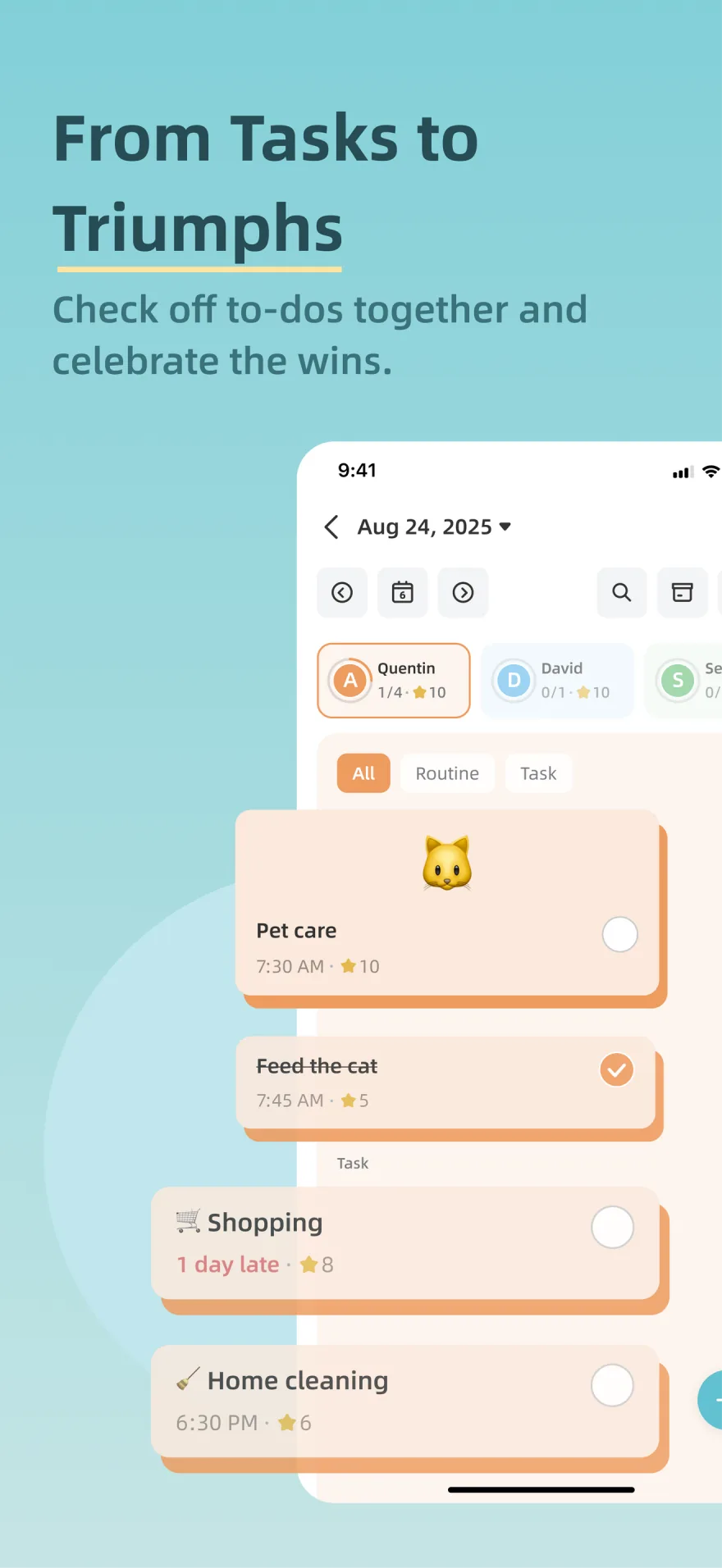
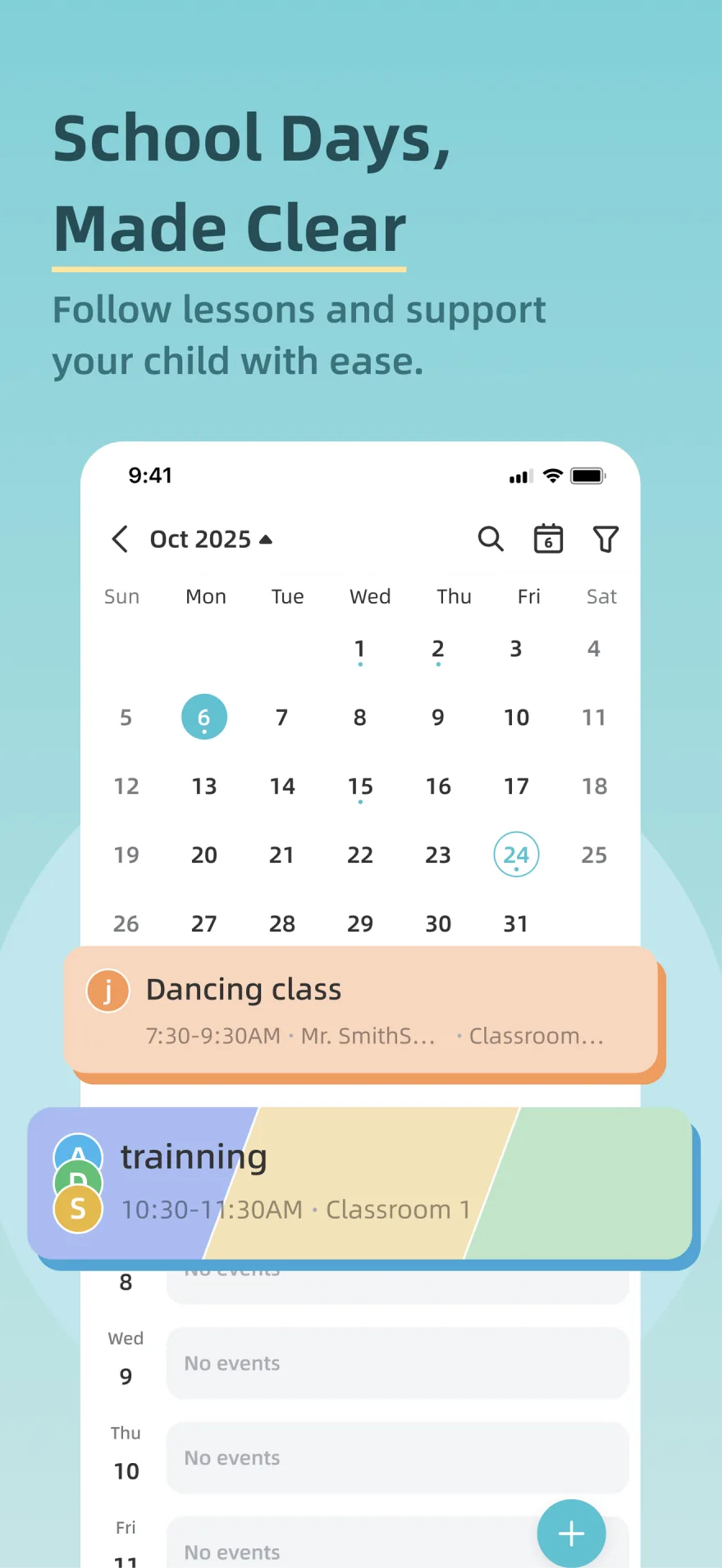
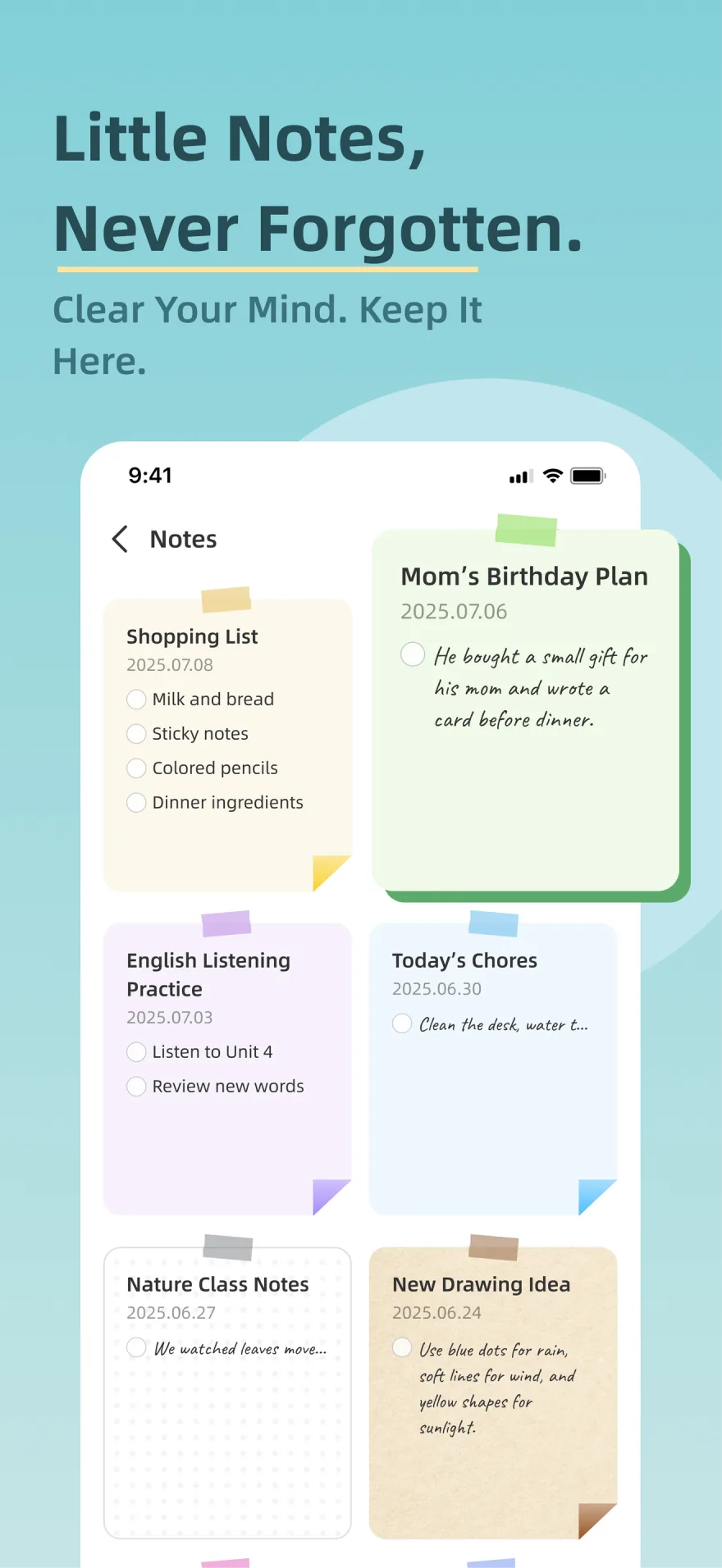
Explore how Zical 3.0 connects AI assistance, family schedules, tasks, meals, notes, photos, and the household display.
Research path
Continue your product research.
Compare connected products and practical use cases before deciding what fits your household.
Related reviews
- Westsee 15.6-inch Digital Calendar (X200) ReviewFamilies wanting a 15.6-inch calendar, chores, meals and photo display using the Zicalstar software platform and Zical companion app.
Related comparisons
- Westsee vs Skylight: Zicalstar Software, Hardware & Buying LimitsCompare the Westsee 15.6-inch calendar using Zicalstar software with Skylight. Separate everyday planning, paid features and exact-model buying evidence.
- Cozyla vs Westsee: CalendarOS and Zicalstar Software ComparedCompare Cozyla Calendar+ with the Westsee 15.6-inch calendar using Zicalstar software, separating device setup, core tools and optional AI.
Watch notes and guides
- AI Family Assistant DisplayA source-backed guide for deciding whether AI assistant features in smart calendar frames, family displays, and AI photo screens remove real family work or just add a new layer of setup and review burden.
- What Is a Smart Calendar Frame?A plain-language guide to the category between digital photo frames, wall calendars, and family command displays.
- Smart Calendar Frame Without SubscriptionHow to compare no-subscription and low-subscription smart calendar frames without ignoring app polish, support, paid-feature boundaries, and ownership risk.
Software & devices
Follow the app behind the display
Explore the software for app workflows, and the device profile for its screen, setup and buying details.
Zicalstar connects family calendars, chores, meals and photos through its Zical companion app. Documented displays include Westsee, Boyuevi, Acpouw and Bozztek calendar models.
Devices discussed in this article
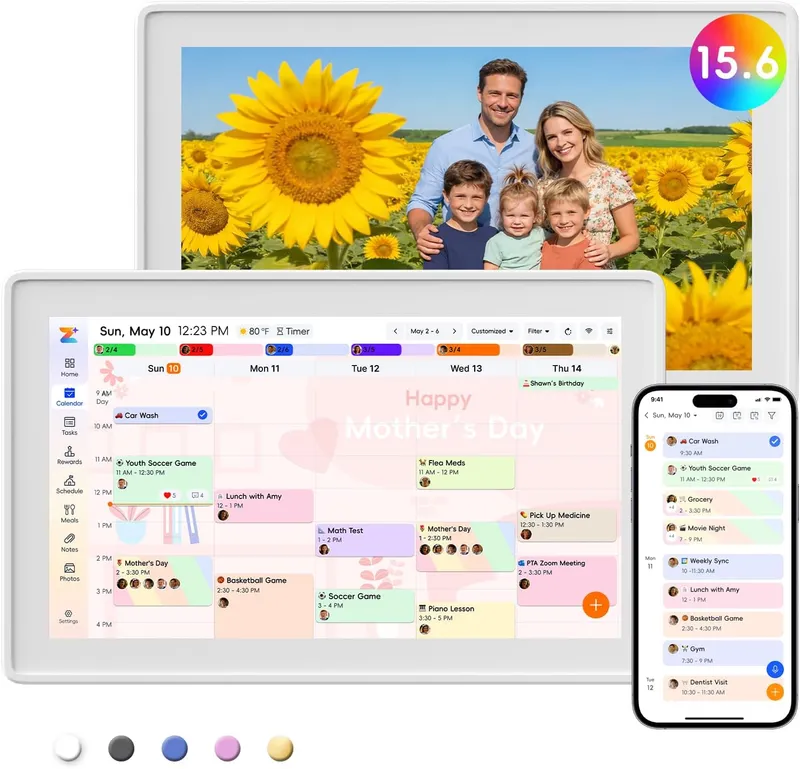 Westsee 15.6-inch Digital Calendar (X200)
Feature matrix
Products to compare
Released apps / calendar-display Agent confirmed by Zicalstar The Apple US listing and lookup API checked October 28, 2026 list version 3.0.3, released October 27, with a generic bug-fix note. Google Play evidence checked September 14 describes the released voice assistant. Zicalstar supplied a September 14, 2026 statement about Agent on compatible displays. Software features and allowances follow the installed version and account plan.
| Product | Role | Evidence | Fit & limits |
|---|---|---|---|
| Westsee 15.6-inch Digital Calendar (X200) Software: Zicalstar / Zical app | Westsee calendar using Zicalstar Agent | Apple release notes confirm the 3.0 app features. Westsee uses Zicalstar software and the Zical app; Magic Photo availability follows its separate software release. | Magic Photo is not named in the current public store notes. Other feature availability may vary by region, account plan, and connected smart-calendar model. |
What Zical 3.0 changes
The public 3.0 release shifts Zical beyond recording family plans. Its store notes add AI-assisted meals and voice actions alongside calendar sync, special days, and recipe-based shopping lists. First-party launch materials provide more detail about how those workflows are intended to work across the app and smart calendar.
- The Zical mobile app supports requests, edits, uploads and Agent conversations; Westsee provides the connected household display running Zicalstar software.
- The smart calendar can serve as both a shared household screen and an Agent entry point, according to Zicalstar. Confirm the installed display software before relying on the feature.
- Shared planning works across the mobile app and household display.
- Magic Photo is described as a smart-calendar display feature in launch materials, but it is not named in the current public store release notes.
Zical Agent: understand, clarify, act, confirm
The public store notes confirm a Zical AI Voice Assistant for events, tasks, timetables, and notes. First-party launch materials describe a broader action-oriented Agent that can interpret an ordinary-language request, ask for missing details, and return a result for review.
- Supported examples include looking up schedules, creating or updating individual events, tasks, and schedules, and completing a task.
- The Agent can create a family member or a checklist-style note. Editing, appending to, or deleting an existing note is not currently listed as a supported Agent action.
- Recipe information can be organized from supported text, image, or webpage flows, with the result returned for review.
- Bulk changes, account-permission management, and device-settings control are outside the currently described Agent actions.
Zicalstar Agent in the app and on Westsee calendars
The September 14, 2026 Zicalstar update describes Agent requests on connected displays as well as the app. Westsee is the physical calendar using this software. Household planning belongs to the Zicalstar platform; the screen, storage and mounting belong to the Westsee device.
- Westsee calendars use Zicalstar software. A companion-app download does not establish that the display software can run on arbitrary Android tablets or iPads.
- Ask which display software version enables Agent on the exact model you own, and check account or plan limits.
- Test a clearly scoped calendar request and inspect its result before relying on the display for routine family changes.
- Agent support and Magic Photo playback are separate capabilities; confirmation of one does not establish availability of the other.
AI Meal Planning starts with a reviewable draft
Meal planning is where the 3.0 story becomes a concrete household workflow. The family describes what it needs, selects the days and meal types, and receives a proposed plan that can be inspected before it changes the shared schedule. That review step keeps AI in the role of reducing blank-page work rather than making an unconfirmed commitment for the household.
- The flow can use the family prompt, relevant member notes, and available recipe sources to prepare a draft.
- Families can switch between by-day and by-meal views, open recipe details, edit a recipe, or regenerate the proposal.
- After confirmation, selected meals can be added to the family schedule, and individual recipes can be saved to the Recipe Box for reuse.
- Review the proposed meals before adding them because an automatic rollback for an entire imported plan is not currently documented.
Magic Photo is a smart-calendar display feature
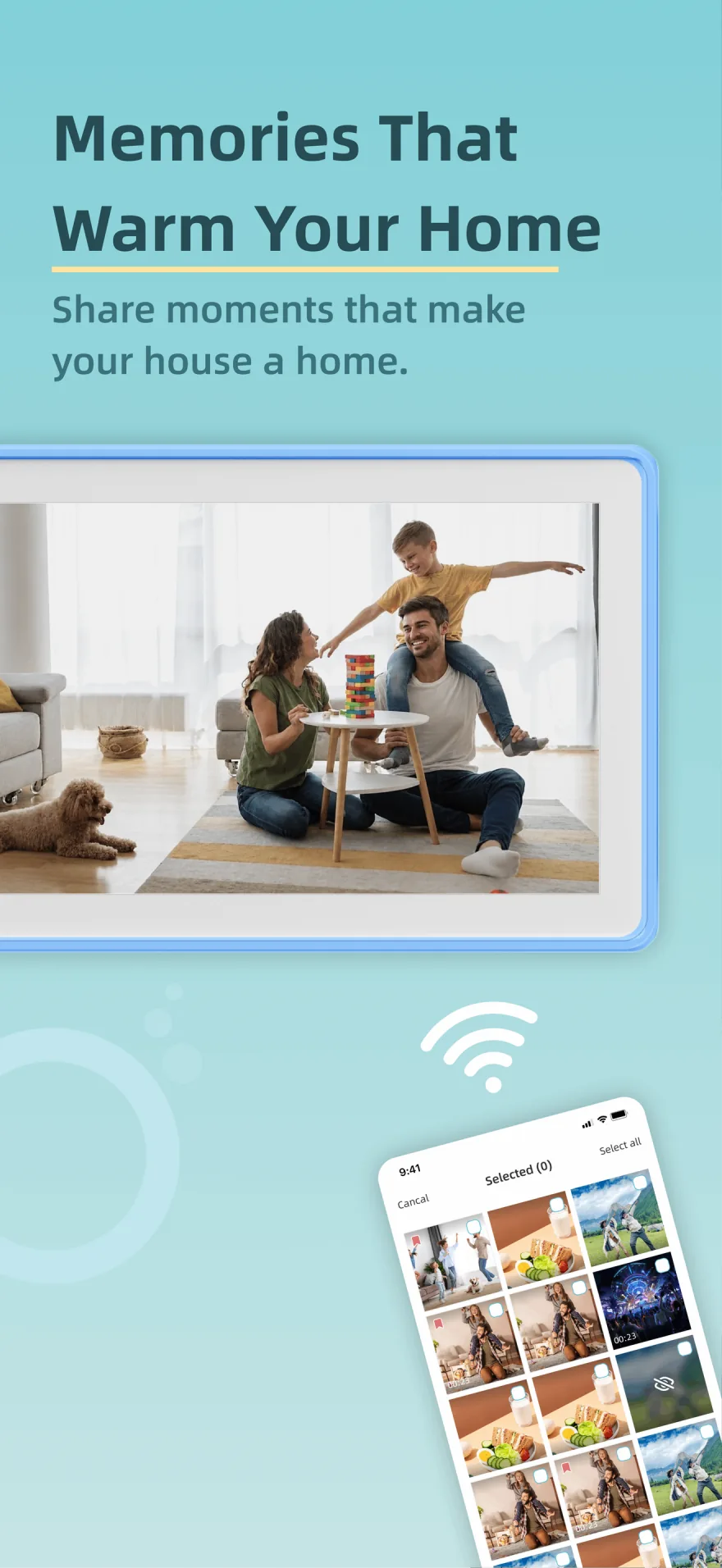
Magic Photo appears in first-party launch materials, not in the current App Store or Google Play release notes. Those materials describe a family photo moving through background generation, progress, retry, and display playback. Treat this as a preview of the intended smart-calendar experience until it is confirmed in a public build or official support page.
- First-party materials describe Magic Photo playback on connected calendar displays; app-store evidence does not yet establish its availability.
- The result is a short moving memory rather than a general photo-editing or mobile-video tool.
- A visible progress state and retry path make the experience easier to understand than an instant-generation promise.
- The mobile app starts and manages the process, but the dedicated display provides the final playback experience.
What buyers should verify after the 3.0 release
Zical 3.0 availability can differ by platform, region, account plan, and hardware model. Confirm the current version and feature set in the app and display combination you plan to use.
- Confirm that the 3.0 features shown in the store notes are enabled for the household's region and account.
- Confirm which Agent capabilities are available without a paid plan and whether any weekly limits apply.
- Verify that AI Meal Planning can use the recipe sources, meal types, and calendar workflow the household actually needs.
- Do not assume Magic Photo is publicly available until Zical documents it in the app, store listing, or official support material.
- Review Zical's current privacy and data-retention information before sharing sensitive household information. Meal suggestions are planning aids, not health or nutrition advice.