
How to Choose a Frameo Digital Photo Frame
Compare Pastigio, MAXANGEL, BIGASUO and Pexar options, avoid app mix-ups, and check local storage, optional subscriptions and gift support before buying.
On this page
Quick answer
- Choose the exact hardware model and seller, then check its app. Frameo supplies software; the brand or store handles the physical frame.
- Basic photo sharing does not require a subscription. Remote photo management, cloud backup and broader calendar tools have separate paid boundaries.
- Local photos can keep playing without Wi-Fi, but receiving new app uploads needs internet. A card slot is not a guarantee that every card or USB function works.
A Frameo-powered frame combines a hardware brand’s display with Frameo software and its phone app. Marketplace listings sometimes call these white-label frames, but shared software does not prove a shared manufacturer, screen or warranty.
Who this suits: Families who want relatives to send photos to a home display, prefer local storage and can arrange initial setup and occasional help at the frame.
Which Frameo frame should you buy?
Among similar 10.1-inch models, start with an identifiable seller, a usable return policy and a support contact for the recipient. Then choose the screen and stand that suit the room. The Frameo logo alone cannot tell you whether Pastigio, MAXANGEL or BIGASUO has the better panel or longer-lasting hardware.
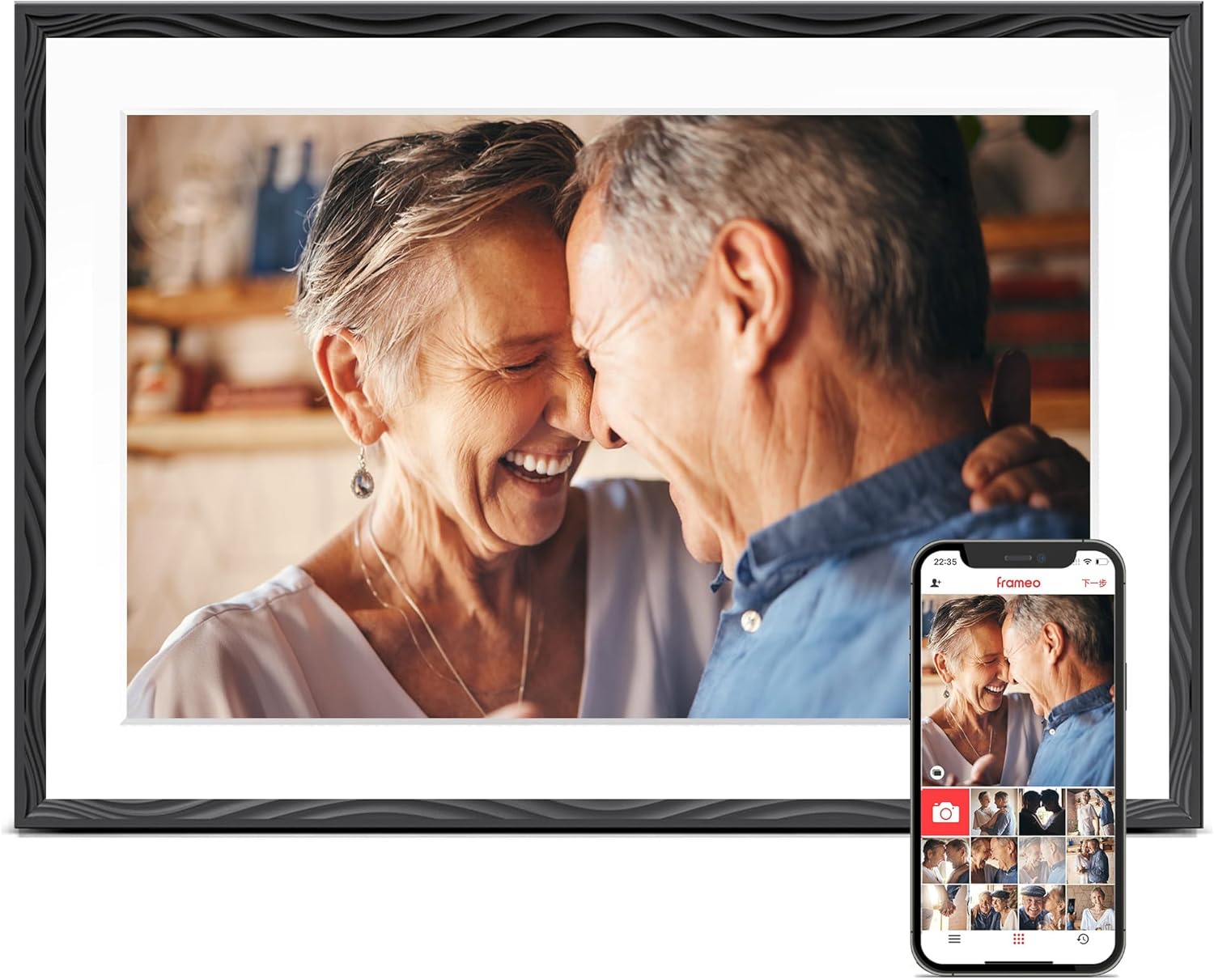
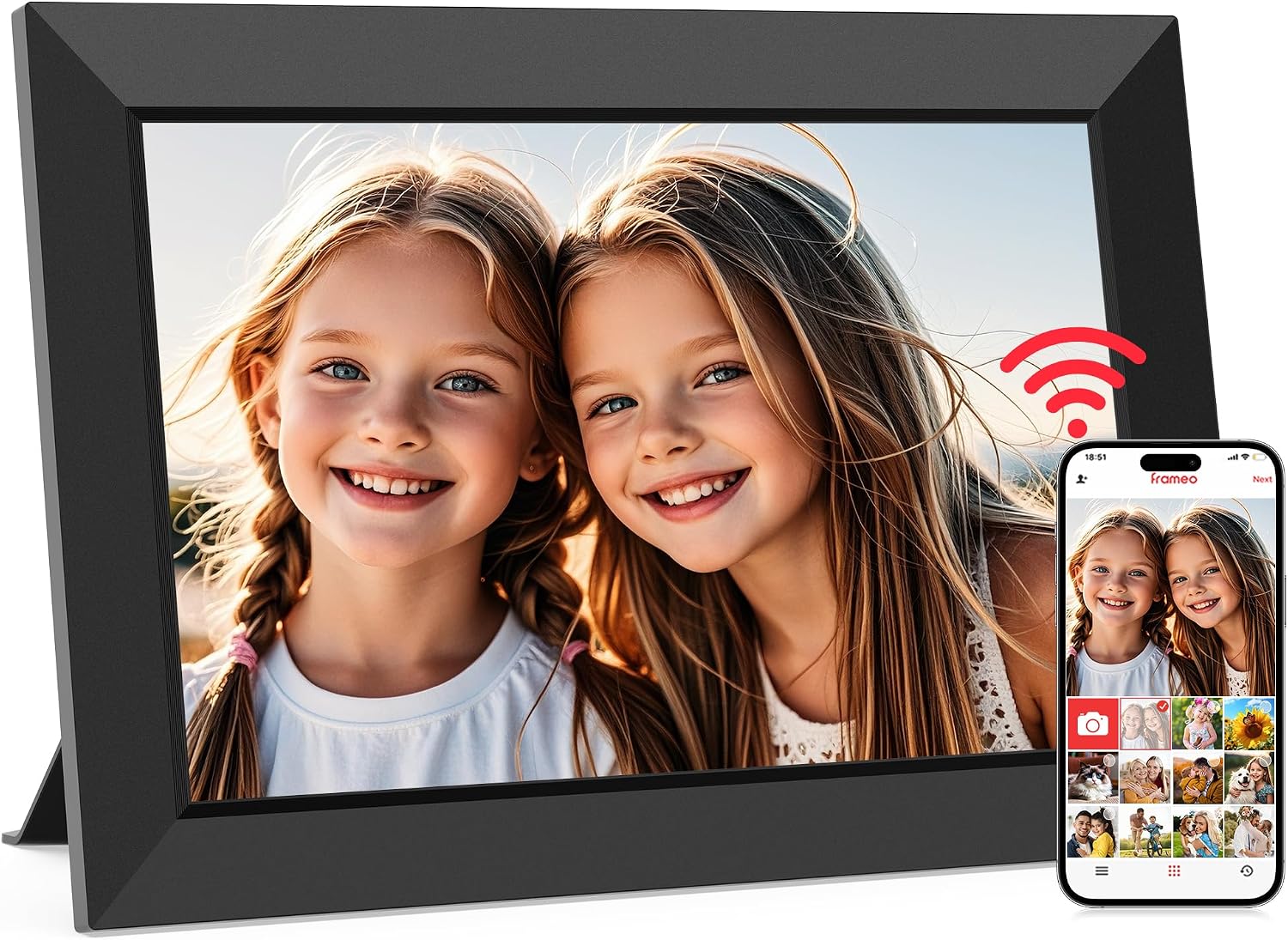
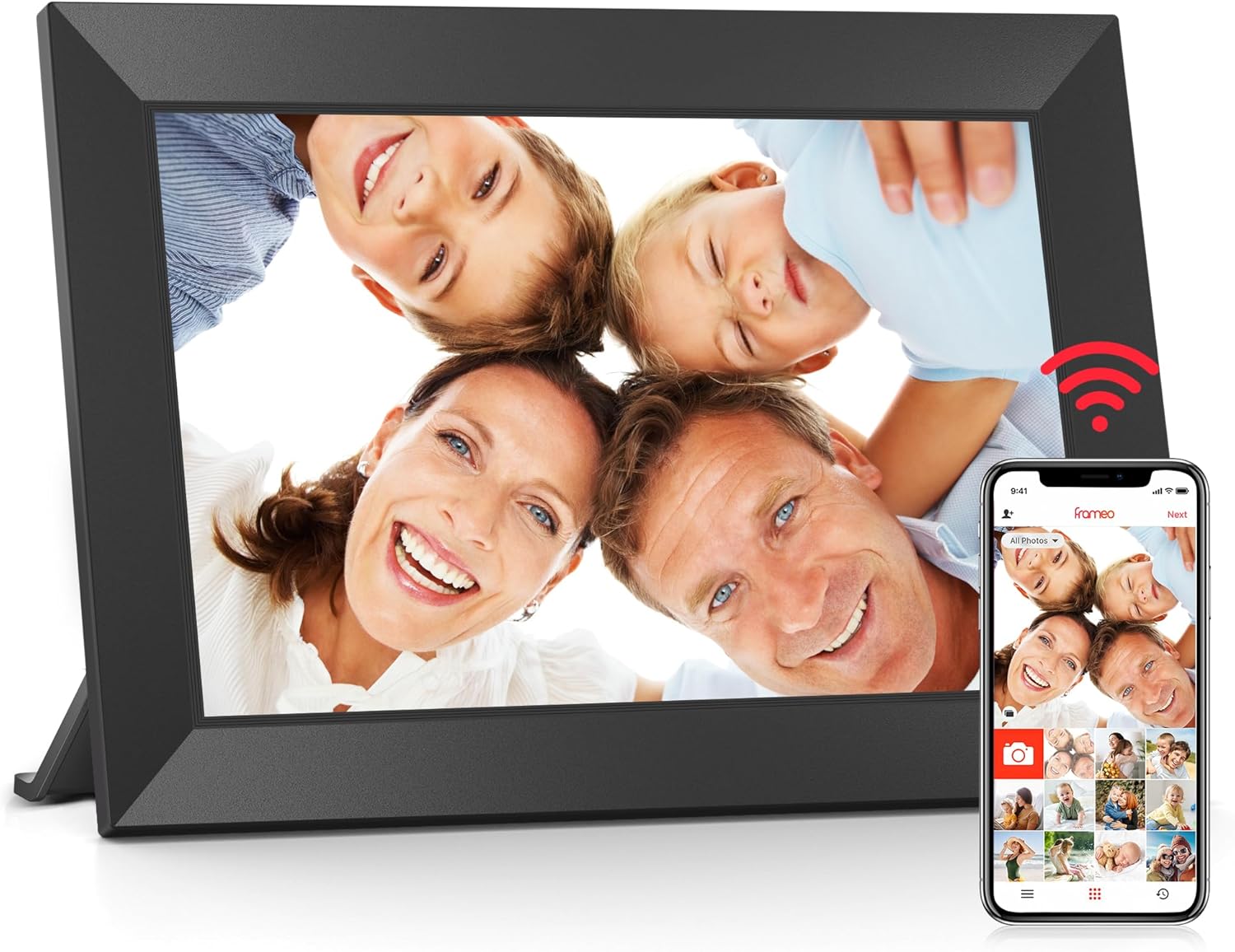
Product images from the selected model listings; sizes are not shown to scale.
- Choose local-storage photo sharing when saved pictures matter more than a full household planner.
- Choose by total delivered price and support terms after matching the exact model; a cheaper listing with a different app is a different purchase.
- These three listings describe the same screen size, resolution and storage capacity. That is a useful starting comparison, not evidence of equal color, brightness or reliability.
| Model and selected U.S. ASIN | Advertised screen and storage | Hardware detail that matters | Sources |
|---|---|---|---|
| Pastigio ZC002 · 10.1-inch · Engraved Black · B0D41ZMYB2 | 1280 × 800 IPS touchscreen; 32GB advertised internal storage | The selected ZC002 listing names Frameo, a magnetic stand and FAT32 microSD / USB-C import options. | Pastigio ZC002 listing |
| MAXANGEL M-102K · 10.1-inch · Black · B0D8JDPKKS | 1280 × 800 IPS touchscreen; 32GB advertised internal storage | The selected M-102K listing names Frameo and specifies microSD up to 32GB in FAT32 format. It also advertises calendar sync. | MAXANGEL M-102K listing |
| BIGASUO 102K / B-102K · 10.1-inch · Matte Black · B088NHSVJN | 1280 × 800 IPS touchscreen; 32GB advertised internal storage | The selected 102K listing names Frameo and microSD import/export. The details also identify the part number as B-102K. | BIGASUO 102K listing |
Listings checked October 22, 2026. Storage figures are advertised capacity. Listings and variants can change; the selected identifiers distinguish them.
Sources: Frameo: software versus hardware support · Pastigio ZC002 listing · MAXANGEL M-102K listing · BIGASUO 102K listing
Pexar: a higher-resolution option, with two different apps
Pexar earns 8.0/10 as a photo-first frame. Pexar’s Frameo-powered 2K 11-inch offers a 2000 × 1200 display, 32GB storage and SD/USB loading. The similarly named VivKeep Pro 11-inch uses the Pexar App instead, so Frameo subscription and setup instructions do not apply to it. Our Pexar by Lexar review covers the screen, local-loading routes, paid features and support dates.
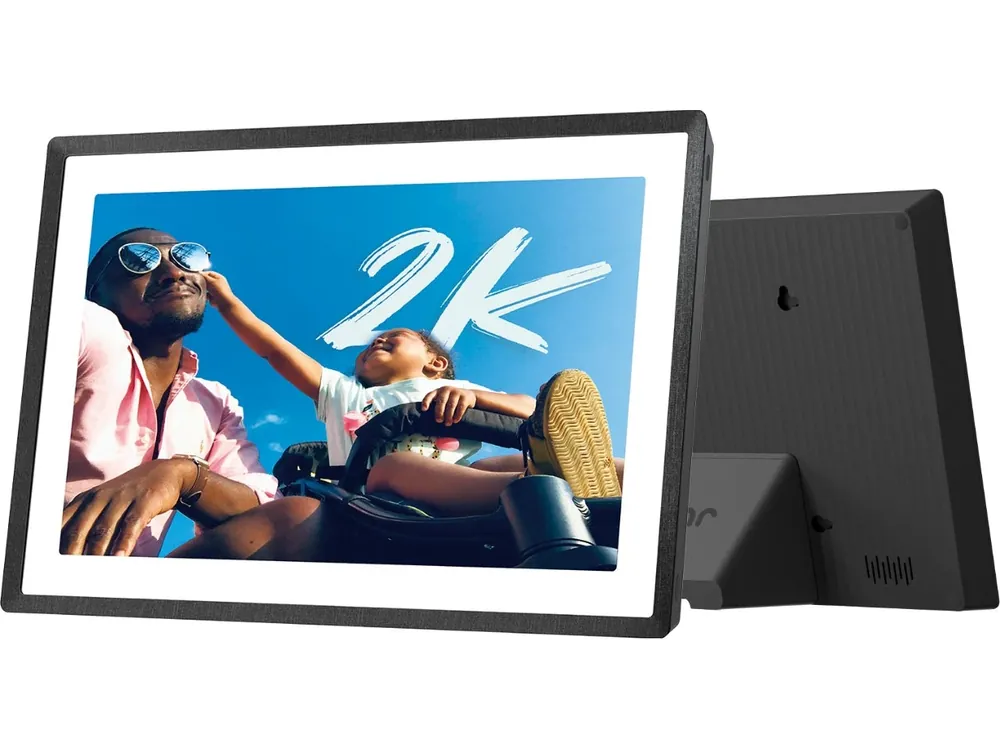
- The 2K specification is a reason to compare the exact screen, not proof of better color or reliability than every 1280 × 800 frame.
- The original 2K 11-inch model has manual brightness rather than automatic light adjustment. App sending is free within Frameo’s limits; larger app batches and remote photo management have paid boundaries.
Sources: Pexar 2K 11-inch official listing · Pexar model and app comparison
AEEZO: check the app before trusting an older review
An AEEZO review can describe a different generation from the item now in your cart. AEEZO’s current 10.1-inch Digital Picture Frame page names AiMOR, specifies 32GB and says media must be imported rather than played directly from its card. Those instructions do not describe Frameo. Match the app name, model and storage on the actual offer before buying from an older Frameo recommendation.
- A brand name is not an app-compatibility guarantee. Recheck the selected variant, even when its case resembles an older frame.
- Do not apply Frameo’s card playback, paid plans or calendar instructions to an AiMOR device.
The ecosystem is much larger than two brands
AKImart, ApoloSign, BIGASUO, Ciowain, Eptusmey, Feelcare, LuvLink, Pastigio, Pexar, QOCEN, Skyrhyme, Weipan, Yunqideer appear in Frameo’s U.S. reseller directory. Denver and HOMELife are two calendar-documented examples in our software directory; they do not represent the whole photo-frame market.
- Selected names in Frameo’s United States reseller directory. A reseller listing establishes a sales connection, not a common factory, identical hardware or calendar support across the brand.
- A familiar name can use different platforms in different product lines. AKImart or ApoloSign photo-frame listings do not establish which software their calendars use.
Sources: Frameo worldwide reseller directory
What works free, and what becomes a subscription?
Sending everyday photos is the free starting point. Frameo+ adds convenience for the sender and remote helper; Premium adds the broader calendar package. A paid upgrade belongs to the subscribing account, so one relative’s subscription does not automatically upgrade everyone who sends pictures. For pictures stored in the cloud, follow our Google Photos setup guide to distinguish selected-photo sharing from automatic album sync.
- Remote viewing and photo management require the frame owner’s permission.
- The 14-day trial renews automatically unless cancelled. After cancellation takes effect, Frameo says existing photos and connections remain, but cloud backups are lost. Keep independent originals.
| Plan | Photo workflow | Calendar scope on compatible frames | Sources |
|---|---|---|---|
| Free | Send up to 10 photos per batch and 15-second videos | One synced calendar per frame | Frameo Free, Frameo+ and Premium |
| Frameo+ | 100-photo batches, two-minute videos, permission-based remote photo management and cloud backup | One synced calendar per frame | Frameo+ account and remote-access scopeFrameo Free, Frameo+ and Premium |
| Premium | Frameo+ tools | Multiple calendars, countdowns and timed calendar views on up to five frames | Frameo Free, Frameo+ and Premium |
Software allowances checked October 22, 2026. Hardware is purchased separately. Calendar support depends on the frame and installed version; a photo listing alone does not establish its full calendar feature set.
Sources: Frameo Free, Frameo+ and Premium · Frameo+ account and remote-access scope
Local storage, offline playback and SD/USB are different things
Frameo documents playback of saved photos without Wi-Fi. New app uploads and software updates need internet, so offline playback does not make remote sharing independent of Frameo’s service. The frame also still needs electrical power. For a gift without home broadband, preload photos before delivery or arrange occasional hotspot access.
- Import copies media into the frame; direct card playback reads it from the inserted card; export copies photos out; backup is a recovery workflow. Check the function you actually need.
- Frameo’s external-playback guide supports direct card playback and commonly specifies cards of 32GB or less, formatted FAT32. Hardware requirements can differ. A 64GB exFAT card is not a safe assumption.
- MAXANGEL’s selected listing specifies a 32GB FAT32 microSD limit. Pastigio lists FAT32 microSD and USB-C imports; that does not make every USB cable, computer or port a compatible transfer route.
- Keep originals on another device. Export a sample and open it on your computer before relying on the frame as a family archive. Frameo documents export under Settings → Manage photos → Export photos.
Sources: Frameo offline operation · Frameo play from external storage · Frameo photo export · MAXANGEL M-102K listing · Pastigio ZC002 listing
Check photo quality and family sharing during the return window
A 1280 × 800 specification does not describe reflections, dim-room brightness, viewing angles or skin tones. Use the same non-sensitive pictures on each candidate: a daylight face, a dark scene, a portrait and an image with fine text. View them from the chair and shelf position where the frame will live, including from the side.
- Check crop versus fit: can you keep a person’s head and the edge of a group photo visible without stretching?
- Send a small numbered photo batch from mobile data while the frame uses home Wi-Fi. Record missing items, duplicates and time to arrival; repeat later before judging the network or device.
- Disconnect Wi-Fi after the photos arrive and check that the saved slideshow continues. Reconnect and send a fresh photo. This separates playback from delivery.
- Use a spare compatible card for import, direct playback if offered, export and a restart. Open exported copies on a computer. Do not reset a family’s only photo collection to test recovery.
- Have the intended recipient try waking the screen, finding a new photo and adjusting the slideshow. Decide who can help locally if the frame loses Wi-Fi or needs a physical tap.
Calendar and AI claims need their own checks
Photo sharing is not Google Photos album synchronization, and neither is Google Calendar event sync. Frameo has an optional calendar on compatible frames; our Frameo Calendar guide explains setup and refresh limits. The MAXANGEL listing mentions calendar sync, but that does not establish measured refresh or two-way editing. The photo models here are not rated for chores, rewards or meal planning.
- If a listing says AI, identify the action: automatic rotation, crop assistance and collage are different from generative editing or restoration.
- Do not pay extra for an unspecified AI label. Compare the named function, its output quality and any credit or subscription terms.
- Frameo describes encrypted media transfer, but photos displayed in the home are physically visible. Place the frame appropriately and share its connection code only with intended contributors.
Sources: Frameo privacy and compliance · MAXANGEL M-102K listing
Compare long-term cost with Aura and Skylight
A low purchase price does not settle lifetime cost. Add a compatible card, electricity, any paid plan and possible replacement or return shipping. Aura also advertises subscription-free photo/video storage, so paying more upfront does not automatically mean a recurring fee. Skylight Frame has its own Basic/Plus terms; Frame Plus is separate from Calendar Plus.
- Frameo’s published annual dollar prices are $16.99 for Frameo+ and $69.99 for Premium. Confirm your regional in-app currency and renewal price.
- The table assumes three or five complete paid years at an unchanged annual rate. It excludes hardware, tax, cards, electricity, trials and price changes; it is not a checkout quote.
- Compare the actual frame, sharing features and local return terms against Aura or Skylight, alongside the total cost.
| Account plan | Three full paid years | Five full paid years | Sources |
|---|---|---|---|
| Free photo sharing | $0 | $0 | Frameo Free, Frameo+ and Premium |
| Frameo+ at $16.99/year | $50.97 | $84.95 | Frameo Free, Frameo+ and Premium |
| Premium at $69.99/year | $209.97 | $349.95 | Frameo Free, Frameo+ and Premium |
Arithmetic examples using the annual dollar prices on Frameo’s plan page, checked October 22, 2026. Add the actual hardware/ownership costs. Do not multiply the same eligible account subscription by the number of frames without checking its coverage.
Sources: Frameo Free, Frameo+ and Premium · Aura Carver product and service FAQ · Skylight Frame Plus
The warranty belongs to the seller or hardware brand
The selected Pastigio listing states 24 months. MAXANGEL states a one-year quality-issue replacement service; BIGASUO states a one-year warranty and 365-day replacement service. These listing promises do not establish turnaround, postage reimbursement or a successful repair. Frameo explicitly directs hardware returns and replacements to the seller or brand.
- Save the order, model, seller name and warranty wording. For a gift, give the recipient a usable support route and keep the order number available.
- Check the return deadline, return address and who pays shipping before ordering. A warranty period is different from a no-fault return period.
- Choose the offer whose terms you can use in your country. A longer headline warranty is less valuable if claiming it requires impractical shipping.
Sources: Pastigio ZC002 listing · MAXANGEL M-102K listing · BIGASUO 102K listing · Frameo: software versus hardware support
Sources
- Hardware specifications and warranty terms are attributed to the selected model listings.
- Frameo reseller names establish platform sales references only. They do not identify a common OEM, every model’s app or calendar compatibility.
Buying checklist
Software & devices
Follow the app behind the display
Explore the software for app workflows, and the device profile for its screen, setup and buying details.

Frameo powers the Pexar 2K 11-inch and selected Pastigio, MAXANGEL and BIGASUO photo frames. Compatible models can show a calendar alongside photos. Pexar’s VivKeep Pro 11-inch uses a different app.
Explore Frameo software & connected devicesCommon questions
What is the best Frameo digital photo frame?
The best fit depends on the room, recipient and seller support. Compare exact models, screen quality in your room and the seller’s return/support terms. Pastigio ZC002, MAXANGEL M-102K and BIGASUO 102K all advertise 10.1-inch 1280 × 800 screens and 32GB, but those specifications do not prove equal performance.
Does Frameo require a subscription?
Basic photo sharing is free. Optional plans add larger batches, longer app-sent videos, remote photo management, cloud backup and expanded calendar tools. Choose by the functions you need rather than a listing’s blanket no-subscription claim.
Will a Frameo frame still show photos when Wi-Fi goes down?
Frameo documents offline playback of photos already saved on the frame. Receiving new app uploads needs internet, and the display still needs power. Offline playback is not an internet-free remote-sharing service.
Are all AEEZO frames compatible with Frameo?
Do not assume so. AEEZO’s current 10.1-inch Digital Picture Frame page names AiMOR. Match the app and exact variant rather than transferring instructions from an older AEEZO review.
Can every Frameo photo frame replace a family calendar?
No. Calendar availability depends on the model and software version. One compatible calendar view may suit photo-first use; several calendars and more household tools require separate checks.
Related reading
Photo frame or family planner?
Continue with the question that matches your household.
Choose the everyday workflow
- Frameo Calendar versus a dedicated calendarCalendar setup, plans and model-specific limits.
- AI photo frame versus digital photo frameDistinguish a named editing tool from basic photo playback.
- Photo frames for grandparentsThink through sharing, gift setup and ongoing help.