
Product Watch · unscored / Updated October 29, 2026
KODAK 10.1-inch Battery Frame: Wi-Fi 6 and Portable Photo Sharing
KODAK
A portable LCD option for moving a photo slideshow between rooms. Compare the selected 109v version, event power planning and Pix-Star’s connected-home approach.
Consider this KODAK when moving the screen matters more than administering several relatives’ frames. For an event, prepare the album before leaving home and keep a charging option nearby. Compare Pix-Star LUX 10 when the frame will stay in one home and a remote helper needs access.
Quick answer
- This profile follows ASIN B0FYMHMNG2. Its listed model is 109v; similarly named regional products have different storage and battery specifications.
- The seller’s up-to-10-hour claim is a ceiling, not a guaranteed wedding-day runtime. Choose around your intended brightness, video use and charging access.
- Current Pix-Star LUX 10 also has dual-band Wi-Fi 6. The useful comparison is portable power versus remote household management, rather than the wireless badge alone.
Product media
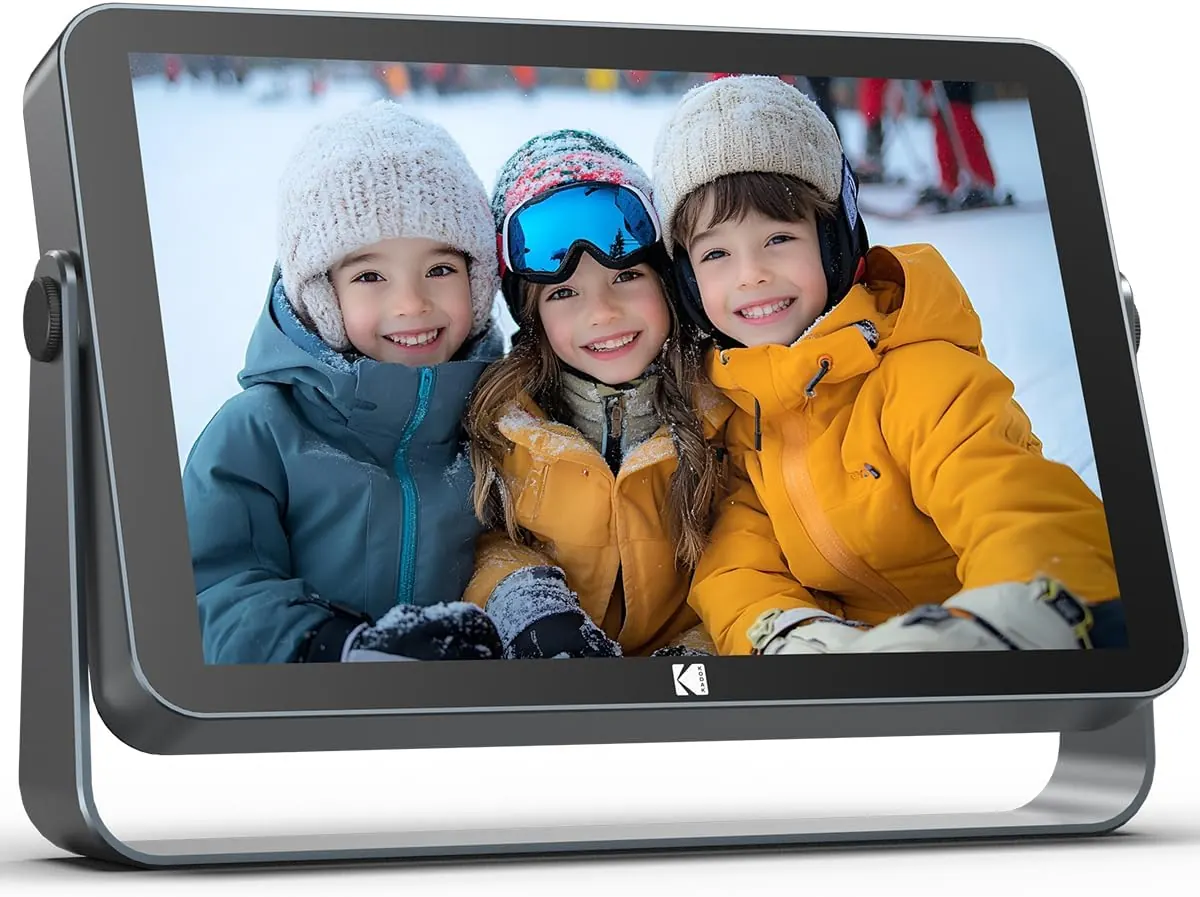
109v · US 64GB listing visual evidence
1 product image
Source-backed watch notes
Product details
Updated October 29, 2026
Match the version before buying
Keep the ASIN, storage capacity and app name with the order. The 32GB regional RWF-109V specification is a separate reference: its ports, charging instructions and endurance should not be copied into the selected US offer. A matching Kodak name or similar grey enclosure is not enough to identify the configuration.
- Kodak’s consumer site identifies Maxtalent Industrial as a licensed manufacturer and seller of digital frames. The brand name alone does not identify the retailer responsible for a particular purchase.
- For a gift, save the seller’s returns information and the instructions supplied with the actual unit.
Plan for the event, not the headline battery time
For a reception table, bedside visit or family gathering, the practical benefit is moving a slideshow without running a power lead across the room. Charge before departure, load the album first and use a placement where the screen remains visible without maximum brightness. Keep the supplied charging equipment available for a longer session.
- During the return window, run the intended album at the brightness and volume you will actually use. Include videos if they will be part of the event, and leave a reserve for setup time.
- Inspect reflections from the intended seating position. Glass touch construction and automatic brightness do not by themselves establish outdoor readability or weather resistance.
- Keep independent originals. A battery frame is a display to carry, not the only copy of the photographs.
Wi-Fi 6 does not make every upload faster
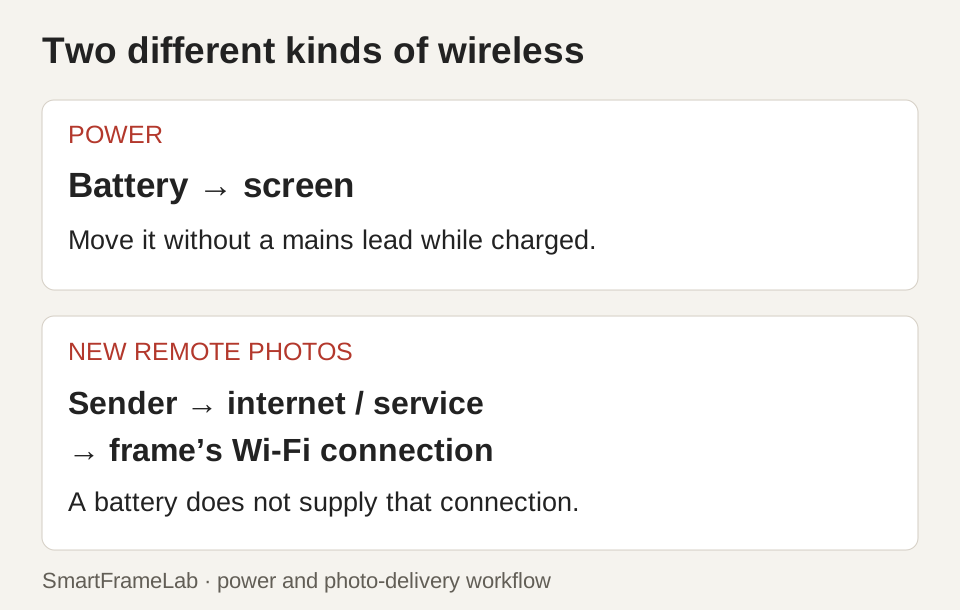
The frame’s local radio is only part of a remote upload. The sending phone, its internet upload, any account service and the receiving connection all affect when a photo appears. A dual-band frame gives you another connection option; it does not remove a slow upstream connection or a sign-in problem.
- 5GHz generally trades some reach through walls for more capacity; 2.4GHz can be useful farther from the access point. Try the intended room rather than choosing by band name alone.
- On a mesh network, check the frame’s actual connected node and band in the router app. A shared network name does not prove it is using 5GHz.
- For an event, confirm the venue permits the connection before relying on live submissions. Preloading the album removes that dependency from the opening slideshow.
Make sharing easy for the person receiving it
Give one trusted person responsibility for the initial account and invitations. Before taking the frame away, close and reopen the phone app and send another photo without resetting the frame. This catches a pairing workflow that only appeared to work during the first setup.
- Use the app or QR link supplied with the exact frame. Older Kodak-branded products can have different software.
- Keep pairing codes and private family images out of public invitations. For a party, a small invited group is easier to manage than giving every guest control.
- A local photo collection can avoid paying for cloud storage. Before choosing an optional app plan, separate ordinary sending, remote deletion, backup and any account limits; these are different services.
What the screen numbers tell you
Calculated from the advertised dimensions, 1920 × 1200 at 10.1 inches is about 224 pixels per inch. The LUX 10’s 1024 × 768 at 10.4 inches is about 123 ppi. The Kodak has roughly 2.93 times the pixel count; that is a detail budget, not a measured comparison of color, reflections or processing.
- Shape also matters: Kodak’s 16:10 canvas and Pix-Star’s 4:3 canvas crop the same photograph differently. A 4:3 photo fits the Pix-Star ratio directly; on a 16:10 screen, fitting leaves about one-sixth of the area unused, while filling removes about one-sixth of the photograph.
- Start with original files rather than images copied repeatedly through messaging apps. Resolution cannot restore detail already discarded from a file.
- Calendar, clock and weather display labels do not establish shared-calendar editing or family task management. Rotation and brightness controls are also separate from generative photo tools or an AI scheduling assistant.
KODAK or Pix-Star LUX 10?
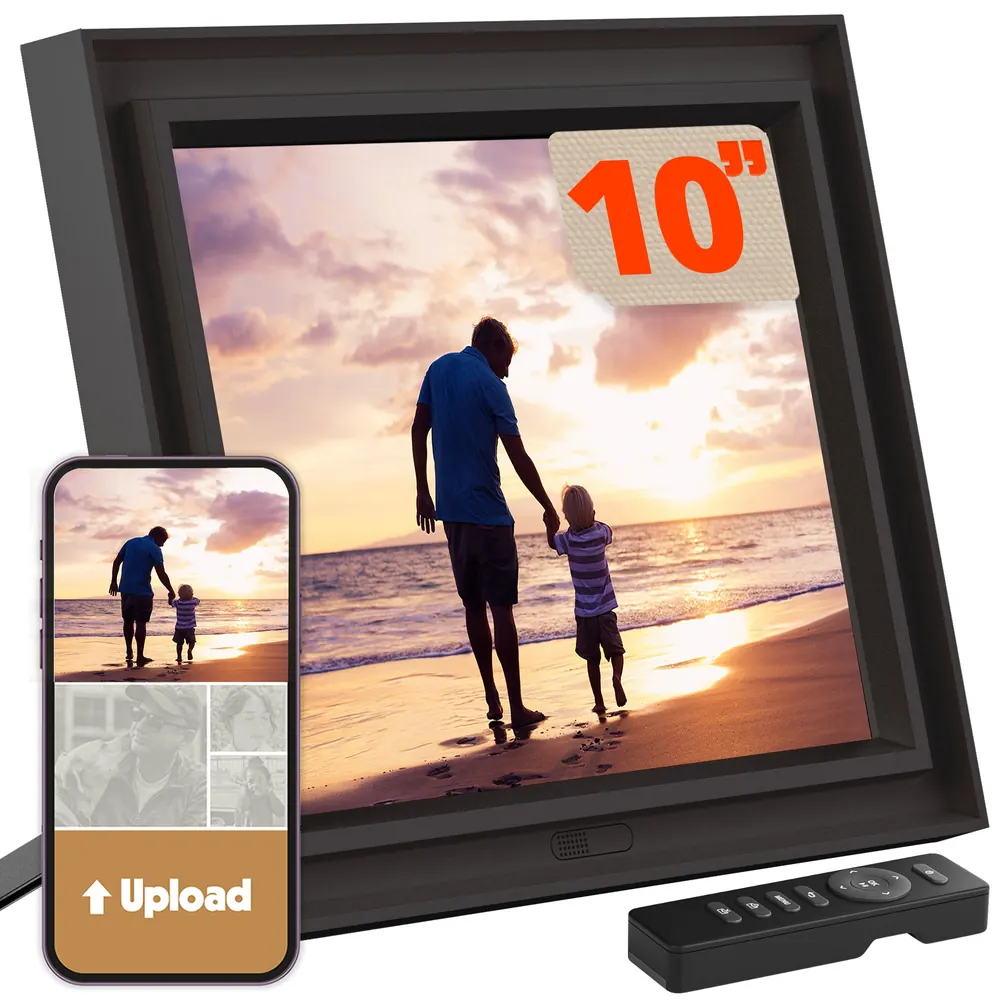
Choose around the person looking after the frame. Kodak’s battery use case is temporary placement and moving a personal album. Pix-Star’s remote settings, photo email and multi-frame features make more sense when you are supporting a display in another household. Our Pix-Star LUX 10 review covers those account and support boundaries.
| Buying question | KODAK selected 109v | Pix-Star LUX 10 |
|---|---|---|
| Main reason to consider it | Temporary cordless placement | Remote support for a home display |
| Wireless connection | Seller lists dual-band Wi-Fi 6 | Officially lists dual-band Wi-Fi 6 |
| Photo canvas | 16:10 | 4:3 |
| Remote helper | Check the actual app’s permissions | Web settings, email and multi-frame tools |
- Wi-Fi 6 is useful compatibility information, but neither badge establishes a measured 50- or 200-photo delivery time.
- For slow-changing cordless artwork rather than a lit slideshow, compare the e-paper workflow instead.
Price, app costs and support over time
Compare the delivered price from the selected seller, the return period and the cost of any optional service you would actually use. For three years, the basic calculation is hardware plus delivery/tax plus three annual plan payments, if you choose such a plan. Add charging electricity, optional storage and eventual battery or hardware service.
- The local-slideshow budget does not need an assumed cloud-storage subscription. Over five years, include any service you do choose for all five renewals and allow for battery ageing.
- The selected listing gives conflicting 12- and 24-month warranty terms. Obtain the seller’s written coverage for the actual offer.
- For a shared appointment board, choose a calendar-focused product by its sync and household workflow. A photo-frame calendar view is a different buying job.
Related photo-frame decisions
Choose the sharing and power workflow
Follow the part of the purchase that matters to your household.
Connected photos and portable displays
- Pix-Star LUX 10 reviewIncluded cloud, web management and exact-generation hardware.
- E-paper or LCD?Different power, lighting and photo-change workflows.
- Google Photos setup by frame brandSeparate selected uploads from automatic albums.