
Start with the job
Quick answer
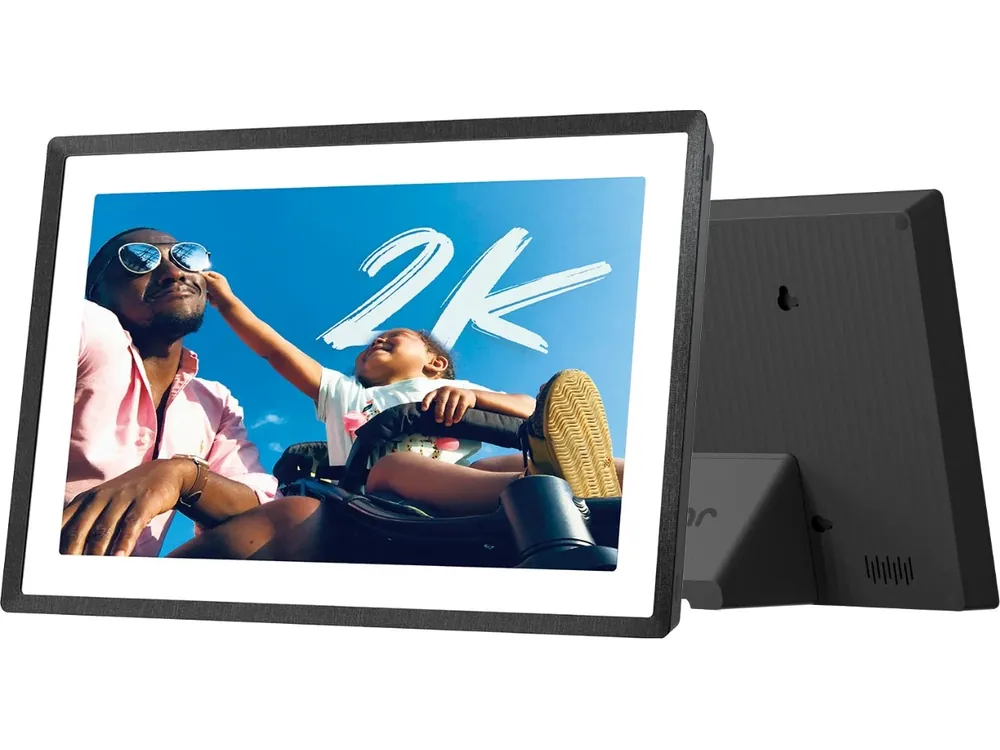
For one rental with rarely changing information, start with a printed WiFi sign and your Airbnb house manual. For an off-site host changing cards regularly, compare Pix-Star’s remote administration with a Frameo device plus the remote-management plan. Keep an existing Skylight Frame if its photo-management workflow fits. A large Cozyla calendar display makes more sense when you also need its dashboard functions. Put essential arrival information somewhere guests can read without waiting for a slideshow.
These are use-case choices from current support documentation, not a week-long rental trial or a ranking by guest satisfaction. Hardware restart behaviour and guest access controls need checking on the exact unit.
Features with boundaries
Choose the maintenance workflow before the screen
On a smaller screen, swipe the table sideways to see costs and limits. With a keyboard, focus the table and use the arrow keys.
| Product | Best fit | Ongoing cost boundary | Limits & sources |
|---|---|---|---|
| Printed WiFi sign + house manual | One property; mostly fixed WiFi and checkout details. | Print or decor cost; no powered-screen plan or electricity. | Someone must replace the sign after a password change. QR decor is not an electronic display. |
| Pix-Star LUX route | Off-site maintenance and several receiving frames; app, email, web administration and local media. | Current Pix-Star service terms advertise no recurring frame fee; internet and hardware remain separate. | Remote administration needs connectivity. Confirm your exact LUX model’s startup and slideshow settings before installing several units. |
| Frameo-powered frame, such as Pexar 11-inch | Simple information cards stored locally, with remote sending from the host’s phone. | Core sending is free. Frameo+ adds remote viewing, deletion, hiding and Show Now, with permission granted on the frame. | Sending a replacement card does not remove its outdated predecessor. Software compatibility is not proof of locked-down guest operation or automatic recovery on every hardware model. |
| An existing Skylight Frame | Hosts who already use the Frame app and are comfortable managing image-based cards. | Albums and caption editing are Frame Plus features. Confirm the management tools needed under your own account. | Use the Frame instructions, not Calendar Plus rules. Do not treat sending photos as proof that every remote management action is included. |
| Cozyla Calendar+ 2 | An existing multi-purpose display that also needs an information screensaver. | Local Album and Cozyla Photos are separate sources; Art Gallery requires Calendar Super under these model-specific instructions. | A screensaver is not a guest kiosk. Calendar+ 2 instructions do not establish the same sources or paid boundaries on Neo, SE or other generations. |
Specifications and plan terms come from the linked sources. Specific-source checks for this guide: November 6, 2026. Linked product profiles retain their separate research dates. Prices, allowances and support terms can change.
Make the decision
What to check before choosing
What a guest should see in the first minute
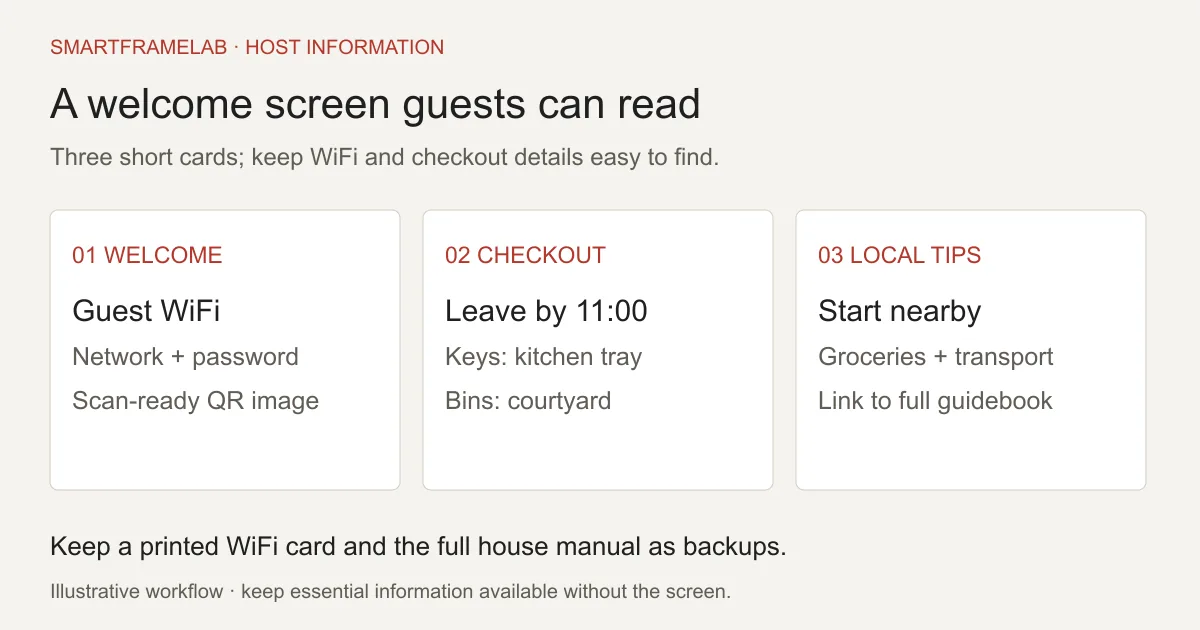
A guest arriving late should find the network name, password, checkout time and a way to contact the host without navigating a dashboard. Put those essentials on one calm welcome card. Rotate optional tips afterward: a nearby supermarket, the correct bin location, transport to town and a short appliance instruction. A dense slideshow recreates the same problem as a long arrival message: useful information exists, but finding it takes work. Airbnb’s house manual is the right place for the longer instructions; the screen can point guests to it.
- Keep check-in directions and important rules consistent with the listing and arrival guide.
- Keep critical contact and access information in the booked guest’s established communication channel.
- Do not promise a particular reduction in questions: neither a product use case nor a seller testimonial measures your property’s results.
The best inexpensive option may be a printed sign
A screen earns its place when information changes enough to justify remote maintenance. If the only recurring question is the WiFi password, a printed network card with readable text and a tested WiFi QR code can do the job continuously. Where’s Your WiFi sells QR decor for this purpose; that is a different product from a powered digital frame. Gadget Flow also describes rental information as a use for Memory Frame. A printed QR sign provides constant access to the network details; a connected screen earns its place by letting the host refresh the wider set of guest information. Start with the smallest useful system and add a screen when it solves a maintenance problem.
For an off-site host, removal matters as much as uploading
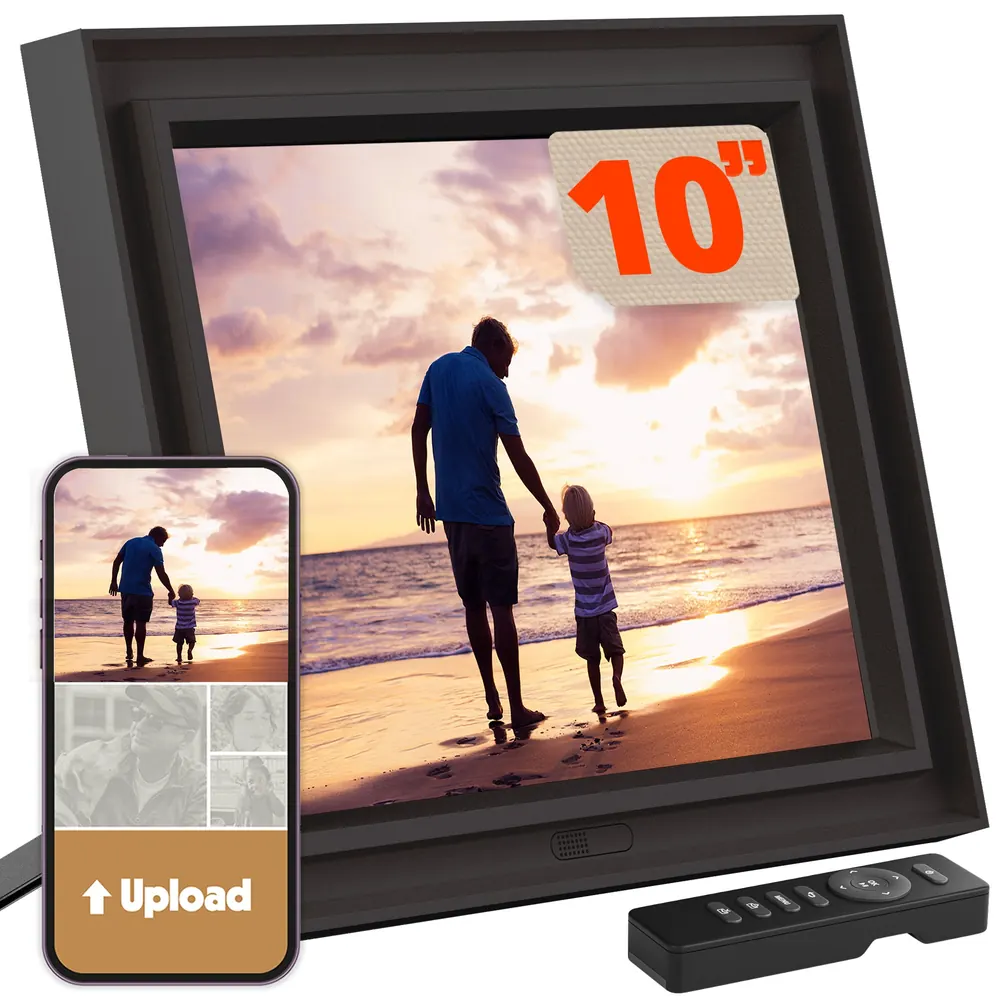
Suppose checkout changes from 10:00 to 11:00. Sending an updated card is only half the change: the previous card must stop appearing. Frameo documents remote removal and hiding as Frameo+ functions and requires approval on the receiving frame. Arrange that permission before leaving the property. Pix-Star offers a different web-management route; its existing review explains the local-media and multi-frame context. Whichever route you use, keep a small card inventory named by property and topic. A fresh card in the phone app is not evidence that the right screen has displayed it.
- Give every property its own clearly named destination.
- Change one card, remove the old version and have an on-site person confirm both results.
- Keep a local copy of the current card set so a replacement display does not depend on reconstructing the design.
Frameo: budget for the management you will actually use

A Frameo-powered device is a sensible route for an image slideshow. Pexar’s 11-inch model is one concrete option to investigate through the existing Pexar review and Frameo buying guide. Choose the hardware for its actual ports, controls, mounting and local support, rather than assuming the shared app makes all units identical. If you visit between every booking, on-frame cleanup may be enough. If you manage from another city, paid remote viewing and removal may save a separate visit. Neither workflow turns the device into centrally managed signage.
Skylight and Cozyla: use what you own before buying more
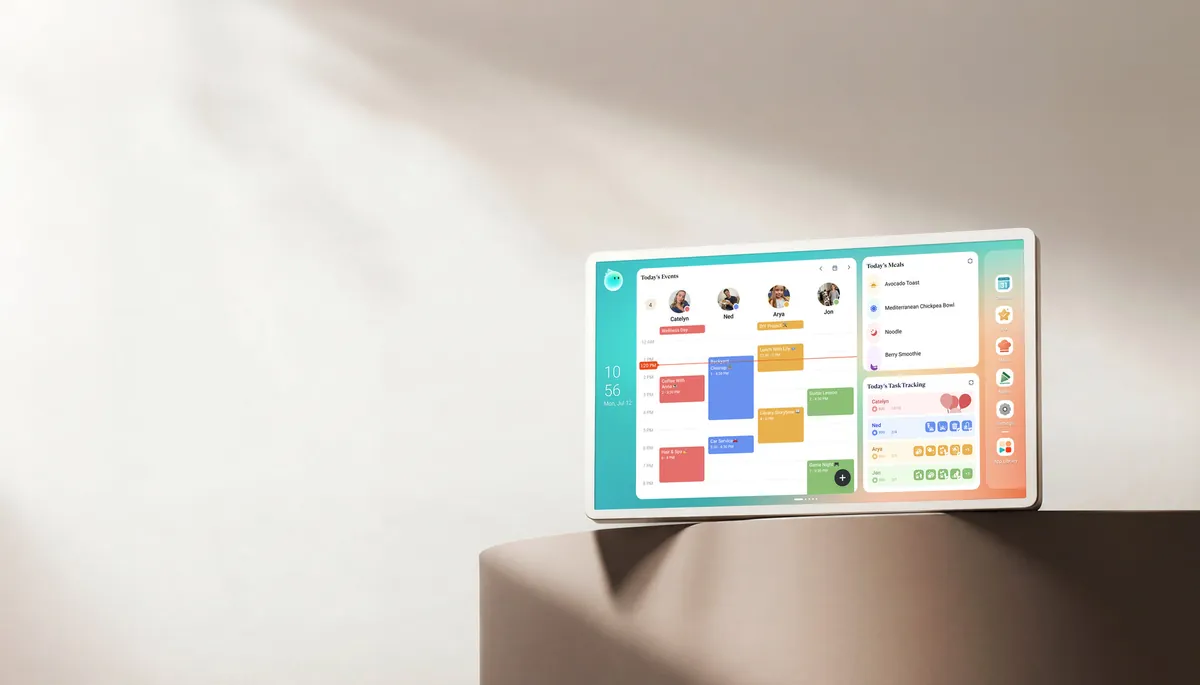
An existing household screen can be worth repurposing, but isolate the guest content first. Skylight Frame’s photo-management instructions apply to its photo frame; they are not the same entitlement as a Calendar photo screensaver. Cozyla Calendar+ 2 offers several screensaver sources, including Local Album and Cozyla Photos. Do not leave private appointments, family photos, shopping lists or household notifications visible behind the slideshow. If a guest taps out of the screensaver, check exactly what they can open next. A device that is excellent for a family may expose more controls than a rental needs.
Make information cards, not screenshots of a document
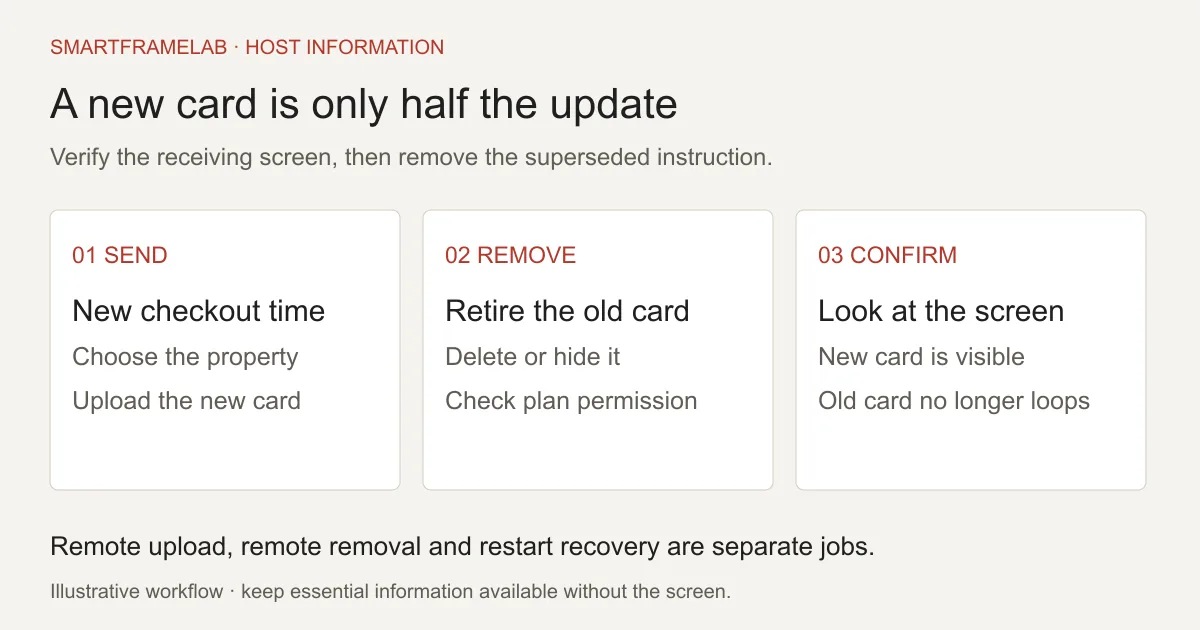
Design for the exact display orientation. Give each card one job and use large, high-contrast lettering. Keep a WiFi QR code away from the edges and captions, and keep the network name and password readable underneath for guests whose camera cannot join directly. Check the whole code is visible in the frame’s fit or crop mode. A sharp panel still cannot rescue a tiny QR code on a busy photograph. Scan it from the final installed position with two different phones, not only from the original image on your laptop. Use the guest network credentials, never the router administration login.
- Start with a 20-second card interval, then adjust after watching someone use it; this is a suggested starting point, not a tested optimum.
- Do not hide checkout time on a card that appears only once in a long loop.
- Use a separate QR link for the guidebook: joining WiFi and opening a web page are different actions.
An internet outage and a power cut are different failures
Frameo says already stored pictures remain usable without WiFi; connectivity is needed for new app transfers and software updates. That does not establish how a particular device boots after losing mains power. Before relying on a unit, perform a controlled restart using the manufacturer’s shutdown procedure, restore power and watch whether it returns to the intended slideshow without a login or menu. Ask the supplier about safe recovery from an actual outage rather than repeatedly pulling power during writes. Check the router’s recovery too: WiFi association does not always mean internet access. Keep printed WiFi details available even when the display is off.
- Confirm which cards are actually stored on the receiving unit.
- Read the exact model’s restart instructions and check any switched wall socket.
- Assign a cleaner or local contact who can restore the expected screen if remote access is lost.
Choose night visibility around the room
Always-on is a placement decision, not automatically a benefit. An entry hall screen can be useful at late check-in; a bright screen beside a sofa bed can be intrusive. Frameo provides a display sleep schedule, while the hardware’s brightness controls and sensors depend on the selected frame. Check the welcome information remains available during your stated arrival window, then schedule or dim the display for sleeping hours. View it in the dark from the nearest bed. A programmed sleep window is not the same as a light sensor, and neither establishes any improvement in a property’s sleep rating.
Test guest taps before calling it unattended
During setup, tap the picture, swipe, wait for a screensaver timeout and press any visible home or back control. Record whether the information returns and what else becomes accessible. Do not assume a parental setting blocks every settings menu or prevents a guest unplugging the device. Keep host accounts and upload invitations private. Put the screen on a stable surface with a tidy cable route, outside splash zones and away from a bed’s direct sightline. Ask about the seller’s commercial-use and warranty conditions before buying several units; consumer positioning is not a promise of hospitality support.
Count three years of operating cost
Use hardware and mounting cost, plus 36 months of the plan you need, plus electricity and replacement or service visits. For an illustration, a 5 W display running continuously uses 43.8 kWh per year: 0.005 kW × 24 × 365. At an assumed $0.30/kWh, that is $13.14 a year per display, or $157.68 for four displays over three years. These are arithmetic assumptions, not a measurement of any shortlisted frame. Add the current local subscription price according to whether it covers an account, several frames or each device. A free upload route may cost more operationally if someone has to travel to delete outdated information.
A one-property pilot before a multi-unit purchase
Keep the first installation through an actual guest turnover. On the property’s WiFi, send a new card from mobile data, confirm it appears and remove its previous version. Record elapsed time separately for upload, receipt and visible display; a long slideshow interval can look like a failed update. Ask the cleaner to check the next arrival sees the right content. Observe guest tapping and nighttime brightness without collecting unnecessary personal information. Expand only after the maintenance routine works for the people who will operate it.
- Check three changes: WiFi details, checkout time and a local recommendation.
- Log a restart, an offline period and recovery using the exact model’s safe procedures.
- Keep essential details in the house manual and printed backup while the pilot runs.
Practical details
Common questions
Can a digital frame connect guests to WiFi?
It can show a WiFi QR image or typed credentials. The joining action happens on the guest’s phone. Test the complete visible code and provide readable network details as a fallback.
Can I update a rental frame without being at the property?
Many connected frames accept remote photo uploads, but remote viewing, deletion, settings and recovery are different capabilities. Frameo requires its paid remote-management feature and on-frame permission for remote cleanup. Verify those actions before leaving.
Should I buy a family calendar display for a rental?
Usually start with a simple sign or photo slideshow if the job is guest information. A family display is worth considering when you also need its larger dashboard; check what guest taps can reveal outside the screensaver.
Will it reduce guest questions by half?
There is no demonstrated percentage for the devices compared here. Keep a simple tally of repeat questions before and after your own installation; do not treat a seller’s use-case example as a measured result.
Can a photo frame automatically update from Airbnb bookings?
An uploaded image of a schedule is a static picture. It does not create a connection to a reservation system. Use your booking platform for guest-specific arrival details and keep names, access codes and payment information off a public welcome slideshow.
Sources
Checked November 6, 2026.
Explore the details
Related reading
Read the buying details
These guides explain the tradeoffs behind the comparison.
Useful next steps
- Choose a Frameo deviceHardware, local storage and optional service boundaries.
- Pix-Star LUX 10 reviewRemote administration, local media and model limits.
- Pexar 11-inch reviewScreen, Frameo sharing and local storage.
- Compare ongoing frame costsHardware and retained service costs over time.
SmartFrameLab does not sell placements or run display ads. Some buying links on linked reviews are affiliate links; see our commercial disclosure.