
Gift guide / Grandparents
Best Digital Calendar for Grandparents
How to choose a digital calendar for grandparents when readability, remote family support, room fit, and low-maintenance shared schedules matter more than feature volume.
On this page
Start with the recipient
Quick answer
- For most grandparents, the best digital calendar is the one relatives can keep current from a distance without turning the screen into another support ticket.
- Choose by remote-family support, readable views, room placement, shared-calendar stability, privacy comfort, and whether the screen is solving schedule visibility instead of adding another fragile gadget workflow.
- Check the exact model, size, mount or stand path, account-sharing workflow, recurring-calendar behavior, room readability, and which family member will own setup and ongoing updates before buying.
Research the calendar options
These are different research paths, not a recipient-specific ranking. The full review explains the evidence; Buying options shows the available store paths.
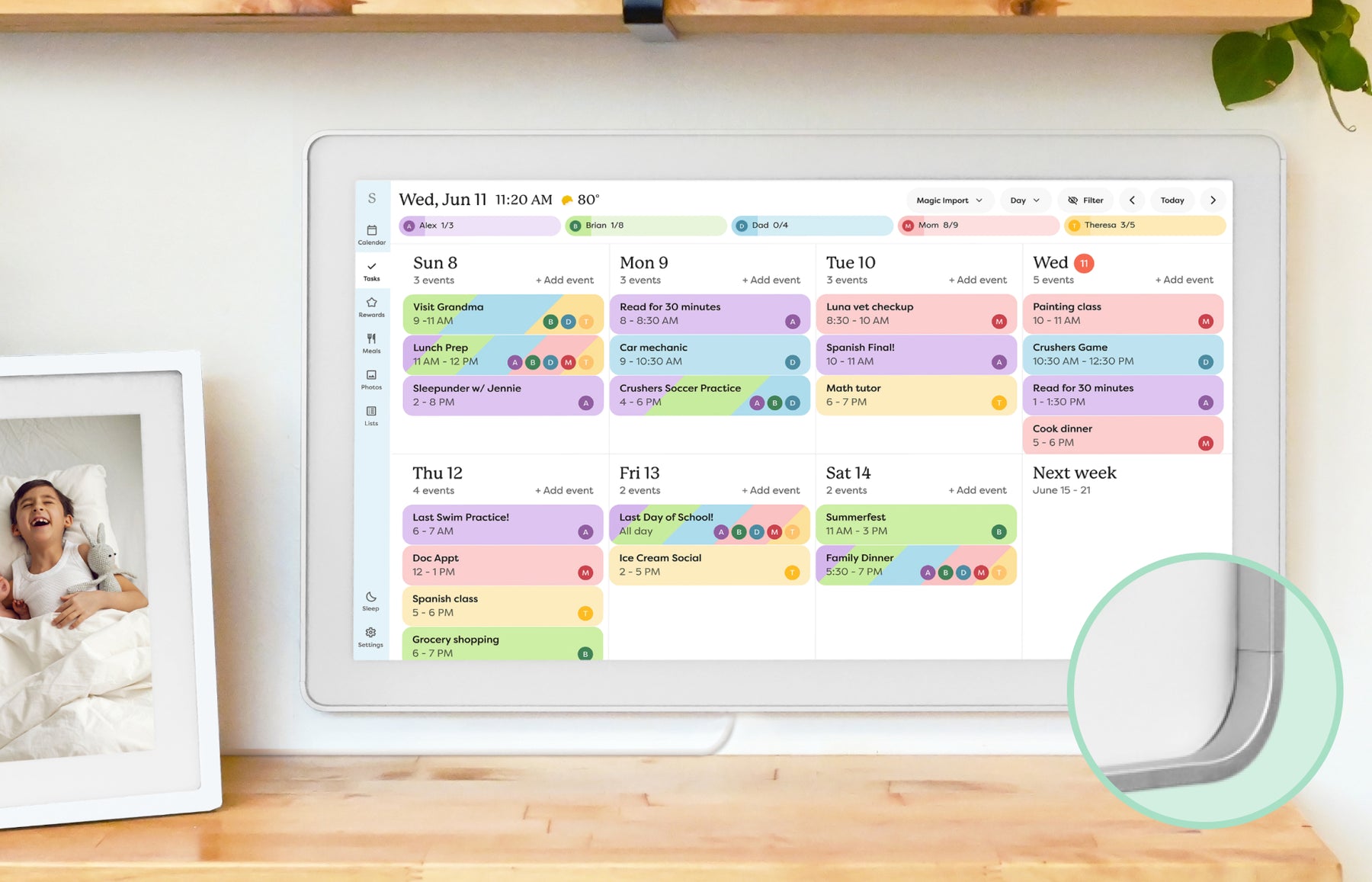
For a calendar-first shared schedule
Skylight Calendar
Watch out: Confirm the exact model and current Plus boundary for photo screensavers and extra tools.
Cost: Premium consumer price tier with meaningful variation by Skylight model. Verify the exact size, mount style, and Plus bundle before purchase.
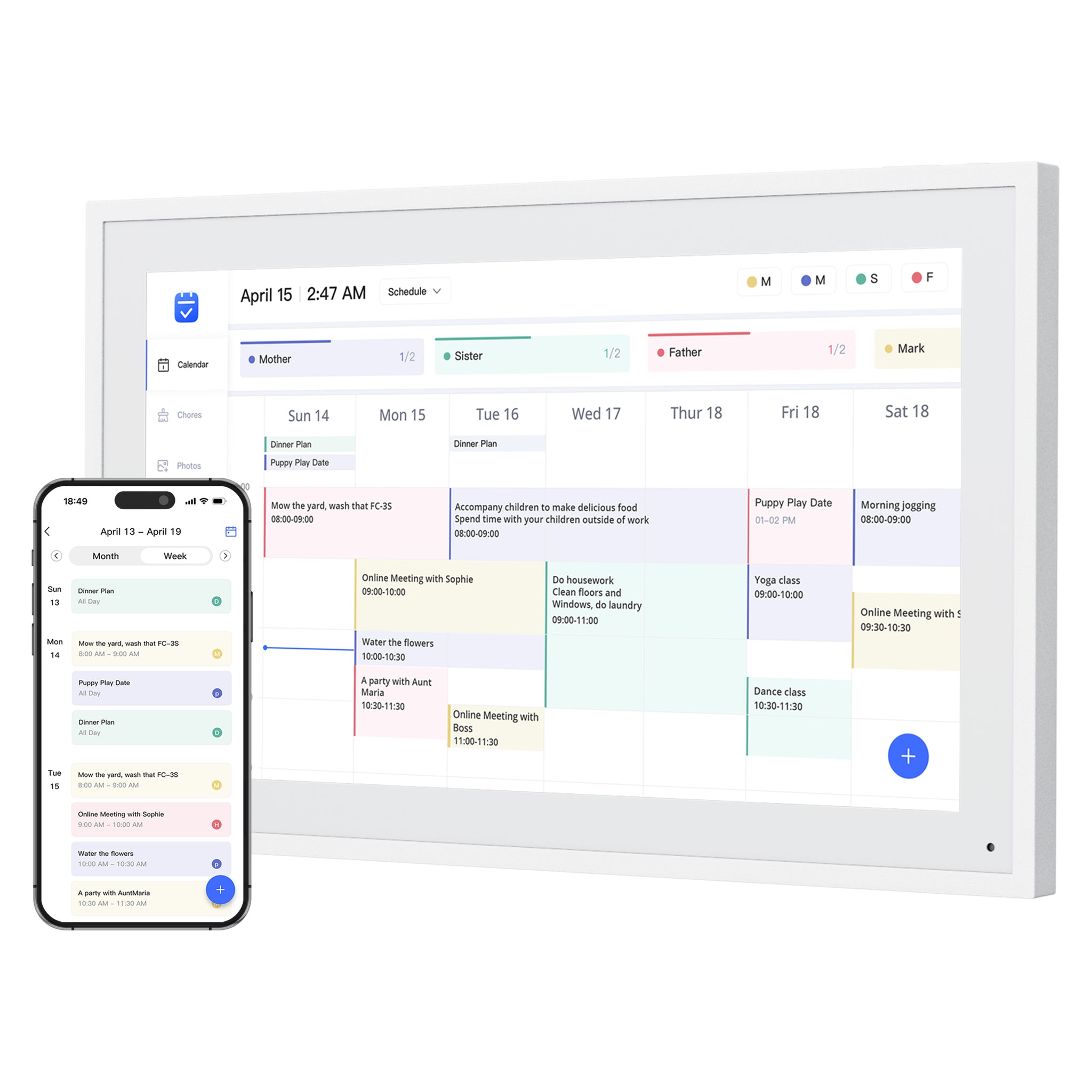
For a family-maintained tabletop calendar
Dragon Touch Digital Calendar
Watch out: The 10-inch calendar cannot hang on a wall. Setup uses eCalendar; Magic Import has a paid boundary.
Cost: Budget-to-mid category depending on size. Official Dragon Touch pages continue to show active sale / compare-at pricing on selected calendar and photo-frame SKUs; verify current price, stock, region, and paid function boundaries before buying.
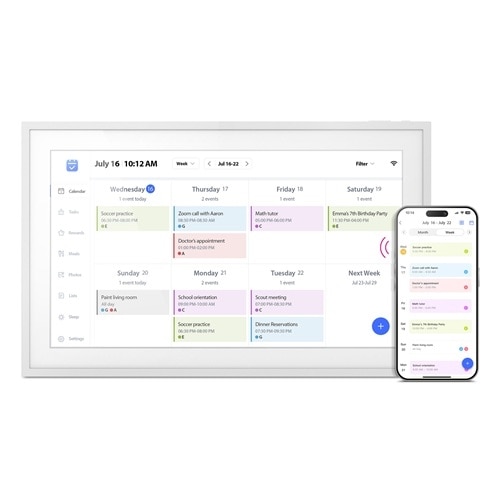
For a specification-led 15.6-inch calendar option
Aluratek AWFC15F eCalendar
Watch out: Screen size alone does not establish easy reading; check the selected view, app workflow and support.
Cost: Pricing varies by seller. Confirm the AWFC15F model, current total, included accessories and return terms on the selected listing.
Representative product-family images may show a different size or placement. Check the exact model’s stand and mounting limits.
Make the gift useful
What to check before choosing
Definition
A digital calendar for grandparents is a shared home display used to keep appointments, visits, family schedules, reminders, and simple household planning visible without requiring the recipient to manage another complex app.
Best for
Families choosing a calendar-first or hybrid family display for grandparents, older parents, or multigenerational households where shared visibility matters more than advanced automation.
Choose the alternative path first
Best Digital Calendar for Grandparents helps match the display to the household need. Use the map to decide what job the display must do before comparing brands or store prices.
- Main job first
- Appointments, visits, and recurring routines
- Remote support owner
- Pick one adult who maintains the screen
- Readability check
- Test month, week, and agenda views from the real seat
- Lowest-friction path
- Calendar-first before command-center complexity
- Hybrid only if used
- Add photos or widgets only when they solve a real job
- Privacy boundary
- Keep sensitive details off the shared room display
Quick decision
Choose a display around the recipient, who will set it up and which features will actually be useful; more features do not always make a better gift.
- Choose a simple calendar-first frame when the main job is seeing appointments, family visits, and recurring routines from across the room.
- Choose a command-center display only when lists, routines, or household ownership need to sit beside the calendar and another adult will maintain the extra complexity.
- Choose a hybrid photo-and-calendar path only if the recipient genuinely wants both family memories and visible schedule support on the same screen.
Products to start with
Skylight remains the mainstream calendar-first reference, Hearth is the routine-and-ownership path, Cozyla and DAKboard represent more feature-rich hybrid setups, and Dragon Touch plus Apolosign remain lower-cost alternatives that need exact setup, readability, and support verification.
What to verify before buying
Check readable views, clear task ownership, list and routine features, and whether everyone responsible can keep the display current during a busy week.
- Whether one adult child, spouse, or caregiver can manage setup, calendar cleanup, and support without depending on the grandparent to troubleshoot the app alone.
- Whether the display stays readable from the chair, kitchen counter, hallway, or bedside distance where the recipient will actually use it.
- Whether the household needs a simple shared calendar, a photo-and-calendar hybrid, or a fuller routine system before paying for extra features that may never be used.
- Whether the chosen room and sightline make passive visibility more valuable than a touchscreen-first experience.
Common buying mistake
The common mistake is gifting the most impressive-looking smart display instead of the calmest and easiest one for the recipient and family to keep current.
- Do not assume grandparents want AI helpers, dashboard widgets, or extra apps if the real job is simply seeing family visits and appointments clearly.
- Do not put private schedules, medical details, or family account sprawl on a shared screen without deciding who should see what.
- Do not buy a lower-cost alternative purely on price if app reliability, text readability, or remote support is likely to become a burden.
Source freshness note
Features, plans and availability can change. Check the selected model’s current terms before buying.
Give the setup help, not just the screen
Agree who will connect the calendars, recover the account and explain the first week before wrapping the gift. Ask the recipient whether they want a calendar display at all; an unwanted family admin system is not a low-maintenance present.
- For a desk or kitchen counter, the Dragon Touch 10-inch calendar is a tabletop option: the manufacturer explicitly says that size cannot be wall-mounted.
- Initial Dragon Touch setup requires a compatible phone or tablet and the eCalendar app. Its free core tools and paid Magic Import are different cost boundaries.
- A larger display is not proof of easier reading. Check text size and contrast from the recipient’s usual seat, plus the cable and stand or mount.
Separate the hardware budget from the first year
Compare the exact hardware variant, required stand or mounting parts, delivery and the first year of any plan. Decide whether the giver or recipient will pay renewals. An advertised starting price or first-order coupon does not establish the final gift cost.
- Use the review’s Buying options for the selected product; use current offers only after the product fits the recipient.
- Keep medical details and private appointments off a visitor-facing screen, and arrange a return path if the display does not suit the room.
What grandparents usually need from the screen
Most grandparents do not need a display that does everything. They usually need a screen that keeps important timing visible, feels calm in the room, and can be supported by family members without repeated troubleshooting.
- Start with the real decision moment: medical appointments, family visits, school pickups, meal plans, or recurring weekly routines.
- Treat readability, room placement, and remote help as first-order product criteria, not secondary polish details.
- If photo sharing is the emotional job and the calendar is only occasional, compare the photo-first guides before buying a calendar-first display.
Separate the support owner from the screen user
Many grandparent-display purchases succeed or fail on a simple question: who owns the setup after gift day? The grandparent may be the daily viewer, but another adult often needs to own calendar cleanup, account recovery, plan decisions, and sync troubleshooting.
- Write down who connects the calendars, approves any paid plan, and fixes a broken sync before buying.
- Prefer products that keep the shared calendar legible even when the recipient never opens a companion app.
- Treat remote support friction as a product-fit problem, not a small setup inconvenience.
Use room fit before adding more features
A grandparents calendar display is usually judged from a chair, hallway pass-through, kitchen counter, or bedside glance rather than from arm length. That makes room fit and calm visibility more important than a long software checklist.
- Wall-first placement tends to work better when the goal is passive visibility across the room.
- Countertop or tabletop placement makes more sense only if someone will actually touch and edit the screen there.
- A larger or more feature-rich display is not automatically easier if the room, power path, or sightline never supported it in the first place.
Choose the gift by the weekly job
A gift for an older parent can solve four different problems. Visible appointments call for a calendar-first display; family memories call for a photo-first frame; both jobs together may justify a hybrid; caregiver handoffs call for a shared update routine and careful privacy choices. Ask the recipient which job they want before choosing the screen.
- For appointments and visits, confirm who can update the calendar remotely and whether the exact model shows the chosen view clearly from the usual seat.
- For photos, check how relatives are invited, who can remove an image, and whether the recipient can enjoy the frame without maintaining a phone app.
- For caregiver handoffs, agree who owns changes and keep sensitive details out of a visitor-facing view; a display does not replace direct care instructions.
- For a hybrid, test the photo and calendar views separately. A photo frame with an optional calendar is not automatically a household planning screen.
Check the full gift cost before checkout
The screen price is only part of the gift. Check the current official plan page for photo screensavers, extra calendars, routines, or AI features, then decide who will pay and maintain the account after the first year. If a useful feature requires a plan, show that cost to the recipient before gifting the device.
- Compare the basic calendar experience with paid photo or family-tool features on the exact model.
- Check return terms, mounting needs, Wi-Fi access, and support ownership with the recipient before buying.
Before ordering
Buying checklist
- Confirm the exact product model and screen size before comparing prices.
- Check current free-versus-paid feature boundaries on the official product page.
- Verify calendar-provider support, setup steps, and who will maintain the display.
- Confirm who will send updates, fix sync problems, and explain the display during the first month.
- Test whether month view, agenda view, or reminder text remains readable at the real room distance.
- Decide whether the display belongs in a kitchen, living room, hallway, or bedroom before choosing the size.
- Check whether the family needs a simple calendar, a photo-and-calendar hybrid, or a fuller routines display before paying for extra features.
- Review privacy comfort for visitor-facing rooms before putting appointments or personal notes on a shared screen.
- Save the store page or support page used for the final verification so the decision can be rechecked later.
Software & devices
Follow the app behind the display
Explore the software for app workflows, and the device profile for its screen, setup and buying details.

eCalendar connects family schedules, chores, meals and photos across multiple display brands. Explore representative calendars from Dragon Touch, Aluratek, BSIMB, Anko, TABWEE and other makers below.
Devices discussed in this article
Dragon Touch Digital CalendarDifferent household jobs
Products to compare
These product roles include different calendar and photo workflows. Open the review to check the evidence and limits. On a small screen, scroll the table sideways; with a keyboard, focus the table and use the arrow keys.
| Product | Role | Best for | Source status |
|---|---|---|---|
| | Smart calendar frame | Families who want a polished shared calendar with broad mainstream support and do not want to run a DIY dashboard. | Official sources · checked October 20, 2026 |
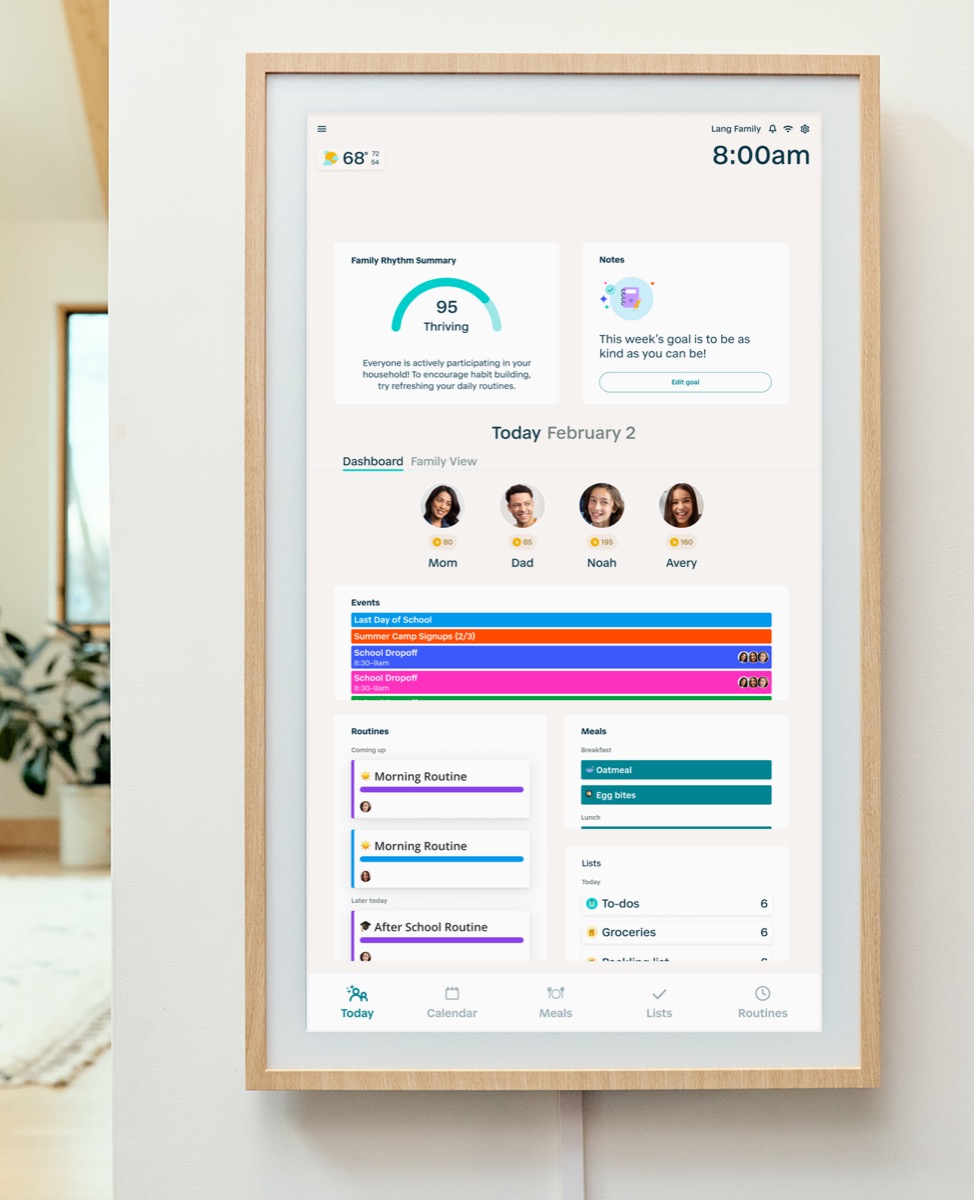 | Family command display | Families that want routine management and a command-center style home display. | Official sources · checked September 14, 2026 |
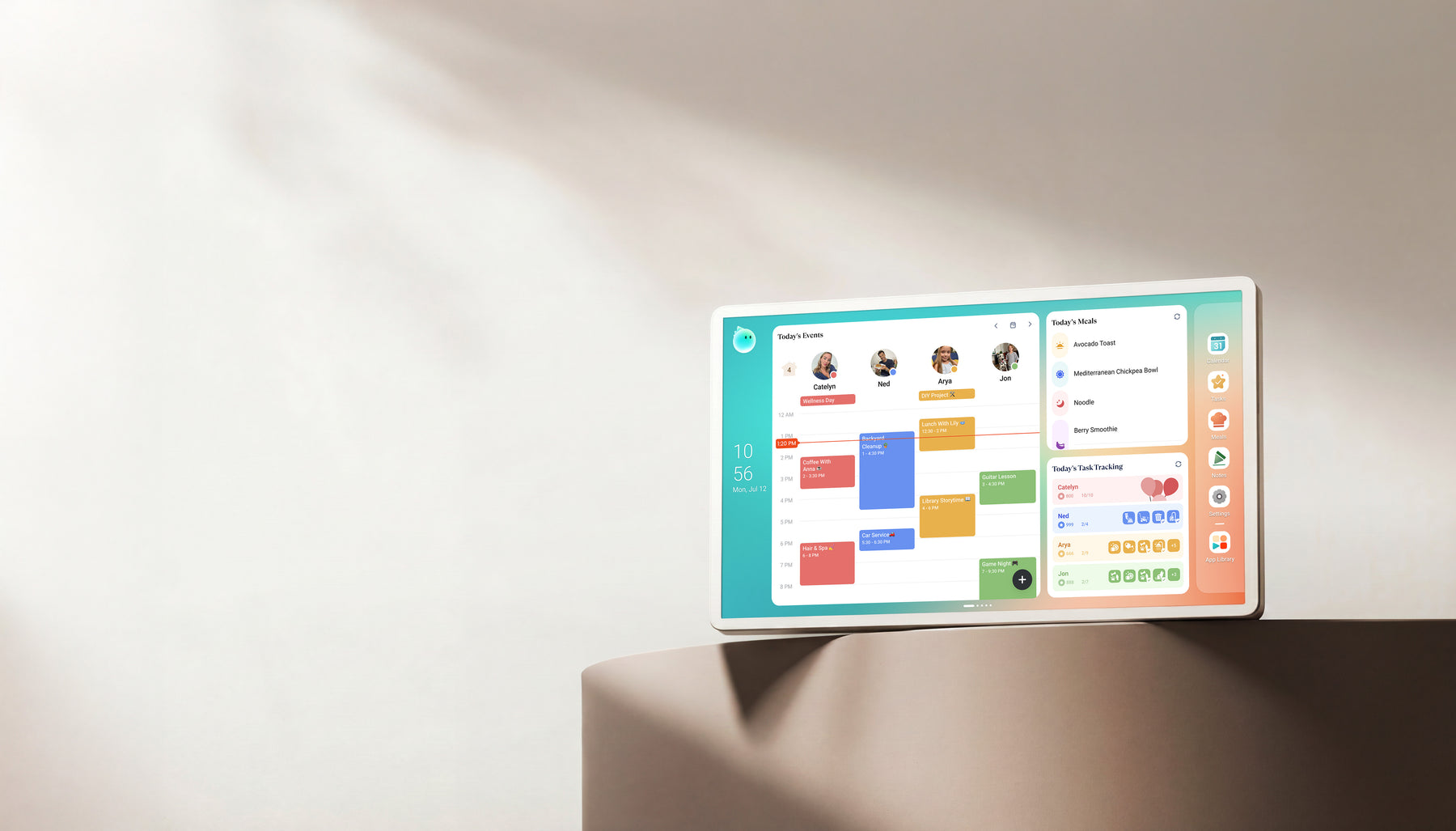 | Family display | Homes comparing Skylight alternatives with calendar, photo, and family-display needs. | Official + retailer sources · checked August 29, 2026 |
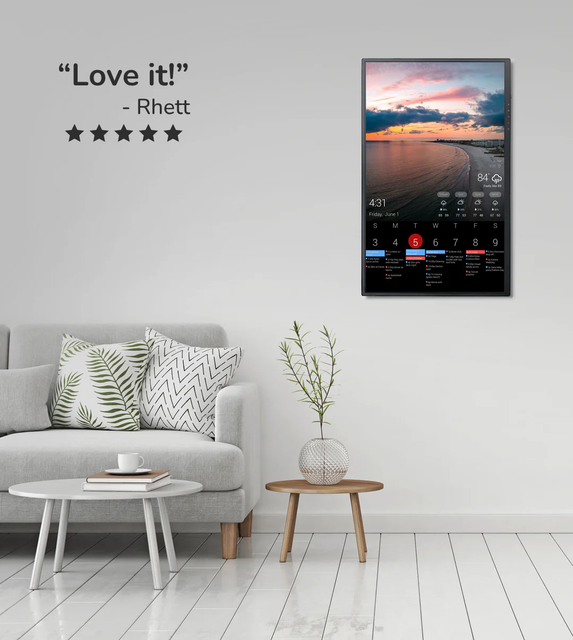 | Custom dashboard display | Homes that want a configurable dashboard for calendars, photos, weather, chores, or mixed household information on one screen. | Official sources · checked August 29, 2026 |
| | Smart WiFi digital calendar Software: eCalendar | Families comparing lower-cost, no-subscription-positioned digital calendar frames with broad calendar sync. | Official sources · checked August 29, 2026 |
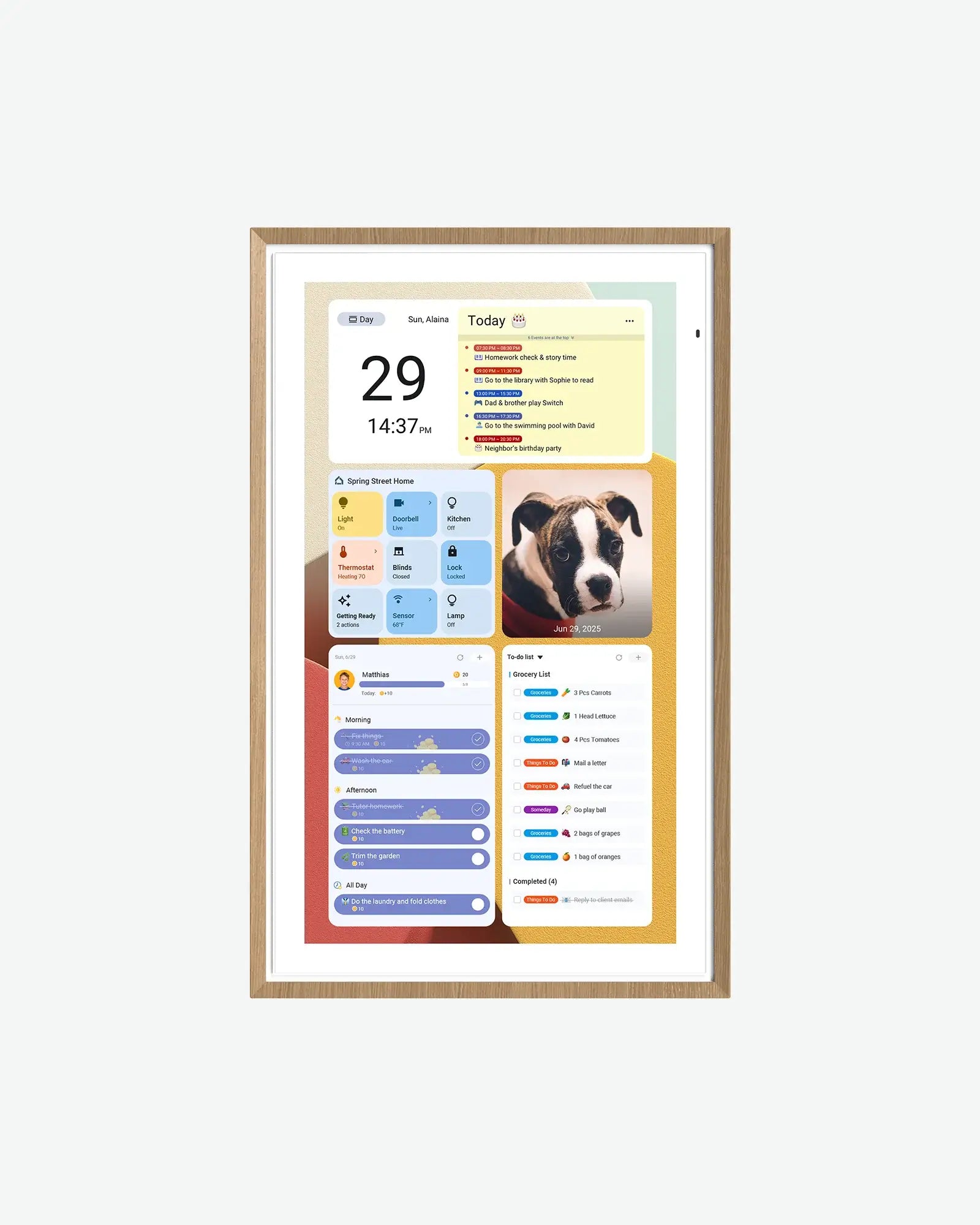 | Android digital calendar | Families who want a spec-transparent Android/Google ecosystem calendar display with multiple sizes and no-subscription positioning. | Official sources · checked September 21, 2026 |
Practical details
Common questions
Who is this guide best for?
Families choosing a calendar-first or hybrid family display for grandparents, older parents, or multigenerational households where shared visibility matters more than advanced automation.
What should I verify before buying?
Check the exact model, size, mount or stand path, account-sharing workflow, recurring-calendar behavior, room readability, and which family member will own setup and ongoing updates before buying.
When should I skip this buying path?
The common mistake is gifting the most impressive-looking smart display instead of the calmest and easiest one for the recipient and family to keep current. If that sounds like your situation, step back and compare the broader product category before choosing a brand.
Should grandparents get a digital calendar or a digital photo frame?
Choose a digital calendar when schedule visibility, appointments, visitors, and recurring routines are the main job. Choose a photo frame when emotional memory sharing matters more than planning. Choose a hybrid only if the household will use both often enough to justify the added setup.
Can a photo frame handle caregiver handoffs?
Only if the family has confirmed that its calendar view, update permissions, and room visibility cover the actual handoff. A photo-first frame can show memories well but may not support the shared tasks or routine ownership needed for care coordination. Keep private care instructions in an appropriate channel.
What features matter most for grandparents?
Readable text, stable shared-calendar behavior, simple remote support, clear placement in the home, and low-friction account management matter more than broad feature lists. Extra AI, widgets, or app-store flexibility only help if someone will actually maintain them.
Which type of digital calendar is usually easiest for grandparents?
A simple calendar-first display is usually easiest because it keeps the shared schedule visible without demanding much on-device interaction. A command-center or dashboard path can work, but only when another adult is willing to maintain the extra setup and the family truly needs those added tools.
Is a bigger screen always better for grandparents?
Not always. A larger screen can improve across-room readability, but it also changes placement, mounting, and room feel. The better test is whether the chosen view stays readable from the real seat or walkway where the grandparent will use it, not whether the product has the biggest panel in the shortlist.
Sources
SmartFrameLab does not sell ranking positions or run display ads. Some buying links on linked reviews are affiliate links; see our commercial disclosure. Product research and hands-on observations are distinguished in the linked reviews.