
Editorial research profile · Updated August 29, 2026
Dragon Touch Digital Calendar Review
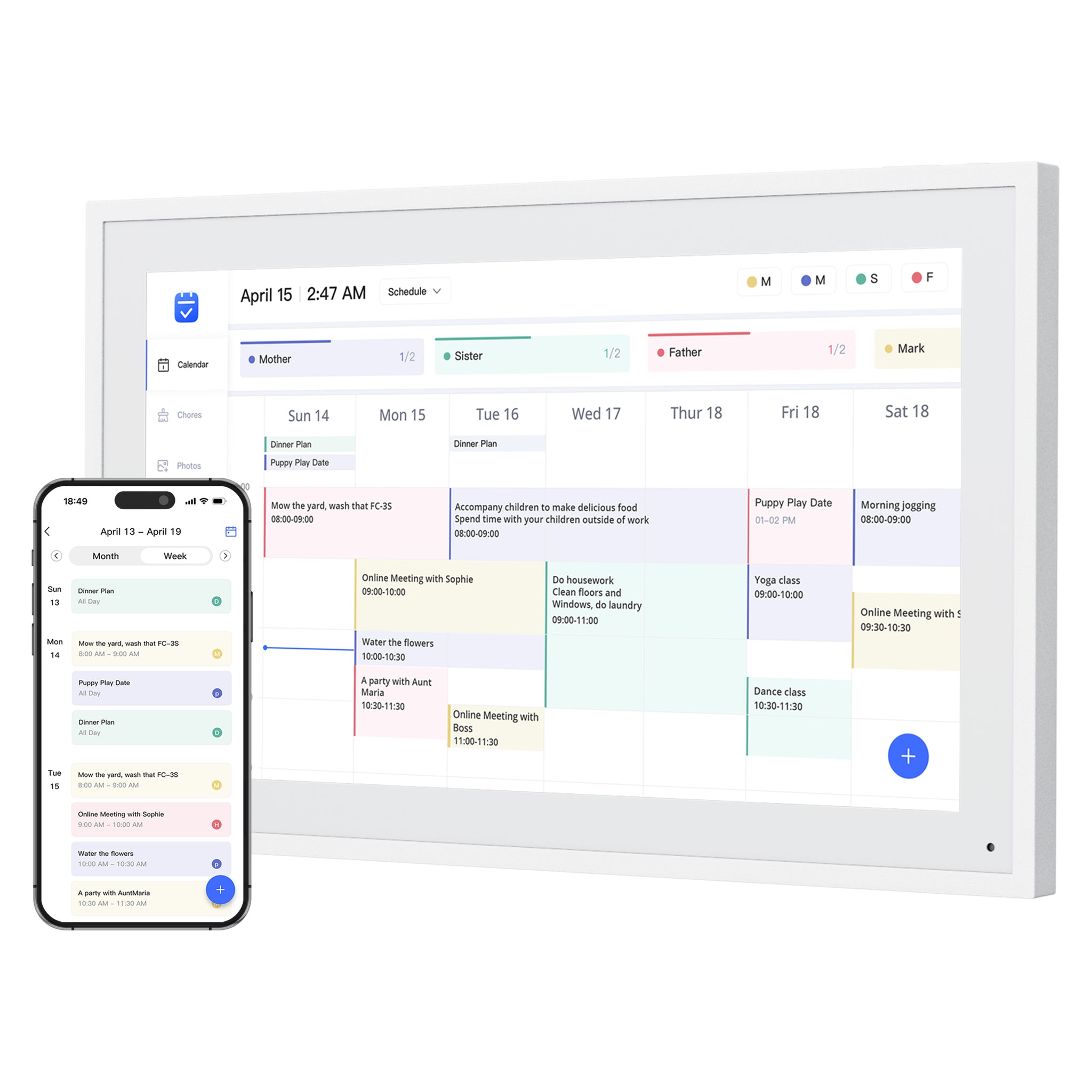
A practical eCalendar-style Skylight alternative with a wide size range, 32GB storage references, calendar sync, chores, meal planning, grocery lists, and photo-frame use in one product family.
Quick answer
- Best fit: Families comparing lower-cost, no-subscription-positioned digital calendar frames with broad calendar sync.
- Skip if: Shoppers who want the most polished family-calendar ecosystem, mature AI assistant, or strongest mainstream brand proof.
- Main buying check: Compare calendar support, subscription boundaries, setup style, and current store availability before purchase.
Research path
Where Dragon Touch fits next.
Move from this review into the comparison, best-pick, and guide pages that clarify the buying decision.
Brand series
- Dragon Touch product seriesSource-backed routing notes for Dragon Touch calendar displays, eCalendar-style family workflows, and adjacent WiFi photo-frame deals.
Compare before buying
- Skylight vs Dragon TouchA category-leading smart calendar frame compared with a no-subscription-positioned eCalendar-style alternative.
- Dragon Touch vs ApolosignTwo newer digital calendar alternatives compared by screen choices, calendar sync, app posture, AI claims, and subscription pressure.
Best-pick context
- Best Smart Calendar FramesThe best smart calendar frames for families who want schedules, reminders, and routines visible at home.
- Best Digital Wall Calendars for FamiliesCompare the best digital calendars and digital wall calendar displays for home by schedule visibility, chores and routines, sync, placement, subscription pressure, and source confidence.
- Best Smart Frames Without Subscription PressureA source-refreshed buyer guide comparing the free core workflow, optional paid tools, exact-model limits, app polish, and support confidence behind no-subscription calendar claims.
Product media
Product and series references
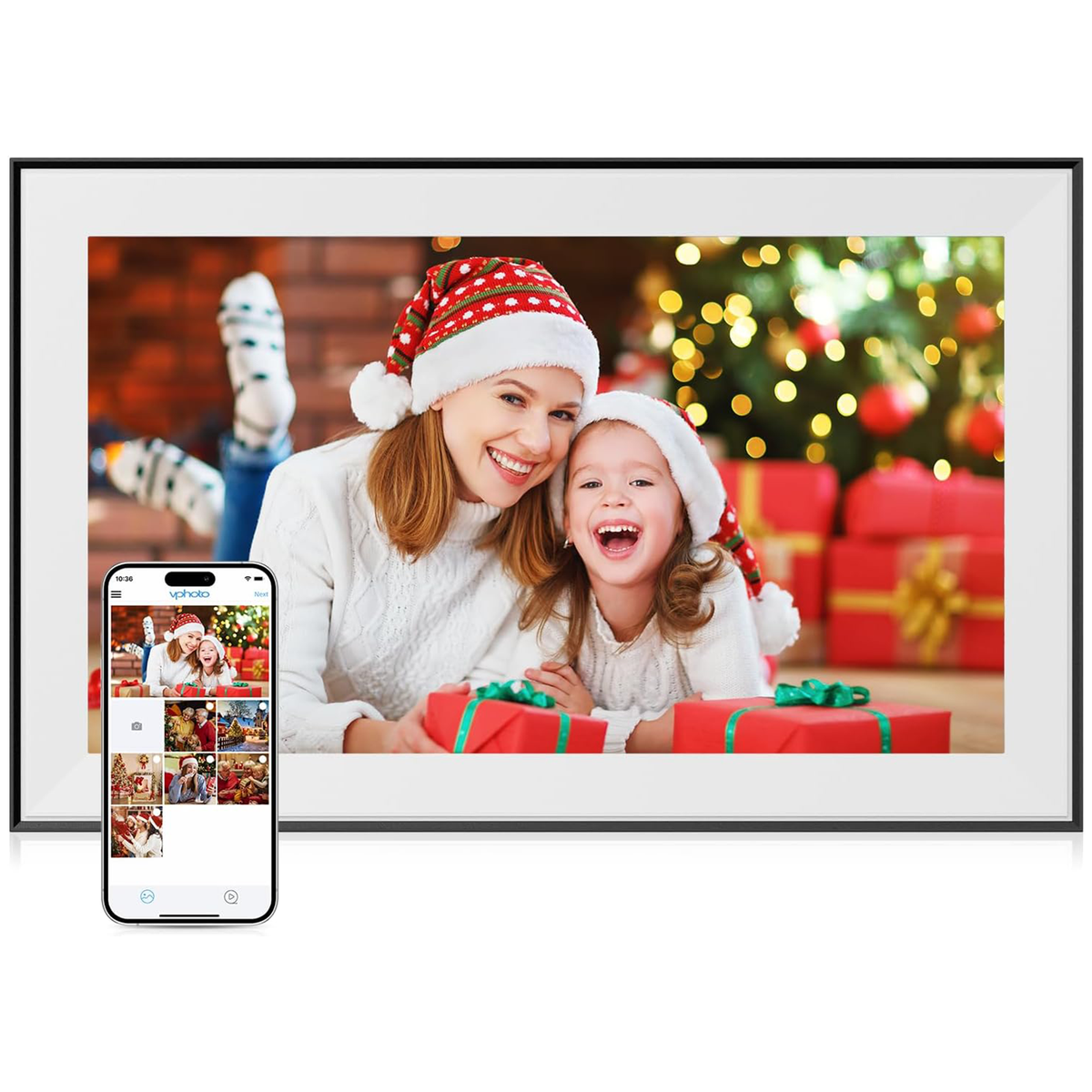
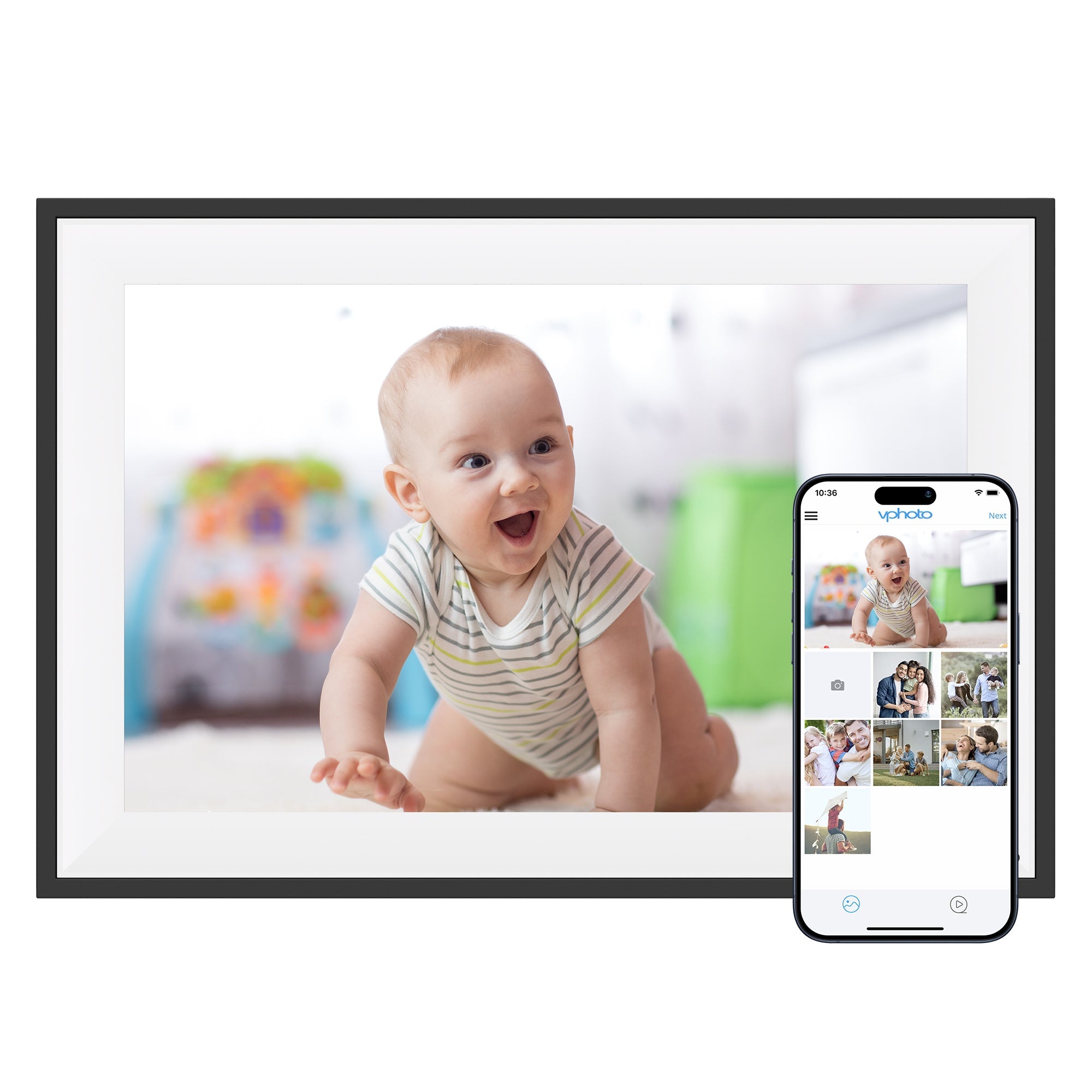
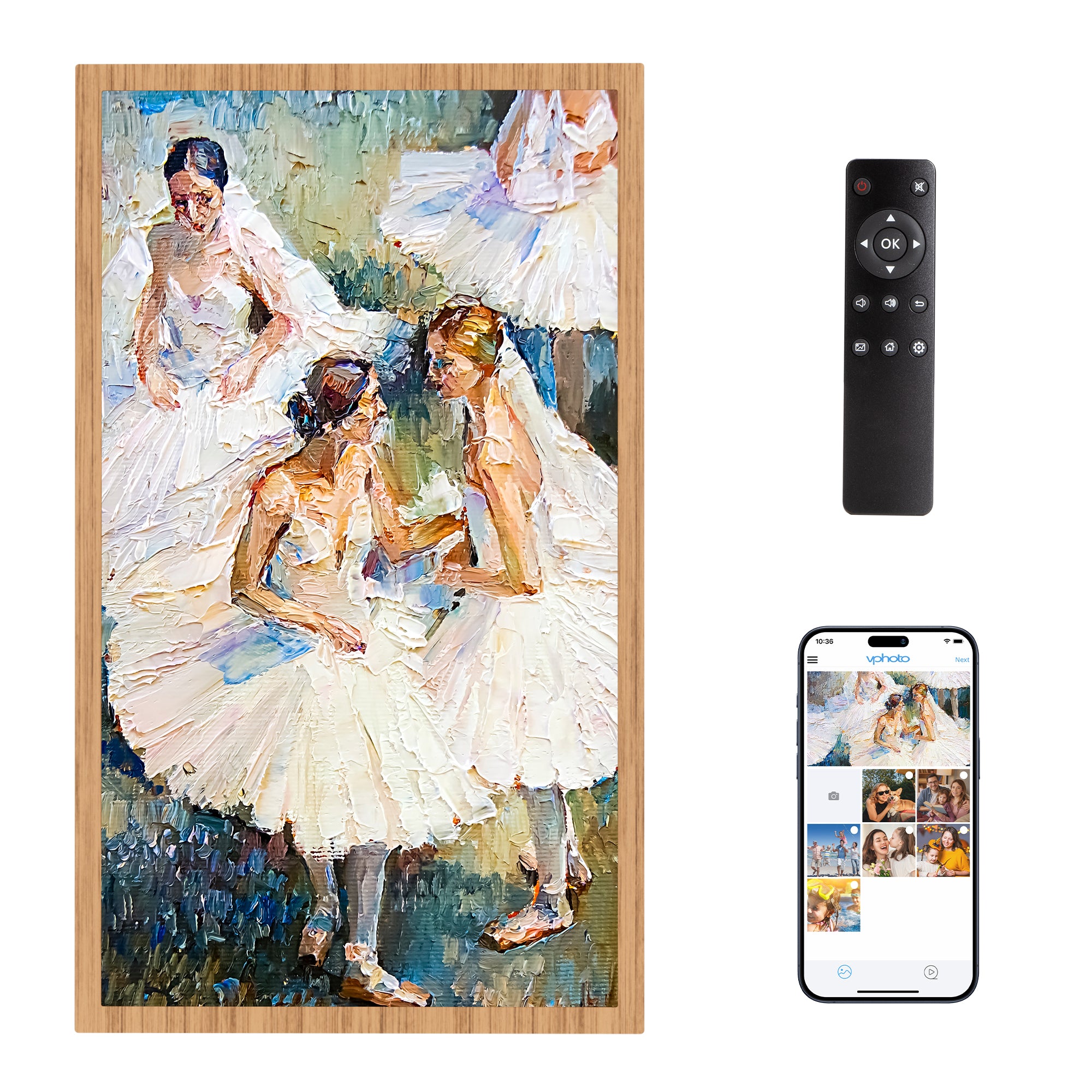
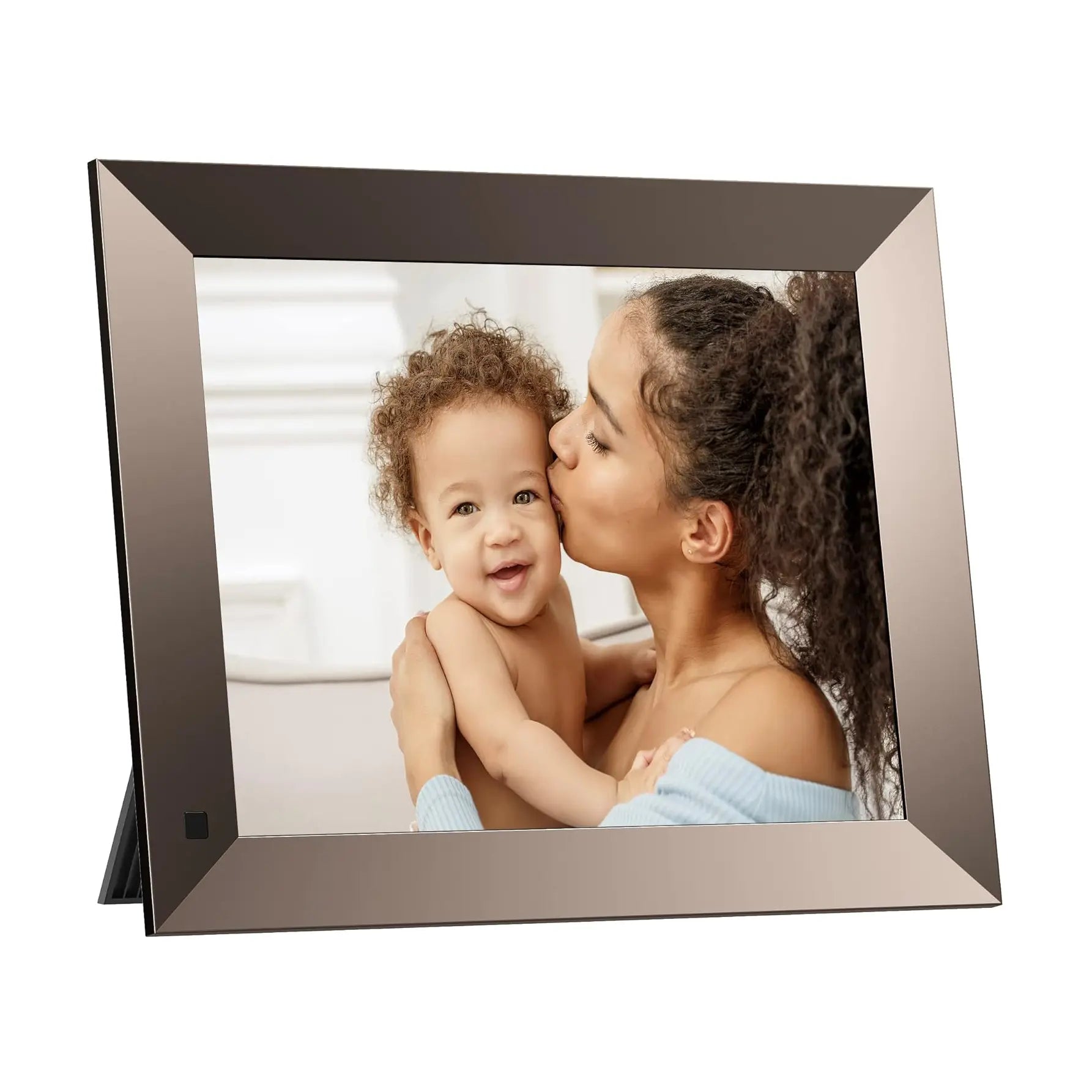
6 images Used for visual model context, not ranking weight.

Buying path
How to use this review before clicking through
Start with the calendar family, not the photo-frame deals
Dragon Touch has adjacent WiFi digital photo-frame products that may look attractive during a sale. Treat those as photo products unless the listing clearly includes the calendar workflow you need.
- Use the Digital Calendar product path when shared schedules, chores, meal planning, lists, and wall visibility are the main reasons to buy.
- Use photo-frame deals only when photo sharing and gift use are the primary jobs.
- Do not treat a cheaper photo frame as a Skylight Calendar alternative unless calendar support is explicitly documented.
Choose the size by placement first
The broad Dragon Touch size range is a real buying advantage, but it also makes the purchase easier to mis-size. Decide where the display will live before comparing price.
- 10.1 and 15.6-inch models fit desks, counters, and small kitchen zones.
- 21.5, 24, 27, and 32-inch models make more sense for wall-mounted family command areas.
- Verify stock by color and size because availability can change by region.
Check the no-subscription boundary
Dragon Touch is valuable for no-subscription and eCalendar searches, but the practical question is which exact features are free, paid, or unclear at checkout.
- Confirm calendar sync, chores, dinner planning, grocery lists, and photo-frame mode against the current product page.
- Treat Magic Import and similar advanced features as paid-boundary checks before purchase.
- Use the Awin-tracked store path for buying, but use the official source page to verify live feature wording.
Use review count as a confidence check
Dragon Touch has useful marketplace and official-store signals, but SmartFrameLab should not turn a sale price or a no-subscription label into a stronger recommendation without checking review depth and repeated issue patterns.
- Read the star rating together with public review count, not as a standalone proof point.
- Look for repeated comments about app reliability, calendar sync, paid functions, returns, and support.
- Use Dragon Touch as a value-oriented research path, while keeping review confidence separate from affiliate conversion.
Source-backed notes
What we verified
Official sources Checked August 29, 2026
Dragon Touch official product data still positions the Digital Calendar as a multi-size, no-subscription family calendar and photo-frame display with eCalendar app setup, household planning features, and live model-specific sale signals. The Awin route remains a purchase path, not editorial evidence.
- Official source material continues to show a broad calendar-size family around 10.1, 15.6, 21.5, 24, 27, and 32-inch options, with price, stock, color, and region changing by SKU.
- The broader Dragon Touch catalog splits into a calendar family and a photo-frame family. Photo-frame SKUs can support deal coverage, but they should not be treated as direct Skylight Calendar replacements unless calendar workflow features are present.
- The official product JSON confirmed live Digital Calendar variants and compare-at pricing on August 12, 2026. Family Calendar shares some SKU identifiers but has different availability by size, so it remains supporting model-family evidence rather than a second reviewed product.
- Current calendar sale states are model-specific and can move quickly. Keep public deal copy date-stamped; recheck photo-frame sale claims before displaying them.
- The current official product image in `public/products/dragon-touch-digital-calendar.jpg` matches the live Shopify OG image; Awin also provides additional Dragon Touch creative assets for banners and model images.
- Official copy describes quick Wi-Fi setup, mobile app linking, multiple personal calendars, chores, dinner planning, grocery/list tools, photo-frame mode, and free app features.
- Magic Import and other paid-function wording should be tracked separately from the no-subscription headline.
- The official page rechecked August 29, 2026 explicitly listed photo frame, chore chart, dinner plan, grocery list, rewards, and meal planning as free while keeping Magic Import in the paid-function boundary.
- Marketplace snippets can support buyer-signal research, but review count and repeated complaint themes should be checked before any stronger recommendation language.
- Awin links now use advertiser ID 108914 and publisher ID 2941693; page templates add context-specific click references for review and deal attribution.
- Awin currently lists the NEW10 partner offer: 10% off for first-time Dragon Touch customers through December 31, 2026. It cannot be combined with other promotions or discounts.
Who it is best for
Families comparing lower-cost, no-subscription-positioned digital calendar frames with broad calendar sync.
Who should skip it
Shoppers who want the most polished family-calendar ecosystem, mature AI assistant, or strongest mainstream brand proof.
What stands out
- Strong fit for no-subscription and budget Skylight-alternative searches
- Wide screen-size range gives shoppers more placement choices
- Combines calendar, chores, dinner planning, grocery/list tools, and photo-frame jobs
Tradeoffs to consider
- App polish and long-term support should be verified before treating it as a top recommendation
- Magic Import and other paid-function wording means no-subscription claims still need feature-level review
- Some sizes and colors can move in and out of stock, so the exact SKU should be checked before purchase
Feature notes
| Screen | Official product data lists 10.1, 15.6, 21.5, 24, 27, and 32-inch options across white and black variants. |
|---|---|
| Calendar | Official copy describes eCalendar app setup with iOS, Google, and other calendar integrations; existing research also tracks Outlook, Yahoo, Cozi, and public sharing link support. |
| Photo frame | Positioned as a digital calendar and photo frame hybrid with family photo display use. |
| AI / agent | Better treated as a practical eCalendar product than an AI family assistant. |
| Subscription | Official positioning emphasizes no subscription fees; paid functions such as Magic Import should still be checked before purchase. |
Final recommendation
Dragon Touch Digital Calendar is worth shortlisting if its core strengths match your household workflow. We recommend comparing current pricing, subscription terms, and calendar-account support before buying.
Budget-to-mid category depending on size. Official Dragon Touch pages continue to show active sale / compare-at pricing on selected calendar and photo-frame SKUs; verify current price, stock, region, and paid function boundaries before buying.
New customer offer
A first-order offer, after the product check
For a first Dragon Touch order, use the code only after you have selected the calendar model and verified its price, region, and paid-function boundaries.
10% off a first order · New Dragon Touch customers only
Offer listed through December 31, 2026.
Valid on Dragon Touch official-site products. Cannot be combined with other promotions or discounts. Terms may change or end early.