
Digital Wall Calendar for Caregiving
How to choose a shared calendar display when appointments, medication reminders, visitors, and caregiving handoffs need to stay visible without turning the home into another admin dashboard.
On this page
Quick answer
- A caregiving display works best when it reduces missed handoffs and unclear responsibilities, not when it adds another fragile app workflow.
- Choose by appointment visibility, reminder ownership, household access, privacy comfort, and whether the screen supports calm daily coordination for the exact caregivers involved.
- Check shared-calendar support, reminder or task path, household account boundaries, screen readability, and whether the exact model fits the caregiving room and update routine before buying.
A digital wall calendar for caregiving is a shared home display used to keep appointments, routines, medication timing, visitors, and caregiver handoffs visible in one place.
Who this suits: Families coordinating elder care, disability support, recovery routines, or multi-adult household caregiving where schedule visibility matters more than another private phone app.
Quick decision
A display can help coordinate household schedules; it is not a medical, safety or treatment device.
- Choose a family command-center path when tasks, reminders, and ownership need to live beside the calendar instead of only showing appointments.
- Choose a calendar-first frame when the main problem is missed appointments, visitor timing, or shift handoff visibility in a shared room.
- Choose a configurable dashboard only if the household can maintain custom layouts, tabletops, or widgets without turning one caregiver into permanent tech support.
Products to start with
Hearth is the clearest ownership-and-routines reference, Skylight is the appliance-like calendar-first path, DAKboard is the configurable dashboard path, Cozyla adds list and widget flexibility, and Dragon Touch remains the lower-cost eCalendar path that still needs exact reminder and setup verification.
What to verify before buying
Check readable views, clear task ownership, list and routine features, and whether everyone responsible can keep the display current during a busy week.
- Whether the display can show the appointments, recurring routines, and household reminders that multiple caregivers actually need to see together.
- Whether touch access, text size, room placement, and account permissions fit the person receiving care as well as the people maintaining the screen.
- Whether the setup stays educational and coordination-focused rather than implying the device replaces medical records, emergency systems, or direct care instructions.
Common buying mistake
The common mistake is buying a caregiving display for emotional reassurance without deciding who updates it, where it will live, and which decisions should stay off the shared screen.
- Do not treat a shared display as a substitute for medical advice, emergency alerts, or clinician-directed care plans.
- Do not put private details on a hallway or kitchen screen if visitors, aides, or children should not see them.
- Do not choose a feature-heavy dashboard if the caregiving household already struggles to keep one schedule current.
Source freshness note
Features, plans and availability can change. Check the selected model’s current terms before buying.
Buying checklist
Software & devices
Follow the app behind the display
Explore the software for app workflows, and the device profile for its screen, setup and buying details.
eCalendar connects family schedules, chores, meals and photos across multiple display brands. Explore representative calendars from Dragon Touch, Aluratek, BSIMB, Anko, TABWEE and other makers below.
Devices discussed in this article
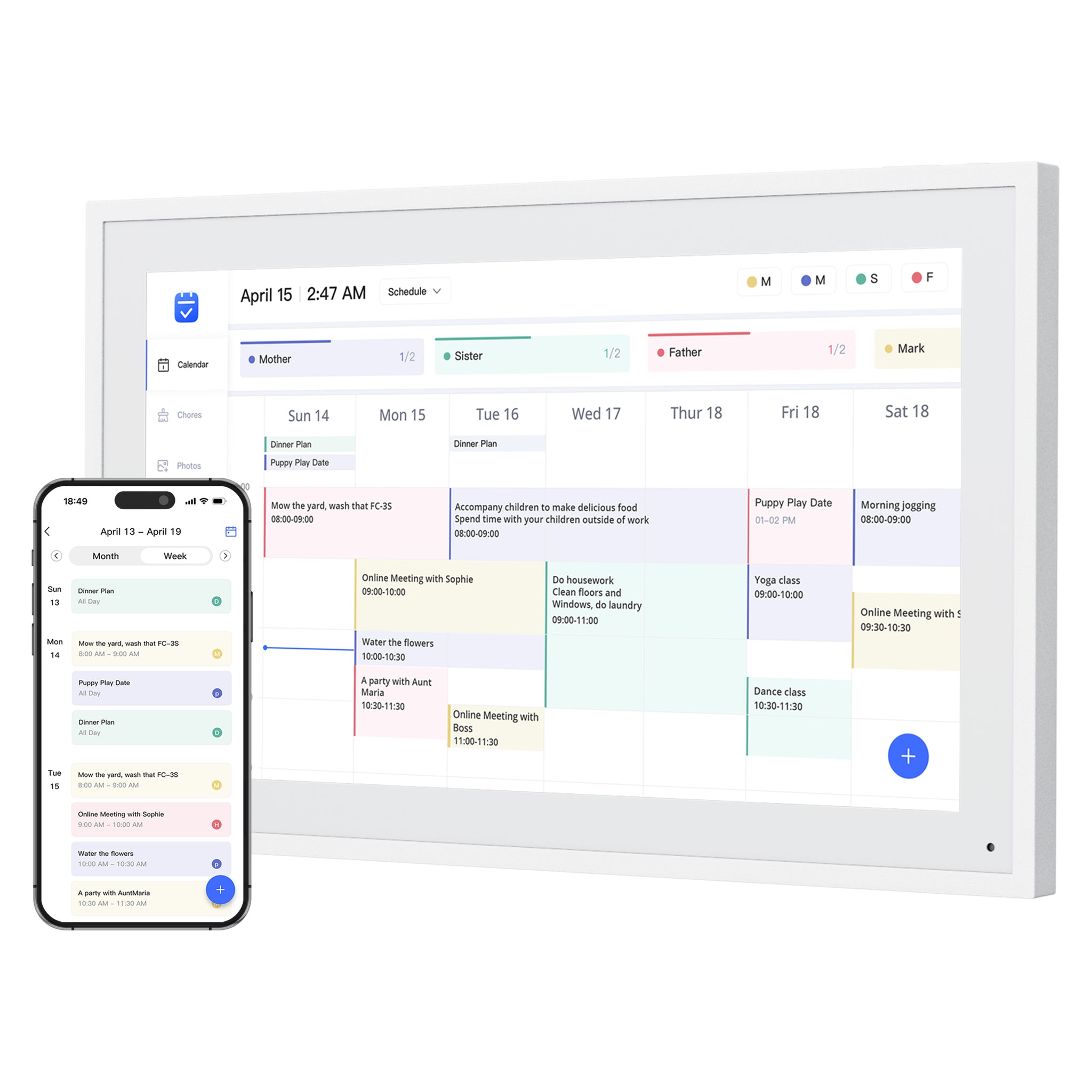 Dragon Touch Digital Calendar
Products to compare
Open the linked profile for exact-model evidence. On a small screen, scroll the comparison sideways; with a keyboard, focus the table and use the arrow keys.
| Product | Role | Best for | Source status |
|---|---|---|---|
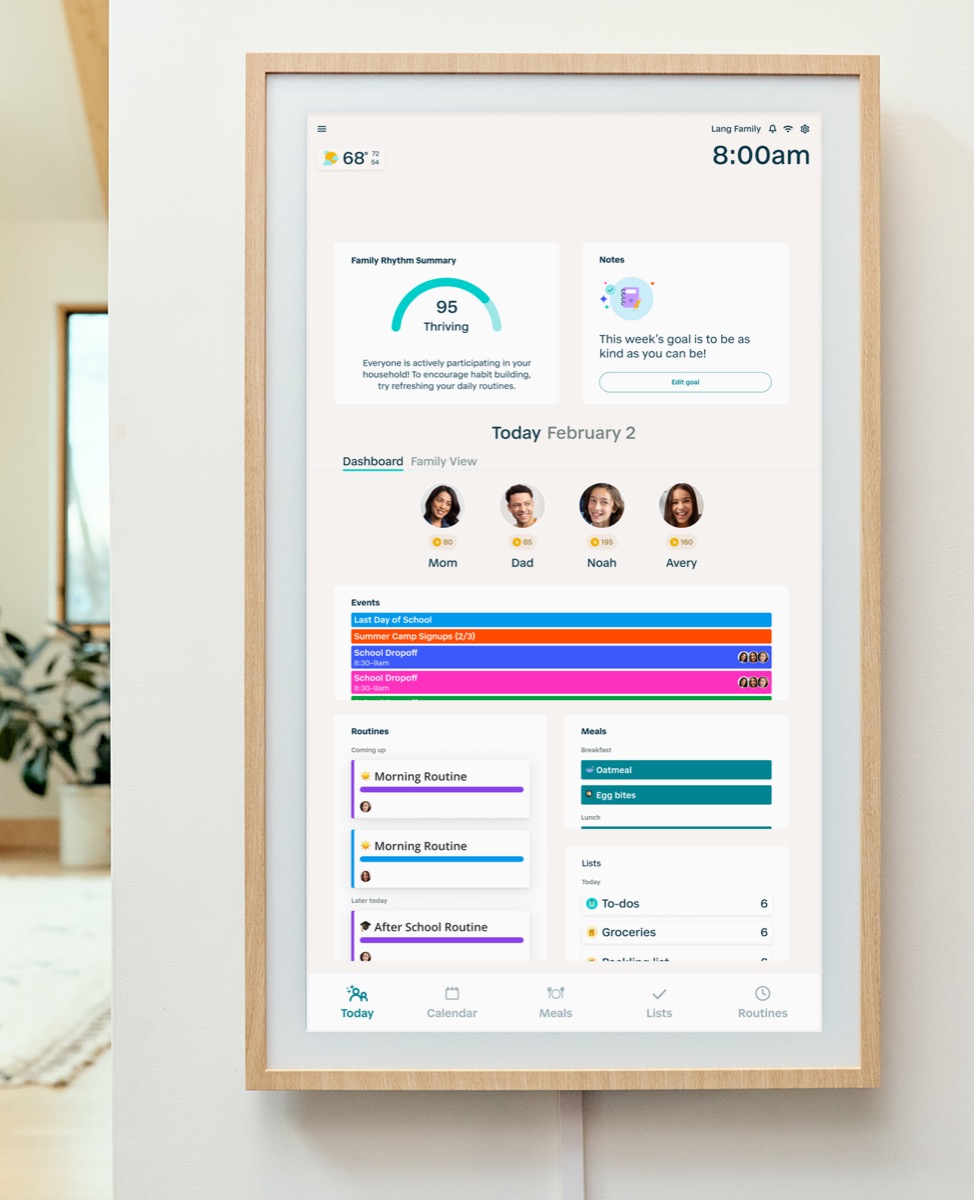 | Family command display | Families that want routine management and a command-center style home display. | Official sources · checked September 14, 2026 |
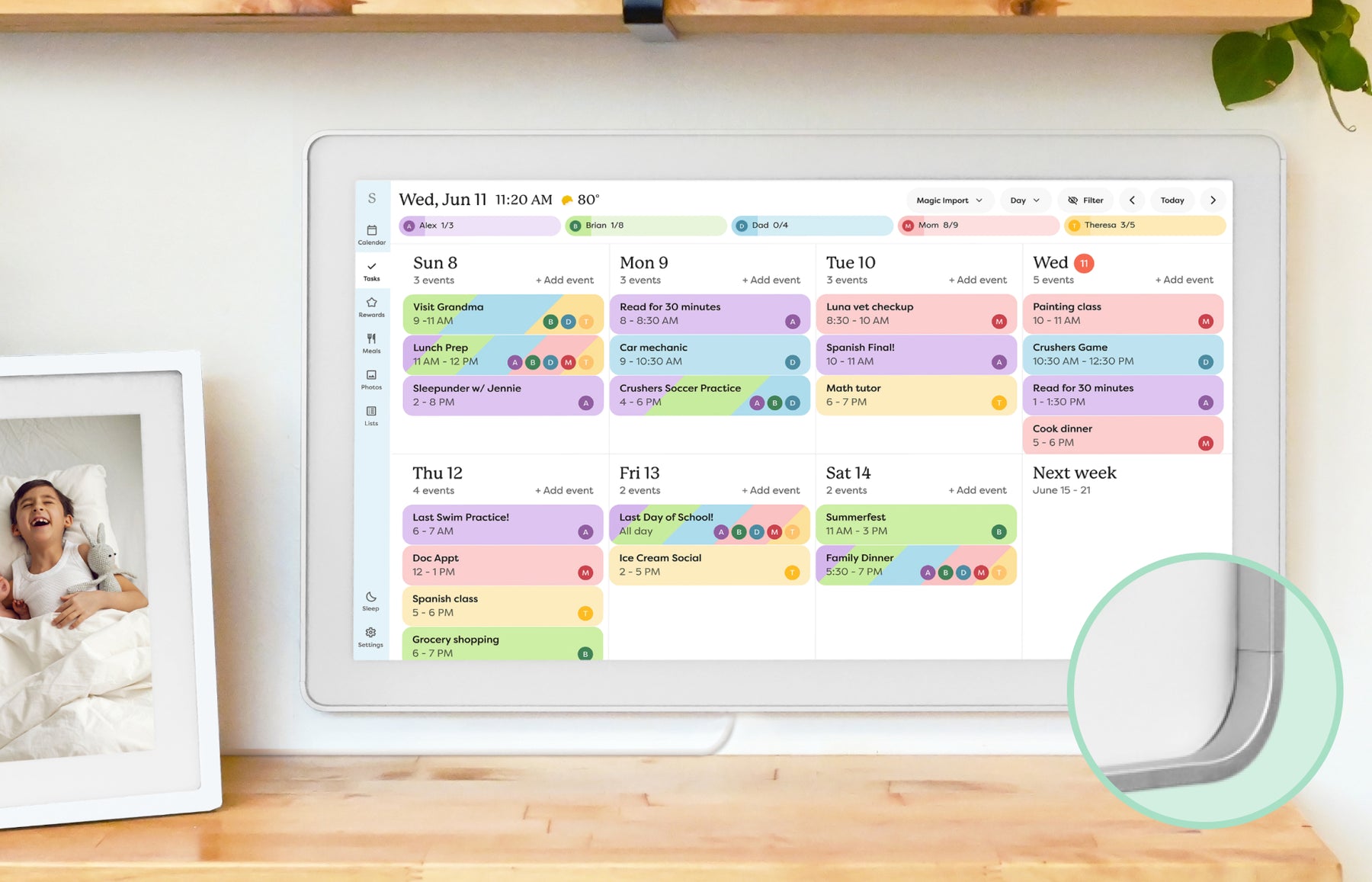 | Smart calendar frame | Families who want a polished shared calendar with broad mainstream support and do not want to run a DIY dashboard. | Official sources · checked October 20, 2026 |
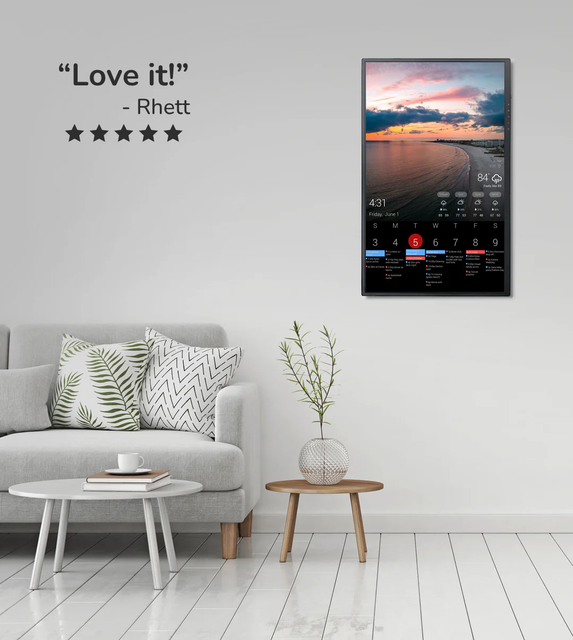 | Custom dashboard display | Homes that want a configurable dashboard for calendars, photos, weather, chores, or mixed household information on one screen. | Official sources · checked August 29, 2026 |
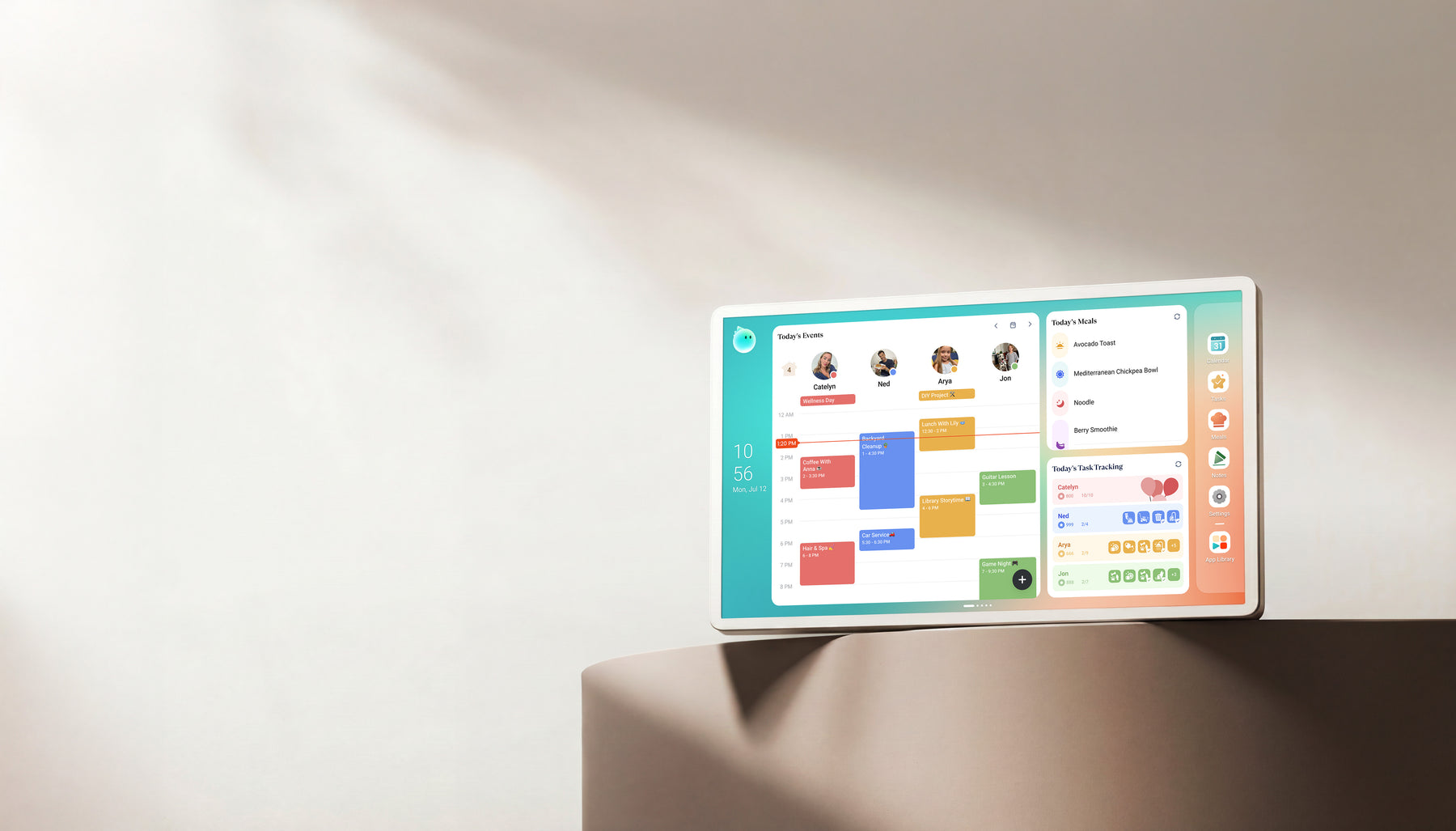 | Family display | Homes comparing Skylight alternatives with calendar, photo, and family-display needs. | Official + retailer sources · checked August 29, 2026 |
| | Smart WiFi digital calendar Software: eCalendar | Families comparing lower-cost, no-subscription-positioned digital calendar frames with broad calendar sync. | Official sources · checked August 29, 2026 |
Representative product-family images; sizes are not shown to scale. Linked profiles distinguish their exact model and evidence. Skylight imagery shows the earlier Calendar, not Calendar 2. The Cozyla profile and image cover Calendar+ 2, not Plus 3 or Neo.
Common questions
Who is this guide best for?
Families coordinating elder care, disability support, recovery routines, or multi-adult household caregiving where schedule visibility matters more than another private phone app.
What should I verify before buying?
Check shared-calendar support, reminder or task path, household account boundaries, screen readability, and whether the exact model fits the caregiving room and update routine before buying.
When should I skip this buying path?
The common mistake is buying a caregiving display for emotional reassurance without deciding who updates it, where it will live, and which decisions should stay off the shared screen. If that sounds like your situation, step back and compare the broader product category before choosing a brand.
Related reading
Compare the options that fit your needs.
Read the relevant product reviews, side-by-side comparisons and selection guides.
Product reviews
- Hearth Display ReviewFamilies that want routine management and a command-center style home display.
- Skylight Calendar ReviewFamilies who want a polished shared calendar with broad mainstream support and do not want to run a DIY dashboard.
- DAKboard Display ReviewHomes that want a configurable dashboard for calendars, photos, weather, chores, or mixed household information on one screen.
- Cozyla Calendar+ ReviewHomes comparing Skylight alternatives with calendar, photo, and family-display needs.
Comparisons
- Cozyla vs Skylight Calendar: Which Is Better? Our VerdictCozyla Calendar+ 2 is the broader Android family display; Skylight Calendar 2 is the simpler calendar-first screen. Compare setup, sync, placement, and paid-feature boundaries before choosing.
- Skylight vs Hearth DisplayCalendar frame or family command center? This comparison separates visible scheduling from deeper household routine management.
- Skylight vs DAKboardA turnkey smart calendar frame compared with a more customizable dashboard display approach.
- Hearth Display vs DAKboardA family command center compared with a configurable home dashboard for calendars, routines, photos, and household information.
Best-pick guides
- Best Smart Calendar FramesChoose a frame-style home calendar by room fit, viewing distance, touch access and setup style—not just the largest screen.
- Best Digital Calendars for Families: Wall Displays ComparedCompare nine digital calendars for family schedules, chores and routines. Find the right wall display by calendar sync, setup and the features you will actually use.
- Best Smart Frames Without Subscription PressureA buyer guide based on published sources comparing the free core workflow, optional paid tools, exact-model limits, app polish, and support confidence behind no-subscription calendar claims.
- Best AI Photo Frames and Family DisplaysCompare photo animation and restoration with ordinary photo display, paid credits and family privacy—without confusing them with calendar AI.