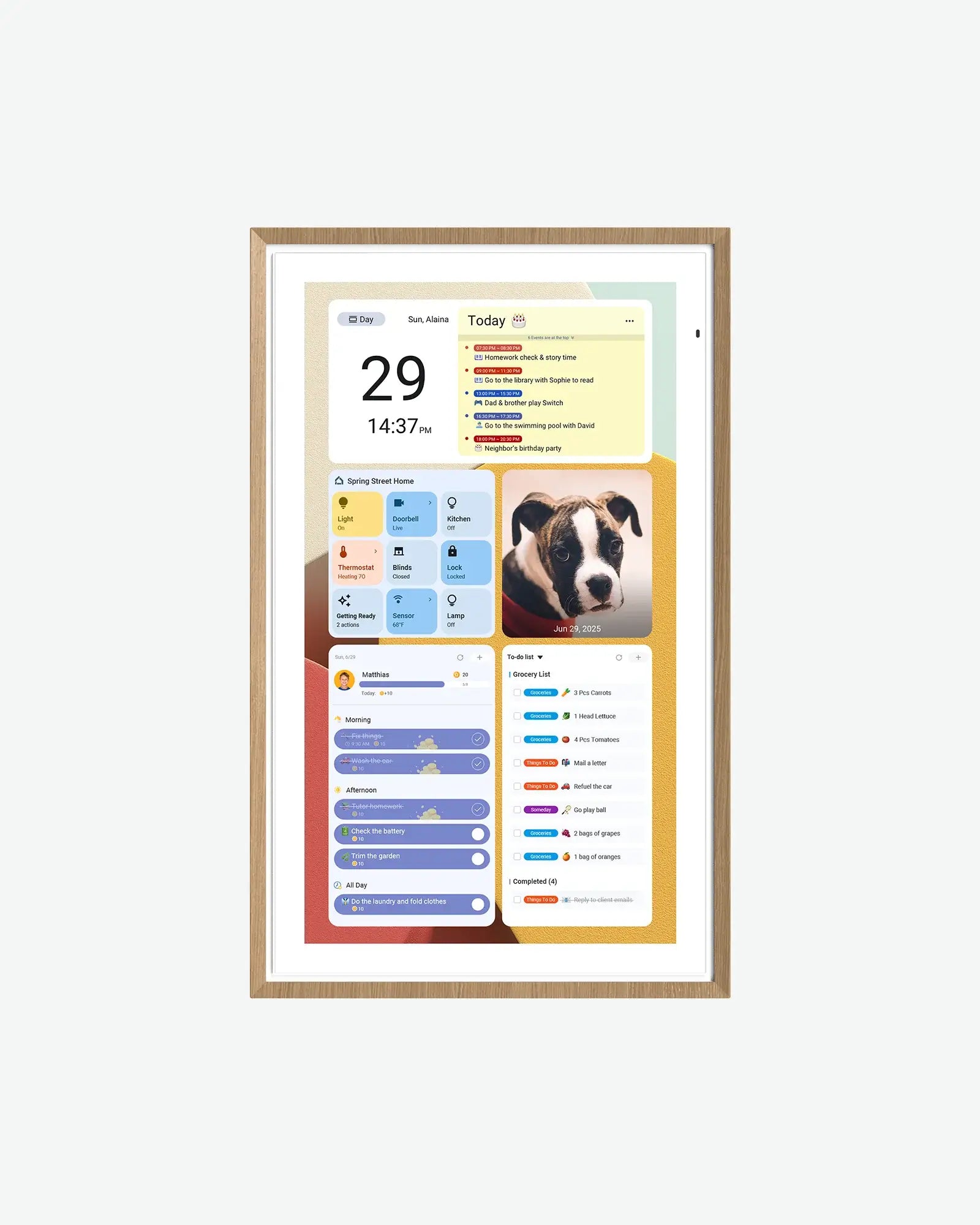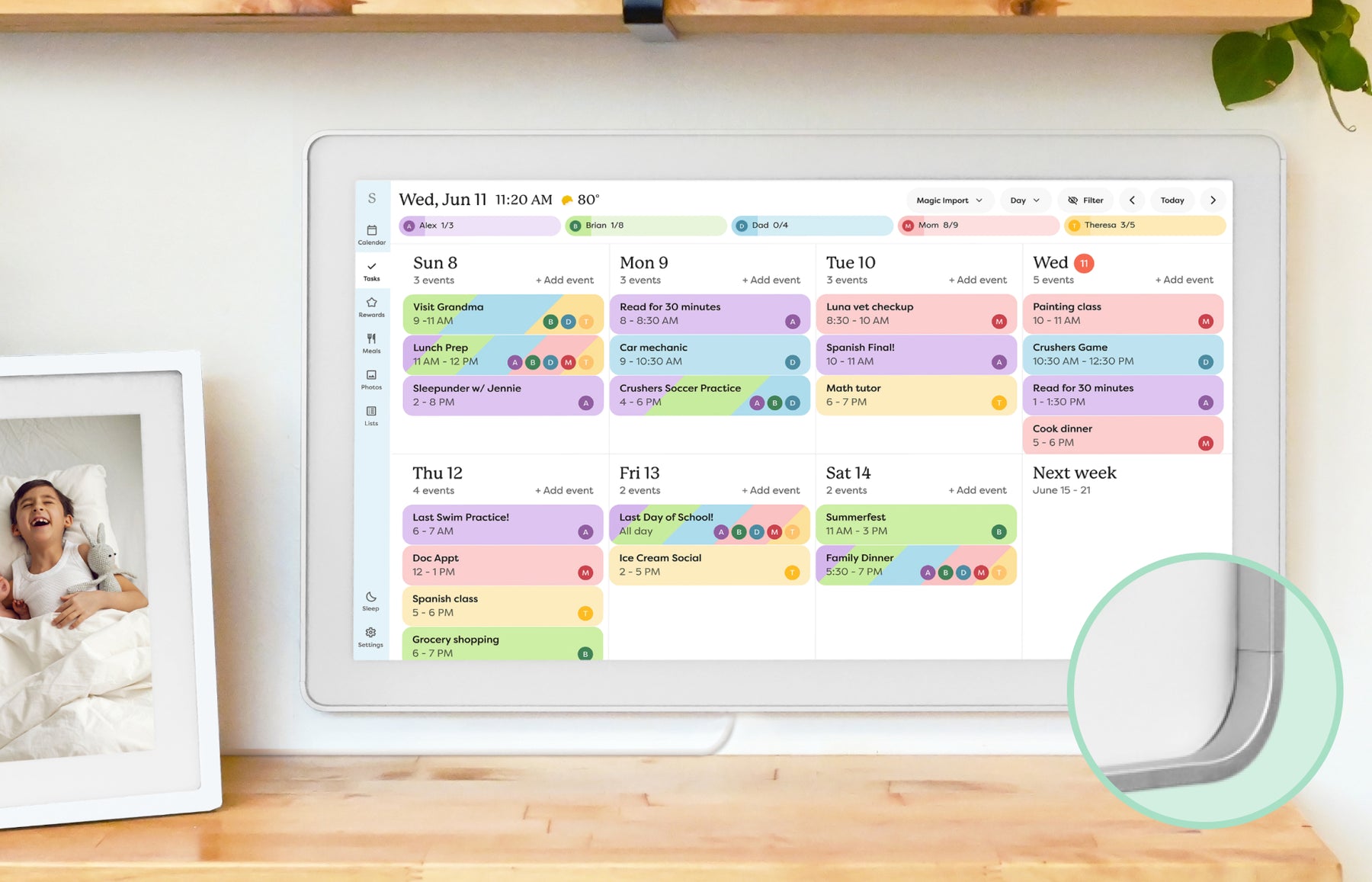
Google Calendar Dashboard Wall Display Guide
Build the screen view first: compare Google Calendar dashboard templates and real home examples, then choose wall-display hardware.
Read guideStart with the calendars you already use, compare compatible displays and work through the first setup.
12 guides
Build the screen view first: compare Google Calendar dashboard templates and real home examples, then choose wall-display hardware.
Read guideA source-backed product shortlist for families choosing a dedicated Google Calendar wall display or shared schedule screen.
Read guideHow Apple and iCloud Calendar households should evaluate smart wall displays, shared calendars, setup paths, event colors, and family workflow fit.
Read guideHow Apple Calendar and iCloud families should compare smart calendar frames, dashboard displays, shared-calendar behavior, and eCalendar products.
Read guideA practical guide for Microsoft Outlook and Office calendar users choosing a smart calendar frame or wall dashboard.
Read guideHow Cozi families should evaluate wall displays, dashboards, and family command centers without breaking the calendar workflow they already maintain.
Read guideHow families should compare displays when several Google, Apple, Outlook, school, sports, or work calendars must appear together.
Read guideWhy event colors, profile colors, and calendar labels matter when choosing a smart calendar frame for a busy household.
Read guideA setup-focused guide for families who rely on recurring practices, school schedules, medication reminders, and weekly routines.
Read guideA practical first-week setup checklist for smart calendar frames, family displays, and wall dashboards that helps households verify fit, sync, and daily maintenance before the install becomes permanent.
Read guideThe most common setup mistakes that make smart calendar frames, family command centers, and dashboard displays feel harder than they should.
Read guideA buying guide for Apolosign-style Android calendar displays, Google ecosystem claims, and the setup tradeoffs families should check before buying.
Read guideThumbnails show representative product families. Each guide explains the relevant models, sources and feature limits. Skylight imagery shows the earlier Calendar, not Calendar 2.