Smart Frame Subscription Costs Explained
How to compare free features, paid plans, AI extras, and ongoing household value before choosing a smart frame.
Read guideCompare included features, optional paid tools and the cost of keeping a display useful over time.
10 guides
How to compare free features, paid plans, AI extras, and ongoing household value before choosing a smart frame.
Read guideA feature-boundary checklist for comparing what smart calendar frames include for free and what requires a subscription.
Read guideThe Nixplay case shows why the free tier matters after purchase. Check photo storage, calendar sync, family sharing, AI limits and the cost of keeping the features you need.
Read guideHow to compare no-subscription and low-subscription smart calendar frames without ignoring app polish, support, paid-feature boundaries, and ownership risk.
Read guideWhat to check when a digital calendar or eCalendar product promises no monthly fee.
Read guideA practical comparison of Dragon Touch, Aluratek, Apolosign, and Cozyla through setup effort, app polish, support quality, and long-term value.
Read guideA practical way to compare first-year, three-year, and ownership costs across smart calendar frames and family displays.
Read guideHow budget shoppers should compare lower-cost smart calendar frames without overlooking support, app polish, and return risk.
Read guideDoes Skylight Calendar require Plus? Compare the current Plus cost, free calendar features, Magic Import, photos, meal planning, and no-subscription alternatives before checkout.
Read guideHow to compare alternatives to Skylight Plus by feature job: imports, meal planning, rewards, photos, routines, dashboards, and no-subscription calendar use.
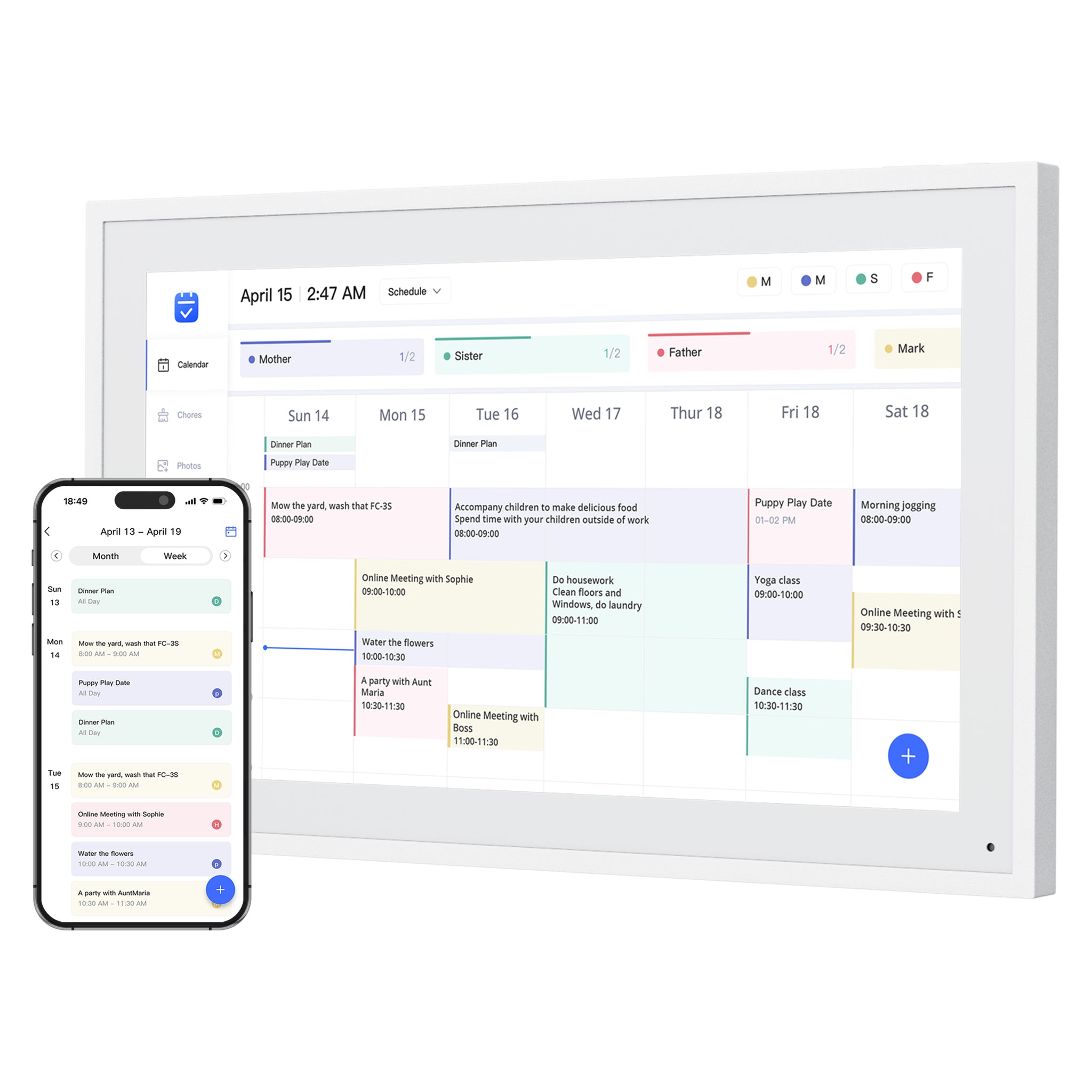
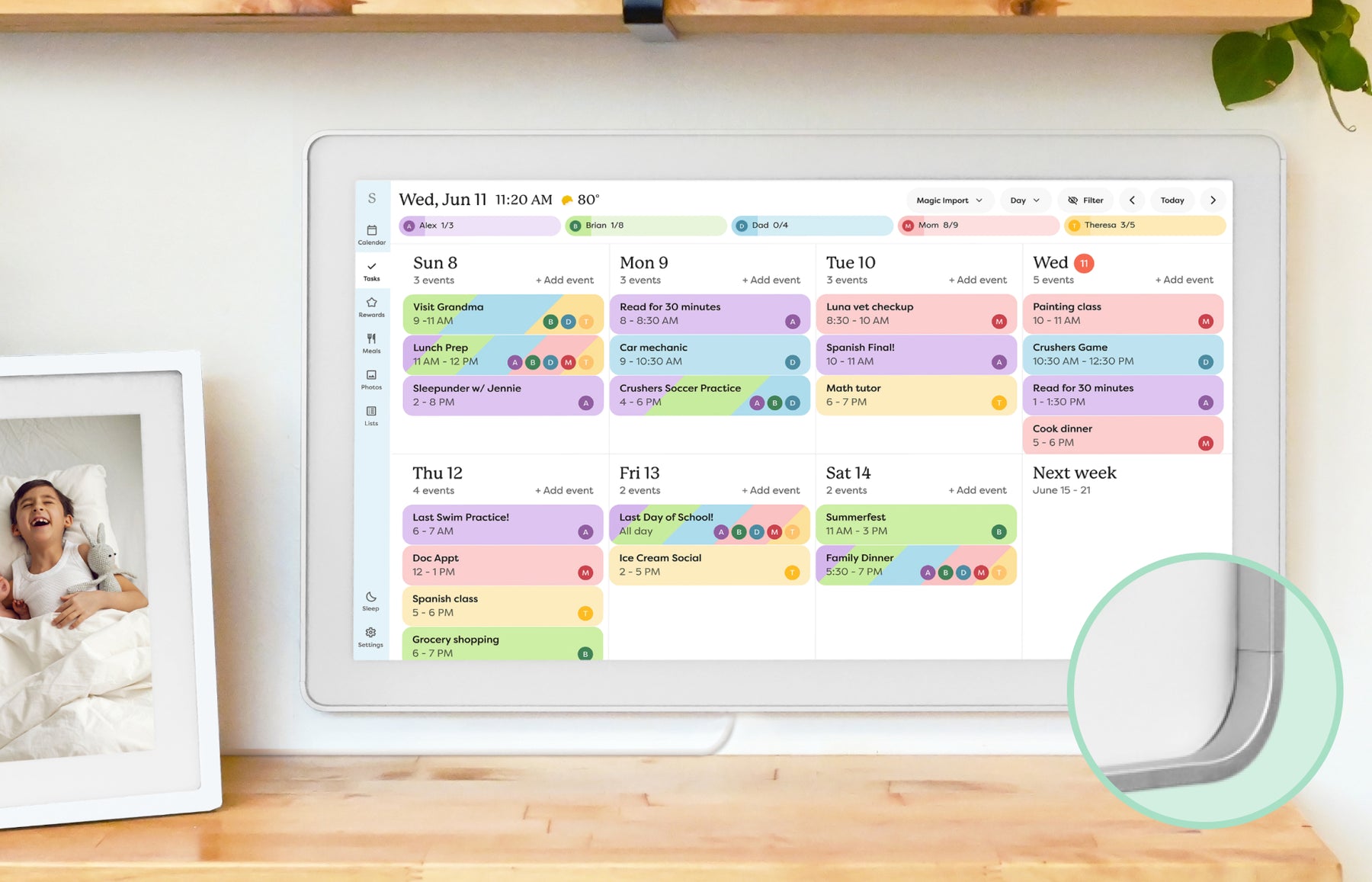
Read guideThumbnails show representative product families. Each guide explains the relevant models, sources and feature limits. Skylight imagery shows the earlier Calendar, not Calendar 2.