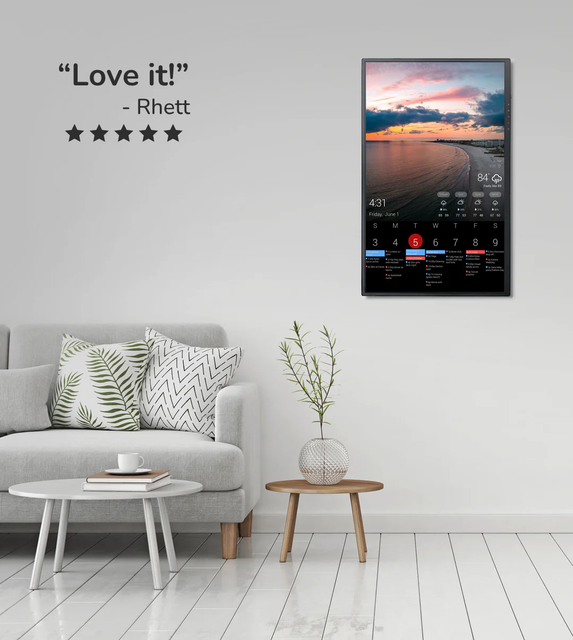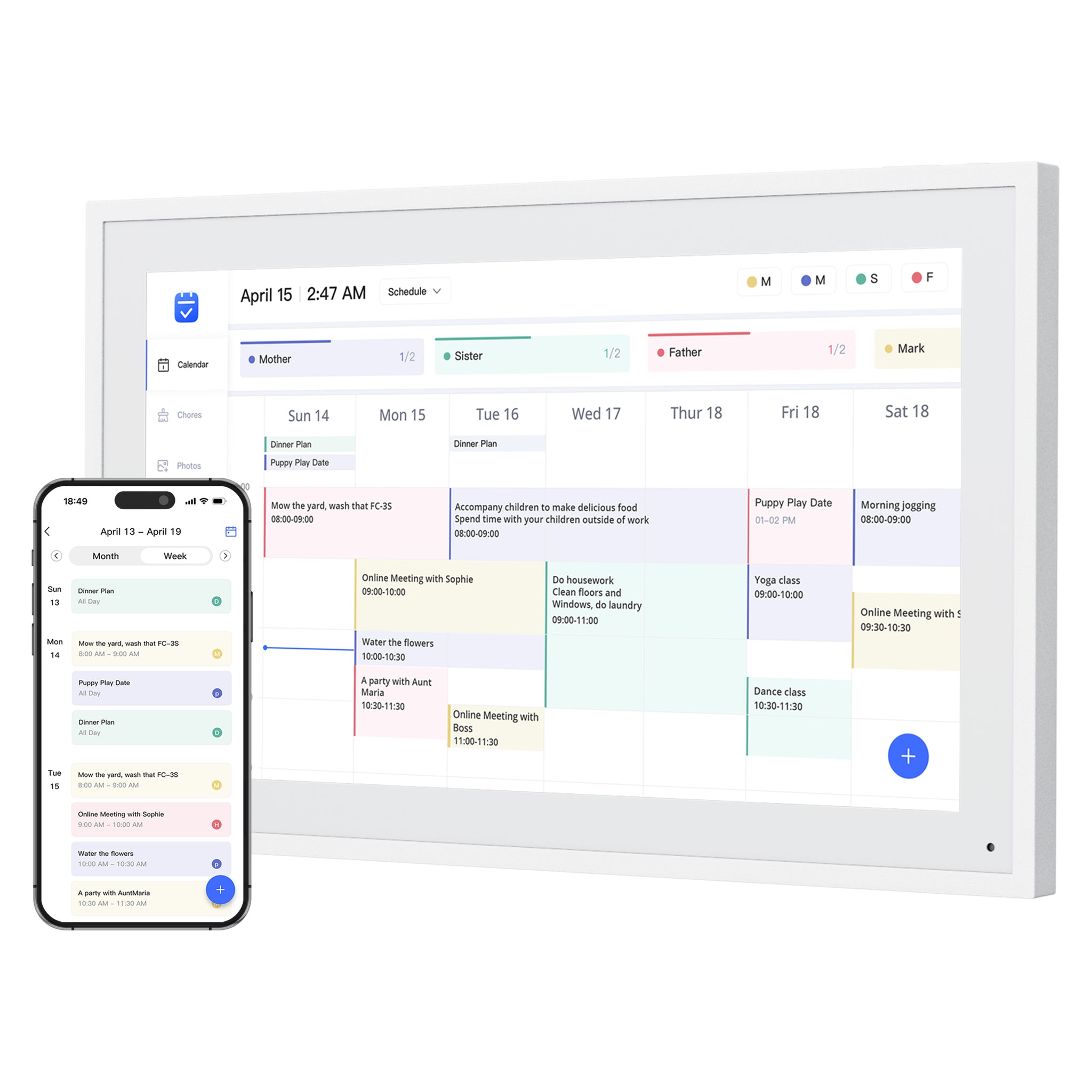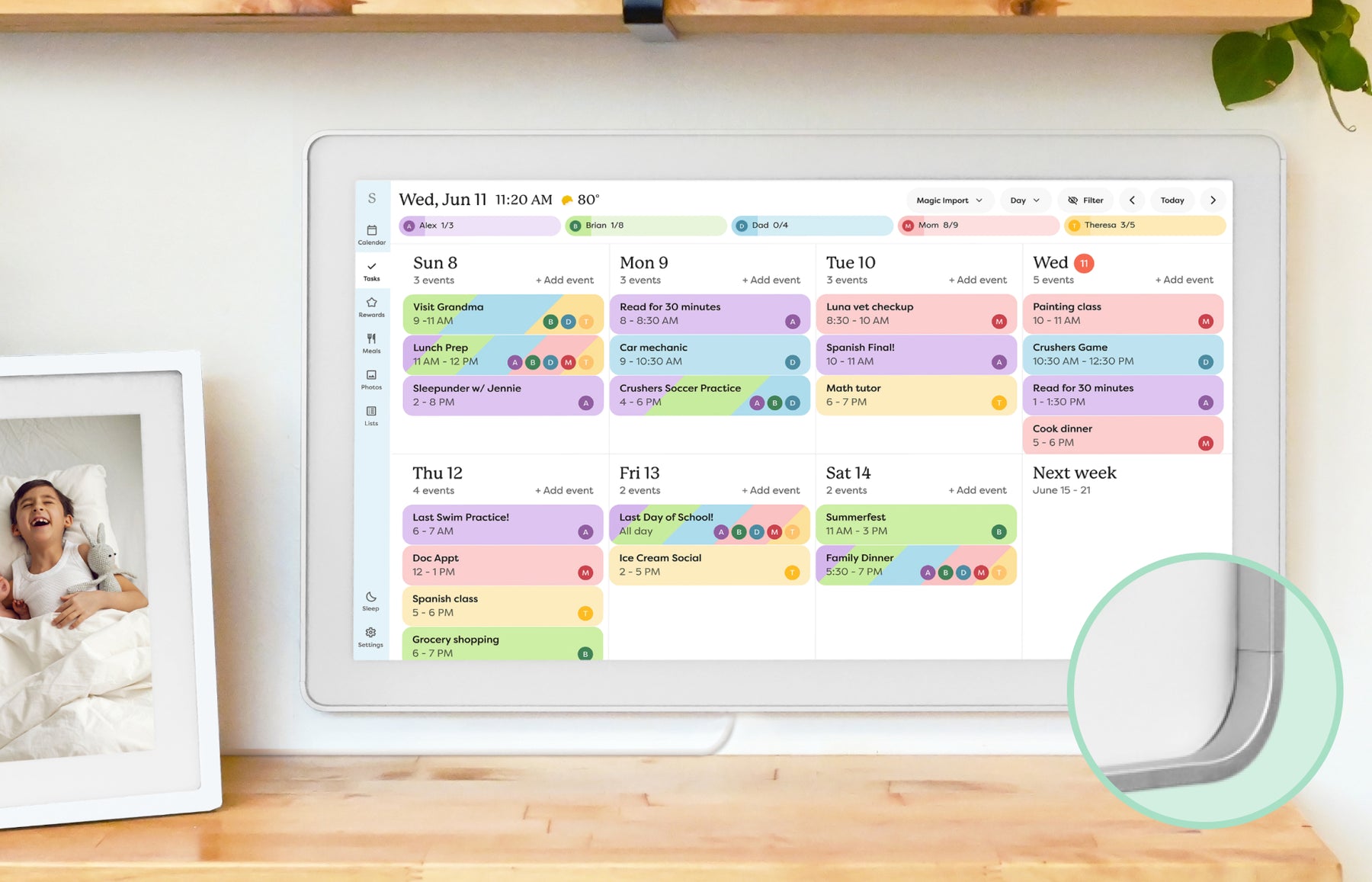
What Is a Smart Calendar Frame?
A plain-language guide to the category between digital photo frames, wall calendars, and family command displays.
Read guideDecide which kind of screen fits your home, then compare size, placement and alternatives before buying.
19 guides
A plain-language guide to the category between digital photo frames, wall calendars, and family command displays.
Read guideHow to decide whether you need a calendar-first display, a photo-first frame, or a hybrid family screen.
Read guideChoose a shared home screen by the problem it must solve: visible schedules, task ownership, family photos, or a configurable information wall.
Read guideFrameo can show a shared calendar alongside family photos. Compare its free calendar, Premium features and two named frame models with a dedicated family calendar display.
Read guideFotoCube licenses calendar and photo-frame software to device brands. See the named iLoop, TUTT, SRI HOME Orca and Cotoala calendars, their app pairing and software limits.
Read guideSimilar screens and calendar layouts do not prove two generic smart calendar frames are the same product. Use this hardware, app, support, and update-path checklist before treating a lower-priced listing as an equivalent alternative.
Read guideLooking for a Skylight alternative? Compare the strongest paths by what your household needs instead: lower subscription pressure, routines, dashboard control, Android flexibility, photo sharing, or large-wall visibility.
Read guideHow to compare DAKboard against simpler smart calendar frames, family command centers, and eCalendar-style wall displays.
Read guideHow to decide whether a dedicated smart calendar frame is worth buying or whether an iPad, Android tablet, or spare screen is still the better family-display path.
Read guideHow to compare a dedicated smart calendar frame with an Echo Show-style voice display before a kitchen helper gets mistaken for a true family calendar wall.
Read guideHow to read Dragon Touch calendar naming, model coverage, and store paths before choosing the right eCalendar-style display.
Read guideHow to choose between Dragon Touch calendar displays and Dragon Touch WiFi photo-frame deals without confusing two different buying jobs.
Read guideCompare Dragon Touch 10.1, 15.6, 21.5, 24, 27, and 32-inch Digital Calendar sizes by room, viewing distance, wall-mount limits, and the family workflow you need.
Read guideHow to compare 15-inch class smart calendar displays before a compact wall screen turns into the wrong family workflow.
Read guideHow to compare 24-inch class digital calendar displays before a mid-size wall screen becomes the wrong compromise.
Read guideHow to decide whether a 21-inch, 24-inch, 27-inch, or 32-inch calendar display is worth the wall space and price.
Read guideHow to choose between a wall-mounted calendar frame, a countertop display, or a movable family screen without creating a setup the household ignores.
Read guideHow to read star ratings, review counts, official-store reviews, and repeated complaints before trusting a smart calendar frame.
Read guideWhat to verify in the return window before a smart calendar frame becomes an expensive wall-mounted mistake.
Read guideThumbnails show representative product families. Each guide explains the relevant models, sources and feature limits. Skylight imagery shows the earlier Calendar, not Calendar 2.