
Wall Calendar for Busy Families
How busy households should compare paper calendars, smart calendar frames, command centers, and dashboards.
On this page
Quick answer
- Busy families need a system that lowers coordination work, not a prettier wall.
- Choose by the number of schedules, update frequency, and whether routines or tasks need ownership.
- Check whether the chosen display can be maintained during the busiest week, not the easiest week.
A wall calendar for busy families is any shared home system that keeps schedules visible and reduces coordination friction.
Who this suits: Families with school, sports, work shifts, caregiving, routines, travel, and recurring household tasks.
Quick decision
The right display depends on which coordination failure happens most often.
- Choose a smart calendar frame for low-friction shared visibility.
- Choose a command center for routines and accountability.
- Choose a dashboard for a configurable information wall.
Products to start with
Skylight, Hearth, DAKboard, Cozyla, Dragon Touch, and Apolosign cover the main busy-family patterns.
What to verify before buying
Check readable views, clear task ownership, list and routine features, and whether everyone responsible can keep the display current during a busy week.
- Who adds events and how quickly changes appear.
- Whether the screen is readable from normal family traffic paths.
- Whether the product becomes another app to manage.
Common buying mistake
The common mistake is buying the most capable display instead of the one the family will maintain.
- Do not ignore maintenance load.
- Do not pick a screen that only one adult understands.
- Do not hide the display in a room where decisions do not happen.
Source freshness note
Features, plans and availability can change. Check the selected model’s current terms before buying.
Start with the busiest week, not the calmest week
A shared display may help with repeated breakdowns such as missed pickups, overlapping practices, duplicate reminders, late dinner decisions, or one adult carrying the whole update burden. The right display should survive the messy week, not just look tidy during setup.
- Write down the highest-friction pattern first: school and sports overlap, work-shift changes, caregiving handoffs, travel weeks, or recurring household routines.
- Treat glanceability and update speed as core buying criteria because busy households make decisions while moving, not while standing still in front of the screen.
- If the real problem is family follow-through rather than schedule visibility, compare command-center products before choosing a calendar-first frame.
Separate calendar visibility, accountability, and dashboard control
Start with the problem you want to solve: a shared schedule, clearer routines and responsibilities, or a customizable information screen. These needs lead to different kinds of display.
- Calendar-first frames fit households that mainly need everyone to see the plan without opening another app.
- Command-center products fit households that need chores, routines, reminders, meals, or ownership to live beside the schedule.
- Dashboard-style products fit households that want multiple calendars, widgets, or room-specific layouts and will maintain that setup over time.
Run one busy-week check before choosing a display
Use a real week with a recurring practice, a changed pickup, a chore handoff, and a meal-plan change. Check the calendar source and the screen separately: an event appearing on the wall does not prove that edits made on the wall return to the original calendar.
- Calendar direction: identify each Google, iCloud, Outlook, or subscribed calendar the family uses. Confirm whether that exact connection is two-way, one-way, or a delayed feed before depending on screen-side edits.
- Recurring events: edit one occurrence of a repeating practice, cancel another, and check both the source calendar and the wall view for duplicates or stale entries.
- Responsibility: assign a recurring chore and a one-off task to different people. Check whether completion and reminders are visible to the person who needs to act.
- Cost: list the weekly features the household needs, then check which remain available after a free trial or paid plan ends. Calendar visibility, rewards, meal planning, and AI import can have different boundaries.
- Placement: measure sightline, reach, mounting space, and cable route in the kitchen or entryway where decisions happen. A screen that is hard to see or update will add work.
Know when to skip each path
A product category should remove the household bottleneck without creating a new maintainer job. If the current shared phone calendar already works and the family rarely needs a common wall view, a new display may add little value.
- Skip a calendar-first frame if the real failure is unassigned chores or routines; compare a command center before buying another schedule view.
- Skip a command center if the family mainly needs a readable calendar and does not want its task workflow tied to a membership.
- Skip a configurable dashboard if nobody can maintain calendar feeds, layouts, and account access after setup.
- Skip any exact model whose required calendar direction, recurring-event behavior, or mounting arrangement remains unverified for your household.
Buying checklist
Software & devices
Follow the app behind the display
Explore the software for app workflows, and the device profile for its screen, setup and buying details.

eCalendar connects family schedules, chores, meals and photos across multiple display brands. Explore representative calendars from Dragon Touch, Aluratek, BSIMB, Anko, TABWEE and other makers below.
Devices discussed in this article
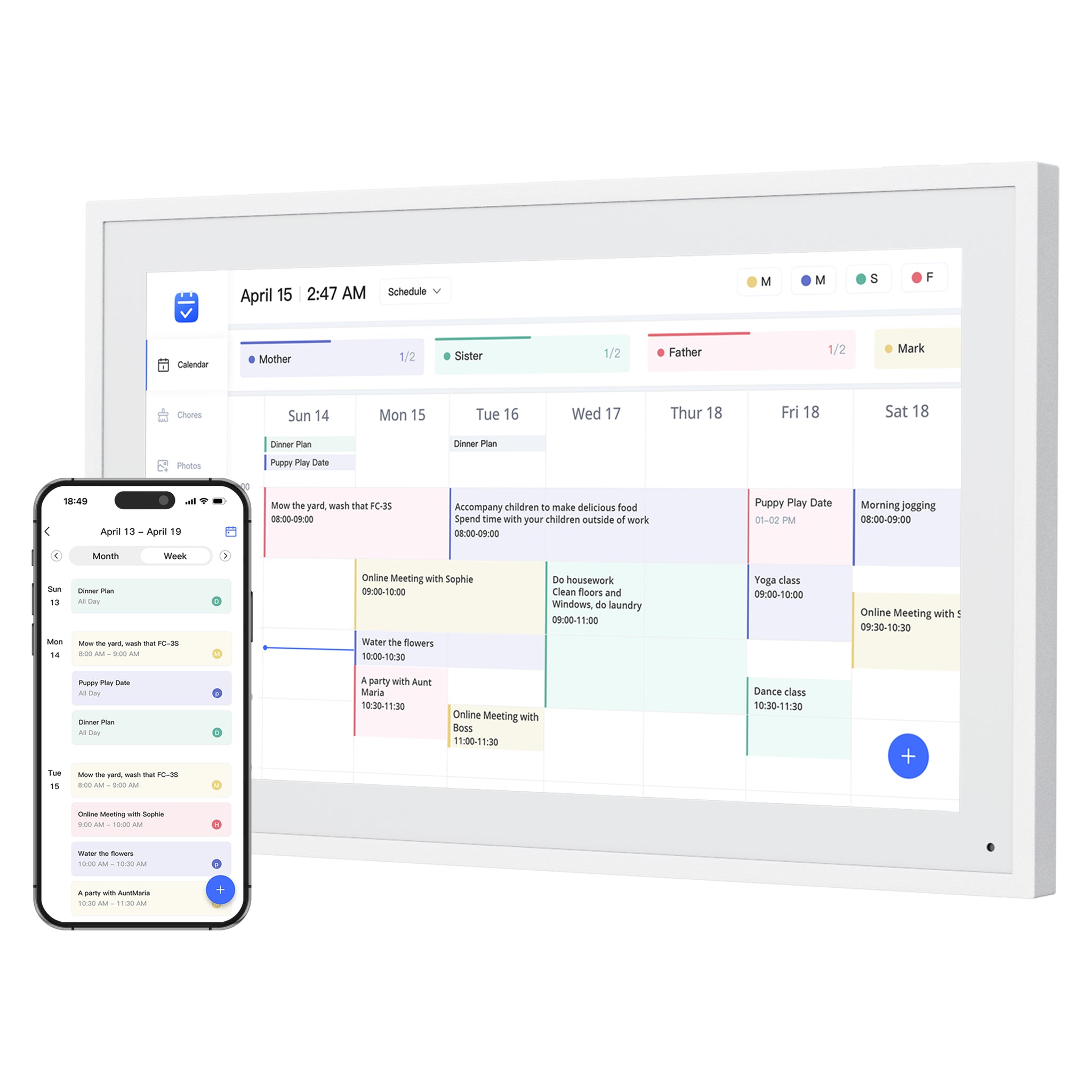 Dragon Touch Digital Calendar
Products to compare
Open the linked profile for exact-model evidence. On a small screen, scroll the comparison sideways; with a keyboard, focus the table and use the arrow keys.
| Product | Role | Best for | Source status |
|---|---|---|---|
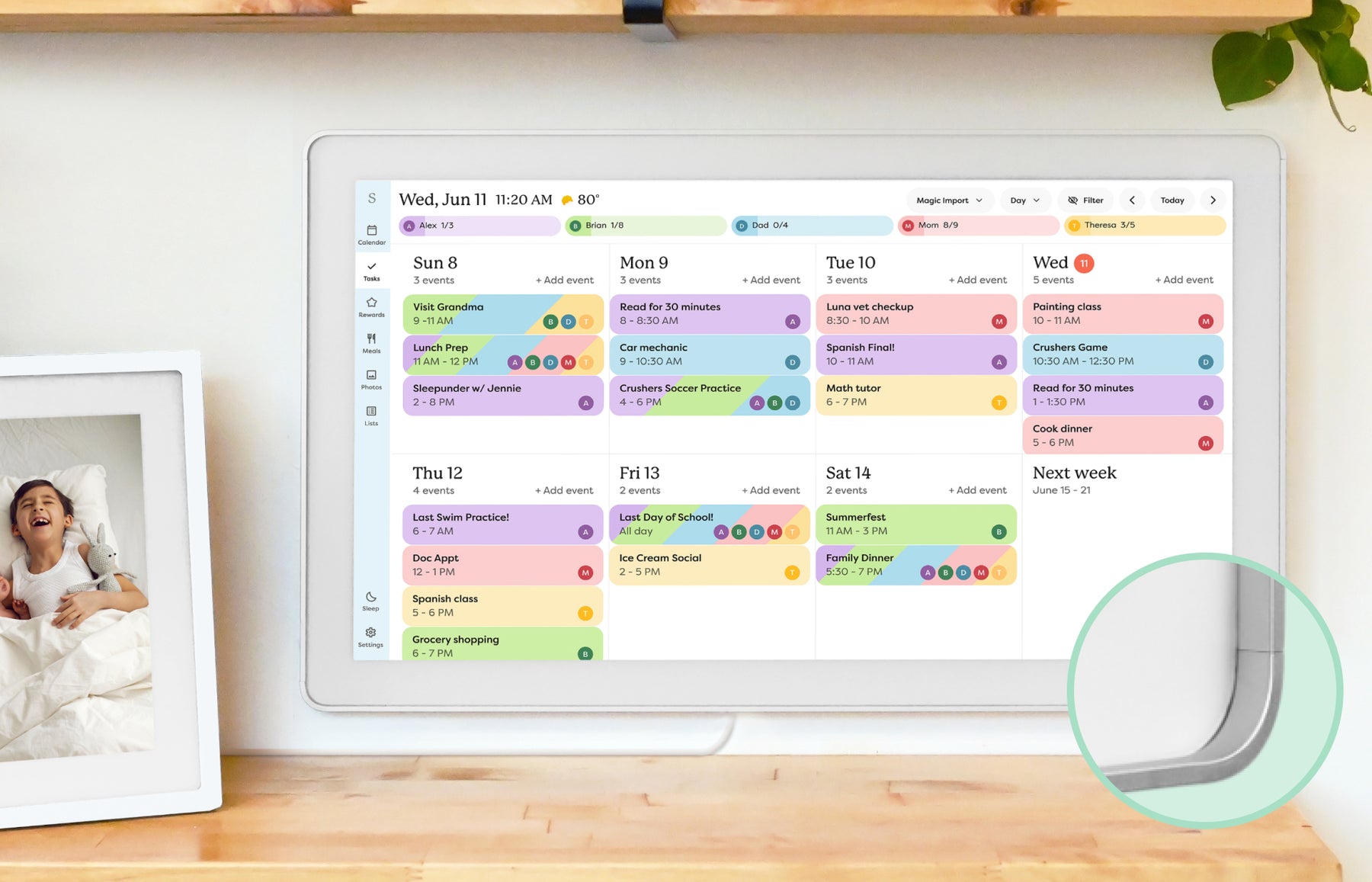 | Smart calendar frame | Families who want a polished shared calendar with broad mainstream support and do not want to run a DIY dashboard. | Official sources · checked October 20, 2026 |
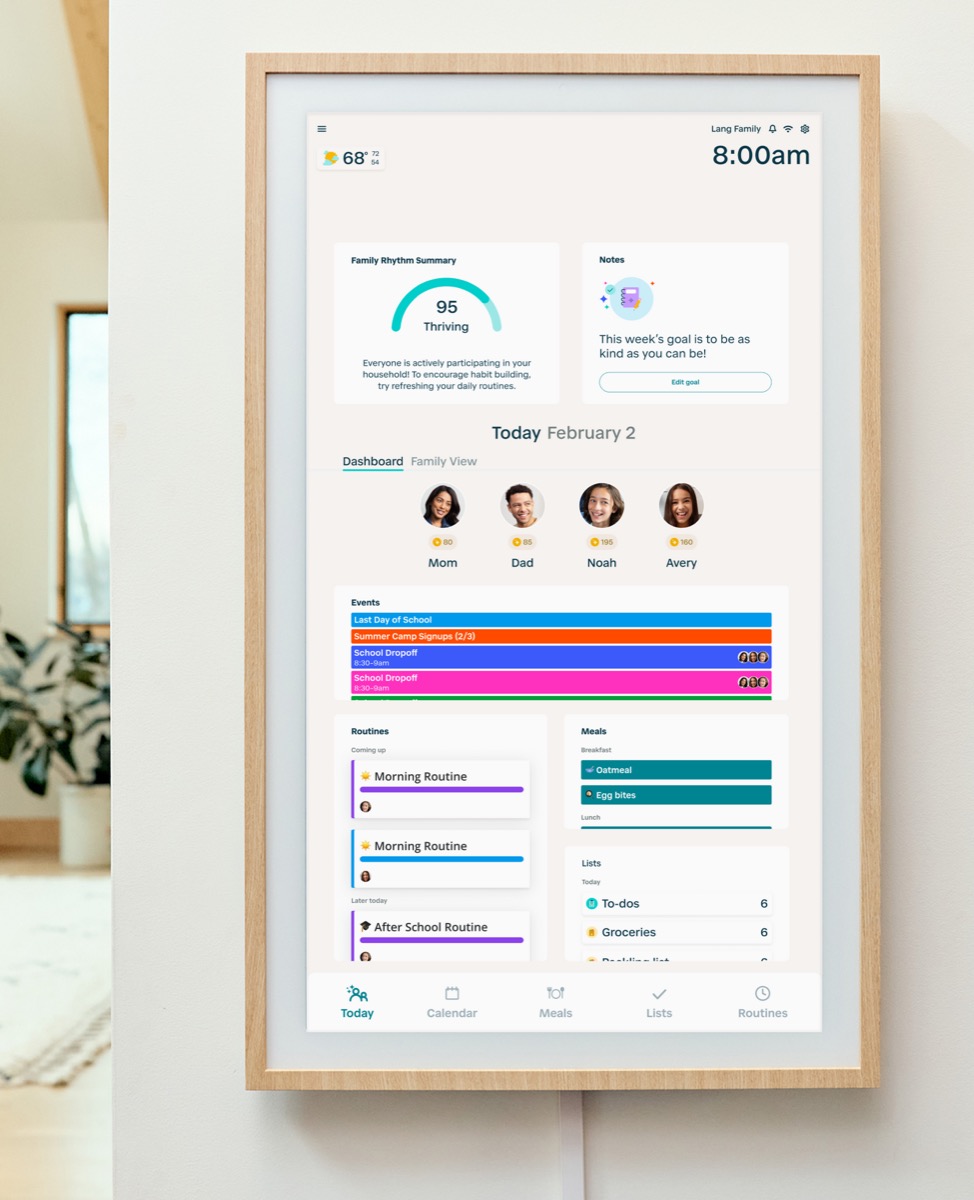 | Family command display | Families that want routine management and a command-center style home display. | Official sources · checked September 14, 2026 |
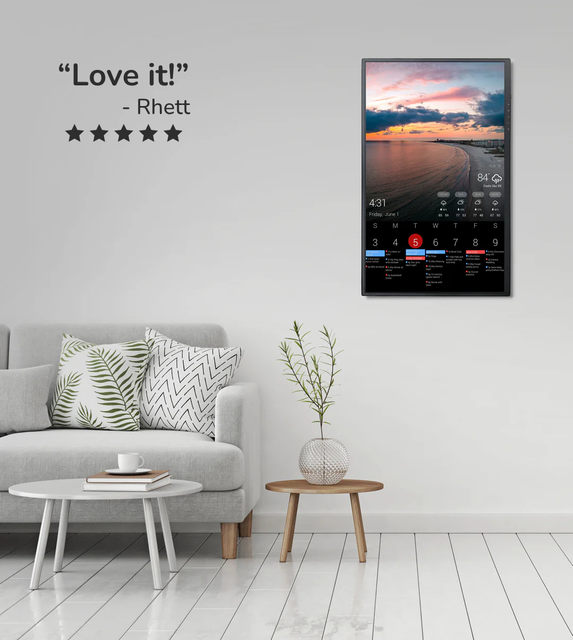 | Custom dashboard display | Homes that want a configurable dashboard for calendars, photos, weather, chores, or mixed household information on one screen. | Official sources · checked August 29, 2026 |
| | Smart WiFi digital calendar Software: eCalendar | Families comparing lower-cost, no-subscription-positioned digital calendar frames with broad calendar sync. | Official sources · checked August 29, 2026 |
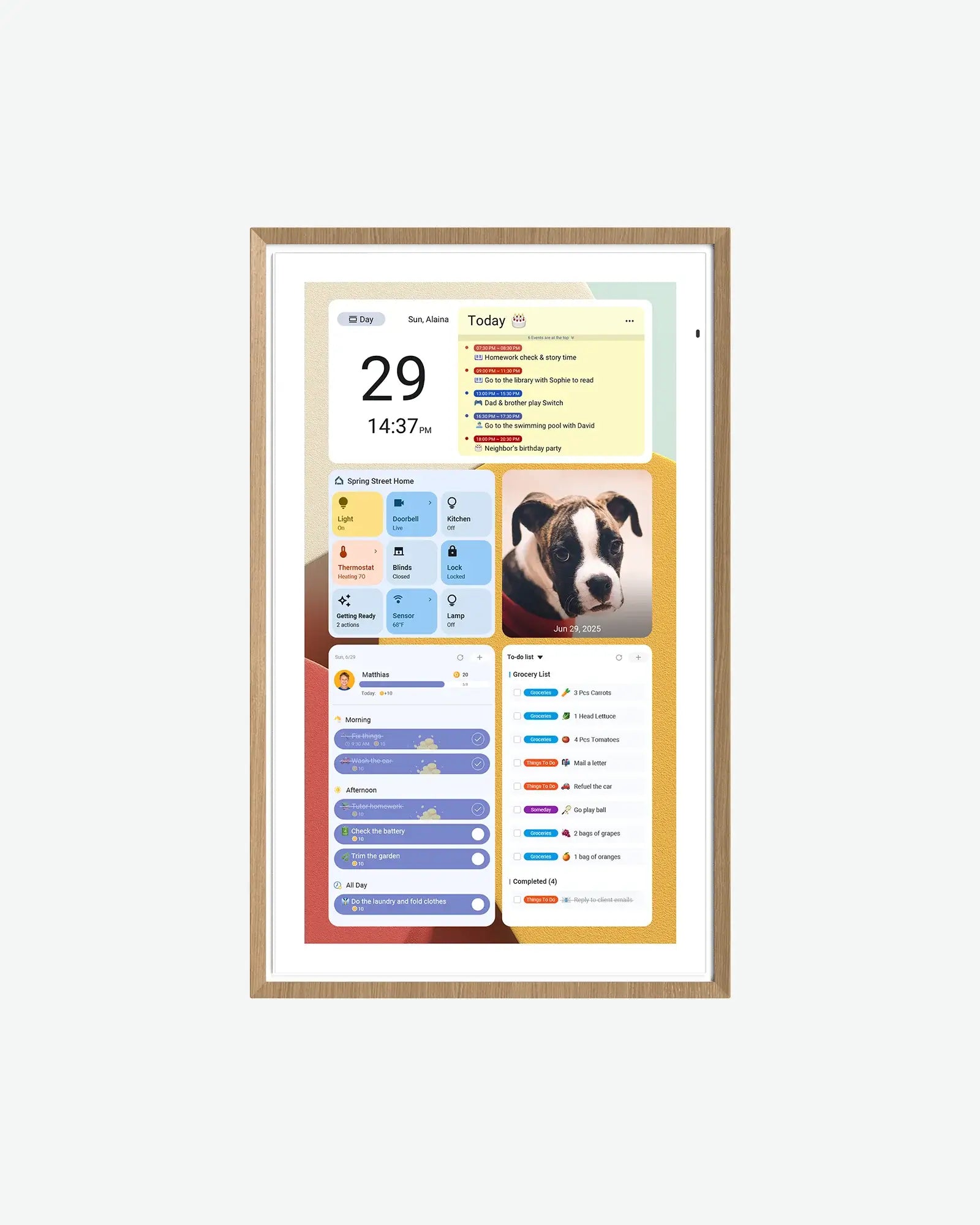 | Android digital calendar | Families who want a spec-transparent Android/Google ecosystem calendar display with multiple sizes and no-subscription positioning. | Official sources · checked September 21, 2026 |
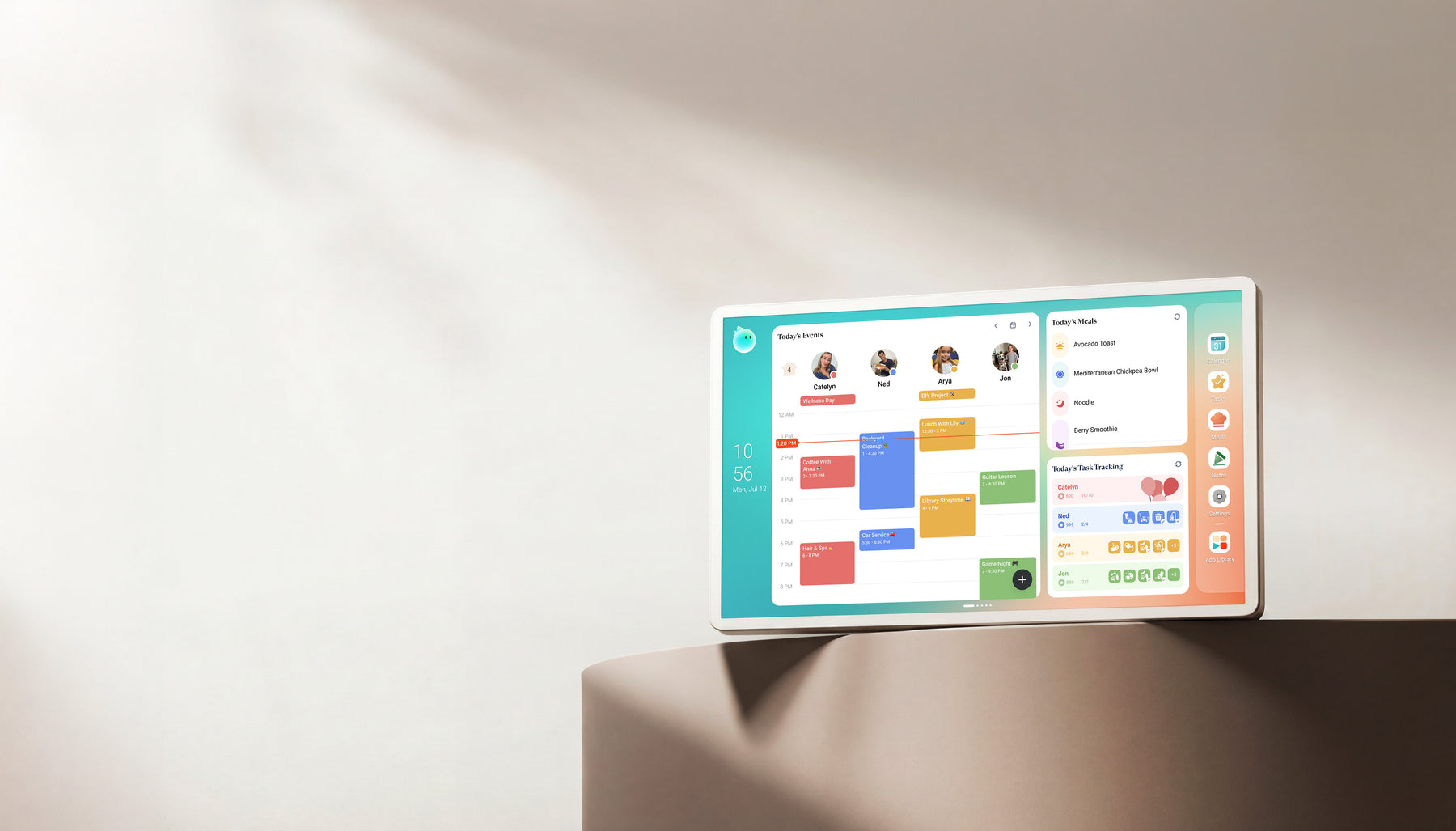 | Family display | Homes comparing Skylight alternatives with calendar, photo, and family-display needs. | Official + retailer sources · checked August 29, 2026 |
Representative product-family images; sizes are not shown to scale. Linked profiles distinguish their exact model and evidence. Skylight imagery shows the earlier Calendar, not Calendar 2. The Cozyla profile and image cover Calendar+ 2, not Plus 3 or Neo.
Common questions
Who is this guide best for?
Families with school, sports, work shifts, caregiving, routines, travel, and recurring household tasks.
What should I verify before buying?
Check whether the chosen display can be maintained during the busiest week, not the easiest week.
What common buying mistake should I avoid?
The common mistake is buying the most capable display instead of the one the family will maintain.
What is the best wall calendar setup for a busy family?
The best setup is the one the household will actually maintain during a chaotic week. For many families that means a calendar-first frame in a high-traffic room; for others it means a command center or dashboard because routines, chores, and ownership matter as much as dates.
Should busy families choose a smart calendar frame or a command center?
Choose a smart calendar frame when visibility is the main problem and the family already manages tasks elsewhere. Choose a command center when missed responsibilities, routines, meals, or follow-through are the bigger failure than simply seeing the schedule.
When does a dashboard make more sense for a busy family?
A dashboard is the better path when the household truly needs several calendars, widgets, or custom layouts on one screen and someone is willing to maintain that setup after the first month. If nobody wants dashboard upkeep, a simpler frame usually wins.
Can a busy family edit every synced calendar from the wall display?
No universal rule covers every provider and product. Confirm the exact Google, iCloud, Outlook, or calendar-feed connection for the model you are considering. Some paths show outside events without sending wall edits back to the source calendar, so test an edited recurring event before relying on it.
Related reading
Compare the options that fit your needs.
Read the relevant product reviews, side-by-side comparisons and selection guides.
Compare the shortlist
- Best digital wall calendars for familiesCompare the existing family shortlist by calendar sync, chores, placement, subscriptions, and source confidence.
Busy-family workflow guides
- Family calendar for school schedulesUse this when school changes, pickups, and after-school logistics are the main source of chaos.
- Calendar display for sports familiesUse this when practices, tournaments, carpools, and sibling conflicts are driving the search.
- Multiple calendars on one wall displayUse this when the family needs several shared calendars visible together without losing readability.
- Family command center vs calendar frameSeparate schedule visibility from routines, chores, and household ownership before buying.
Product paths for busy households
- Skylight Calendar ReviewUse as the mainstream low-friction calendar-first benchmark for busy households.
- Hearth Display ReviewUse when routines, chores, responsibilities, and family follow-through matter as much as the calendar.
- DAKboard ReviewUse when the family wants a more customizable dashboard and accepts the higher maintenance load.
- Skylight vs DAKboardCompare the simpler calendar-frame path with the more configurable dashboard route for busy families.