
Photo compatibility and troubleshooting / Updated November 6, 2026
iPhone HEIC Photos Not Showing on Your Digital Frame? Fixes by Brand
Find the right fix for Aura, Skylight, Frameo, Pexar, Pix-Star and Cozyla. Separate image formats from upload routes, Live Photos and paid features.
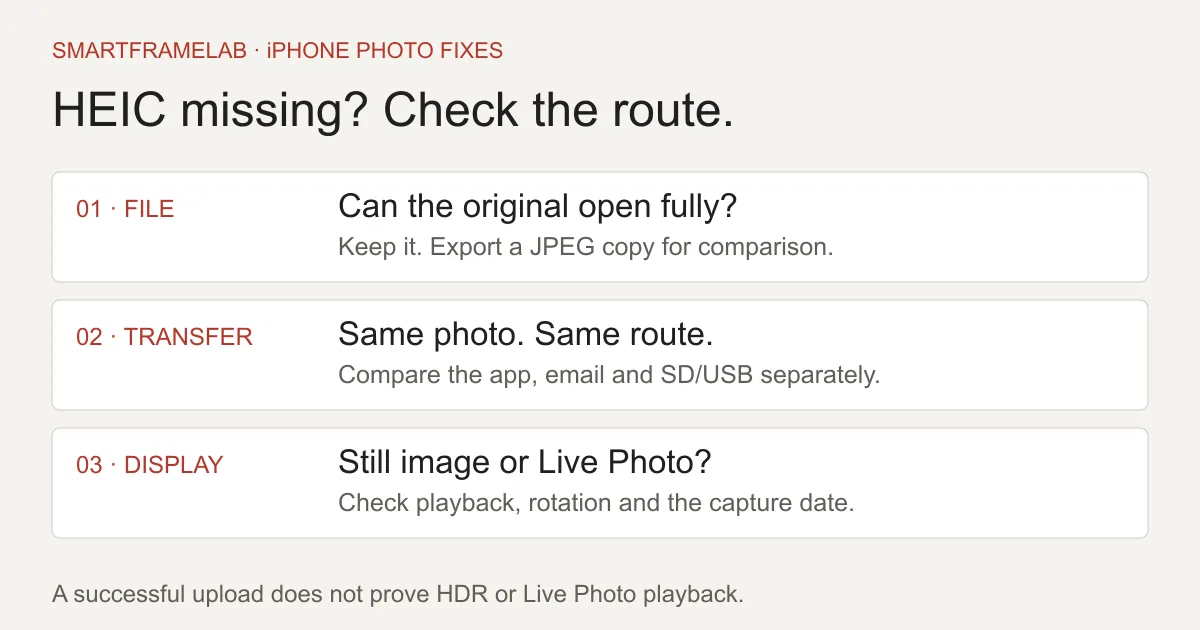
Start with one original photo and a JPEG copy sent through the same route. Several major frames already support HEIC; the failure may instead be a card-import limitation, an iCloud download, app permissions, a large email or the wrong slideshow source. Keep the original, fix that path, and convert a selected batch only when it helps.
Quick answer
- Aura and Skylight Frame list HEIC; a failed upload does not establish blanket incompatibility.
- Frameo lists HEIC in phone clients, but direct HEIC import on the frame requires Android 10+.
- Most Compatible changes future camera captures. USB Automatic affects supported computer transfers. Neither converts every existing photo in every app.
Related reading
Compare the products and setup options
Related reviews
- Pexar by Lexar 2K 11-inch PX-110 · Frameo version ReviewPhoto-first households wanting a detailed compact display, local loading and occasional remote contributions without a required photo-sharing subscription.
- Pix-Star LUX 10 (10.4-inch) ReviewFamilies sending photos to several homes, especially when the recipient wants to watch the slideshow rather than manage another phone app.
Watch notes and guides
- How to Sync Google Photos to a Digital Photo FrameFollow the right setup for Aura, Nixplay, Cozyla, Pix-Star, Skylight or Frameo. See which connections update albums automatically and which send only the photos you select.
- How to Choose a Frameo Digital Photo FrameCompare Pastigio, MAXANGEL, BIGASUO and Pexar options, avoid app mix-ups, and check local storage, optional subscriptions and gift support before buying.
Software & devices
Follow the app behind the display
Explore the software for app workflows, and the device profile for its screen, setup and buying details.

Frameo powers the Pexar 2K 11-inch and selected Pastigio, MAXANGEL and BIGASUO photo frames. Compatible models can show a calendar alongside photos. Pexar’s VivKeep Pro 11-inch uses a different app.
Devices discussed in this article
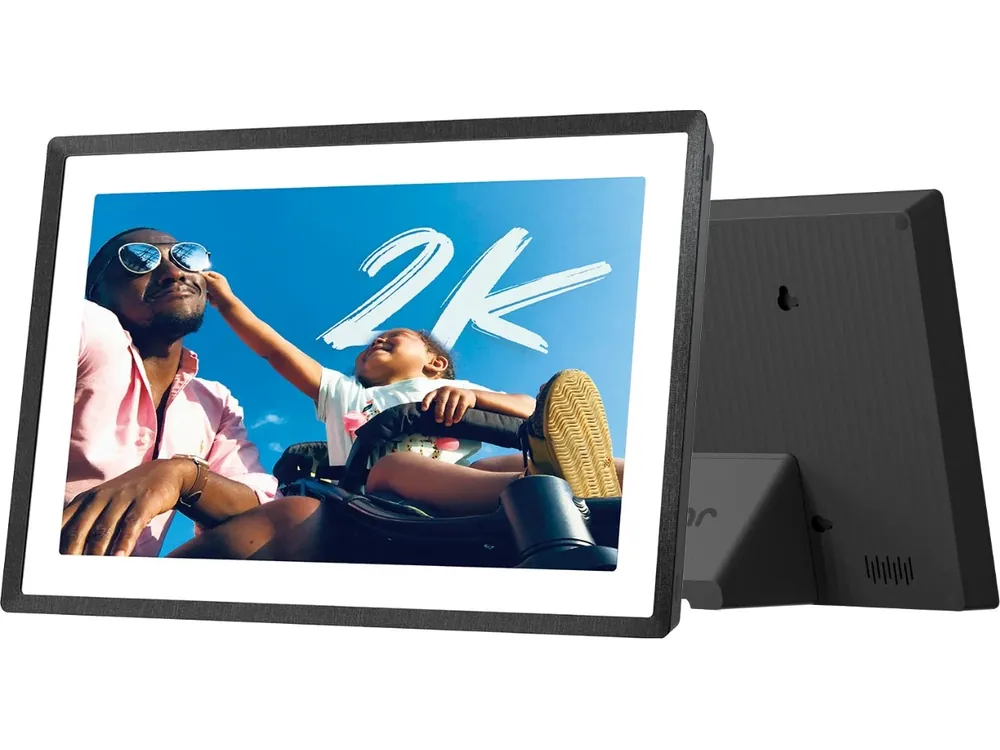 Pexar by Lexar 2K 11-inch PX-110 · Frameo version
App, email and web photo management, including remote multi-frame administration.
Devices discussed in this article
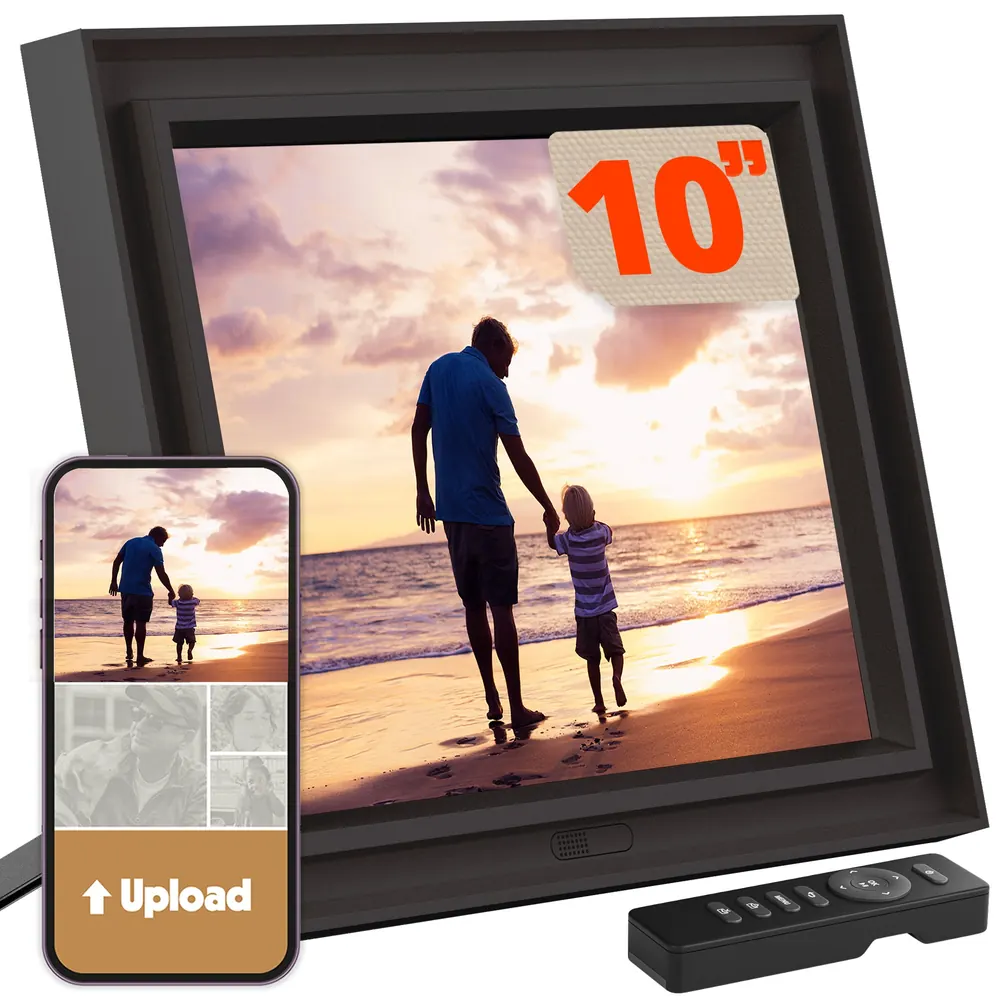 Pix-Star LUX 10 (10.4-inch)
Feature matrix
HEIC support depends on how you send the picture
Feature study Apple and manufacturer support instructions checked November 6, 2026. The matrix describes supported workflows, not measured frame test results.
| Brand / route | Supported workflow or boundary | First useful check | Sources |
|---|---|---|---|
| Aura app | HEIC listed; iOS Live Photos animate silently through the app. | Load the original, grant photo access, and check Autoplay Videos for motion. | Aura: missing photos and supported image formatsAura: playing iOS Live Photos |
| Aura text-to-frame | +1 numbers; Live Photos and some HEIC variants excluded. | Retry the photo through the Aura app. | Aura: text-to-frame limitations |
| Skylight Frame | HEIC listed; video needs Frame Plus; email under 25 MB. | Send one actual image attachment and distinguish a still from a clip. | Skylight Frame: image and video formats |
| Frameo phone app / direct import | HEIC listed in phone clients; direct frame import requires Android 10+. | Compare app sending with the exact frame’s SD/USB route. | Frameo: app versus direct-import formats |
| Pexar | Manufacturer FAQ lists HEIC. | Match the hardware model and import path; do not assume all Frameo firmware is identical. | Pexar: supported formats and troubleshootingFrameo: app versus direct-import formats |
| Current Pix-Star LUX family | HEIC appears in current family specifications. | Check the generation before reusing current instructions on an older frame. | Pix-Star: current LUX frame specifications |
| Cozyla Calendar Neo / Calendar+ SE | Neo Cozyla Photos requires Essential; SE documents a local screensaver route. | Check model, selected photo source and entitlement before diagnosing a decoder failure. | Cozyla Calendar Neo: photo screensaver and membershipCozyla Calendar+ SE: local screensaver |
Checked November 6, 2026. Accepting a file does not establish HDR preservation, capture-date retention or native Live Photo playback.
Start with one original and one JPEG copy
Keep the original safely in your library. Choose one troublesome photo, confirm it opens fully on the phone, then send it through the frame maker’s iPhone app. Next, export a JPEG copy and send that through exactly the same route to exactly the same frame. If only the JPEG appears, you have narrowed the problem to that file or its processing path. If neither arrives, inspect account permissions, the destination frame and connectivity before converting your entire library. If both reach the app but neither appears on the screen, look at the slideshow and device connection. Changing three things at once makes the result much harder to interpret.
Why “HEIC supported” is only the beginning
A phone app, a website and the frame’s SD-card reader can process different formats. The phone may prepare a compatible image before sending it; a card reader receives the file you copied. A working app upload therefore does not prove direct HEIC import works, nor does a rejected card prove the app cannot handle your iPhone photos. Windows and browser behavior also varies: Microsoft documents viewing HEIF through the OneDrive website while a downloaded file may need additional software. Keep the camera format, upload route and display behavior separate. None of those observations establishes that the picture retains HDR, its motion component or all metadata.
Aura: use the app for Live Photos, and check the iCloud download
Aura lists HEIC among its supported image formats. For an iCloud-backed photo, first let the original load on the iPhone; optimized-storage downloads can add delay before the upload starts. Check that Aura has permission to access the particular photo. Live Photos have their own route: select them inside the Aura app and enable Autoplay Videos for animation. Aura says the Live Photo plays without its audio and cannot be uploaded as a Live Photo through the iOS Share Sheet. Its +1-country-code texting feature excludes Live Photos and some HEIC variants. For a problematic text attachment, retry inside the app rather than assuming that the whole frame rejects HEIC.

Skylight Frame: HEIC is listed; check the attachment and video entitlement
Skylight Frame lists JPEG, HEIC and PNG. Emailing a large batch can fail for a size reason: its instructions require an email under 25 MB. Retry one actual picture attachment rather than a cloud-album link. Video playback requires Frame Plus; MOV and MP4 support is not a promise to preserve Apple’s paired Live Photo experience. If you export motion as a video, check both the format and that subscription before blaming the original still image. These are Skylight Frame rules. A Skylight Calendar screensaver has a different product and plan context.
Frameo and Pexar: app support does not establish SD-card support
Frameo’s media table lists HEIC in the iOS and Android clients, while HEIC on the frame’s direct-import path is qualified by Android 10 or later. That makes the installed device software relevant when copying files to removable media. Start with the phone app if an older frame rejects the same original on a card. Pexar’s own FAQ also lists HEIC, providing brand-specific support beyond a generic Frameo label. For a particular Pexar size or generation, keep its hardware instructions alongside Frameo’s software requirements. Our Frameo buying guide covers model identification, local loading and paid extras.
Pix-Star and Cozyla: check the exact display and destination
Pix-Star’s current LUX specification table includes HEIC. Avoid applying a different generation’s format list to an older family frame. On Cozyla, make sure you are troubleshooting the photo source actually selected for that device. Calendar Neo’s Cozyla Photos workflow uses the Cozyla+ mobile app and requires Calendar Essential; Calendar+ SE instead documents local screensaver choices. An unavailable photo service can be an entitlement problem before a file is ever decoded. If one original fails, try a JPEG copy through the same permitted source. Buying an extra service is not a reliable diagnosis for an unsupported file variant.
On iPhone: make a reusable JPEG-copy shortcut
For an existing picture without a Mac, build a small shortcut in Apple’s Shortcuts app. Add Select Photos, followed by Convert Image with JPEG as the output, then Share to send or save the converted result. Run it on one selected photo first. Apple documents the Select Photos → Convert Image connection; the final destination still needs to be a route your frame accepts. This creates a compatible copy rather than changing the original camera file. For a repeat family routine, keep the shortcut named clearly, such as “JPEG copy for frame,” and inspect its first output before using it for a batch.
- Use the converted output, rather than accidentally selecting the original again in the frame app.
- A JPEG copy is a still image; keep a separate Live Photo or video when movement matters.
Convert existing pictures; change camera settings only for future ones
On a Mac, open a copy in Preview, choose File → Export, select JPEG and save a new file. Reopen the exported file and check that it is a JPEG with useful pixel dimensions. Renaming .heic to .jpg does not convert the image. For future captures, Settings → Camera → Formats → Most Compatible changes new photos to JPEG. Existing HEIC pictures are unaffected. JPEG copies can use more space, but there is no dependable “exactly twice as large” rule across images and export settings. Keep the originals and convert only the selection destined for the frame.
USB Automatic is a transfer setting, not an app-upload switch
For a wired computer import, look under Settings → Apps → Photos → Transfer to Mac or PC on recent iOS versions; older versions put Photos directly in Settings. Automatic allows compatible conversion during supported transfers. Keep Originals requests the source formats instead. This setting does not globally change uploads to every frame app, and selecting Most Compatible under Camera does not retroactively convert the library. After an import, inspect one resulting file before copying a large folder to the frame. If a compatible transfer still supplies HEIC, use an explicit JPEG export rather than trusting the filename or repeating the entire import.
A Live Photo that stays still is a different problem
Converting the still component to JPEG will not preserve its movement. Where the frame has no suitable native Live Photo route, Apple Photos offers More → Save as Video for a selected Live Photo. Send the resulting clip through a supported video route, with the plan and clip limits checked first. Aura’s native app route is useful if silent Live Photo animation is what you want. For Frameo, core sending includes short video clips and paid plans extend limits; a moving memory should not silently become a recurring bill. Neither a still-image format list nor the word “video” tells you how every Live Photo will be handled.
Sideways portraits, wrong dates and dull highlights need separate checks
For a sideways picture, inspect the JPEG copy after export and before upload. If it is already wrong on the computer, fix the rotation there and export again. If it looks correct there but wrong on the frame, compare the frame’s rotation and crop controls. For ordering, distinguish capture date from file creation time and upload date. Aura’s chronological mode uses available EXIF capture metadata, and its app lets you correct the Taken date. A new upload can be placed earlier in the slideshow instead of appearing next. Do not strip metadata or replace the original with a screenshot just to force a successful upload.
Successful decoding is not an HDR or image-quality verdict
Use a portrait with bright windows, a night scene and a group picture to compare the source with the received image. Check faces, clipped highlights, dark detail and the edges of the crop. A phone’s brightness and HDR presentation can make the same photograph look very different from a frame. A compatibility label alone cannot establish where tone mapping occurs or how much detail survives. AI colorization, smart crops or restoration are additional processing choices, not prerequisites for accepting a HEIC file. Keep an unedited copy for comparison and avoid treating an AI-enhanced result as evidence that the original format was decoded faithfully.
Which frame should an iPhone household choose?
For silent Live Photo animation through a documented iOS workflow, Aura is a sensible shortlist. For still photos on a Skylight Frame you already own, try its supported HEIC route before purchasing a replacement or a video subscription. Pexar and other Frameo-powered models offer an app-based path, but buyers relying on SD/USB should check the exact firmware and import instructions. Current Pix-Star LUX specifications also include HEIC. If the main job is appointments and chores, choose the family display on its calendar workflow first, then check its particular screensaver source and membership. Photo compatibility does not establish Google Calendar or iCloud Calendar event sync.
Keep the family’s sending routine simple
Once the two-file check works, use a small dedicated album for frame photos. Ask one relative to send the same sample through the route they will actually use; a computer expert’s successful upload does not establish a convenient routine for everyone else. Our Google Photos setup guide separates automatic albums from selected-file sharing. The Amazon Photos versus Google Photos comparison helps if the library’s location is the remaining obstacle. Preserve independent originals, and use local conversion for private family pictures when possible instead of uploading them to an unfamiliar converter.