
Family Display for Grocery Lists
How to choose a family display when grocery lists, meal changes, and household reminders need to stay visible with the weekly schedule.
On this page
Quick answer
- A grocery-list display works best when shopping tasks stay connected to the real family schedule instead of living in a separate forgotten app.
- Choose by whether the list needs simple calendar visibility, shared task ownership, dashboard flexibility, or no-subscription value across the whole household.
- Check whether list tools are native, shared across mobile and wall views, visible from the kitchen decision point, and locked behind a paid plan before buying.
A family display for grocery lists is a shared home screen that keeps shopping needs, meal-related reminders, and schedule-driven list changes visible to the household.
Who this suits: Families who build grocery lists around school pickups, sports practices, meal plans, work shifts, and household reminders instead of shopping from a static list.
Quick decision
Choose between a visible shared household list and a standalone shopping app based on how the family plans and shops.
- Choose a calendar-first frame when the grocery job is mostly seeing dinner notes, reminders, and errands beside the family schedule.
- Choose a command-center display when shopping lists also need ownership, routines, chores, and follow-through across multiple people.
- Choose a dashboard or no-subscription path only when the household will really maintain custom list views, widgets, or lower-cost eCalendar workflows.
Products to start with
Hearth, Cozyla, Dragon Touch, Skylight, and DAKboard represent the main tradeoffs between native family lists, command-center depth, grocery-friendly widgets, and low-friction shared visibility.
What to verify before buying
Check readable views, clear task ownership, list and routine features, and whether everyone responsible can keep the display current during a busy week.
- Whether grocery lists, dinner plans, reminders, or errands are native features instead of improvised calendar notes.
- Whether changes made from a phone at the store appear quickly on the shared display and stay readable from the normal kitchen or entryway sightline.
- Whether paid plans, size differences, or app limitations change the list workflow on the exact model the family is considering.
Common buying mistake
The common mistake is buying a family display for grocery lists when the real problem is list ownership and weekly visibility, not the absence of another shopping app.
- Do not assume every family display with chores or meal language has a practical grocery-list workflow on the exact model you plan to buy.
- Do not split grocery lists, meal notes, and schedule changes across several apps if the household already struggles to maintain one visible system.
- Do not ignore whether the list is legible and editable during a normal rushed weekday instead of a calm setup session.
Source freshness note
Features, plans and availability can change. Check the selected model’s current terms before buying.
A quantity-preserving shopping action in Zenframe
Our September 13, 2026 software check asked Zenframe to add two liters of milk. The assistant presented an approval step before saving, and the saved entry retained its quantity and unit. The temporary item was removed after checking.
- A useful grocery workflow preserves quantities and family context, not just item names.
- Zenframe combines shopping with meals and calendars; its European page checked October 16 includes a Family year, then optional €8.99/month continuation.
Buying checklist
Software & devices
Follow the app behind the display
Explore the software for app workflows, and the device profile for its screen, setup and buying details.

eCalendar connects family schedules, chores, meals and photos across multiple display brands. Explore representative calendars from Dragon Touch, Aluratek, BSIMB, Anko, TABWEE and other makers below.
Devices discussed in this article
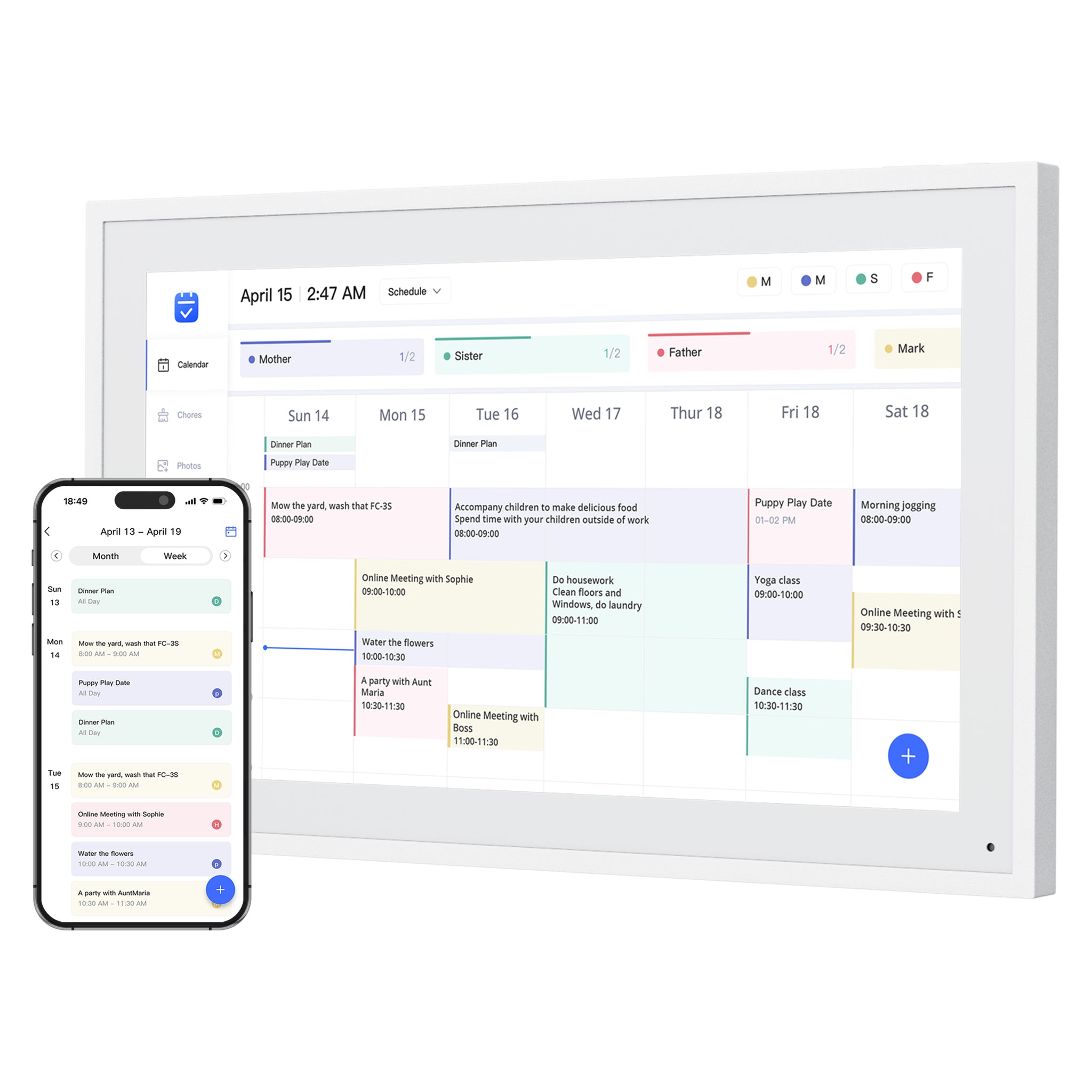 Dragon Touch Digital Calendar
Products to compare
Open the linked profile for exact-model evidence. On a small screen, scroll the comparison sideways; with a keyboard, focus the table and use the arrow keys.
| Product | Role | Best for | Source status |
|---|---|---|---|
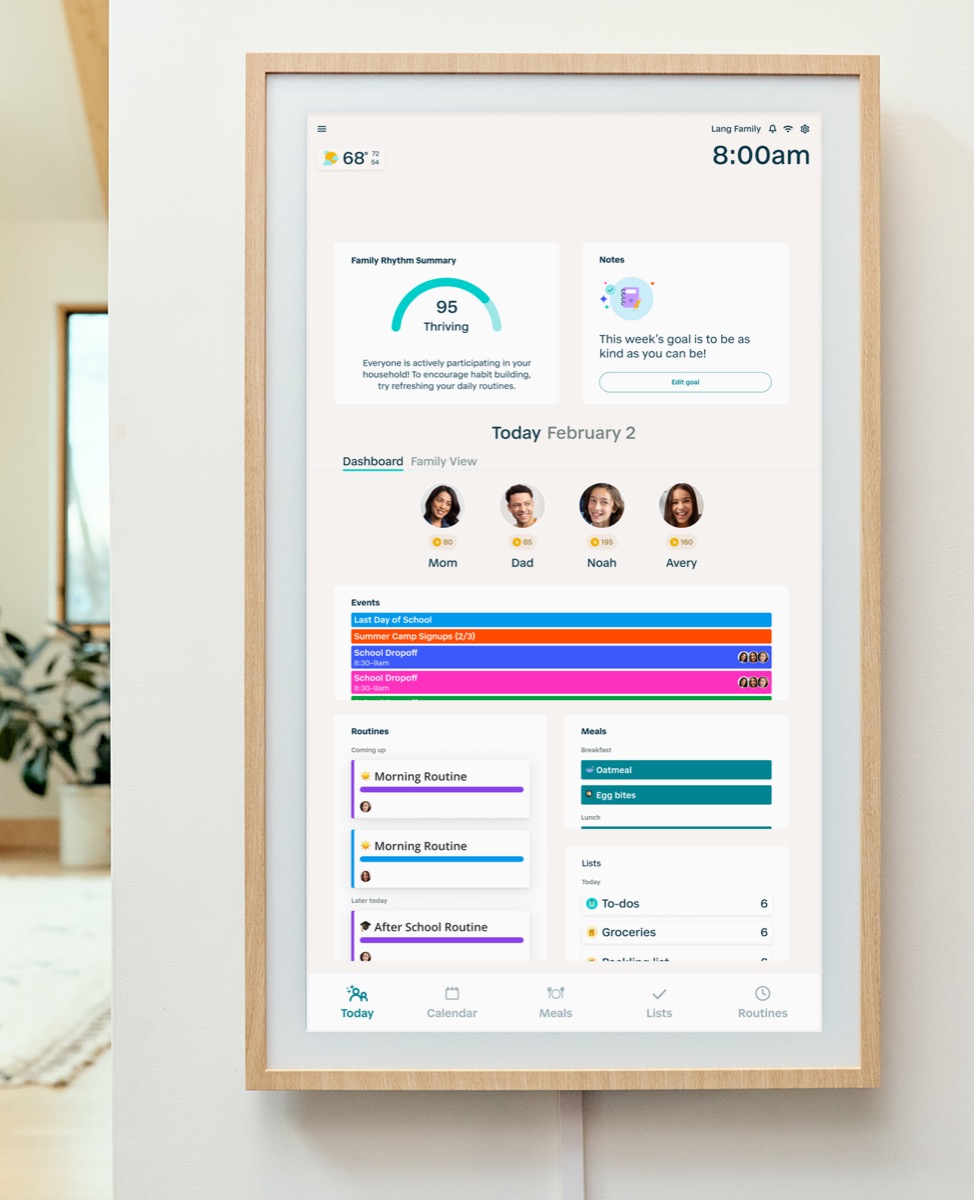 | Family command display | Families that want routine management and a command-center style home display. | Official sources · checked September 14, 2026 |
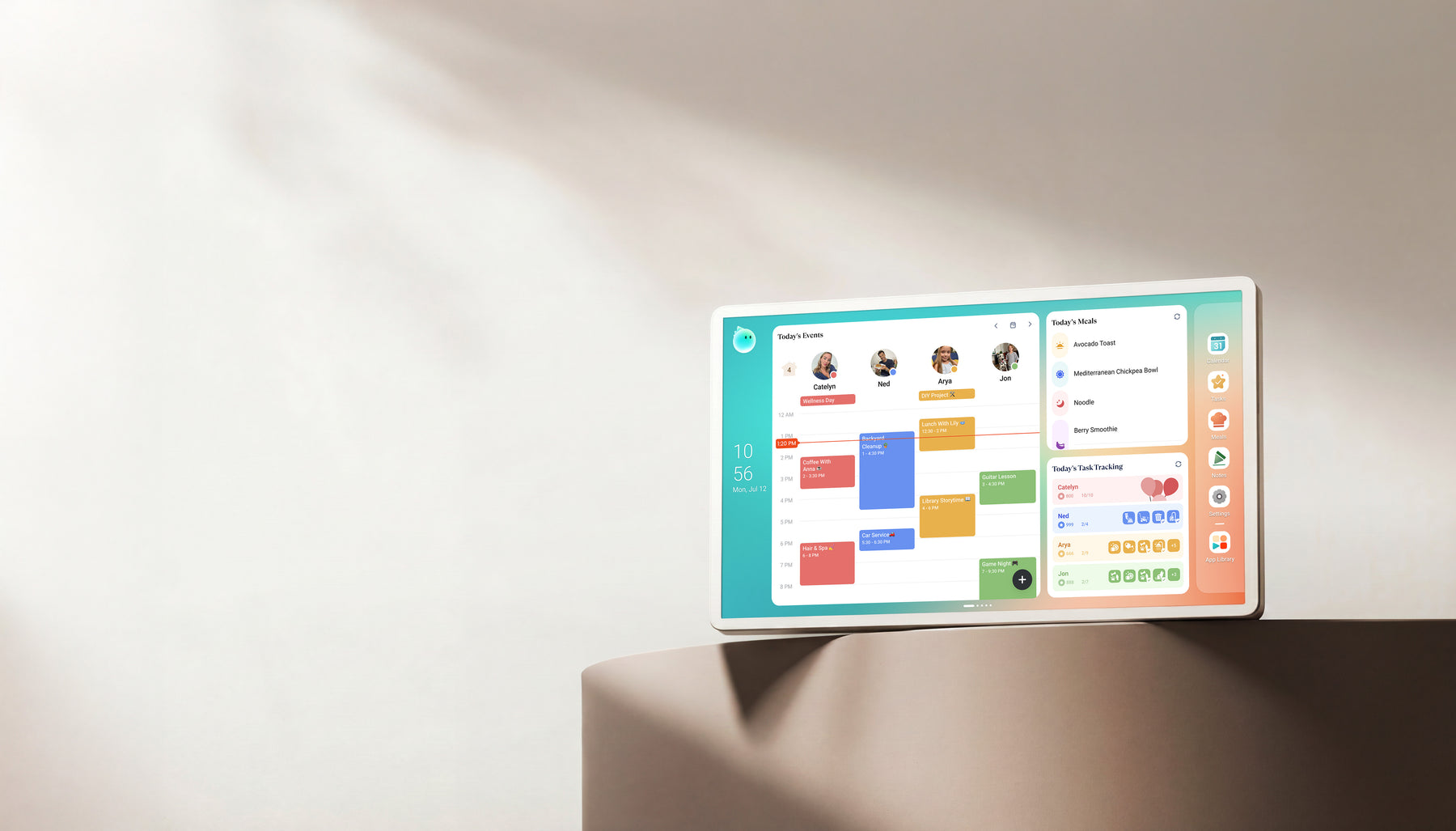 | Family display | Homes comparing Skylight alternatives with calendar, photo, and family-display needs. | Official + retailer sources · checked August 29, 2026 |
| | Smart WiFi digital calendar Software: eCalendar | Families comparing lower-cost, no-subscription-positioned digital calendar frames with broad calendar sync. | Official sources · checked August 29, 2026 |
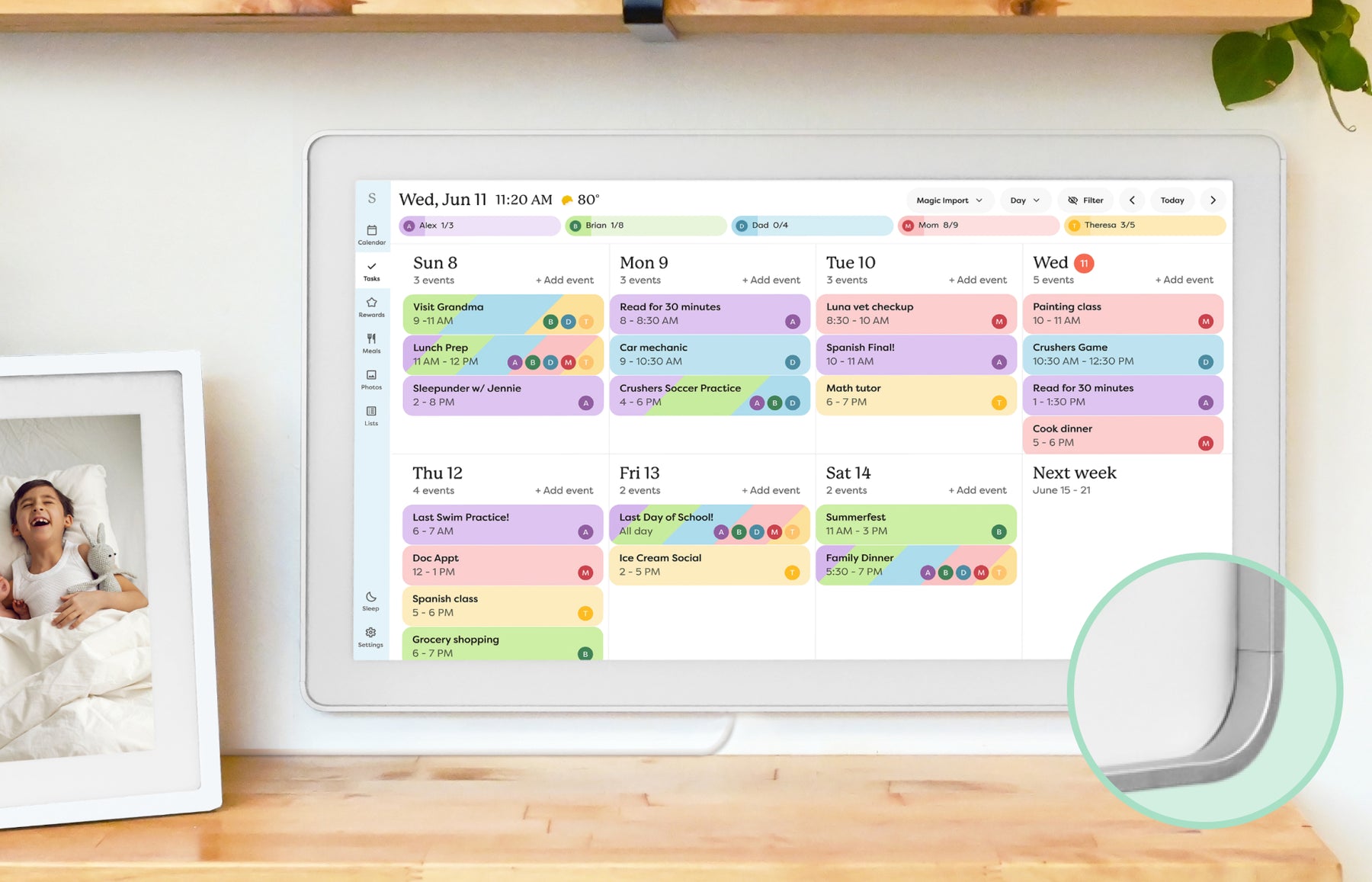 | Smart calendar frame | Families who want a polished shared calendar with broad mainstream support and do not want to run a DIY dashboard. | Official sources · checked October 20, 2026 |
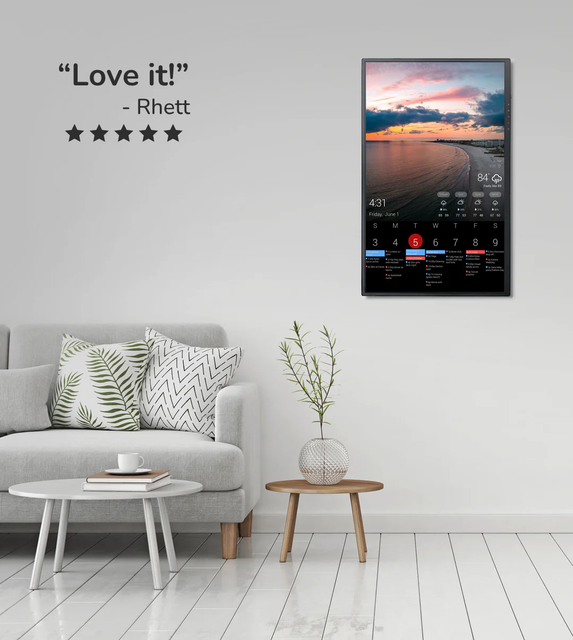 | Custom dashboard display | Homes that want a configurable dashboard for calendars, photos, weather, chores, or mixed household information on one screen. | Official sources · checked August 29, 2026 |
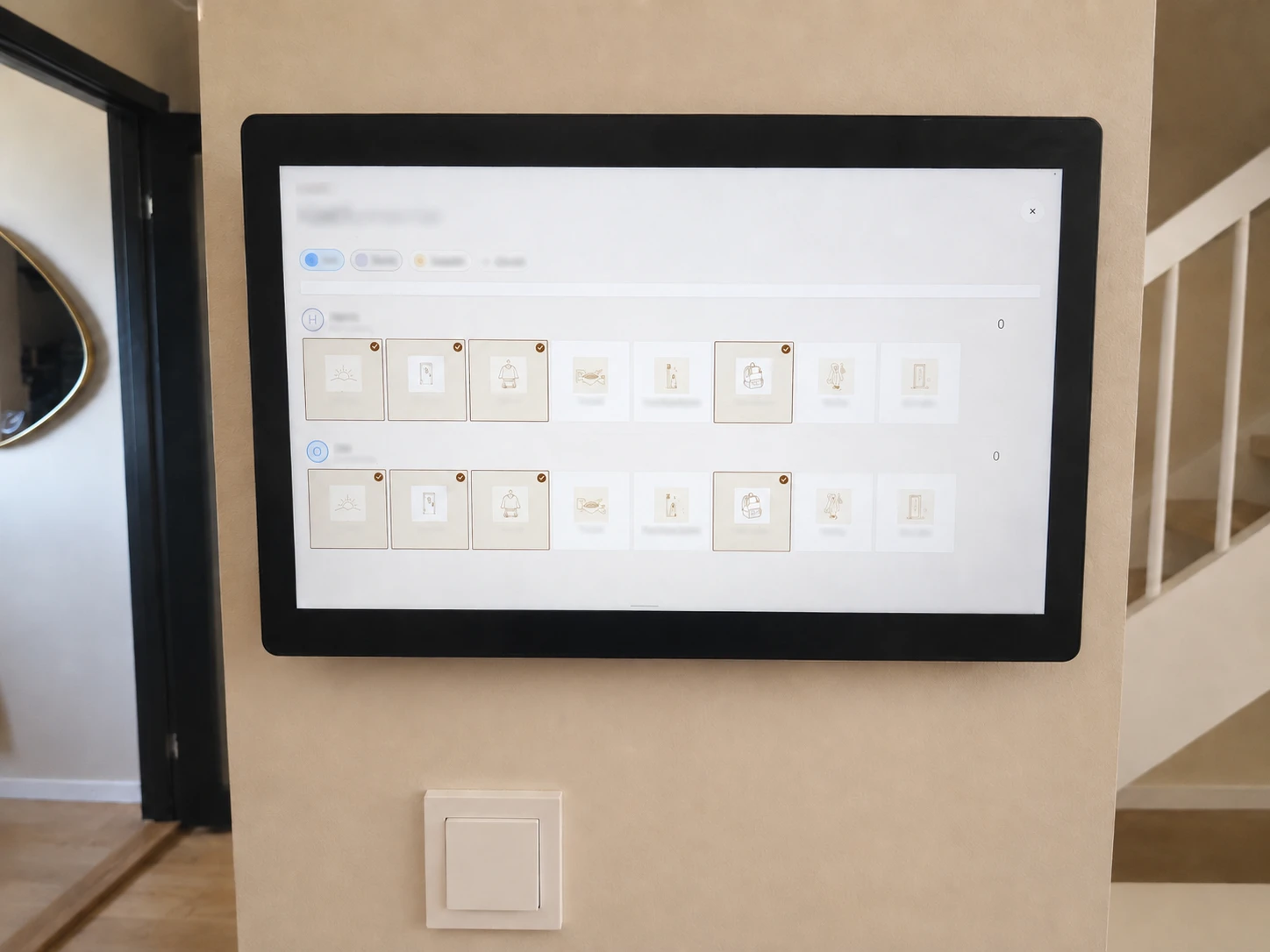 | European family display | European families who want calendars, meal plans, shopping, kids routines and a contextual AI assistant in one household workspace. | Official sources + hands-on software checks · checked October 16, 2026 |
Representative product-family images; sizes are not shown to scale. Linked profiles distinguish their exact model and evidence. Skylight imagery shows the earlier Calendar, not Calendar 2. The Cozyla profile and image cover Calendar+ 2, not Plus 3 or Neo.
Common questions
Who is this guide best for?
Families who build grocery lists around school pickups, sports practices, meal plans, work shifts, and household reminders instead of shopping from a static list.
What should I verify before buying?
Check whether list tools are native, shared across mobile and wall views, visible from the kitchen decision point, and locked behind a paid plan before buying.
When should I skip this buying path?
The common mistake is buying a family display for grocery lists when the real problem is list ownership and weekly visibility, not the absence of another shopping app. If that sounds like your situation, step back and compare the broader product category before choosing a brand.
Related reading
Compare the options that fit your needs.
Read the relevant product reviews, side-by-side comparisons and selection guides.
Product reviews
- Hearth Display ReviewFamilies that want routine management and a command-center style home display.
- Cozyla Calendar+ ReviewHomes comparing Skylight alternatives with calendar, photo, and family-display needs.
- Dragon Touch Digital Calendar ReviewFamilies comparing lower-cost, no-subscription-positioned digital calendar frames with broad calendar sync.
- Skylight Calendar ReviewFamilies who want a polished shared calendar with broad mainstream support and do not want to run a DIY dashboard.
Comparisons
- Cozyla vs Skylight Calendar: Which Is Better? Our VerdictCozyla Calendar+ 2 is the broader Android family display; Skylight Calendar 2 is the simpler calendar-first screen. Compare setup, sync, placement, and paid-feature boundaries before choosing.
- Skylight vs Hearth DisplayCalendar frame or family command center? This comparison separates visible scheduling from deeper household routine management.
- Skylight vs DAKboardA turnkey smart calendar frame compared with a more customizable dashboard display approach.
- Hearth Display vs DAKboardA family command center compared with a configurable home dashboard for calendars, routines, photos, and household information.
Best-pick guides
- Best Smart Calendar FramesChoose a frame-style home calendar by room fit, viewing distance, touch access and setup style—not just the largest screen.
- Best Digital Calendars for Families: Wall Displays ComparedCompare nine digital calendars for family schedules, chores and routines. Find the right wall display by calendar sync, setup and the features you will actually use.
- Best Smart Frames Without Subscription PressureA buyer guide based on published sources comparing the free core workflow, optional paid tools, exact-model limits, app polish, and support confidence behind no-subscription calendar claims.
- Best AI Photo Frames and Family DisplaysCompare photo animation and restoration with ordinary photo display, paid credits and family privacy—without confusing them with calendar AI.