Guide
Skylight Calendar Alternatives: Choose by Household Need
Looking for a Skylight alternative? Compare the strongest paths by what your household needs instead: lower subscription pressure, routines, dashboard control, Android flexibility, photo sharing, or large-wall visibility.
Quick answer
- There is no universal best Skylight Calendar alternative; the right shortlist depends on the household job Skylight does not cover well enough.
- Choose by the reason you are leaving the Skylight path first: lower subscription pressure, stronger routines, dashboard customization, Android-style flexibility, photo sharing, or large-wall placement.
- Check plan boundaries, calendar support, setup effort, source freshness, review confidence, and current store terms before treating any alternative as a replacement.
- Buying check: Use the product review and comparison pages to verify calendar support, subscription pressure, and setup style before choosing a frame.
Product field
See the alternative paths before comparing feature lists.
These are different product types, not six interchangeable Skylight clones. The path label explains the
household reason each product belongs in this shortlist.
Continue comparing
Follow the path that matches the missing job.
Open a focused guide, product review, or direct comparison after you identify whether cost, routines, dashboard control, setup style, or display size is the real concern.
Lower subscription pressure
Routines, dashboard, and display fit
Validate the final shortlist
- Skylight vs CozylaCompare the calendar-first path with a broader family-display alternative after defining which extra jobs matter.
- Skylight vs Aluratek eCalendarCompare the mainstream calendar workflow with a retail-spec eCalendar path while verifying the exact model and current store terms.
- Skylight Calendar ReviewKeep the current mainstream benchmark visible before swapping to an alternative on price or features alone.
- How many reviews are enough?Use review volume and source quality as confidence checks when a newer alternative looks compelling on specs.
Decision map
Choose the alternative path first
Start with the household job Skylight does not cover well enough, then compare only the ownership model and products that can replace that job.
01 Lower plan pressure
Compare Dragon Touch, Apolosign, and Aluratek 02 Broader family display
Research Cozyla 03 Routines and accountability
Research Hearth 04 Google Calendar dashboard
Research DAKboard 05 Large-wall visibility
Choose size and mount path first 06 Simple shared calendar
Keep Skylight on the shortlist Definition
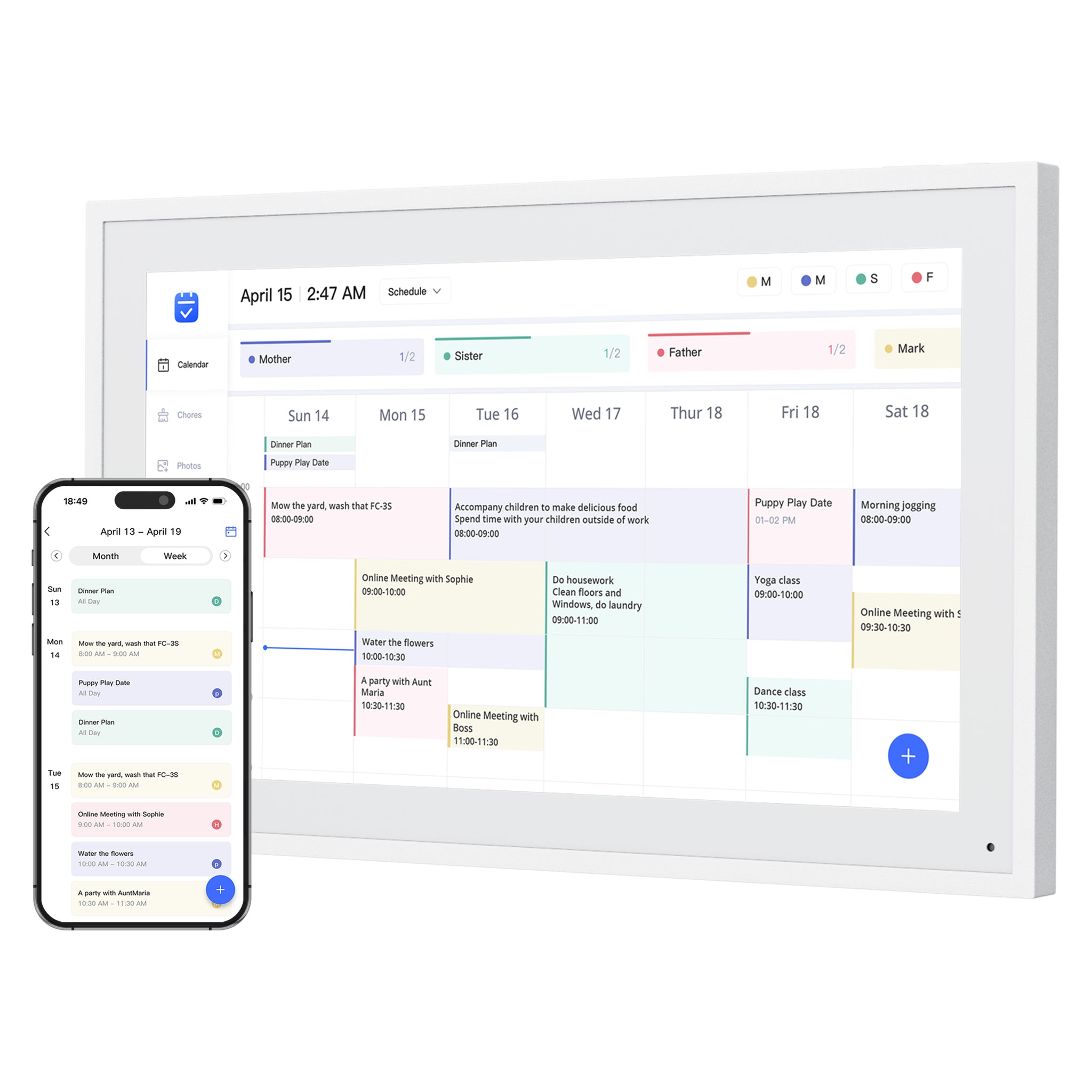
A Skylight alternative is a smart calendar frame, family command display, dashboard, or hybrid photo/calendar screen that can replace at least one core Skylight Calendar job for a specific household.
Best for
Readers searching for a Skylight alternative, Skylight Calendar alternative, or subscription-sensitive family calendar display before deciding whether Skylight is still the right benchmark.
Quick decision
Skylight is the mainstream reference point, so alternatives should be organized by buyer job instead of a single winner list or a lowest-price shortcut. The practical goal is to remove products that look attractive in a search result but do not match the household job.
- Choose Dragon Touch, Apolosign, or Aluratek when no-subscription eCalendar value, clear specs, or size choice is the first concern.
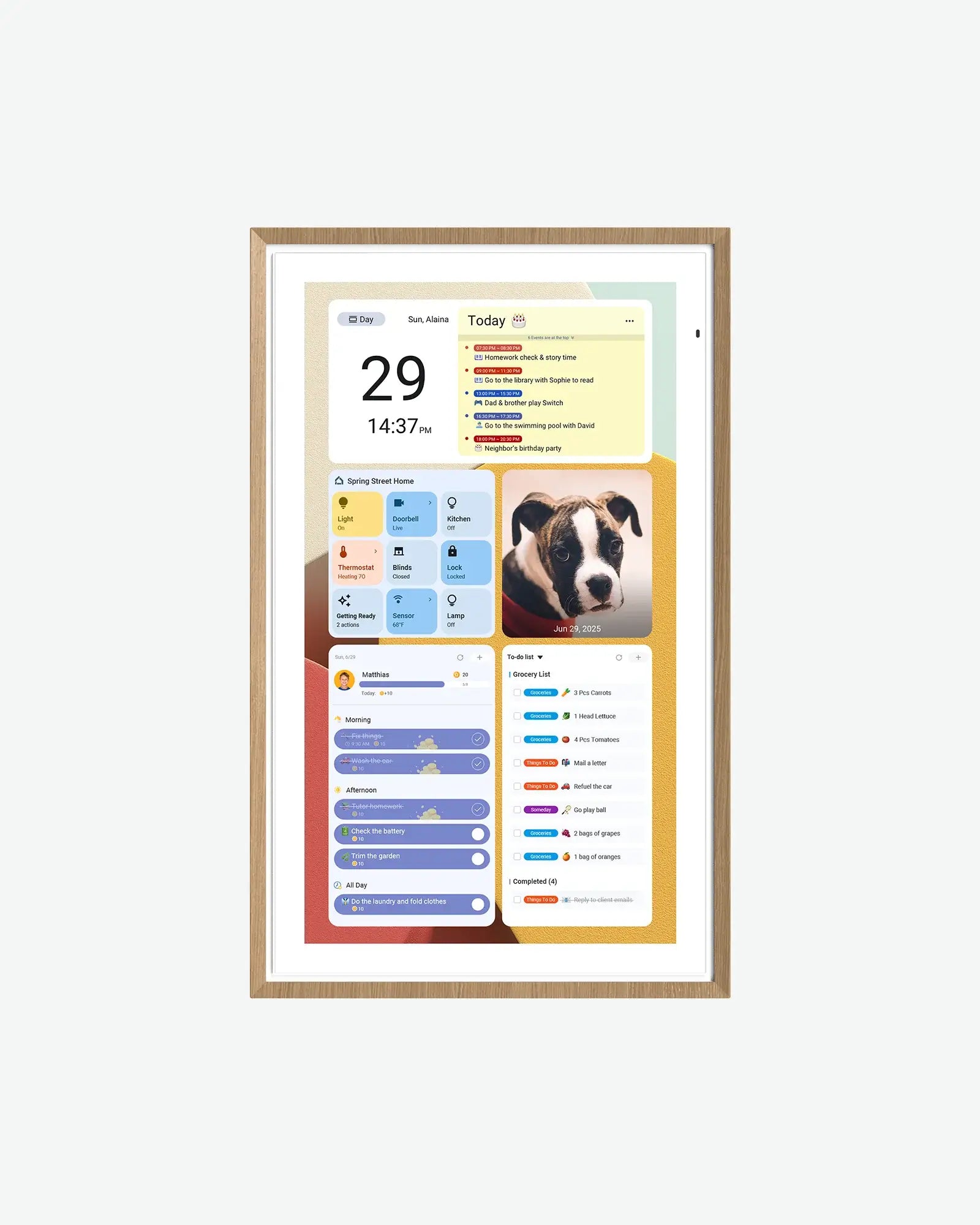
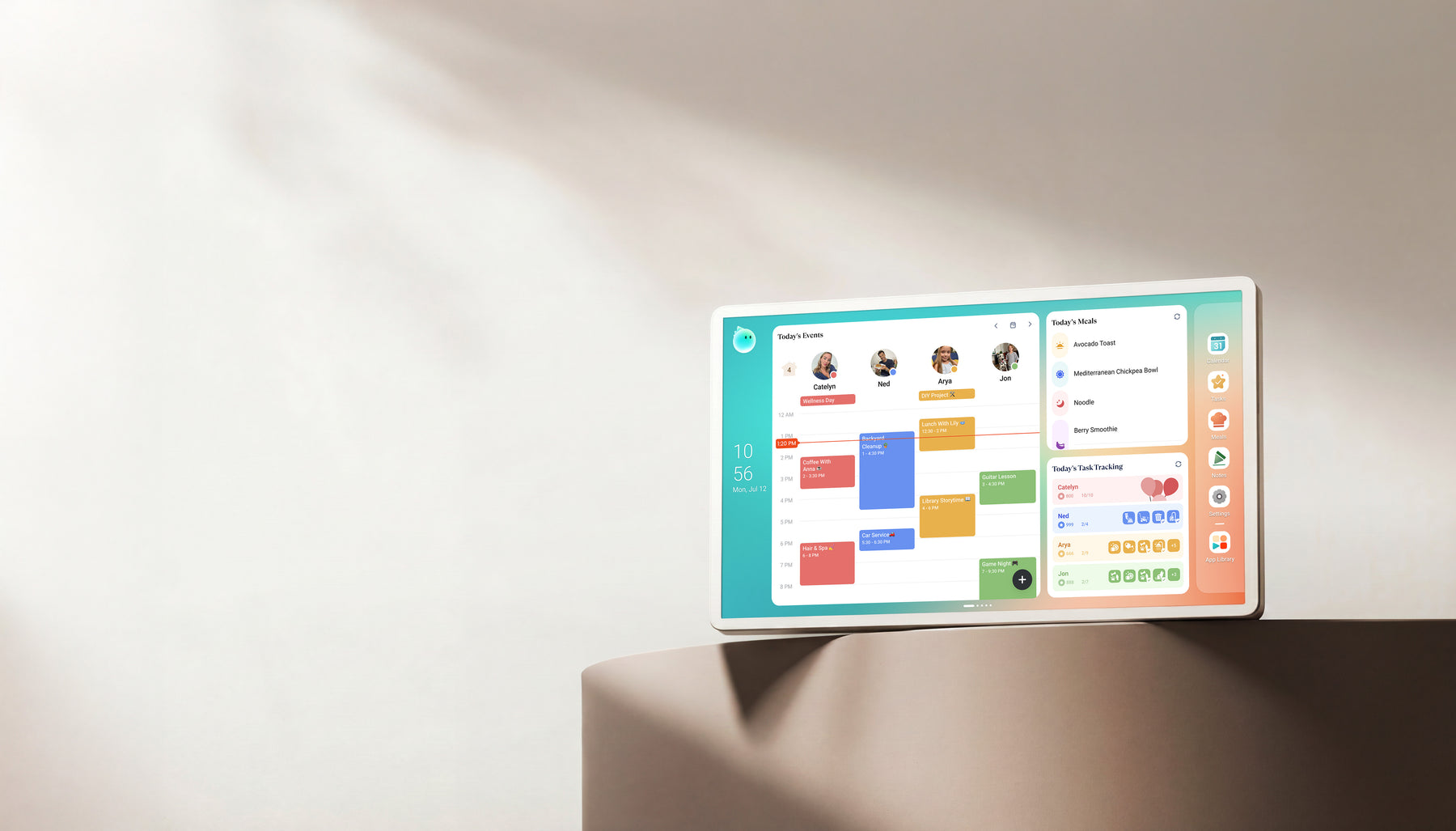
- Choose Cozyla when you want a broader family display with calendar, photo, chores, meals, rewards, and AI-adjacent features to verify.
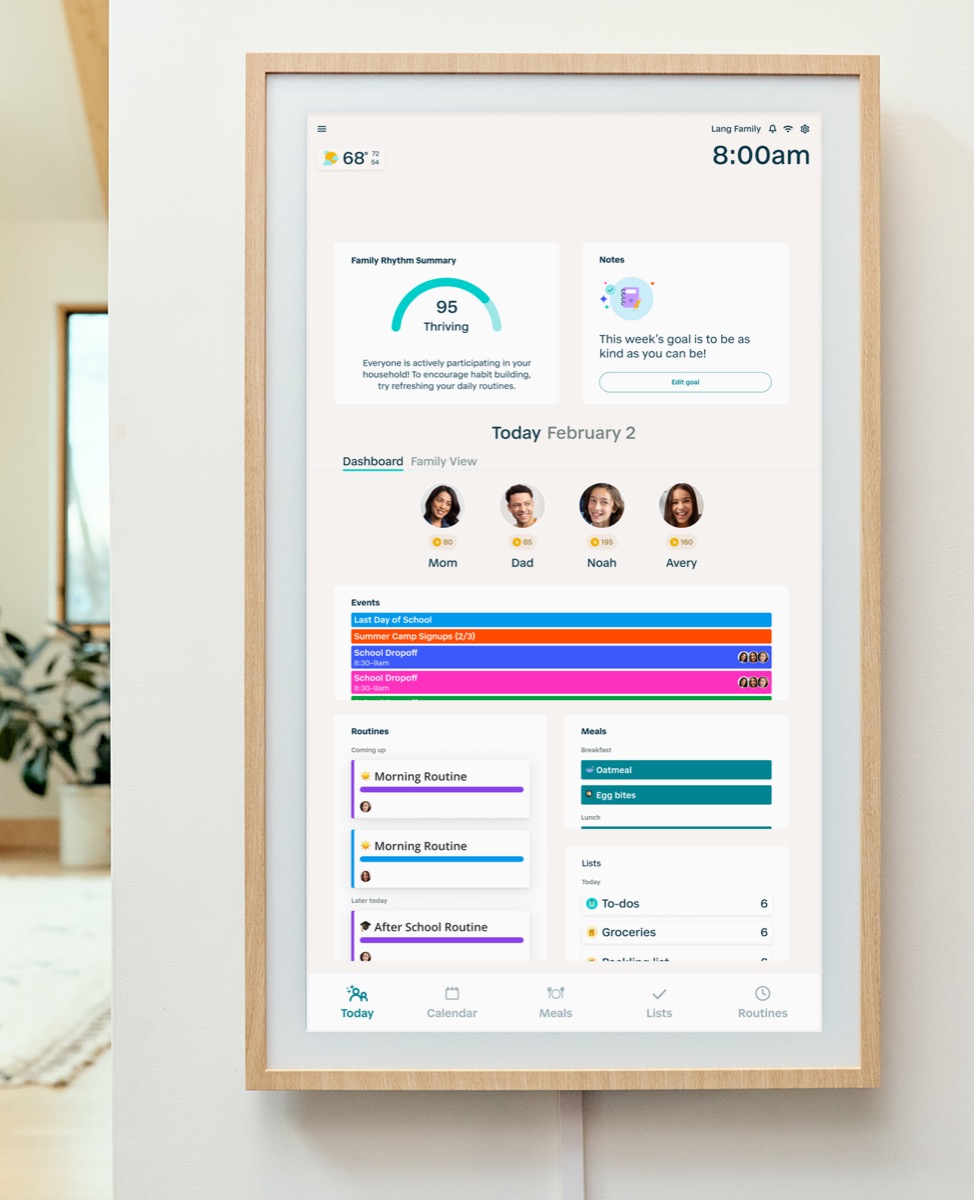
- Choose Hearth when routines, chores, ownership, and follow-through matter more than a simple schedule screen.
- Choose DAKboard when Google Calendar dashboard customization and widgets are worth the extra setup work.
- Choose an open-source DIY route only when someone can own the display hardware, installation, configuration, privacy, and ongoing updates.
Is this the right guide for your household?
Use this guide when your household likes the visible-calendar idea but needs a different cost model, routine system, dashboard, device path, or level of customization.
- Use this guide when: Readers searching for a Skylight alternative, Skylight Calendar alternative, or subscription-sensitive family calendar display before deciding whether Skylight is still the right benchmark.
- Primary decision to answer: Choose by the reason you are leaving the Skylight path first: lower subscription pressure, stronger routines, dashboard customization, Android-style flexibility, photo sharing, or large-wall placement.
- Do not move to a store page until this is clear: Check plan boundaries, calendar support, setup effort, source freshness, review confidence, and current store terms before treating any alternative as a replacement.
Products to start with
Use Skylight as the benchmark, then compare each alternative by why a family would leave the Skylight path.
- Open the related reviews first so the product role, source status, and skip-if guidance are visible.
- Use comparisons and best-pick pages only after the household job is clear.
- Treat store pages as final verification for current pricing, stock, plan boundaries, and model details.
Adoption plan
A product-selection purchase succeeds when the chosen category fits the room, maintenance style, and weekly household job. Specs matter only after the category fit is clear.
- Pick the room or surface first, because a display that is not seen during the decision moment will not become a habit.
- Name the person who will add, clean up, or approve calendar and routine changes during the first month.
- Use this page as a pass/fail filter: There is no universal best Skylight Calendar alternative; the right shortlist depends on the household job Skylight does not cover well enough.
What to verify before buying
Room placement, setup effort, model size, software role, subscription pressure, and return terms should be checked before treating a product as the right path.
- Whether the alternative supports the calendar provider your family actually uses.
- Whether advanced chores, lists, AI import, or dashboard features require a paid plan.
- Whether public review confidence is strong enough for a buying conclusion.
- Whether the current store page still matches the model, size, price, stock, and return terms described in the review.
Common buying mistake
The common mistake is replacing Skylight with a cheaper screen that does not solve the original household workflow.
- Do not compare only screen size or list price.
- Do not treat no-subscription wording as proof of better app polish.
- Do not assume a dashboard product will feel appliance-like.
Source freshness note
This guide separates ready-made calendar displays, managed dashboards, and open-source DIY software because they carry different setup, support, privacy, and maintenance tradeoffs. Product and plan terms can change, so verify the exact path before buying hardware or committing setup time.
- Use current official product or project documentation for installation, plan, calendar-source, and hardware requirements.
- Treat open-source software, managed dashboard services, and packaged calendar frames as different ownership models rather than interchangeable products.
- Recheck store pricing, stock, paid-feature boundaries, and return terms immediately before purchase.
Pick the alternative path by why Skylight is not a fit
Most shoppers should not start with a long product list. Start with the reason Skylight is creating hesitation, then compare only the products that solve that specific problem.
- If the concern is subscription cost, compare Dragon Touch, Apolosign, Aluratek, and the current Skylight Plus boundary.
- If the concern is chore and routine follow-through, compare Hearth and Cozyla before looking at dashboard products.
- If the concern is Google Calendar dashboard control, compare DAKboard against calendar-first frames instead of treating it as a simple Skylight clone.
- If the concern is Android flexibility or app access, compare Apolosign and Cozyla by setup burden and support confidence.
Skylight Plus changes the alternatives question
Some searches for Skylight alternatives are really searches for a way around Plus features, AI import, chores, lists, meals, or long-term household cost. That should be handled as a feature-boundary question, not an anti-Skylight conclusion.
- Compare free versus paid features before comparing product prices.
- Check whether the household will use the paid feature weekly or only during setup.
- Use no-subscription alternatives only if the free workflow covers the actual calendar, chore, or list job.
- Keep the final value decision tied to current official plan wording because subscription pages can change quickly.
An open-source alternative is a DIY software path, not a drop-in Skylight replacement
MagicMirror² is an open-source modular smart-mirror platform with a calendar module, but its official documentation covers software rather than a complete family-calendar appliance. The supported installation path is manual, and the hardware, frame, mounting, remote access, and maintenance choices remain the owner’s responsibility. DAKboard is a different middle path: a commercial dashboard that can run on an existing browser-equipped display and has a free tier, but it is not open-source software.
- Use MagicMirror² only when someone in the household is comfortable maintaining a computer, configuration files, modules, calendar feeds, display hardware, and security updates.
- Use DAKboard when bring-your-own-display flexibility and a managed web dashboard matter more than source-code control; verify the current free-plan limits before deciding.
- Use a ready-made calendar frame when appliance-like setup, touch workflows, and vendor support matter more than customization.
- Do not compare an open-source software project with a packaged display on purchase price alone; include hardware, mounting, setup time, privacy, and maintenance.
Quick shortlist: match the alternative to the missing job
The closest Skylight Calendar alternative depends on the job you need to replace. Use this map to choose one comparison path before opening product pages; it is not a one-size-fits-all winner list.
- Keep Skylight as the benchmark when a simple shared calendar and lower setup friction are still the main job.
- Compare Cozyla when a broader family display is the missing job; compare Hearth when routines and accountability are the priority.
- Compare Dragon Touch, Apolosign, and Aluratek when lower plan pressure or an eCalendar-style path is the reason for leaving Skylight.
- Compare DAKboard when dashboard control and widgets matter enough to justify more setup and maintenance.
A cheaper screen is not automatically the closest alternative
The most useful alternative should replace the job that prompted the search. A lower-cost eCalendar can be a sensible path for shared schedules, but it may be a poor replacement for a household that actually needs routine follow-through or an actively maintained dashboard.
- Use the no-subscription path when predictable recurring cost is the main concern and the core calendar workflow is enough.
- Use the routine path when chores, accountability, and child follow-through are the real reason the household wants a visible screen.
- Use the dashboard path only when someone is willing to own layouts, widgets, and account connections after setup week.
- Use size and placement guides before assuming a larger display solves an adoption problem.
Research notes and sources
- MagicMirror² official documentation checked September 20, 2026: the project is open-source and modular, includes a calendar module, documents software rather than complete hardware, and supports manual installation.
- DAKboard official site and pricing checked September 20, 2026: the service supports bring-your-own displays, multiple calendar sources, a managed dashboard, and a limited free plan.
- Skylight Calendar Plus official page checked September 20, 2026 for the Basic-versus-Plus feature boundary used in the alternatives decision path.
MagicMirror² official documentation Open-source project scope, modular platform, default calendar module, and hardware boundary. MagicMirror² installation documentation Official manual installation path, host requirements, remote-access warning, and maintenance context. DAKboard official site Bring-your-own-display workflow, browser-based dashboard, calendar integrations, and hardware options. DAKboard official pricing Current free-plan limits, paid tiers, calendar limits, custom screens, and refresh intervals. Skylight Calendar Plus official page Current Basic-versus-Plus feature comparison and paid-feature framing. Buying checklist
Confirm the exact product model and screen size before comparing prices.
Check current free-versus-paid feature boundaries on the official product page.
Verify calendar-provider support, setup steps, and who will maintain the display.
Whether the alternative supports the calendar provider your family actually uses.
Whether advanced chores, lists, AI import, or dashboard features require a paid plan.
Write down the exact reason Skylight is not enough before opening alternatives.
Check Skylight Plus feature boundaries against the alternative product feature set.
Open one direct comparison page before using a store link.
Decide whether the product wins the main job in this guide: There is no universal best Skylight Calendar alternative; the right shortlist depends on the household job Skylight does not cover well enough.
Save the store page or support page used for the final verification so the decision can be rechecked later.
Products to compare
| Product | Role | Best for | Source status |
| Skylight Calendar | Smart calendar frame | Families who want a polished shared calendar with broad mainstream support and do not want to run a DIY dashboard. | Official + retailer sources · checked August 21, 2026 |
| Dragon Touch Digital Calendar | Smart WiFi digital calendar | Families comparing lower-cost, no-subscription-positioned digital calendar frames with broad calendar sync. | Official sources · checked August 29, 2026 |
| Apolosign Digital Calendar | Android digital calendar | Families who want a spec-transparent Android/Google ecosystem calendar display with multiple sizes and no-subscription positioning. | Official sources · checked September 21, 2026 |
| Aluratek AWFC15F eCalendar | Smart WiFi digital calendar and photo frame | Families who want a specific 15.6-inch eCalendar-style product with clear hardware specs and broad calendar sync. | Official sources · checked August 29, 2026 |
| Cozyla Calendar+ | Family display | Homes comparing Skylight alternatives with calendar, photo, and family-display needs. | Official + retailer sources · checked August 29, 2026 |
| Hearth Display | Family command display | Families that want routine management and a command-center style home display. | Official sources · checked September 14, 2026 |
| DAKboard Display | Custom dashboard display | Homes that want a configurable dashboard for calendars, photos, weather, chores, or mixed household information on one screen. | Official sources · checked August 29, 2026 |
Common questions
Who is this guide best for?
Readers searching for a Skylight alternative, Skylight Calendar alternative, or subscription-sensitive family calendar display before deciding whether Skylight is still the right benchmark. It is most useful when the reader has already felt the problem in daily life and needs a practical filter before opening multiple product reviews.
What should I verify before buying?
Check plan boundaries, calendar support, setup effort, source freshness, review confidence, and current store terms before treating any alternative as a replacement. Also check the exact model, screen size, support wording, plan boundary, and return path because similar-looking frames can behave differently by SKU or region.
When should I skip this buying path?
The common mistake is replacing Skylight with a cheaper screen that does not solve the original household workflow. If that sounds like your situation, step back and compare the broader product category before choosing a brand.
How does this guide connect to product reviews?
Use this guide to define the job and risk checklist first. Then use the linked SmartFrameLab reviews and comparisons to inspect product role, source confidence, skip-if guidance, and current feature boundaries.
Does SmartFrameLab name one universal winner here?
No. A lower-cost calendar screen, a routine-focused command center, a managed dashboard, and open-source DIY software solve different problems. Match the option to the household job, maintenance tolerance, and support needs, then verify current product terms.
What is the closest Skylight Calendar alternative?
There is no single closest alternative for every family. Cozyla is closest when the buyer wants a broader family display, Dragon Touch and Apolosign are closer for no-subscription eCalendar research, Hearth is closer for routines, and DAKboard is closer for dashboard customization.
Is a no-subscription Skylight alternative automatically better?
No. A no-subscription product can reduce recurring cost, but it still has to prove calendar sync, app polish, support confidence, setup quality, and the free-feature boundary for the exact model.
Should I replace Skylight with a Google Calendar dashboard?
Only if someone in the household wants to maintain a dashboard. DAKboard-style paths can be powerful for Google Calendar and widgets, but they are not the same as an appliance-like calendar frame.
Is there an open-source alternative to Skylight Calendar?
MagicMirror² is an open-source software path with a built-in calendar module, but it is not a ready-to-buy Skylight-style appliance. It requires separate hardware plus manual installation, configuration, security, and maintenance. Families that want a managed dashboard on an existing screen can compare DAKboard, while families that want simpler setup should stay with packaged calendar displays.
See recommended smart calendar frames