
Best 15-Inch Digital Calendar Displays
How to compare 15-inch class smart calendar displays before a compact wall screen turns into the wrong family workflow.
On this page
Quick answer
- A 15-inch class display works best when the household needs visible planning in a smaller room, not a command wall across the house.
- Choose by room distance, mounting reality, exact 15.4 versus 15.6-inch model claims, and whether the screen is truly calendar-first instead of only photo-first.
- Check the exact SKU, calendar app path, mount or stand setup, paid-feature boundary, and whether the 15-inch listing still matches the current official or retailer source before buying.
A 15-inch digital calendar display is a compact smart calendar or family screen usually chosen for kitchen counters, hallway walls, apartment command spots, and other spaces where a larger panel would dominate the room.
Who this suits: Families comparing Skylight retail-size units, Cozyla Calendar+ 2, Apolosign 15.6-inch, Aluratek AWFC15F, and Dragon Touch 15.6-inch calendar paths for smaller shared spaces.
Quick decision
A compact display is useful only if the family can read and interact with it from the intended position.
- Choose a 15-inch class display when one to three people need quick schedule visibility in a kitchen, hallway, desk zone, or apartment entry area.
- Choose a larger 21-inch to 27-inch path instead when the family expects across-room readability, dense monthly planning, or command-center visibility.
- Choose a compact calendar display only if the exact model keeps the right sync, chores, meal, list, or photo features without forcing a bigger-screen workflow.
Products to start with
Cozyla Calendar+ 2, Apolosign 15.6-inch, Aluratek AWFC15F, Dragon Touch size-variant paths, and the smaller Skylight retail SKU create the clearest 15-inch class comparison set, but model boundaries need to stay explicit.
What to verify before buying
Room placement, setup effort, model size, software role, subscription pressure, and return terms should be checked before treating a product as the right path.
- Whether the 15-inch screen will be read from arm length, doorway distance, or across a room that really needs a larger panel.
- Whether the exact 15.4 or 15.6-inch model has the same calendar sync, chores, rewards, photo, AI, or list features described elsewhere in that product family.
- Whether the mounting, stand, cable path, and return window fit a compact-space install instead of only looking good in a product photo.
Common buying mistake
The common mistake is buying a 15-inch screen because it is cheaper or easier to place, then expecting it to behave like a wall-sized family command center.
- Do not collapse 15-inch class screens into one group without separating official-store models, retailer SKUs, and photo-frame-adjacent variants.
- Do not assume every compact display remains readable once multiple calendars, chores, groceries, meals, or widgets are added.
- Do not buy a smaller screen to save money if the household already knows it wants across-room visibility and permanent wall placement.
Source freshness note
Features, plans and availability can change. Check the selected model’s current terms before buying.
Buying checklist
Software & devices
Follow the app behind the display
Explore the software for app workflows, and the device profile for its screen, setup and buying details.

eCalendar connects family schedules, chores, meals and photos across multiple display brands. Explore representative calendars from Dragon Touch, Aluratek, BSIMB, Anko, TABWEE and other makers below.
Explore eCalendar software & connected devicesProducts to compare
Open the linked profile for exact-model evidence. On a small screen, scroll the comparison sideways; with a keyboard, focus the table and use the arrow keys.
| Product | Role | Best for | Source status |
|---|---|---|---|
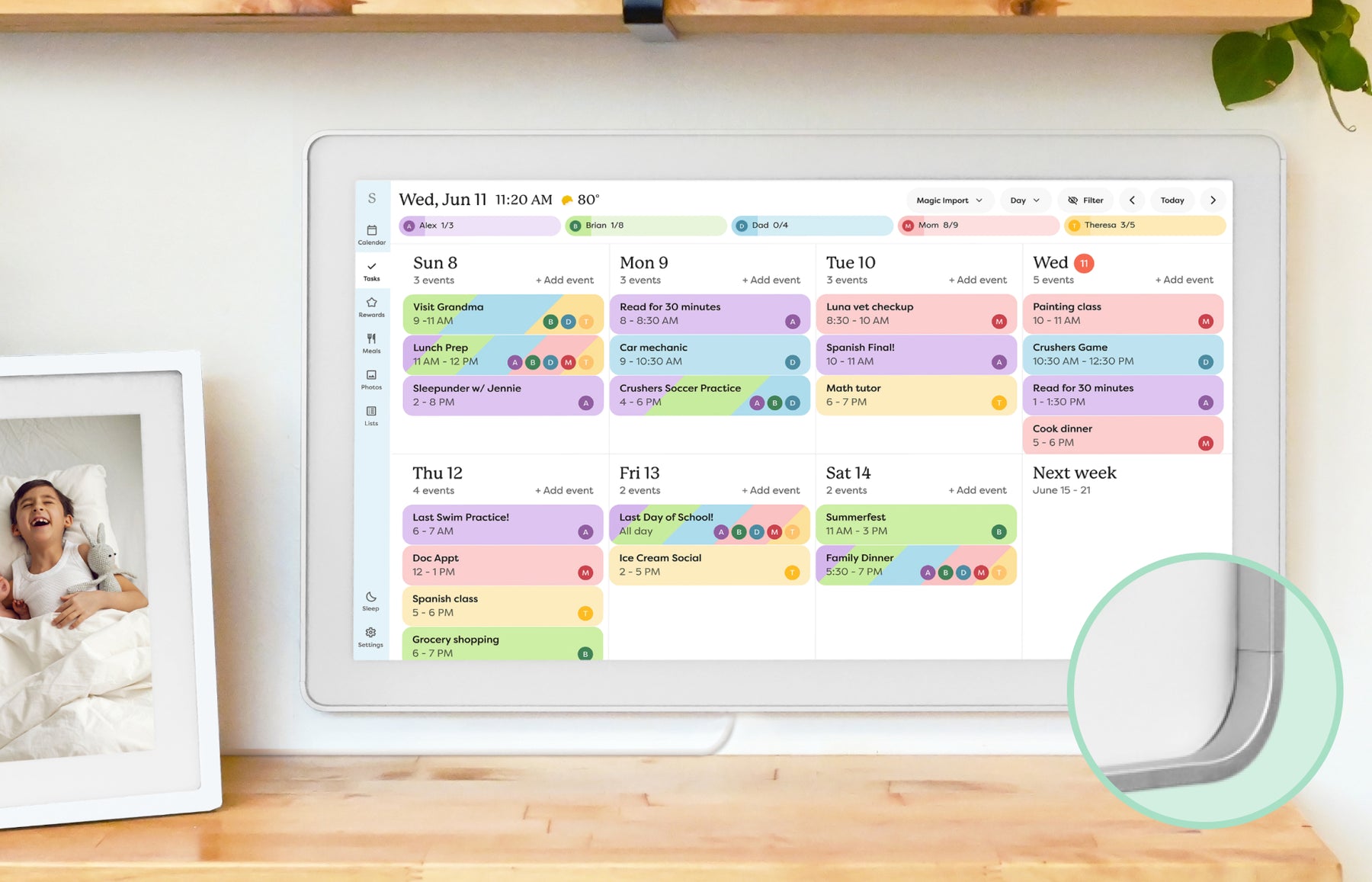 | Smart calendar frame | Families who want a polished shared calendar with broad mainstream support and do not want to run a DIY dashboard. | Official sources · checked October 20, 2026 |
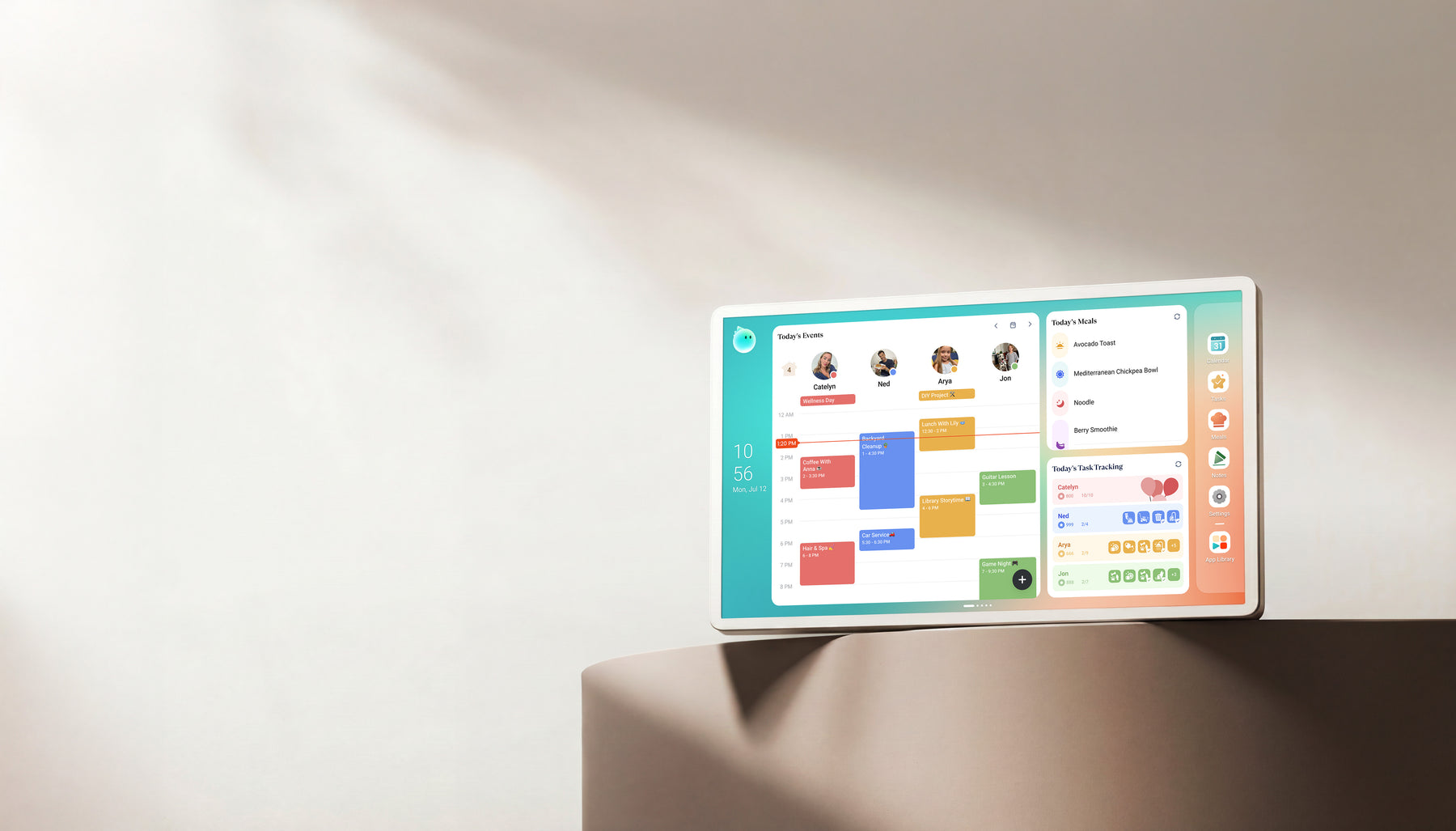 | Family display | Homes comparing Skylight alternatives with calendar, photo, and family-display needs. | Official + retailer sources · checked August 29, 2026 |
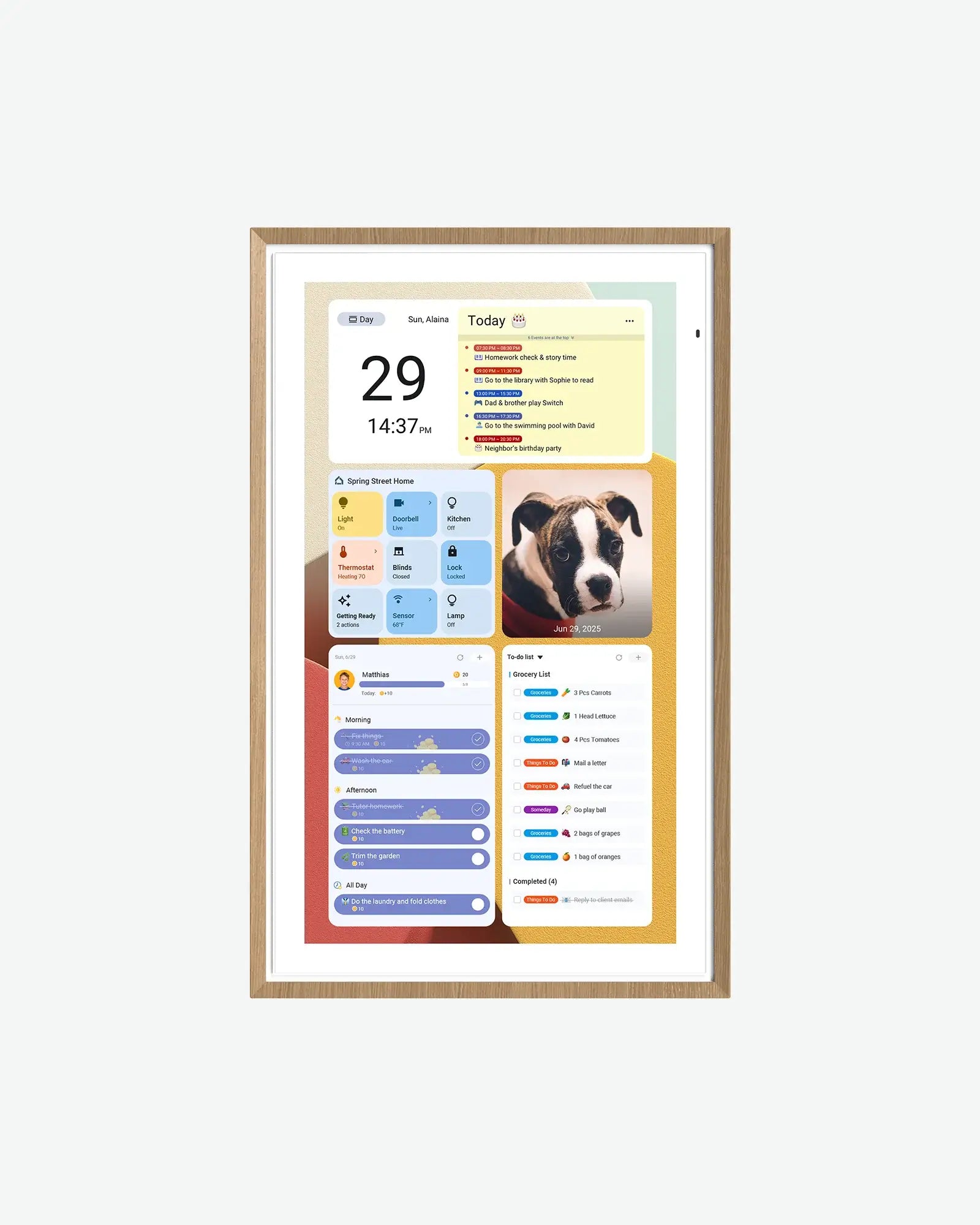 | Android digital calendar | Families who want a spec-transparent Android/Google ecosystem calendar display with multiple sizes and no-subscription positioning. | Official sources · checked September 21, 2026 |
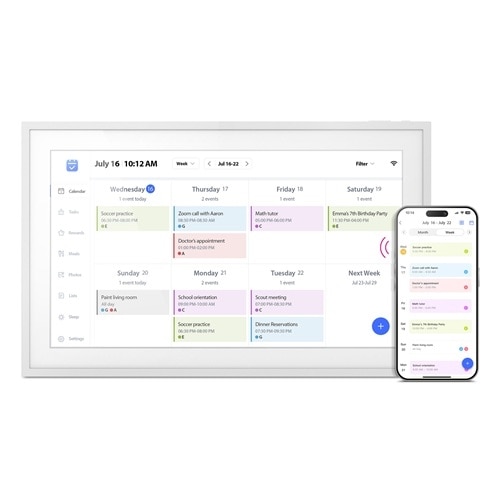 | Smart WiFi digital calendar and photo frame Software: eCalendar | Families who want calendars, chores and photos together on a 15.6-inch eCalendar display. | Official sources · checked August 29, 2026 |
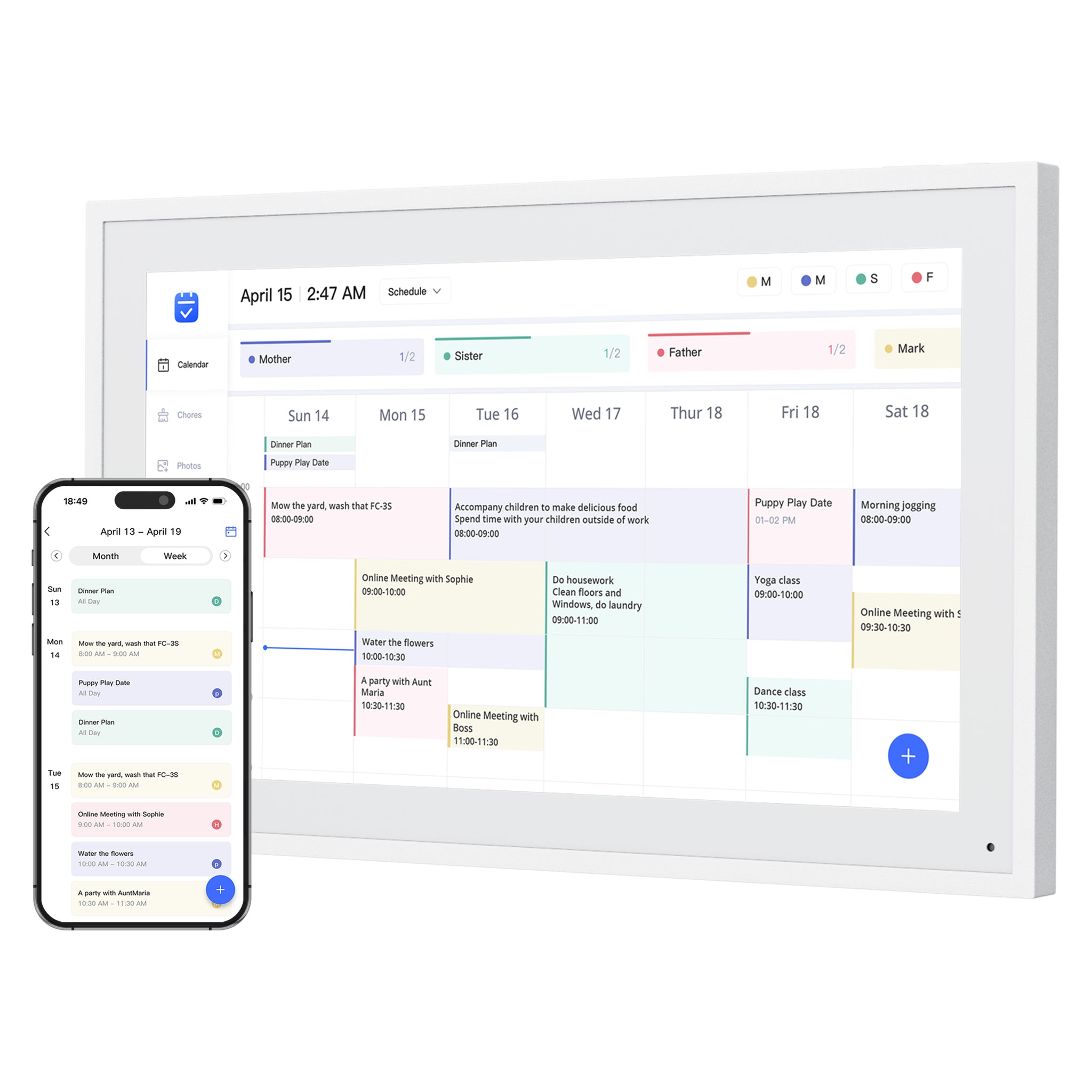 | Smart WiFi digital calendar Software: eCalendar | Families comparing lower-cost, no-subscription-positioned digital calendar frames with broad calendar sync. | Official sources · checked August 29, 2026 |
Representative product-family images; sizes are not shown to scale. Linked profiles distinguish their exact model and evidence. Skylight imagery shows the earlier Calendar, not Calendar 2. The Cozyla profile and image cover Calendar+ 2, not Plus 3 or Neo.
Common questions
Who is this guide best for?
Families comparing Skylight retail-size units, Cozyla Calendar+ 2, Apolosign 15.6-inch, Aluratek AWFC15F, and Dragon Touch 15.6-inch calendar paths for smaller shared spaces.
What should I verify before buying?
Check the exact SKU, calendar app path, mount or stand setup, paid-feature boundary, and whether the 15-inch listing still matches the current official or retailer source before buying.
When should I skip this buying path?
The common mistake is buying a 15-inch screen because it is cheaper or easier to place, then expecting it to behave like a wall-sized family command center. If that sounds like your situation, step back and compare the broader product category before choosing a brand.
Related reading
Compare the options that fit your needs.
Read the relevant product reviews, side-by-side comparisons and selection guides.
Product reviews
- Skylight Calendar ReviewFamilies who want a polished shared calendar with broad mainstream support and do not want to run a DIY dashboard.
- Cozyla Calendar+ ReviewHomes comparing Skylight alternatives with calendar, photo, and family-display needs.
- Apolosign Digital Calendar ReviewFamilies who want a spec-transparent Android/Google ecosystem calendar display with multiple sizes and no-subscription positioning.
- Aluratek AWFC15F eCalendar ReviewFamilies who want calendars, chores and photos together on a 15.6-inch eCalendar display.
Comparisons
- Cozyla vs Skylight Calendar: Which Is Better? Our VerdictCozyla Calendar+ 2 is the broader Android family display; Skylight Calendar 2 is the simpler calendar-first screen. Compare setup, sync, placement, and paid-feature boundaries before choosing.
- Skylight vs Hearth DisplayCalendar frame or family command center? This comparison separates visible scheduling from deeper household routine management.
- Skylight vs DAKboardA turnkey smart calendar frame compared with a more customizable dashboard display approach.
- Cozyla vs Hearth DisplayCompare a flexible calendar and photo display with a routine-first family command center, including setup and membership limits.
Best-pick guides
- Best Smart Calendar FramesChoose a frame-style home calendar by room fit, viewing distance, touch access and setup style—not just the largest screen.
- Best Digital Calendars for Families: Wall Displays ComparedCompare nine digital calendars for family schedules, chores and routines. Find the right wall display by calendar sync, setup and the features you will actually use.
- Best Smart Frames Without Subscription PressureA buyer guide based on published sources comparing the free core workflow, optional paid tools, exact-model limits, app polish, and support confidence behind no-subscription calendar claims.
- Best AI Photo Frames and Family DisplaysCompare photo animation and restoration with ordinary photo display, paid credits and family privacy—without confusing them with calendar AI.