
DAKboard Alternatives for Family Dashboards
How to compare DAKboard against simpler smart calendar frames, family command centers, and eCalendar-style wall displays.
On this page
Quick answer
- Choose DAKboard when dashboard control, widgets, and layout flexibility matter more than appliance-like simplicity.
- Choose a DAKboard alternative when the household wants less setup, clearer family routines, or a simpler calendar-first screen.
- Compare alternatives by maintenance burden, calendar workflow, widget needs, plan value, and who will own the display after the first setup weekend.
A DAKboard alternative is not always another dashboard product. It can be a simpler smart calendar frame, a family command center, an eCalendar-style wall display, or a DIY tablet path depending on what the household wants the screen to do.
Who this suits: Readers who like the idea of a calendar dashboard but are unsure whether DAKboard, Skylight, Hearth, Dragon Touch, Apolosign, or a simpler family display is the better fit.
Start with why DAKboard is on the shortlist
DAKboard is strongest when the buyer wants control over layout, widgets, calendars, photos, and information sources. If that control is the reason for interest, compare alternatives carefully instead of defaulting to the simplest calendar frame.
- Use DAKboard when the screen should behave like a configurable home information wall.
- The current Free plan uses one predefined screen and up to two calendars; custom screens begin with Essential, while Plus adds power-user features such as screen loops and scheduling.
- TouchHub adds touch tools to the dashboard: the base interface and Home Assistant are available on Free, while Family Chores Manager requires Essential or Plus. Check the intended app as well as the screen plan.
- Do not choose DAKboard only because it can show a calendar; many simpler products can do that with less setup.
Separate the software, screen, and maintenance decisions
DAKboard is a display platform as well as a hardware path. The account defines screens and blocks, while the physical display can be DAKboard hardware or another supported web-connected device. That flexibility is valuable only when someone is willing to own all three layers.
- Software owner: connects calendars and services, chooses blocks, and decides whether Free, Essential, or Plus covers the required layout.
- Hardware owner: chooses a current touch display, CPU route, or bring-your-own device and handles mounting, power, network access, and updates.
- Maintenance owner: fixes disconnected accounts, adjusts layouts, checks paid-plan boundaries, and keeps the screen useful after household routines change.
Best alternatives by job
The strongest alternative depends on the job that replaces dashboard control.
- Skylight is the simpler alternative when the family wants a mainstream shared calendar appliance.
- Hearth is the command-center alternative when routines, responsibilities, and task ownership matter more than custom widgets.
- Dragon Touch and Apolosign are different calendar-display alternatives when size choice, Google ecosystem features, or lower subscription pressure are the main reasons to look beyond Skylight.
- Aluratek is useful when the buyer wants a specific 15.6-inch retail eCalendar product with clear hardware specs.
When DAKboard is still the right answer
DAKboard remains the better path when the household explicitly wants a configurable dashboard and accepts the maintenance tradeoff.
- The display needs calendar plus weather, photos, smart-home data, media, or custom information panels.
- Someone is comfortable adjusting widgets and layout after the first setup weekend.
- The buyer values dashboard control more than a polished appliance-like consumer workflow.
When to avoid dashboard products
A dashboard product can become overbuilt when the actual household problem is simple schedule visibility or routine follow-through.
- Avoid a dashboard path if no one wants to maintain integrations, layouts, or account connections.
- Avoid it if children, guests, or less technical family members need to understand the screen immediately.
- Choose a calendar frame or command center when the job is daily adoption rather than customization.
Compare total cost and maintenance
DAKboard alternatives should be compared by recurring work as much as recurring price. A cheaper or more flexible setup is not better if it becomes another household system to manage.
- As checked August 29, 2026, DAKboard lists Essential at $6 monthly or $5 per month billed annually and Plus at $10 monthly or $8 per month billed annually; verify the live pricing page before buying.
- Check whether the display needs account maintenance, dashboard editing, app updates, or manual troubleshooting.
- Use review confidence and source freshness before treating a newer alternative as proven.
Run a maintenance-owner test before switching
The practical alternative is the one the household will still use after the novelty fades. Name the person responsible for setup and upkeep, then compare what happens when that person is unavailable.
- Choose a lower-maintenance calendar frame when another household member must be able to add events or recover from a sync problem without editing a dashboard.
- Choose a command-center path when routines, chores, and responsibility assignment matter more than mixed information blocks.
- Keep DAKboard on the shortlist when the household values custom screens enough to accept periodic account, layout, and device maintenance.
Sources
Buying checklist
Software & devices
Follow the app behind the display
Explore the software for app workflows, and the device profile for its screen, setup and buying details.
eCalendar connects family schedules, chores, meals and photos across multiple display brands. Explore representative calendars from Dragon Touch, Aluratek, BSIMB, Anko, TABWEE and other makers below.
Explore eCalendar software & connected devicesProducts to compare
Open the linked profile for exact-model evidence. On a small screen, scroll the comparison sideways; with a keyboard, focus the table and use the arrow keys.
| Product | Role | Best for | Source status |
|---|---|---|---|
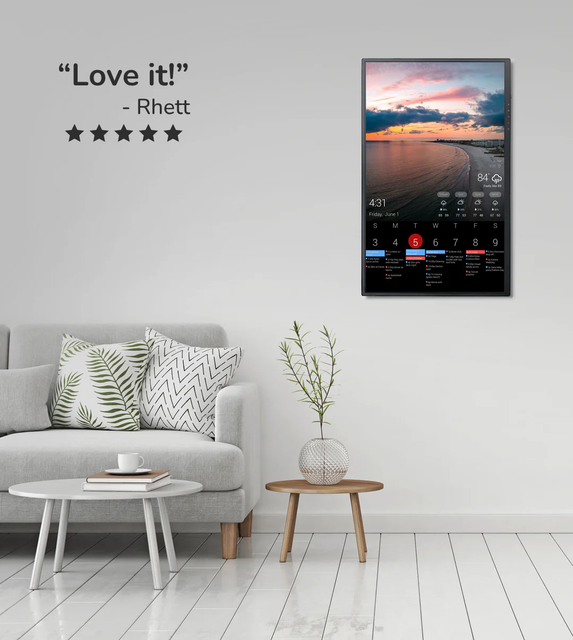 | Custom dashboard display | Homes that want a configurable dashboard for calendars, photos, weather, chores, or mixed household information on one screen. | Official sources · checked August 29, 2026 |
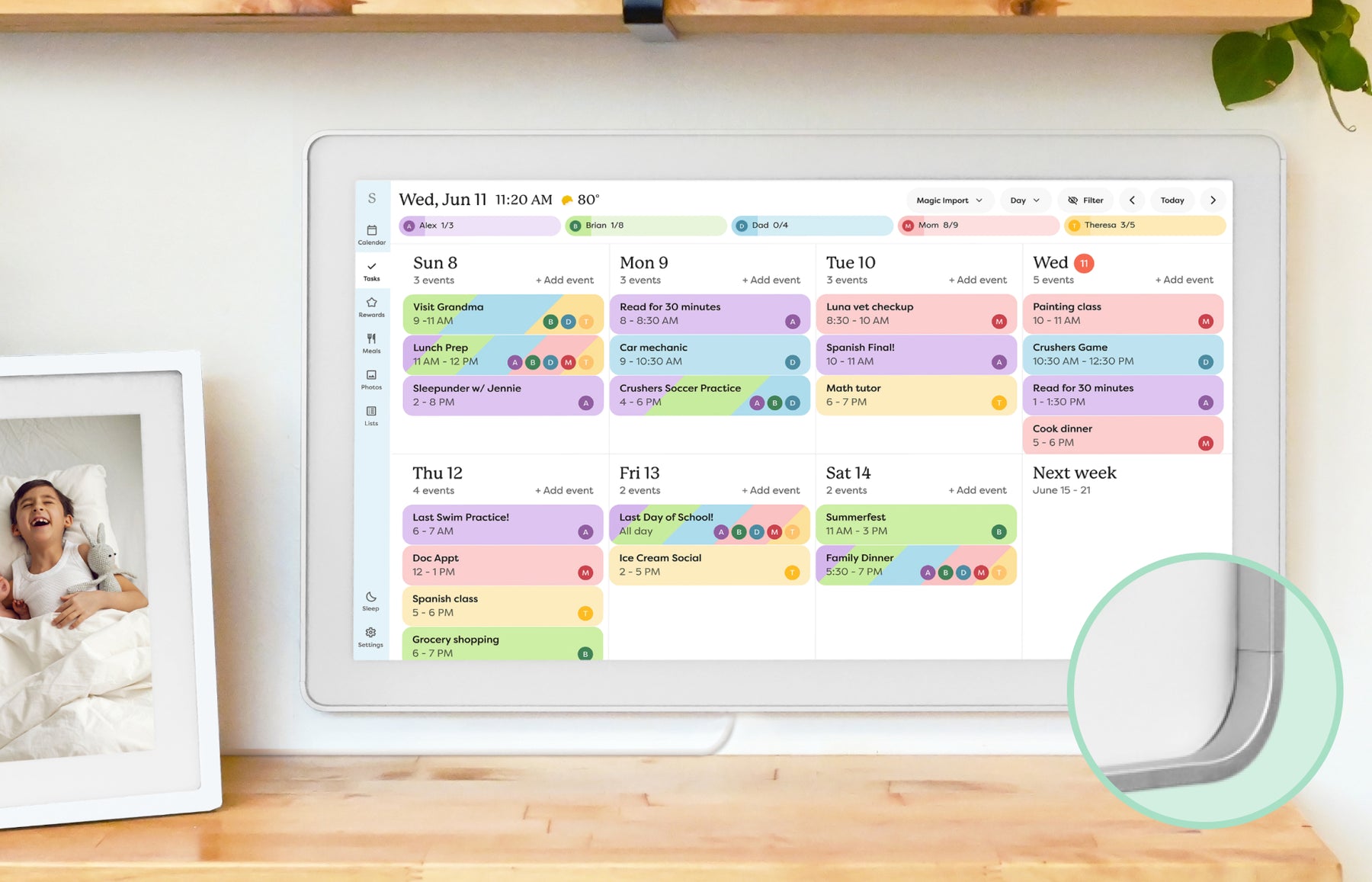 | Smart calendar frame | Families who want a polished shared calendar with broad mainstream support and do not want to run a DIY dashboard. | Official sources · checked October 20, 2026 |
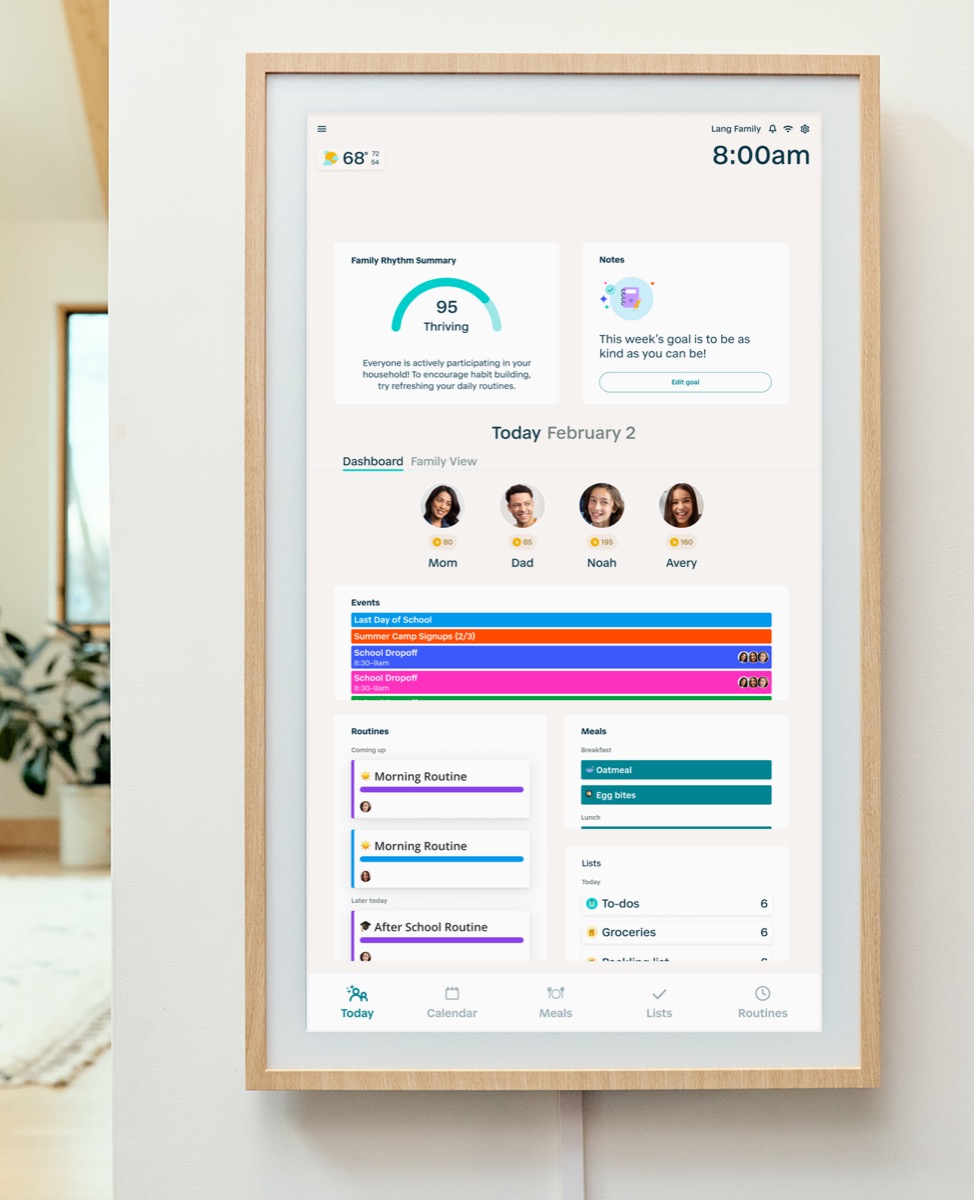 | Family command display | Families that want routine management and a command-center style home display. | Official sources · checked September 14, 2026 |
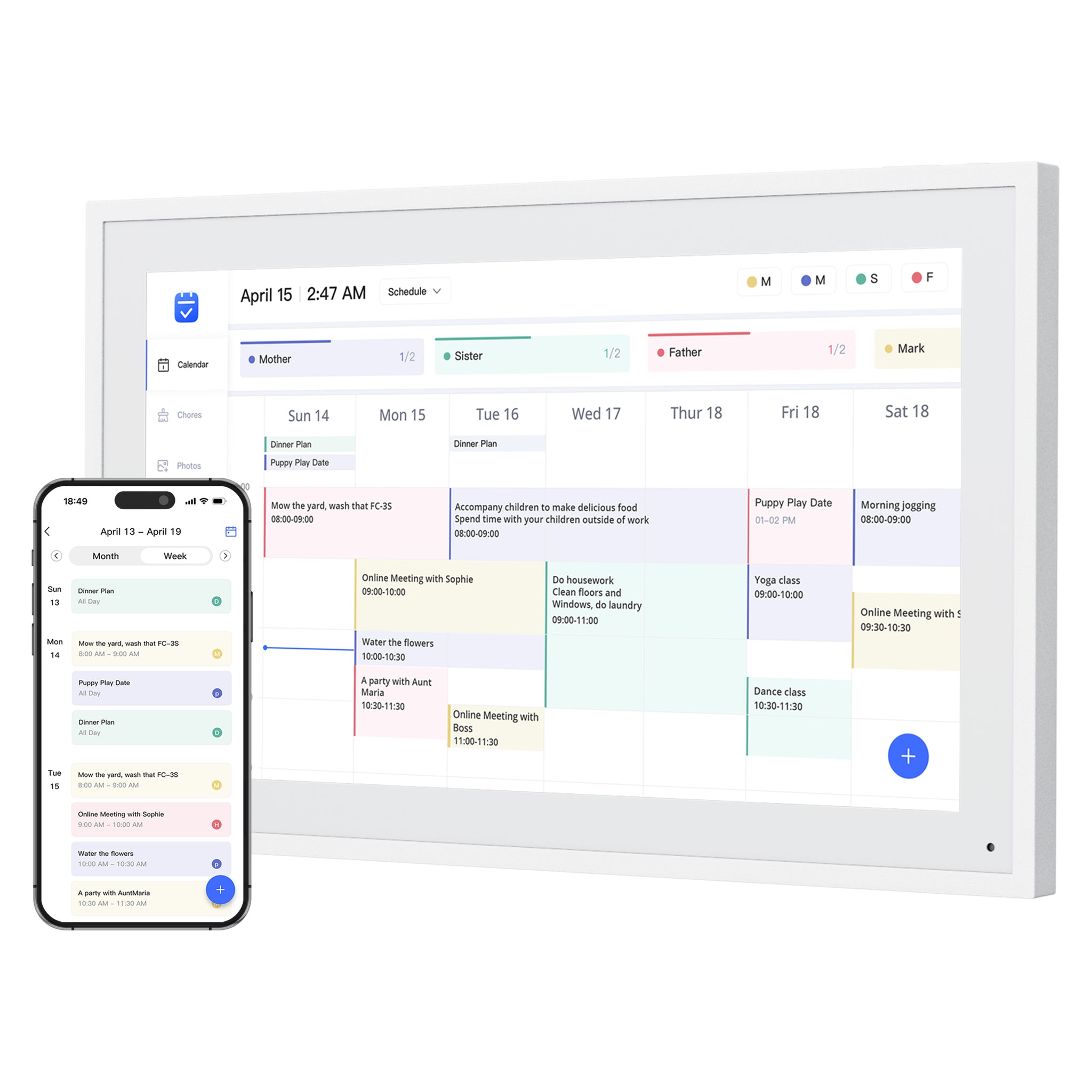 | Smart WiFi digital calendar Software: eCalendar | Families comparing lower-cost, no-subscription-positioned digital calendar frames with broad calendar sync. | Official sources · checked August 29, 2026 |
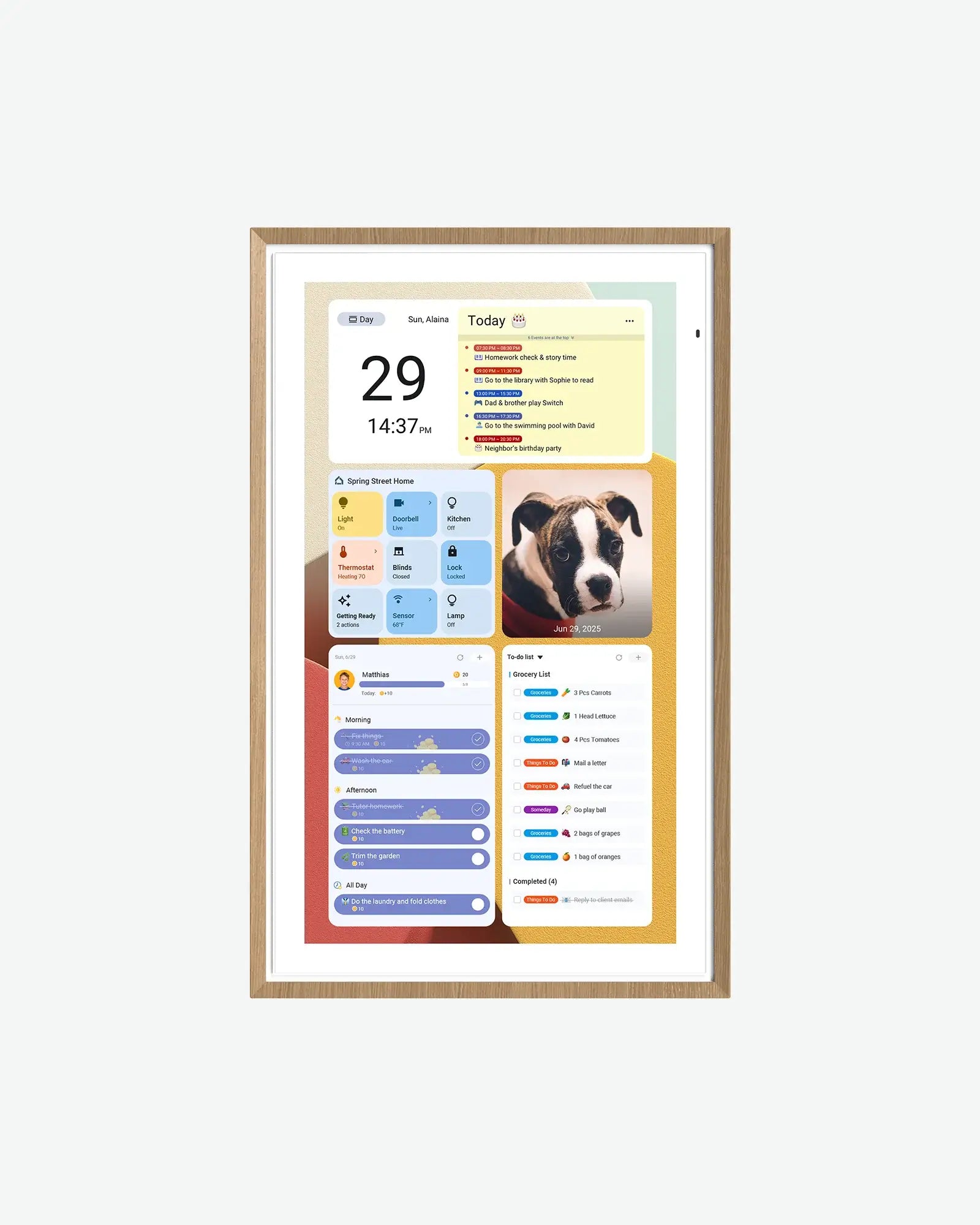 | Android digital calendar | Families who want a spec-transparent Android/Google ecosystem calendar display with multiple sizes and no-subscription positioning. | Official sources · checked September 21, 2026 |
 | Smart WiFi digital calendar and photo frame Software: eCalendar | Families who want calendars, chores and photos together on a 15.6-inch eCalendar display. | Official sources · checked August 29, 2026 |
Representative product-family images; sizes are not shown to scale. Linked profiles distinguish their exact model and evidence. Skylight imagery shows the earlier Calendar, not Calendar 2.
Common questions
What is the best DAKboard alternative?
There is no single best DAKboard alternative. Skylight is simpler for calendar-first families, Hearth is stronger for managed family routines, and Dragon Touch, Apolosign or Aluratek may fit households that want included core planning.
Is DAKboard better than a smart calendar frame?
DAKboard can be better for dashboard control and widgets. A smart calendar frame is usually better when the household wants lower setup burden and one clear shared schedule.
Does DAKboard require a subscription?
No. DAKboard has a Free plan with one predefined screen, up to two calendars, and base TouchHub access. Family Chores Manager requires Essential or Plus. Custom screens, more calendars, other integrations, loops, scheduling, and faster refresh behavior also depend on the plan. Check the current DAKboard pricing and TouchHub announcement against the features you need.
Is Hearth a DAKboard alternative?
Hearth can be a DAKboard alternative when the buyer wants family routines, chores, tasks, and ownership rather than custom dashboard widgets.
Should I use a tablet instead of DAKboard?
A tablet can work for DIY users, but it often adds charging, app-locking, account, browser, and maintenance issues. Compare it only if someone in the household wants to manage that setup.
Related reading
Compare the options that fit your needs.
Read the relevant product reviews, side-by-side comparisons and selection guides.
Product reviews
- DAKboard Display ReviewHomes that want a configurable dashboard for calendars, photos, weather, chores, or mixed household information on one screen.
- Skylight Calendar ReviewFamilies who want a polished shared calendar with broad mainstream support and do not want to run a DIY dashboard.
- Hearth Display ReviewFamilies that want routine management and a command-center style home display.
- Dragon Touch Digital Calendar ReviewFamilies comparing lower-cost, no-subscription-positioned digital calendar frames with broad calendar sync.
Comparisons
- Skylight vs DAKboardA turnkey smart calendar frame compared with a more customizable dashboard display approach.
- Hearth Display vs DAKboardA family command center compared with a configurable home dashboard for calendars, routines, photos, and household information.
Best-pick guides
- Best Smart Calendar FramesChoose a frame-style home calendar by room fit, viewing distance, touch access and setup style—not just the largest screen.
- Best Digital Calendars for Families: Wall Displays ComparedCompare nine digital calendars for family schedules, chores and routines. Find the right wall display by calendar sync, setup and the features you will actually use.
- Best Smart Frames Without Subscription PressureA buyer guide based on published sources comparing the free core workflow, optional paid tools, exact-model limits, app polish, and support confidence behind no-subscription calendar claims.
- Best AI Photo Frames and Family DisplaysCompare photo animation and restoration with ordinary photo display, paid credits and family privacy—without confusing them with calendar AI.