3listings
Wall mounting
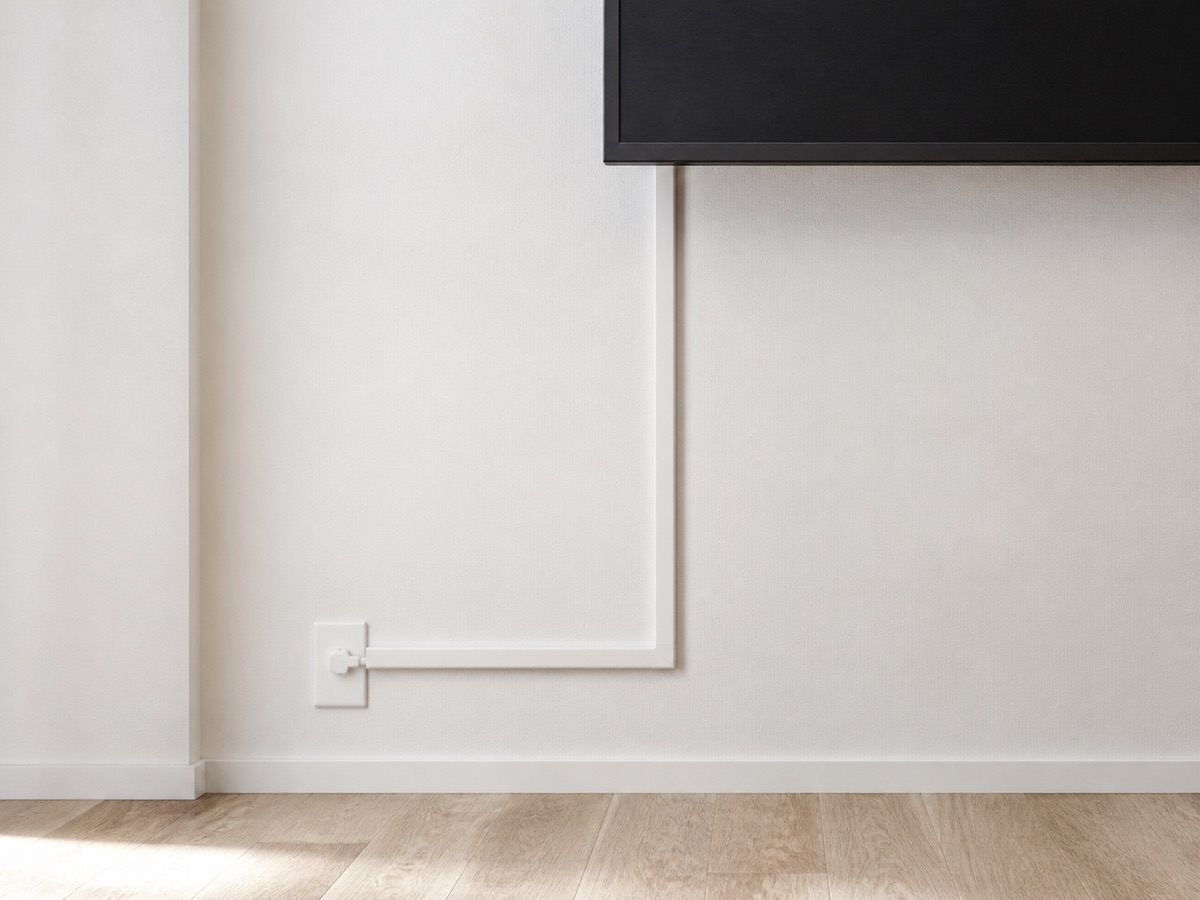
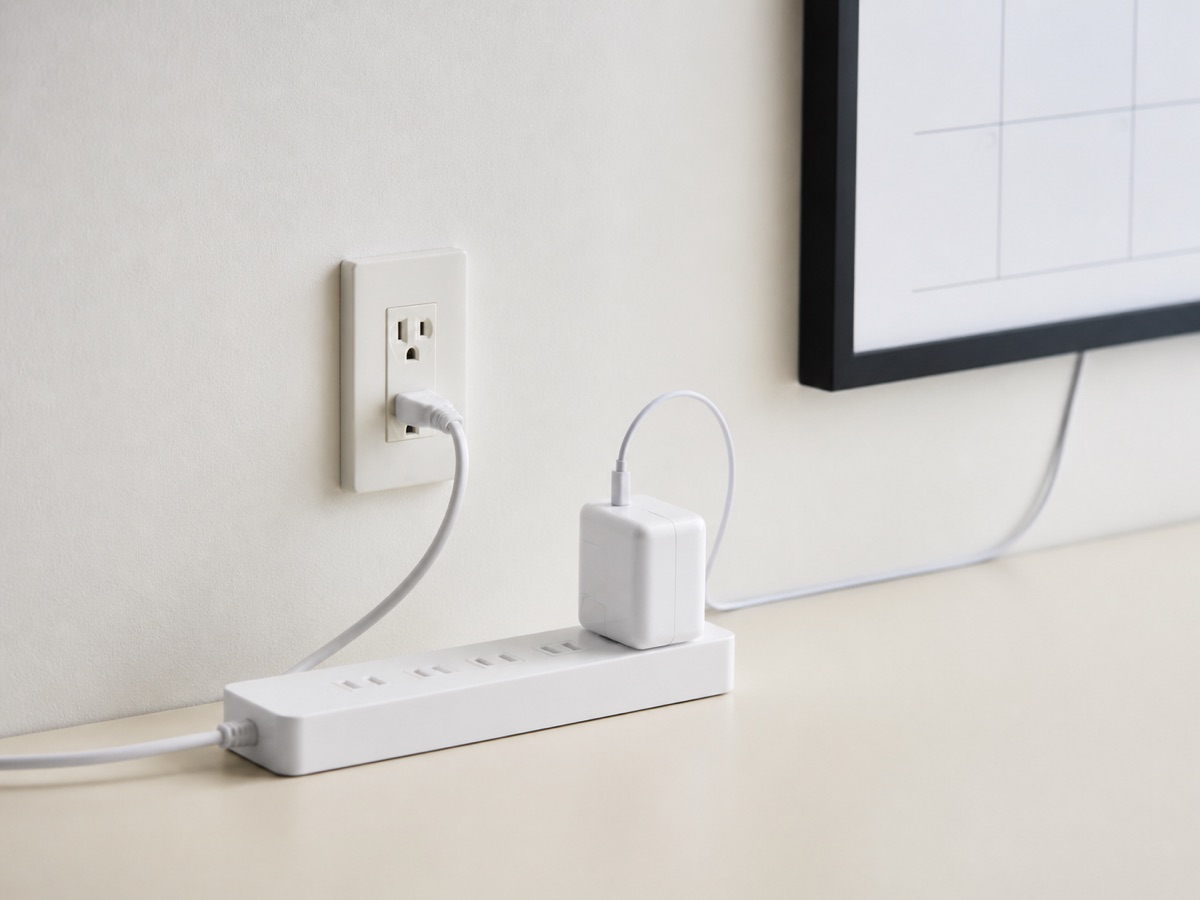
Start with dimensions, VESA pattern, device weight, wall material, port clearance, and cable exit.
Open setup guideMount-It!
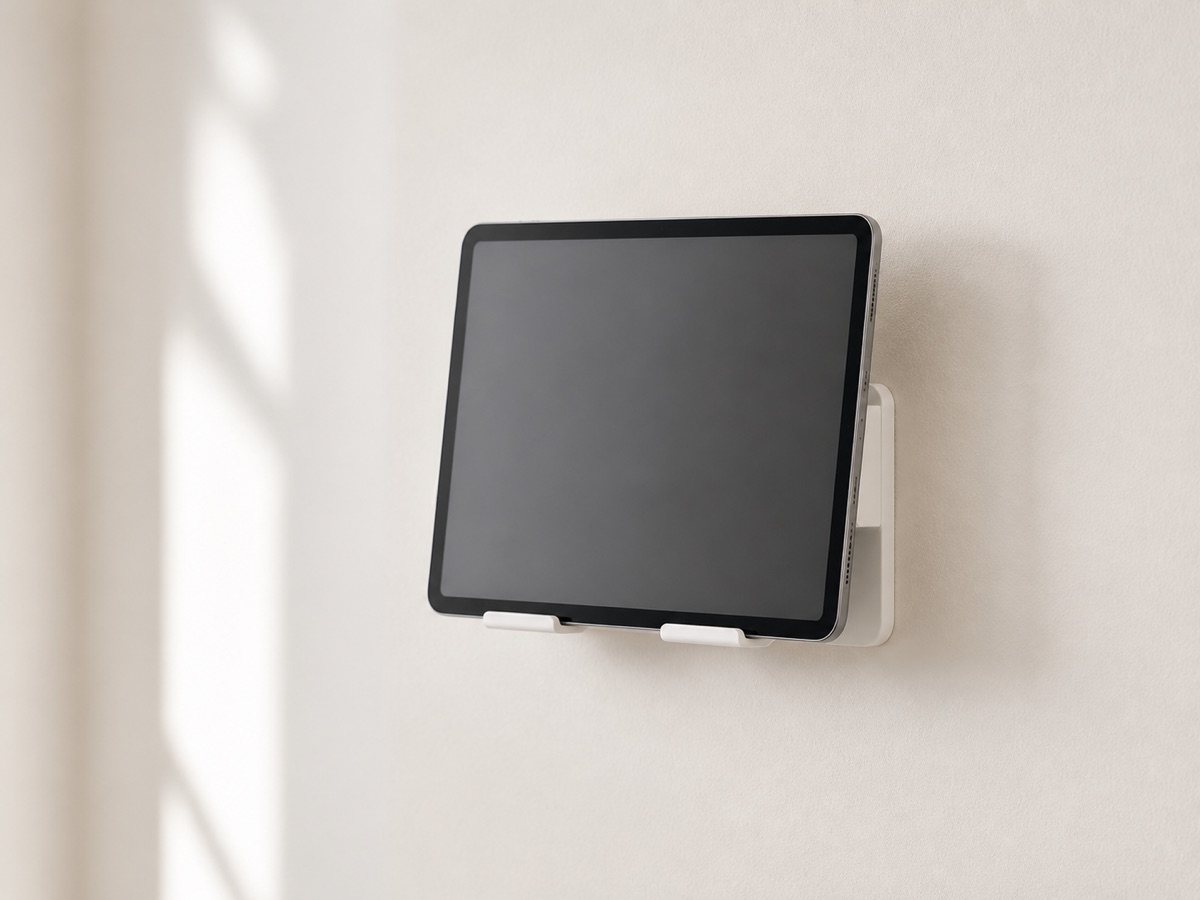
Universal 9.7-13.1-inch Tablet Wall Mount
Secure enclosure option for compatible tablet-based family dashboards and smaller calendar displays.
Fit and safety checks
- Measure device width, height, thickness, and port clearance.
- Confirm VESA 75x75 or wall-fixing method.
- Check ventilation and cable exit before installation.
Universal tablet accessory only. SmartFrameLab has not verified fit with any named smart-calendar model.
ASIN B0CXS7YFWQ
Dockem
Koala Tablet Wall Mount
Simple bracket-style wall mount for compatible tablets used as DIY calendar dashboards.
Fit and safety checks
- Measure device dimensions and bracket grip.
- Check that buttons, speakers, and charging port remain accessible.
- Use wall anchors appropriate to the wall type and load.
Intended for compatible tablets, not purpose-built smart calendar frames. Verify dimensions before purchase.
ASIN B00JV75FC6
MOUNT PRO
13-32-inch VESA Monitor Wall Mount
Adjustable wall arm for displays that explicitly support VESA 75x75 or 100x100 mounting.
Fit and safety checks
- Confirm the display has matching VESA holes.
- Confirm device weight is below the mount limit.
- Check extension clearance, wall structure, and cable slack.
Do not use solely on screen size. The exact VESA pattern, weight, wall material, and power-cable clearance must all match.
ASIN B08SM5X4HW