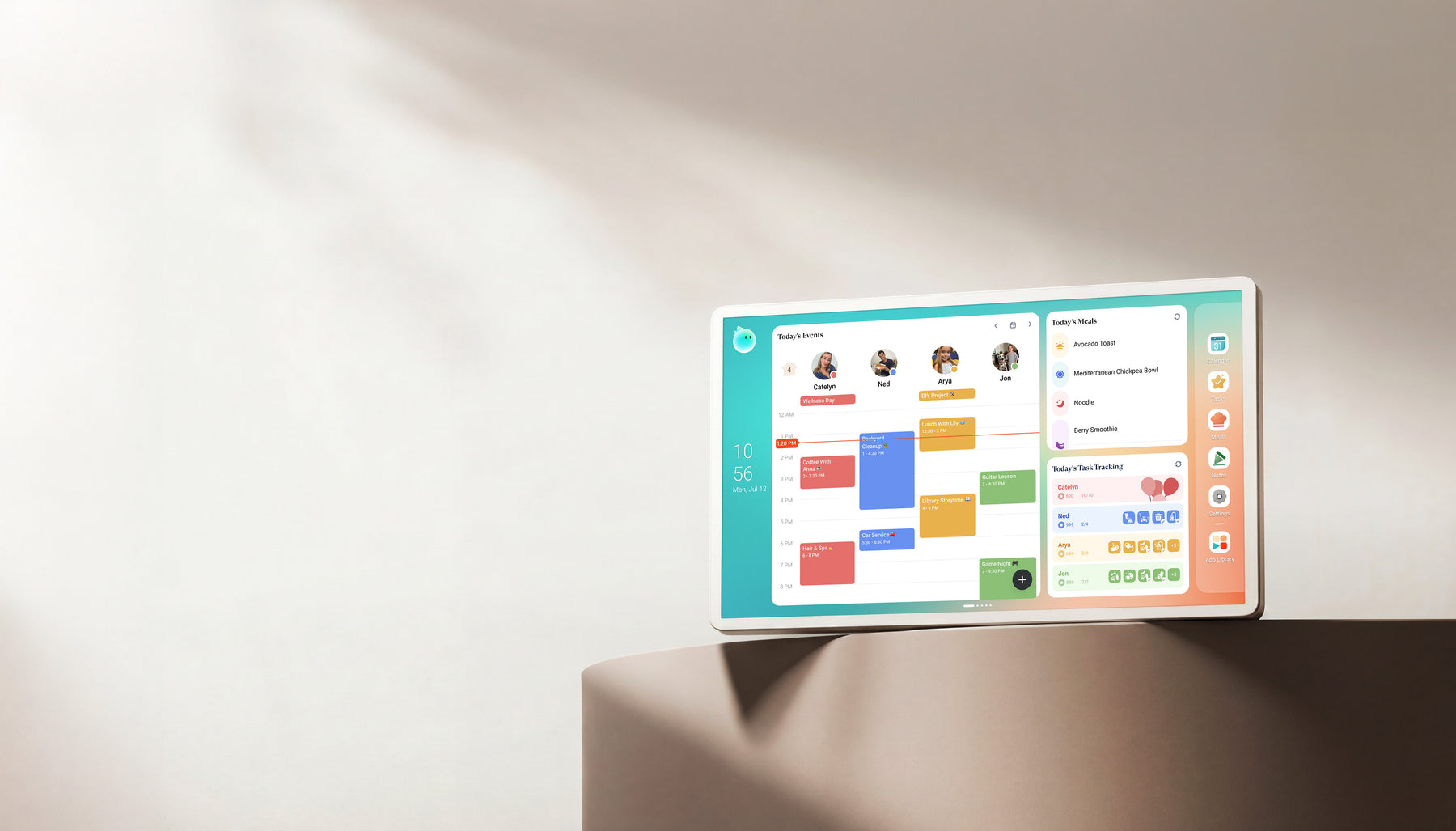
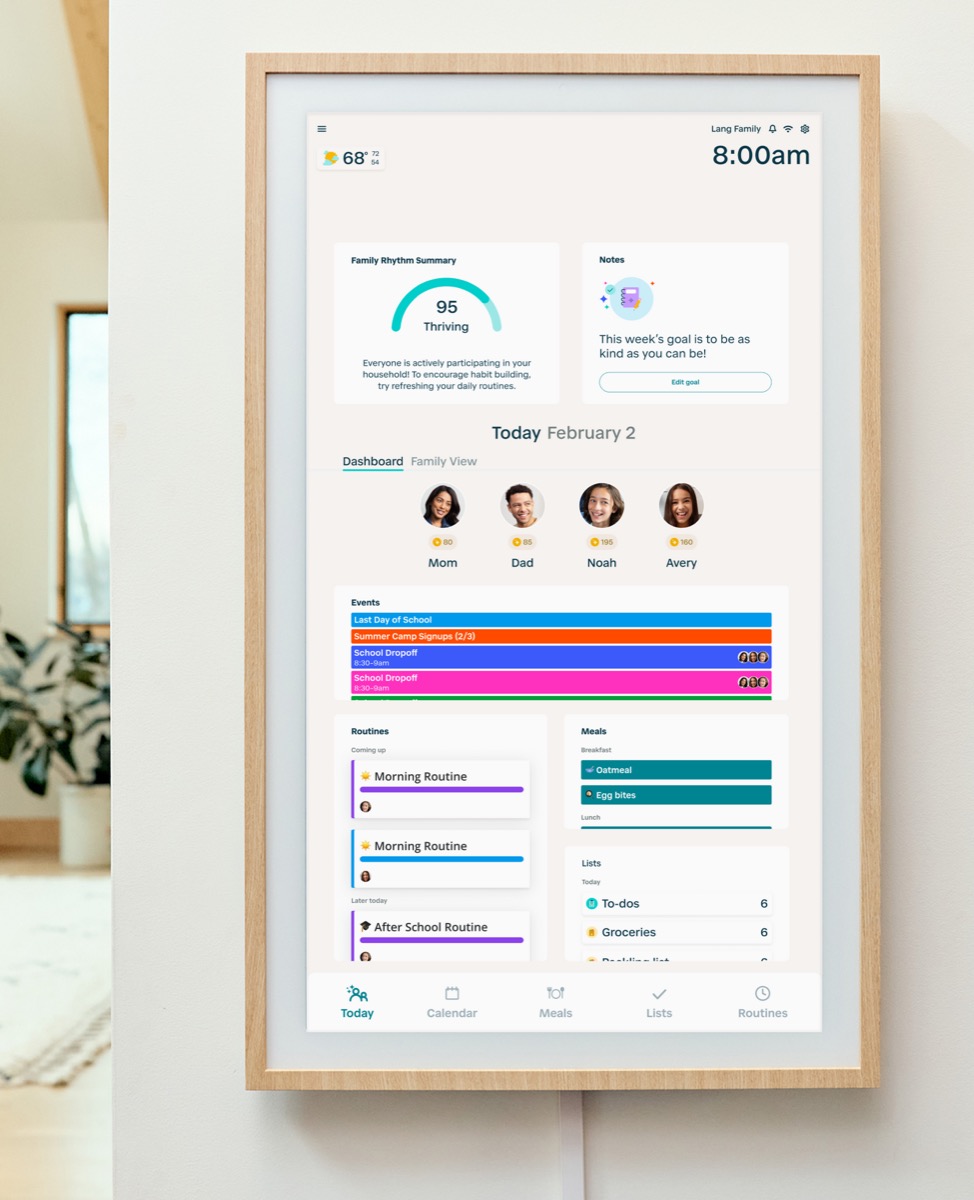
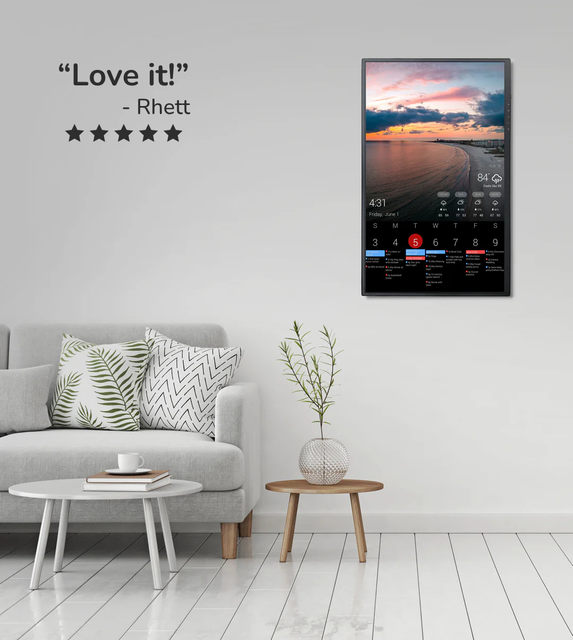
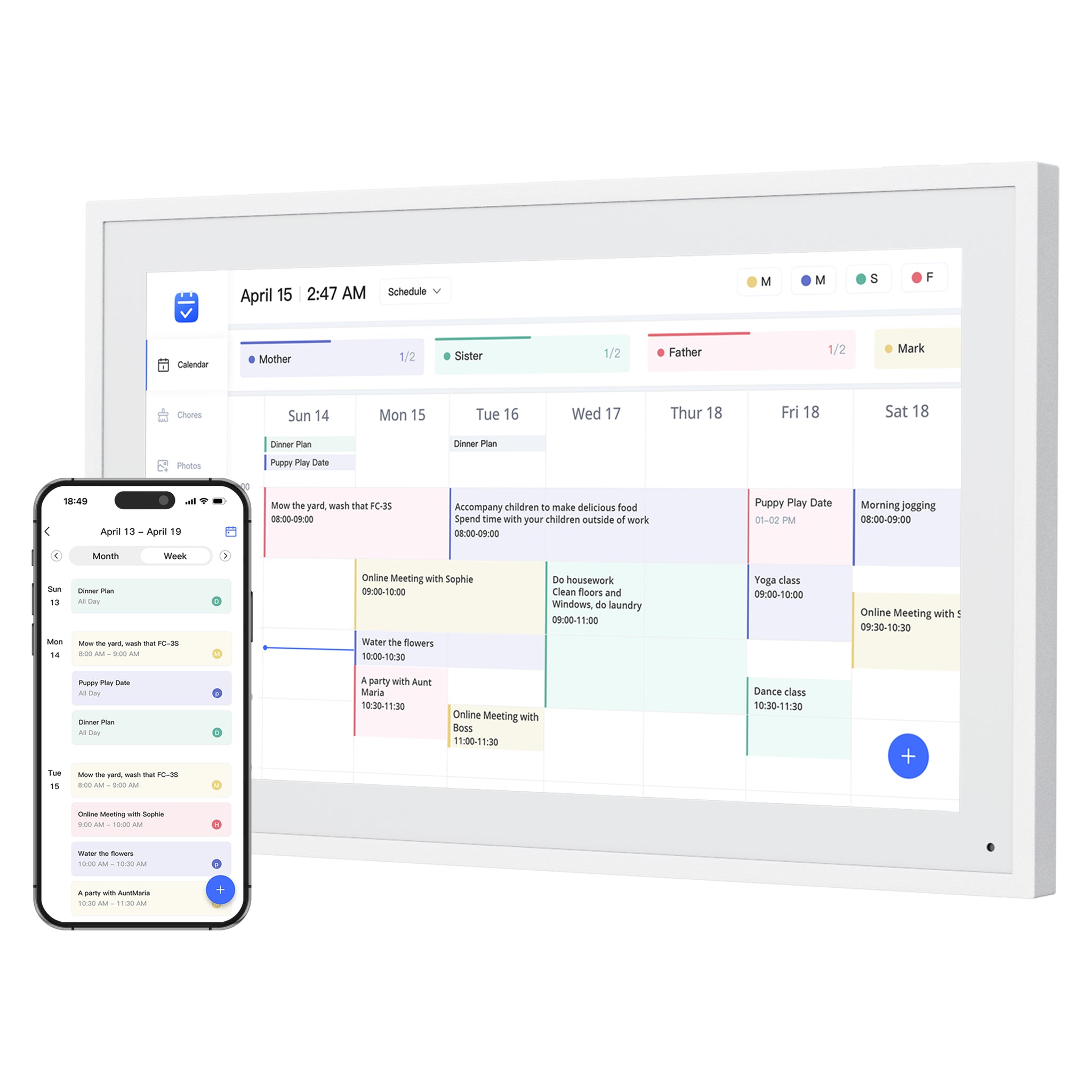
Compare each display’s main job, supported software and best-fit household. Open its profile for model details, ongoing costs and any limits that matter before buying.
Research profiles
Start with the product, not the store.
Compare each display’s main job, supported software and best-fit household. Open its profile for model details, ongoing costs and any limits that matter before buying.
Filter the profiles below by documented software. Model listings and setup accessories have their own sections.Explore software platforms
13 research profiles
No research profile matches these filters. The software directory covers additional platforms; this is not a complete list of compatible devices.
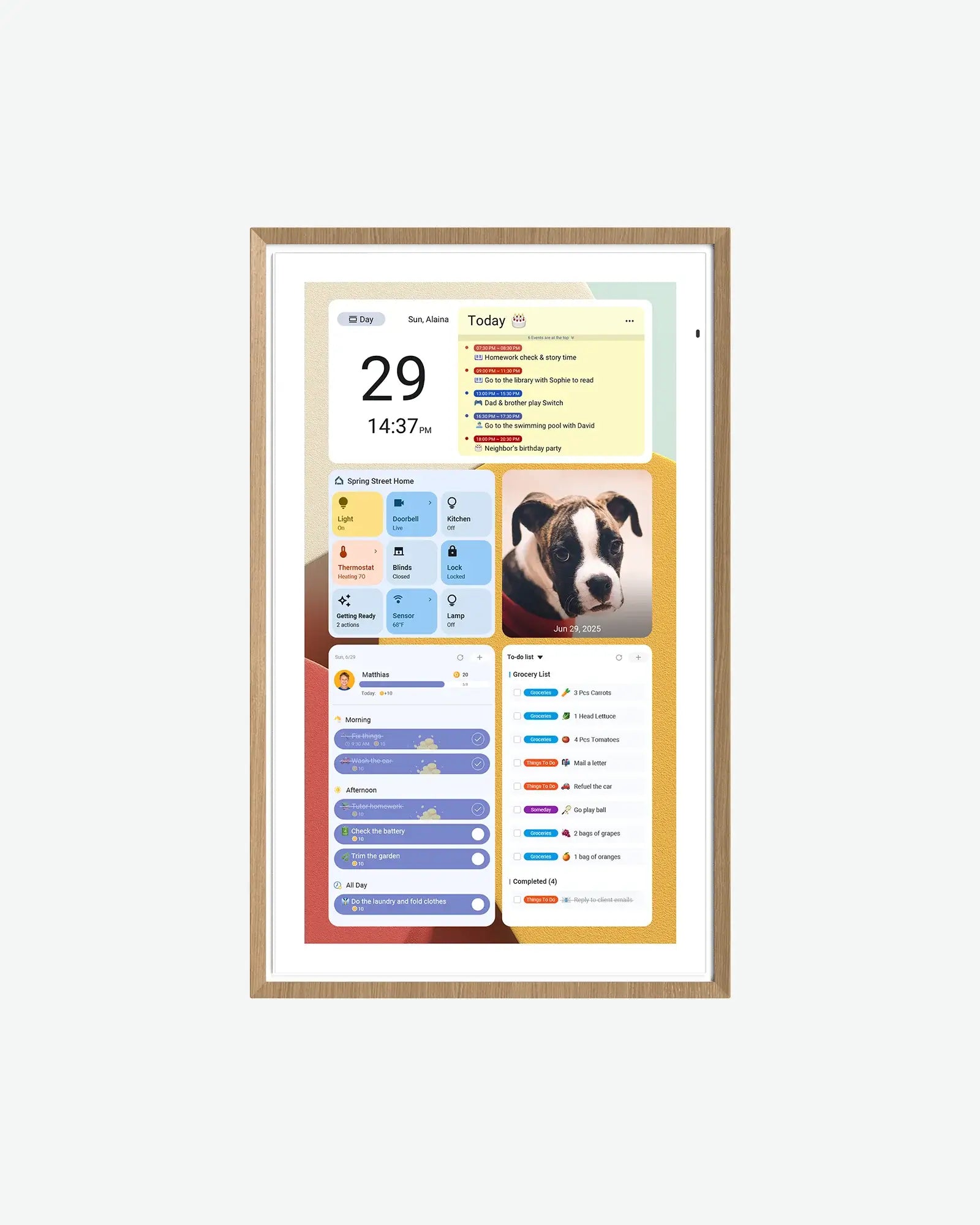
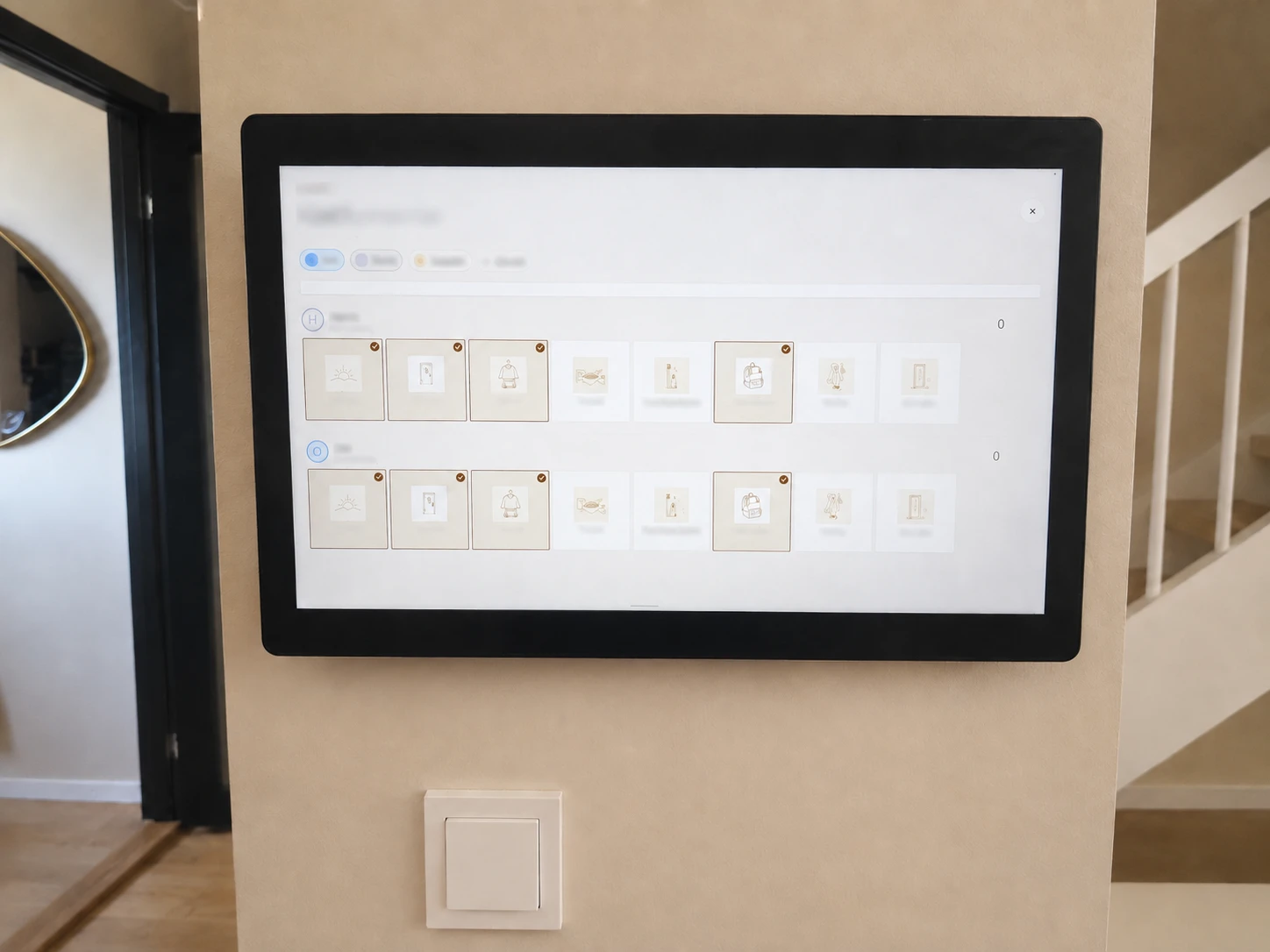
DAKboard is worth considering if you want calendars, photos and weather on a dashboard someone in the household will maintain. If all you need is a shared calendar with little setup, a simpler calendar frame is a better fit.
Best for
Homes that want a configurable dashboard for calendars, photos, weather, chores, or mixed household information on one screen.
A practical eCalendar-style Skylight alternative with a wide size range, 32GB storage references, calendar sync, chores, meal planning, grocery lists, and photo-frame use in one product family.
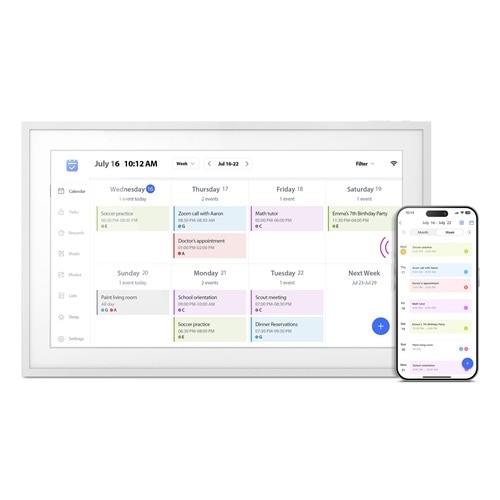
A family display with Calendar and Android modes, several screen sizes, Google apps and included core calendar tools; advanced AI has separate paid terms.
Best for
Families who want a spec-transparent Android/Google ecosystem calendar display with multiple sizes and no-subscription positioning.
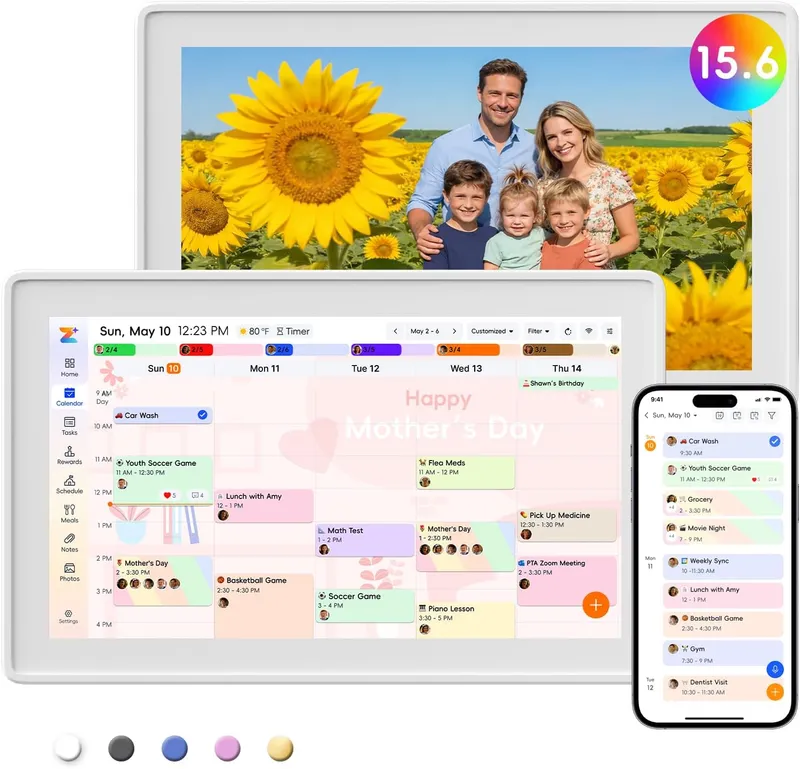
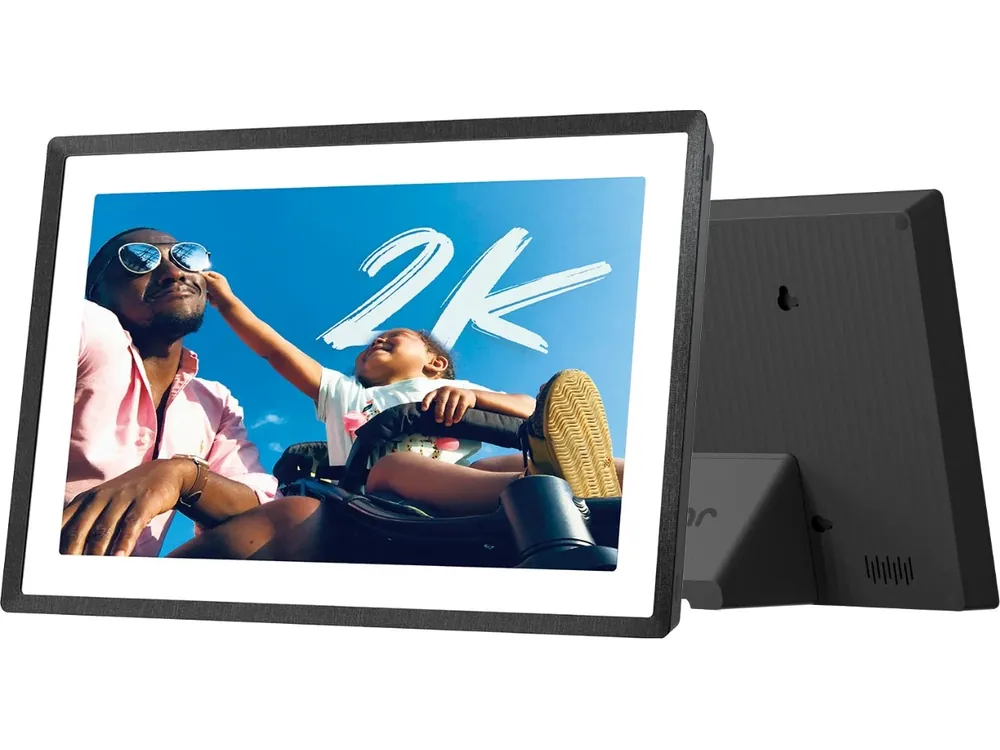
Westsee X200 is a 15.6-inch family calendar and photo display powered by Zicalstar software, with the Zical companion app. Its product site lists 32GB, a stand and wall-mount kit, and no required subscription for core planning. Agent and photo features are available through the Zicalstar software ecosystem.
A useful all-in-one eCalendar display for households that want calendars, chores, meal planning and photos on a 15.6-inch 1080p touchscreen with 32GB storage.
Zenframe earns 7.9/10 for its connected family workspace: calendar, meals, shopping, kids routines and a useful contextual assistant. Our software checks found working public-calendar subscriptions and approval-based shopping actions. Display and Mini run the same software, with calendar direction and the optional ongoing Family cost the main tradeoffs.
Best for
European families who want calendars, meal plans, shopping, kids routines and a contextual AI assistant in one household workspace.
Source status
Official sources + hands-on software checks · checked October 16, 2026
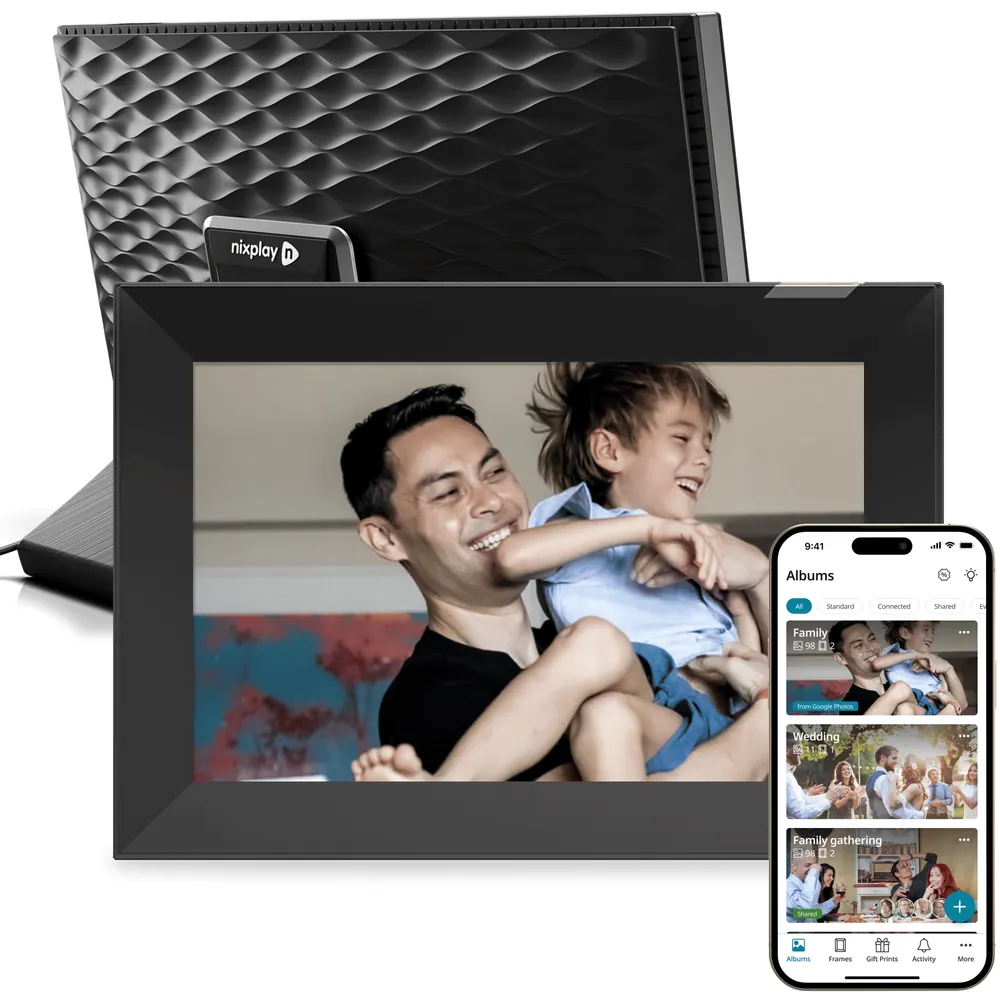
A capable frame for an existing Nixplay family, with flexible placement and remote sharing. Small free storage and paid Google Photos weaken its value for a first-time buyer.
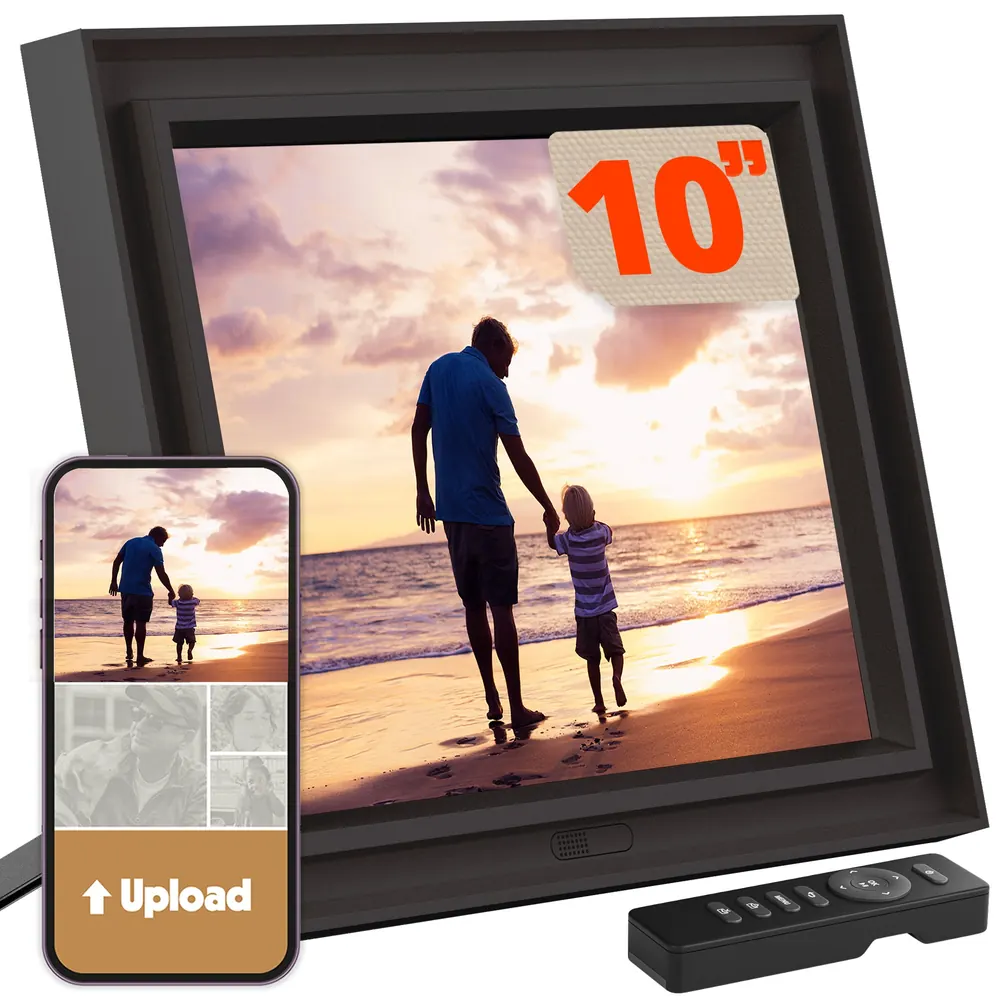
A strong photo-first choice for detailed shelf viewing and local SD/USB loading. Free core sharing keeps ownership costs low; manual brightness and paid remote administration limit its appeal as a hands-off gift.
Photo-first households wanting a detailed compact display, local loading and occasional remote contributions without a required photo-sharing subscription.
Source status
Editorial score based on published independent hands-on tests and current manufacturer documentation. Calculated comparisons are identified separately.
A strong choice when one relative manages photo displays across several homes. Free remote administration and local playback are the main attractions; lower screen resolution, fiddly file selection and uncertain automatic Google Photos updates hold it back.
Families sending photos to several homes, especially when the recipient wants to watch the slideshow rather than manage another phone app.
Source status
Editorial score combines a current-model independent hands-on review with manufacturer documentation. Geometry and cost examples are calculations; Google Photos automatic updates are not a verified benefit.
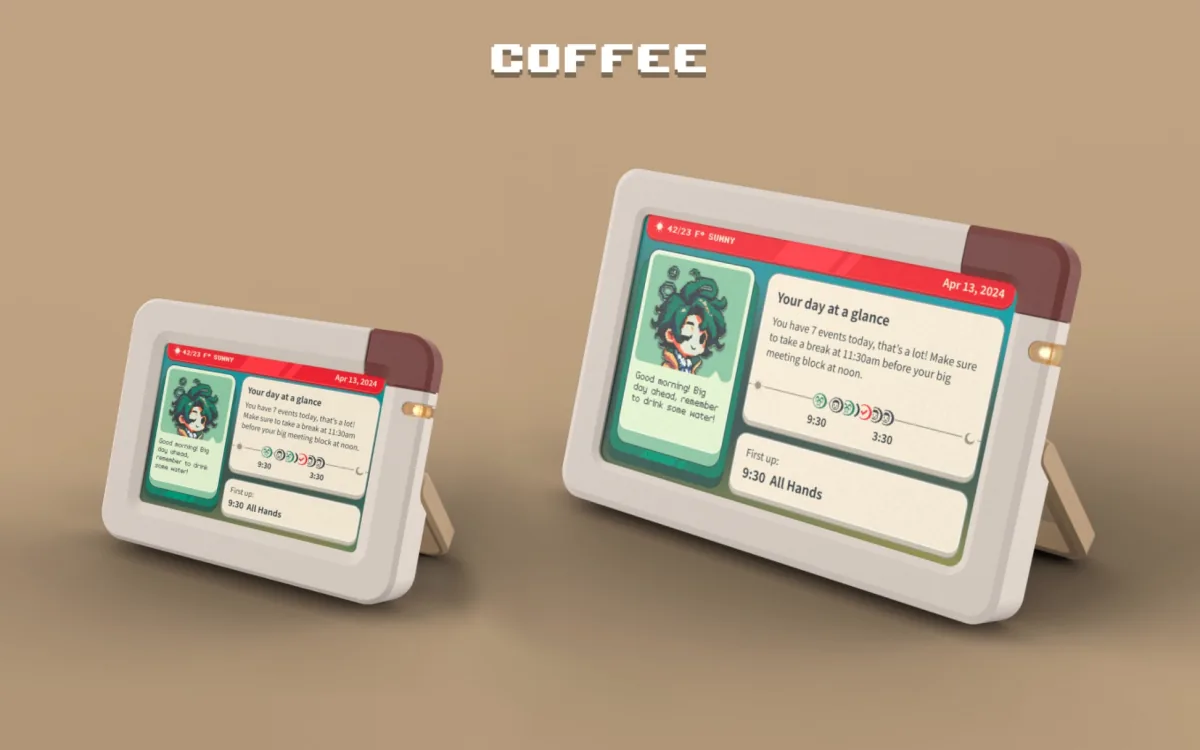
Inku targets a personal desk: a day overview, a character and less reason to open your phone. Choose it around a readable daily plan and companion style, then compare calendar access, app entitlements and the practical cost of owning the screen.
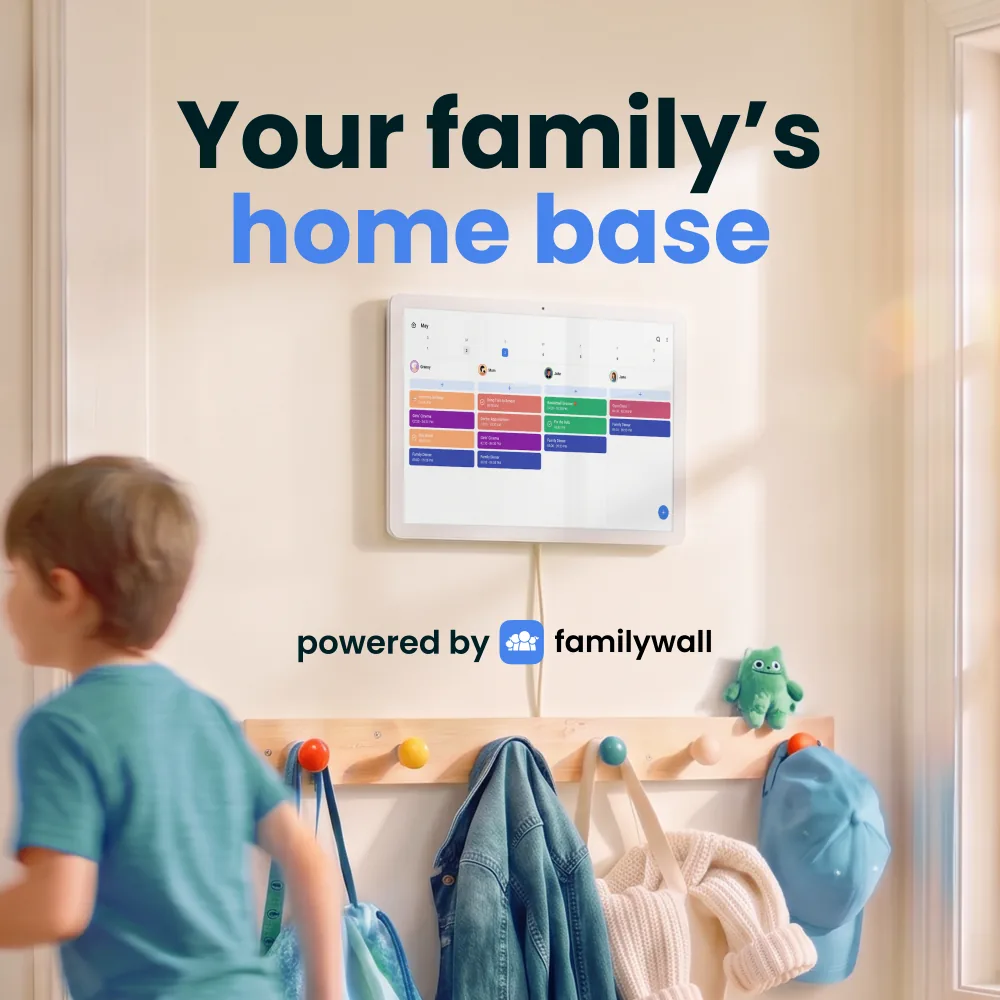
Already using FamilyWall on your phones? Home Hub puts that organizer on a shared wall or counter display. On October 27, we added each U.S. model to an empty storefront cart: the 16-inch was $339.99 and the 22-inch $499.99, before tax and any delivery charges. The shop includes one year of Premium, then advertises $44.99 a year. That makes the calendar connection and paid features as important as the screen size.
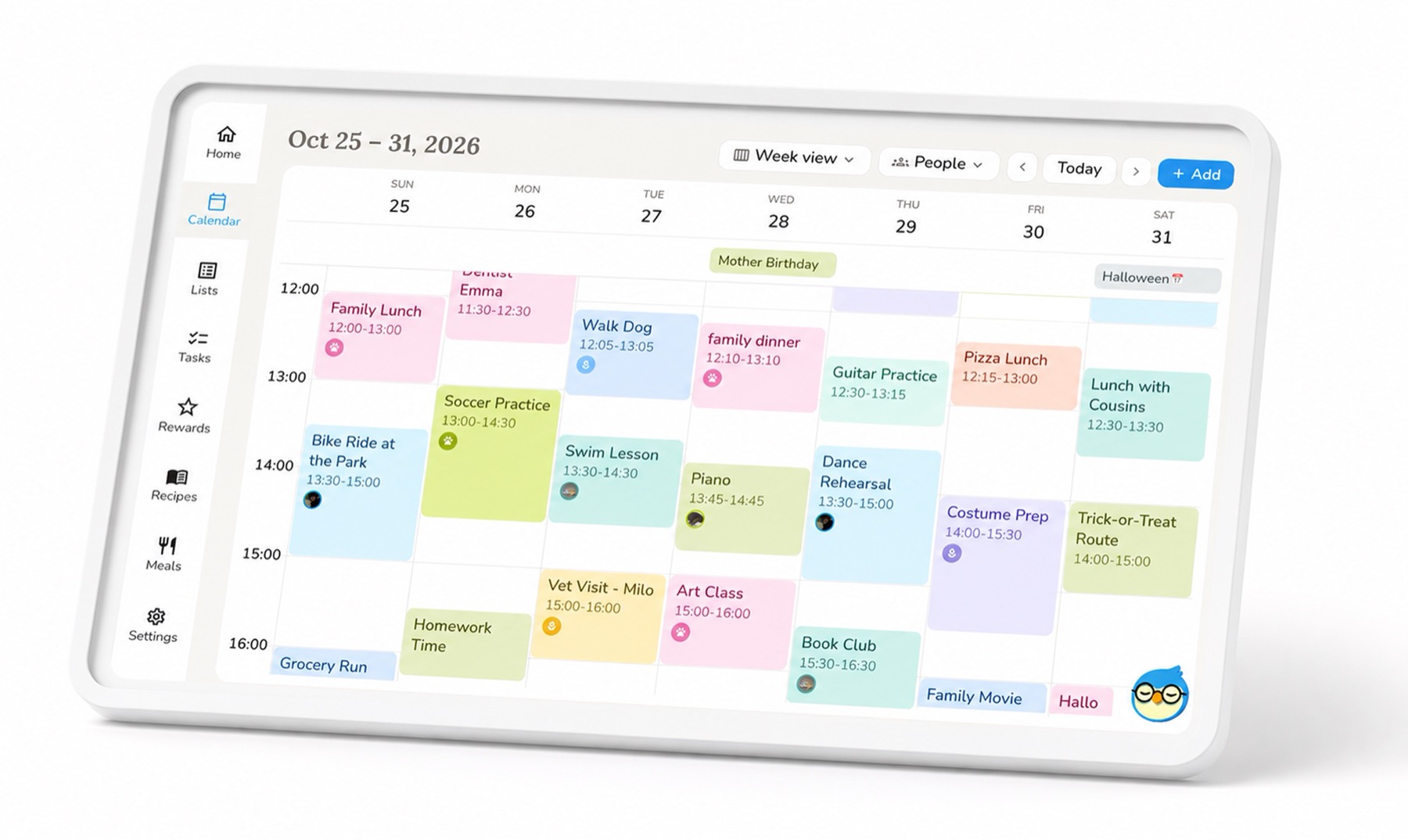
Nestify offers a family organizer for phones and tablets, plus a separate 15.6-inch Nestify Hub now listed for pre-order in its official shop. The app is listed on both Apple App Store and Google Play. The shop lists a $22.90 Standard deposit and a $229 Standard pre-order price, while delivery is described only as expected before Black Friday 2026. Families should still check the final checkout, regional availability, shipping, returns and warranty terms before treating that estimate as a delivery promise.

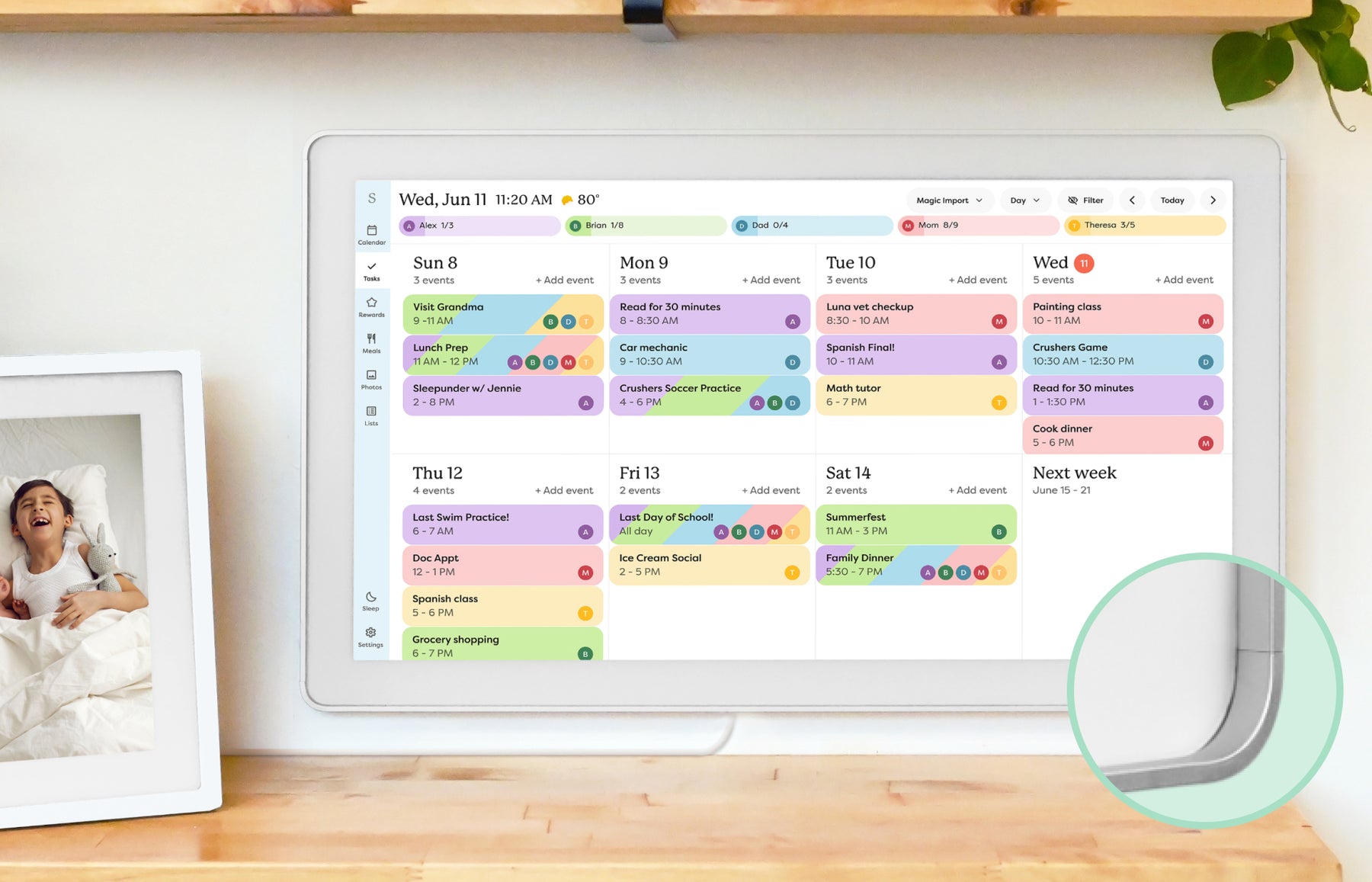 Calendar